
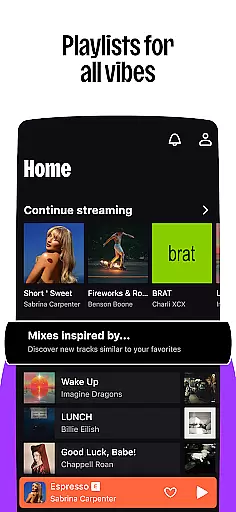

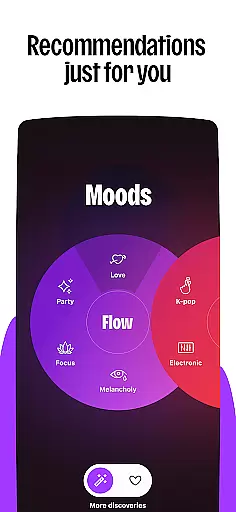
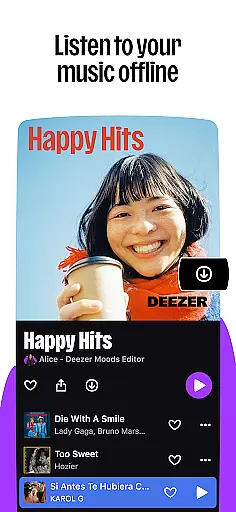

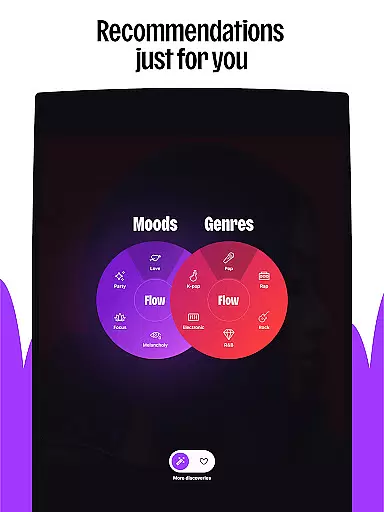
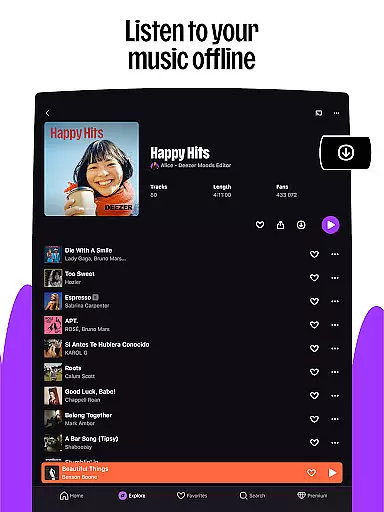

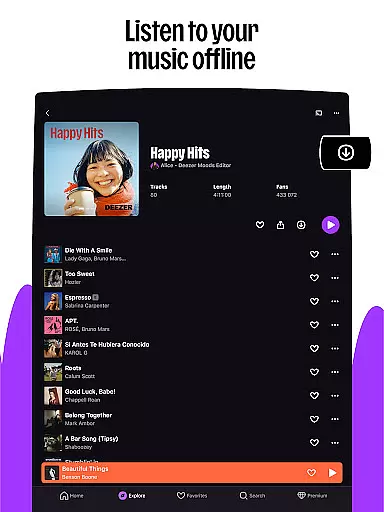


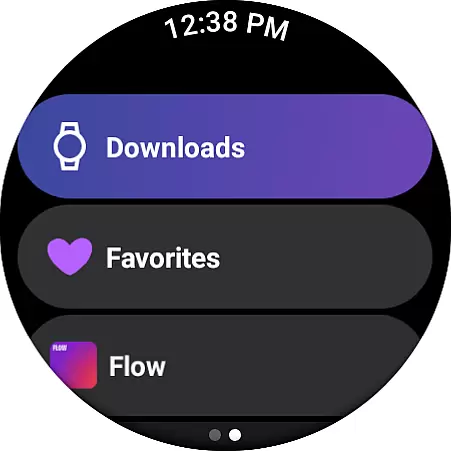
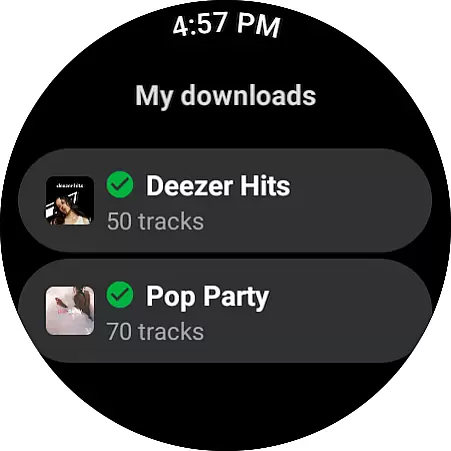
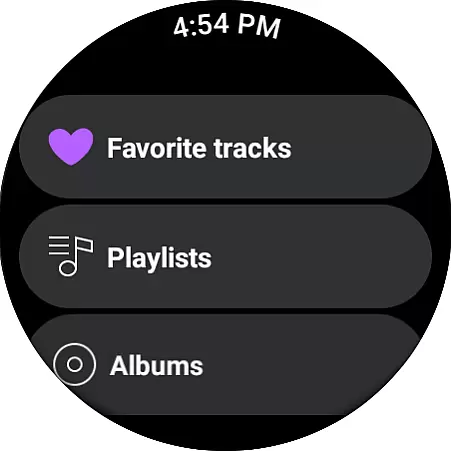
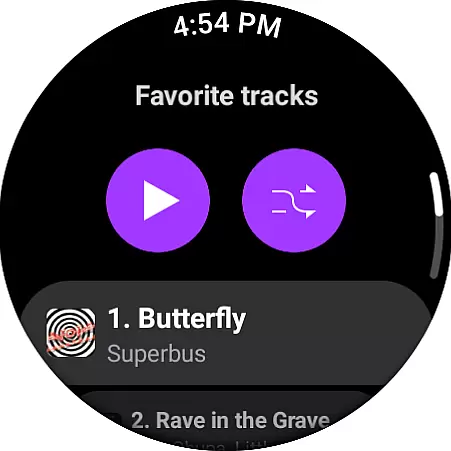
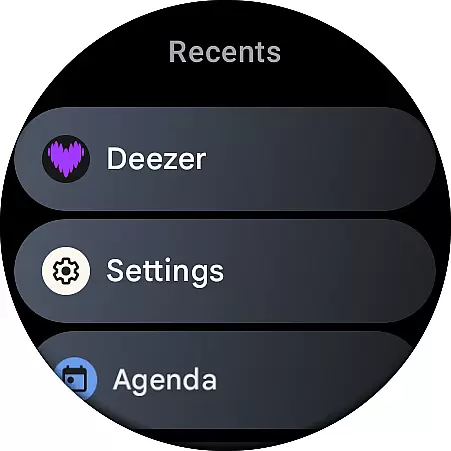
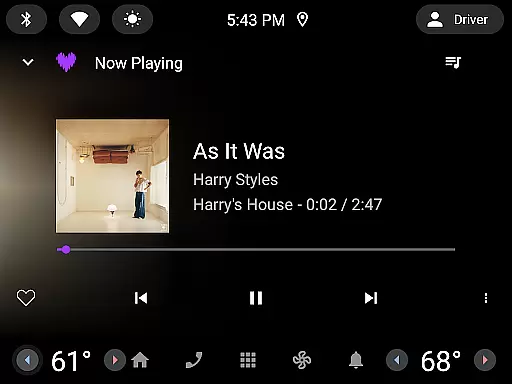
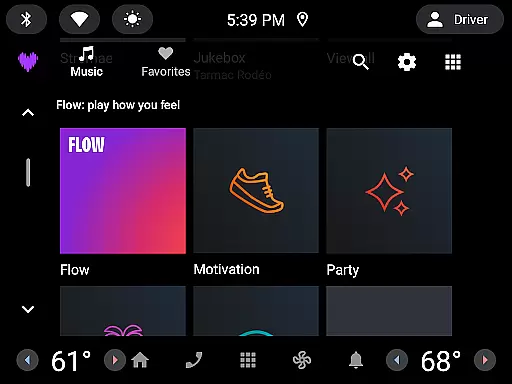
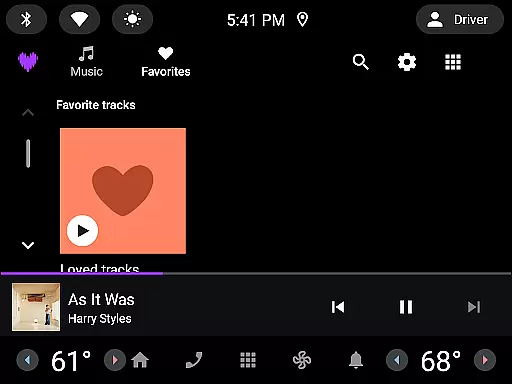


Deezer is a comprehensive music streaming platform designed for Android Wear users, offering a personalized listening experience. The app provides an extensive catalog of tracks, curated playlists, and unique features like Flow, which creates an infinite mix tailored to individual preferences. With support for HiFi audio quality and offline mode, it ensures premium sound even without an internet connection.
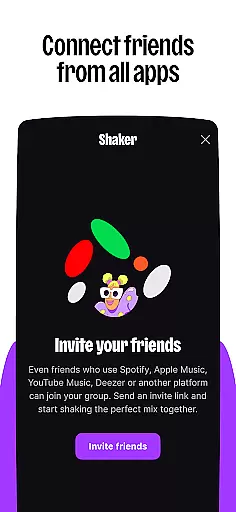
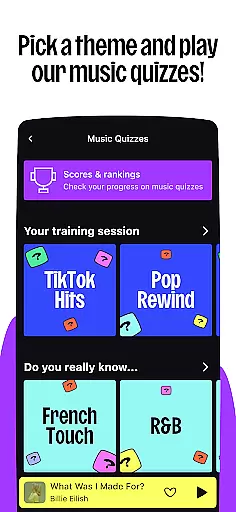
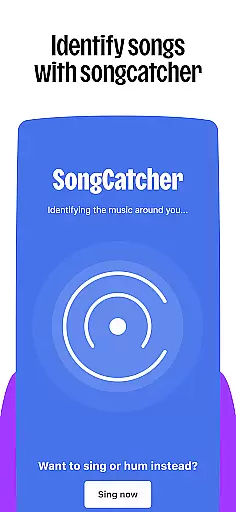
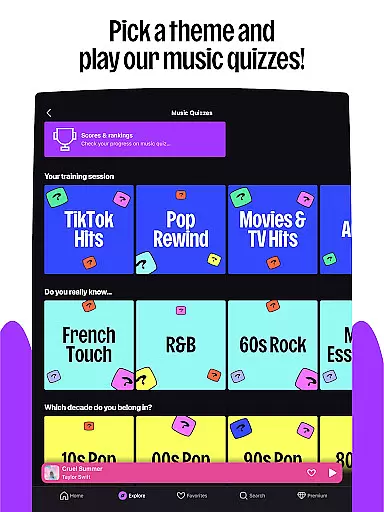
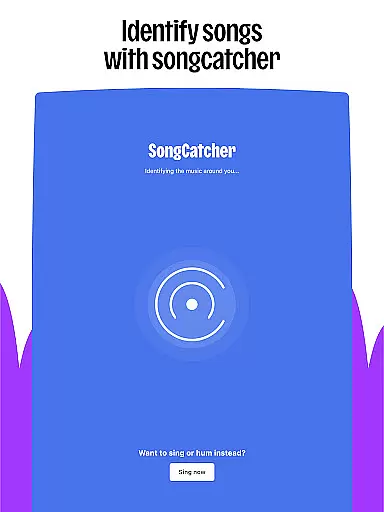
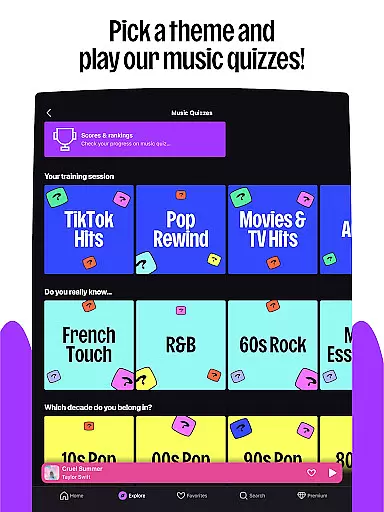
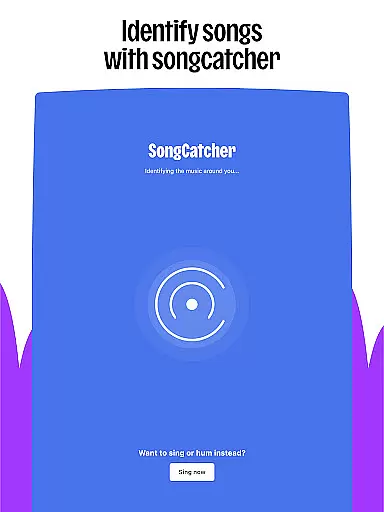
Beyond music, Deezer includes interactive features such as Shaker for collaborative playlists, Music Quiz for testing knowledge, and SongCatcher for identifying songs. Users can customize their experience by organizing favorites, creating playlist covers, and accessing lyrics with translations. Available on multiple devices including smartwatches, Deezer brings high-quality audio wherever you go.
Whether commuting or exercising, Deezer adapts to various scenarios, making it ideal for those who want seamless access to their favorite tunes across different environments. Its integration with wearables enhances convenience, allowing control directly from your wrist.
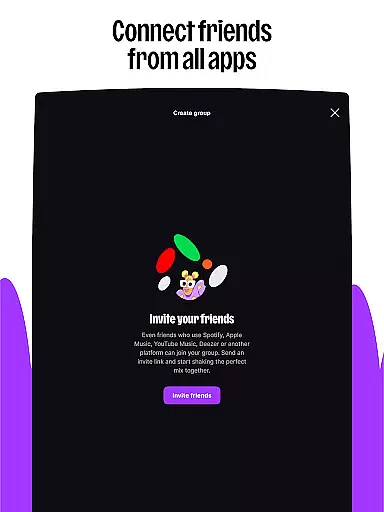
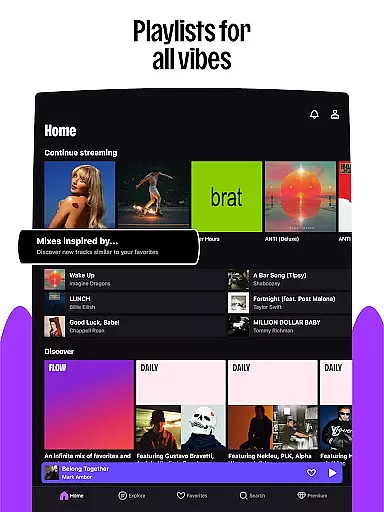
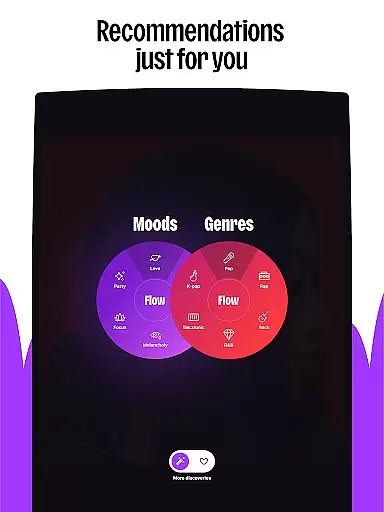
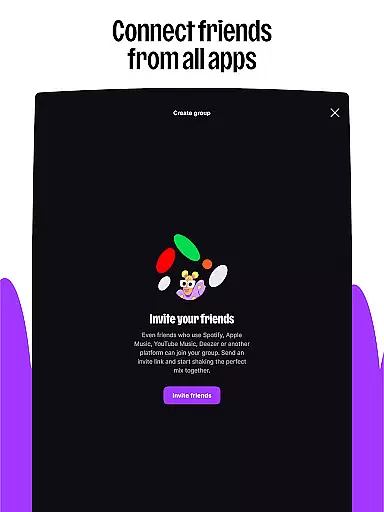
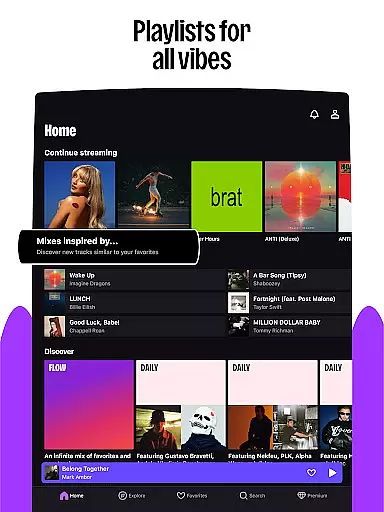
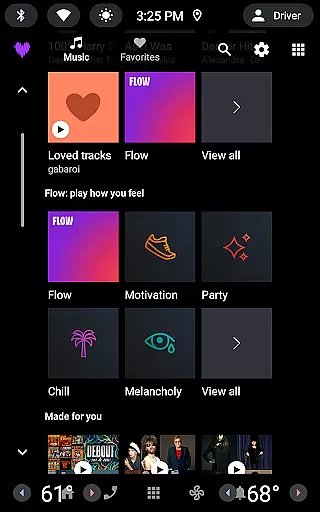
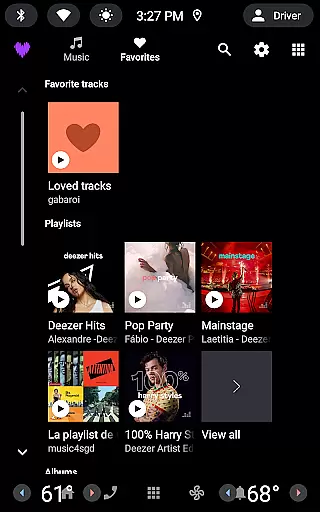
Deezer stands out with its rich feature set tailored for music enthusiasts. The app's Flow technology crafts personalized mixes combining user favorites with new discoveries, while curated playlists cater to every mood and genre. Interactive elements like Shaker enable social sharing and comparison of musical tastes, enhancing user engagement.
Advanced functionalities include SongCatcher, which identifies any playing track, and Music Quiz for entertainment. Customization options allow users to tailor algorithms, design playlist covers, and rearrange homepages. Additionally, Deezer supports high-fidelity audio, ad-free listening, and offline modes, ensuring uninterrupted enjoyment.
Integration with Android Wear devices extends usability, enabling playback control from smartwatches. This versatility makes Deezer suitable for diverse settings, whether at home, in the car, or on the move, providing a cohesive ecosystem for immersive audio experiences.
Companion app integration is essential for a seamless wearable experience. Deezer excels in this area by offering robust synchronization between its mobile app and Android Wear devices.
The Deezer app ensures that your music, playlists, and preferences are consistently updated across all your devices. Whether you're using the app on your smartphone or accessing it through a smartwatch, the transition is smooth and uninterrupted.
Users benefit from real-time updates, meaning any changes made on one device are immediately reflected on others. This includes playlist modifications, playback controls, and even personalized recommendations.
This level of integration enhances user convenience, allowing you to manage your music library effortlessly while enjoying a unified experience regardless of the device you choose to use at any given moment.
Device compatibility is crucial for ensuring that users can enjoy Deezer on their preferred wearables. The app supports a wide range of Wear OS devices, including popular models like Galaxy Watch and Fitbit.
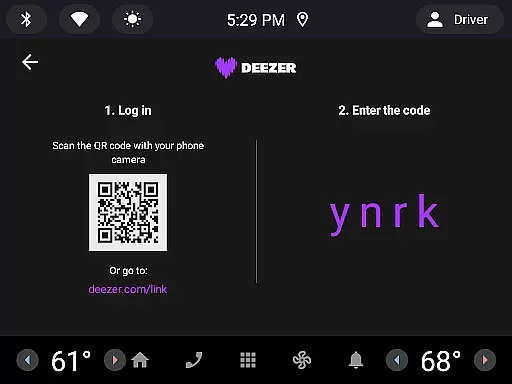
Deezer's compatibility extends beyond just smartwatches. It also integrates with automotive systems, smart speakers such as Google Nest and Alexa, providing an extensive ecosystem for users to enjoy their music seamlessly.
This broad compatibility ensures that no matter where you are or what device you're using, Deezer is accessible. You can stream your favorite tracks directly from your wrist or car without missing a beat.
By supporting multiple platforms and devices, Deezer guarantees a versatile listening experience tailored to fit various lifestyles and preferences, making it easier than ever to stay connected to your music library.
User-friendly interface
Extensive music library
High-quality audio streaming
Personalized recommendations
Cross-device compatibility
Limited free version
Occasional connectivity issues
Subscription cost
Regional restrictions
Complex navigation

Embrace the holiday spirit with this magical animated watch face!
 4.40
4.40
Simple Analog-Digital Watchface For Wear OS 3.0 and Up Smartwatches
4.4
Kia Access makes getting your vehicle information easier than ever
4.60
The ultimate destination for kids ages 3-8 to explore the Marvel Universe!
4.30
The #1 source of faces for your smartwatch!
4.00
Period, ovulation & pregnancy tracker. Fertility insights & menstrual calendar.
4.90
Animated video-game inspired “secret agent” simulation, right on your wrist!
4.20
Start and succeed with PAP
4.10
Spam call blocker and caller ID for automatic call protection!
4.40
Gym Log & Workout Tracker | Fitness Journal, Training & Weight Lifting Planner
4.90
The Chevron App allows you to pay for fuel from the comfort of your car!
4.80
The most customizable minimal watch face. For Wear OS 5.0, API 34+ and later
4.70
Hybrid watch face for Wear OS with customizable complications by Matteo Dini MD
4.70
Highly customizable hybrid watch face for Wear OS, perfect for everyday use.
4.60
Gym & home workout plans with strength training, exercise tracking, HIIT & more.
4.60
A full-featured Amazon Alexa voice assistant that can show you things.
3.70
Want to take charge of your health? Let Google Fit help you reach your goals.
3.50
Wear Os Watch Face - Animated Snow Effect & Christmas Lights
4.4
A heartwarming Christmas scene featuring a cute image of Santa and Rudolf
4.1


User Reviews