
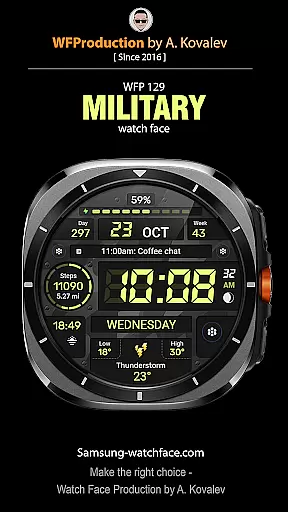
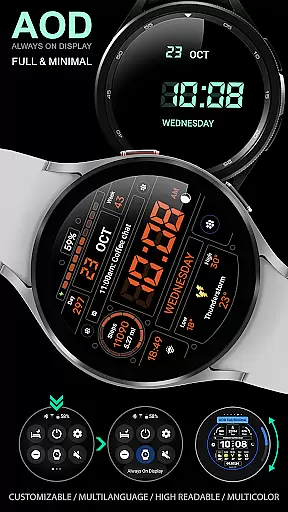
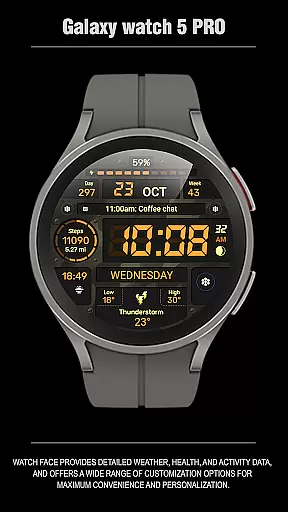
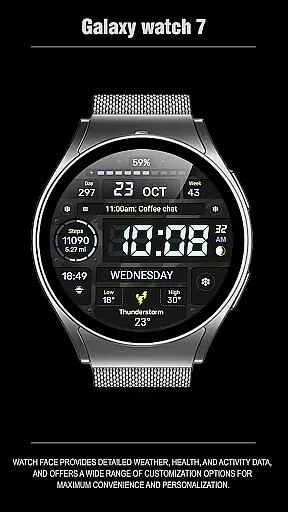
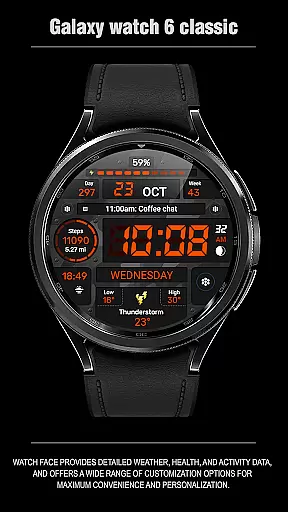
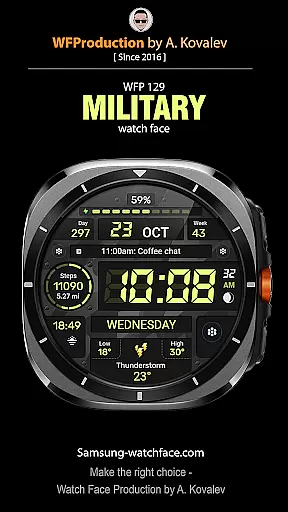
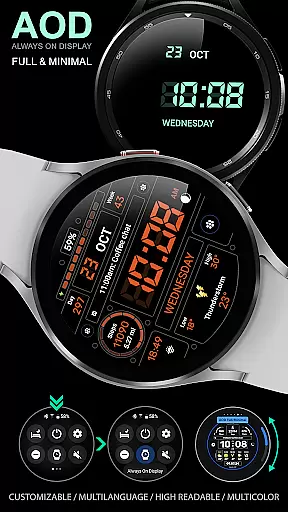
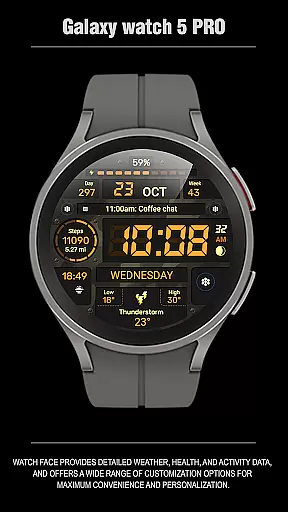
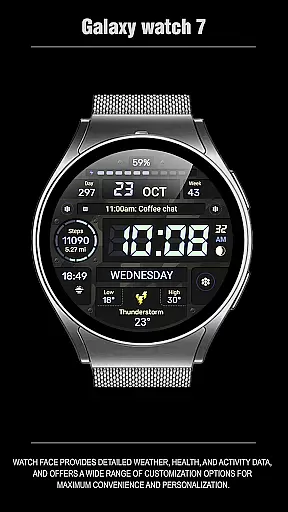
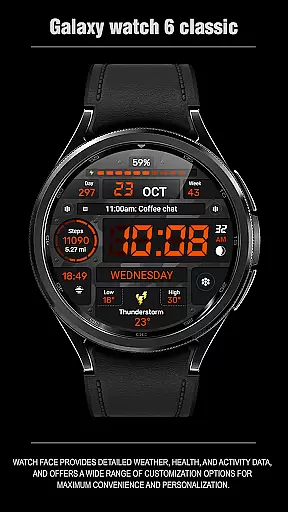
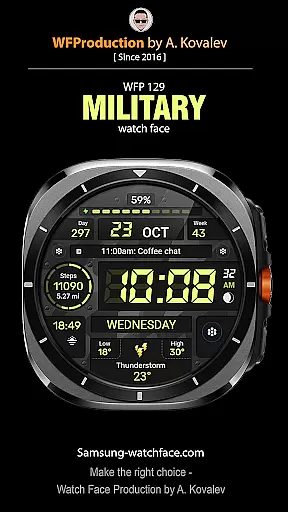
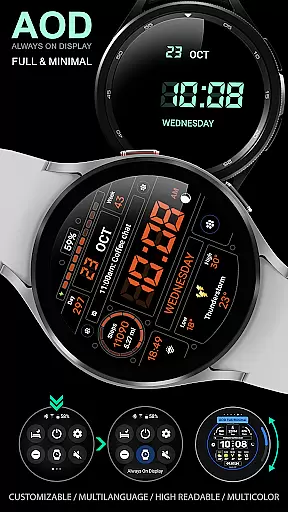
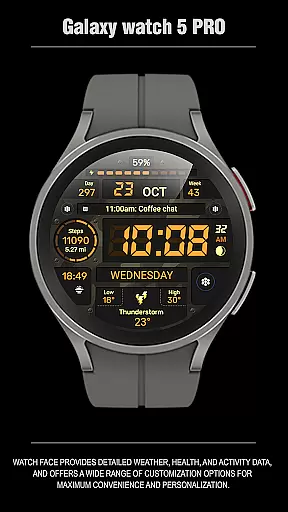
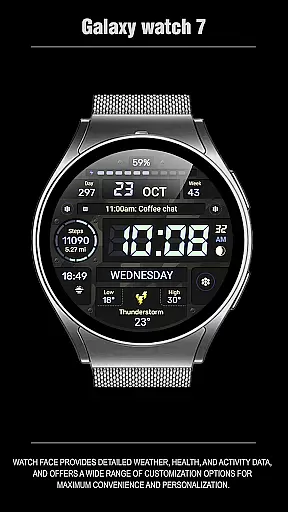
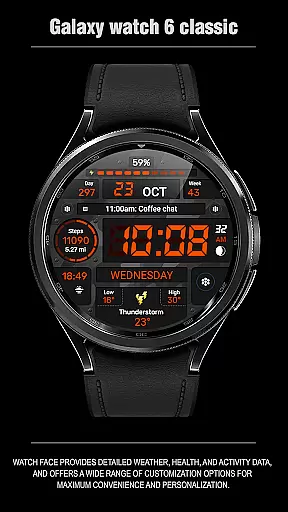
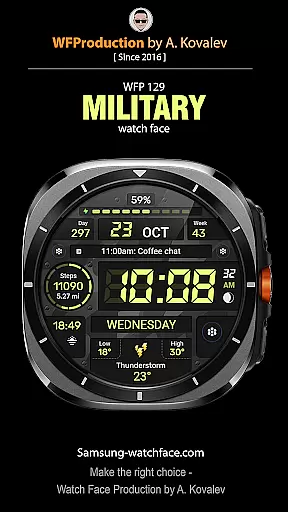
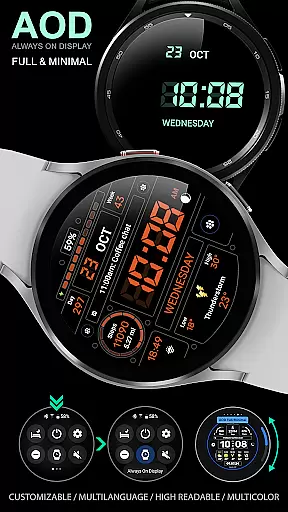
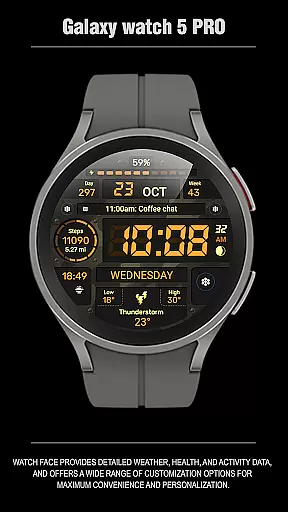
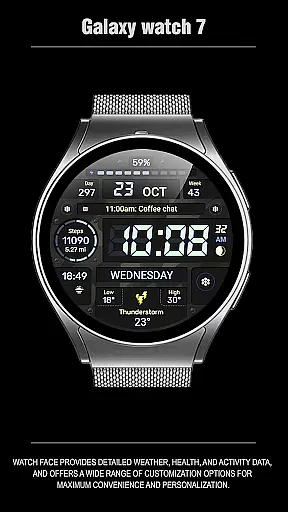
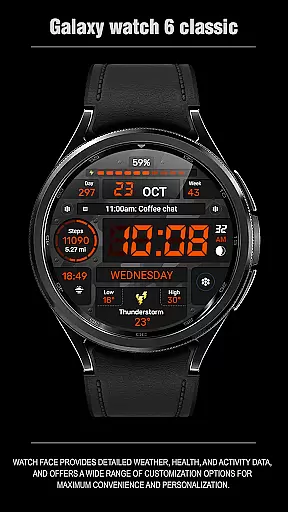
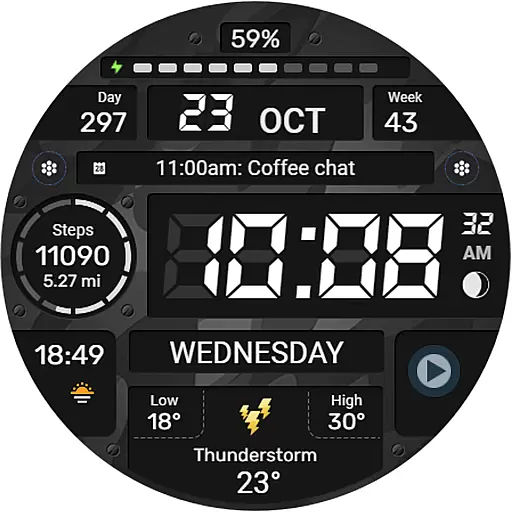
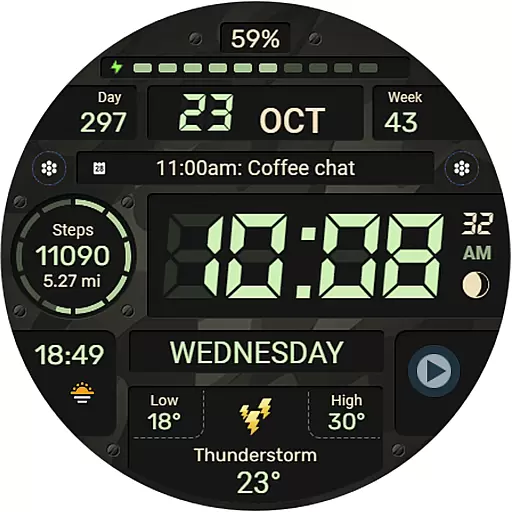
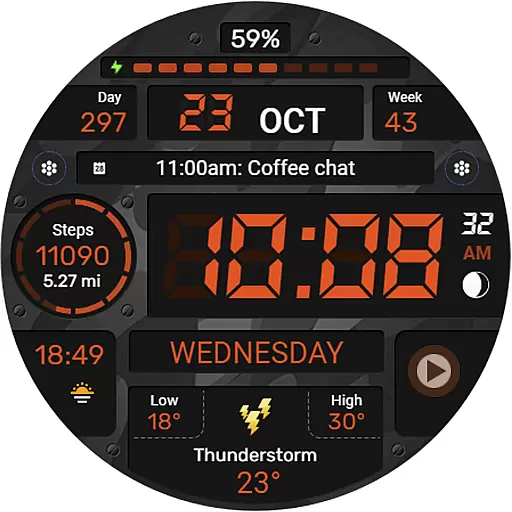
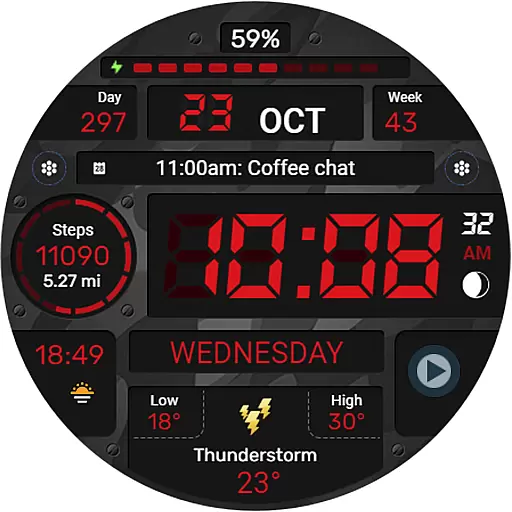
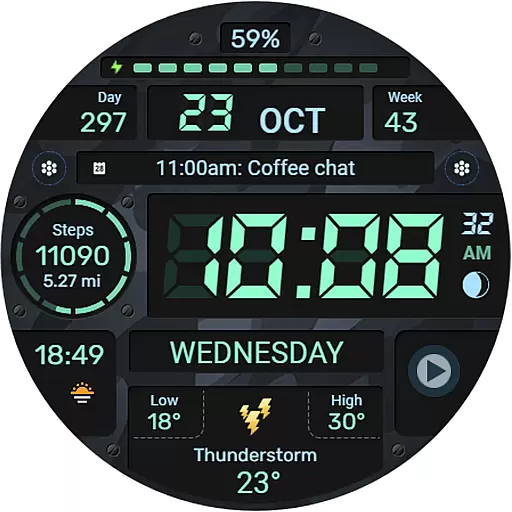
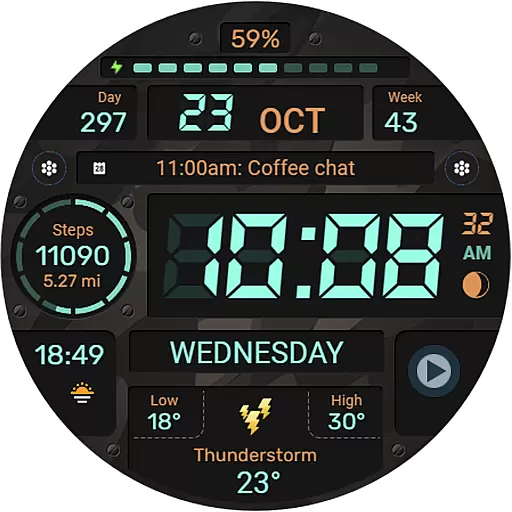
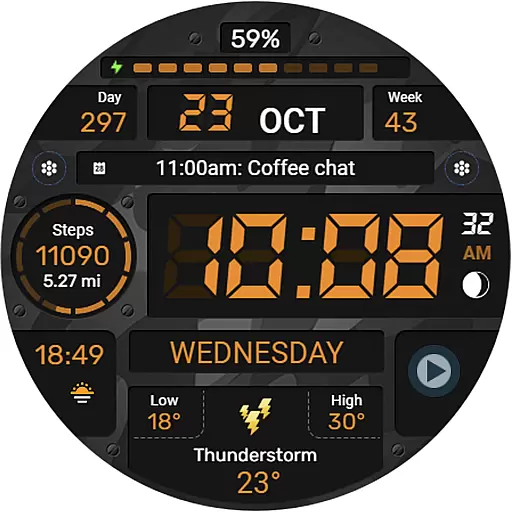
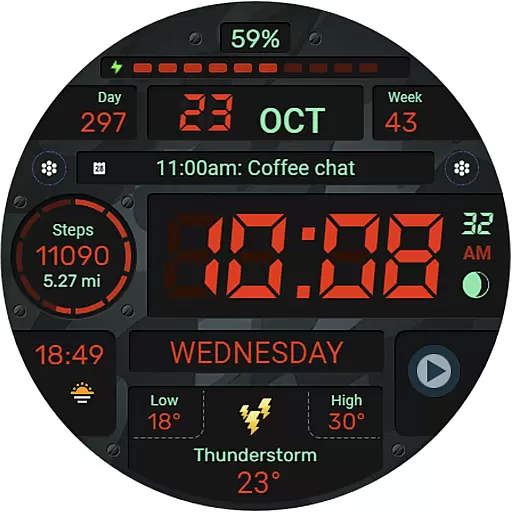
WFP 129 Military watch face is a versatile and customizable digital watch face designed for WearOS devices. It supports advanced features like API Level 30+ compatibility, ensuring optimal performance on the latest smartwatches.
This app offers users a variety of customization options including 6 complications and widgets, 30 background color combinations, and high-resolution display settings. Whether you're tracking fitness metrics or monitoring weather updates in Fahrenheit or Celsius, this watch face provides both functionality and style.
Ideal for fitness enthusiasts and tech-savvy users, WFP 129 enhances your wearable experience by offering features such as distance tracking in Km/Miles, multilingual support, and optimized battery consumption.
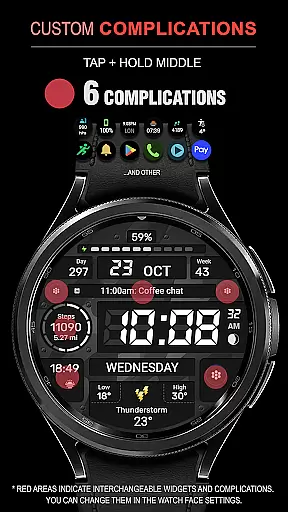
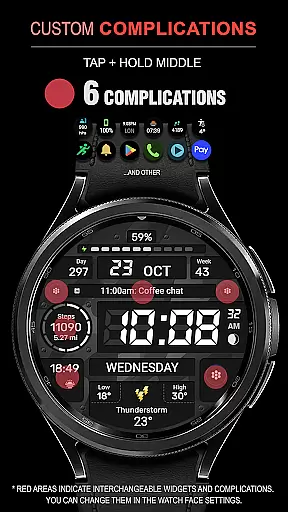
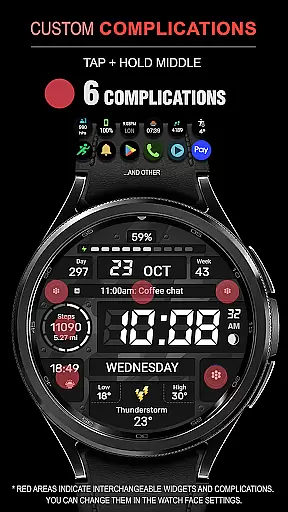
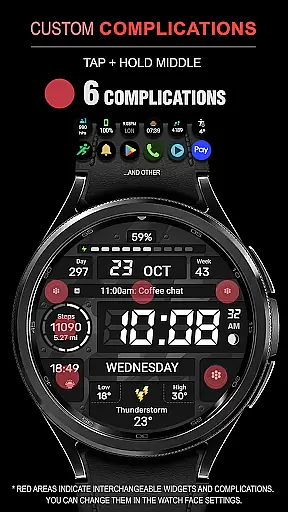
The WFP 129 Military watch face stands out with its extensive feature set tailored to enhance user experience. With 6 customizable complications and widgets, users can personalize their watch face to display the information most relevant to them.
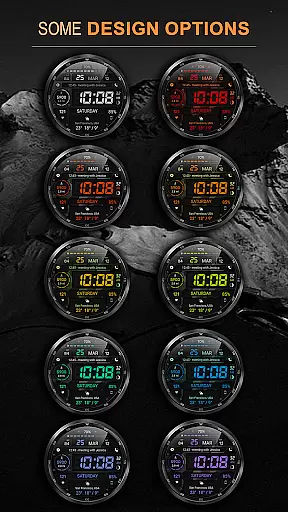
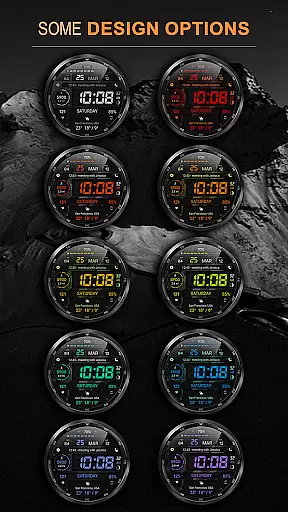
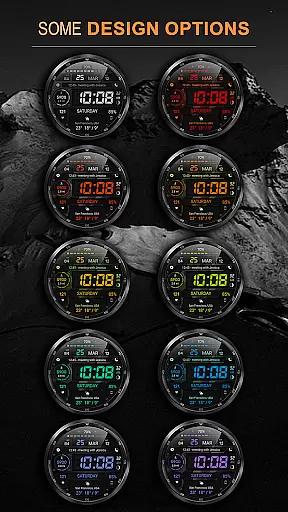
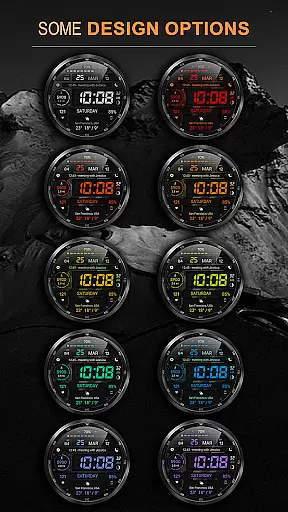
One of the key highlights is the 30 background color combinations, allowing users to match their watch face with their personal style or mood. The high-resolution display ensures that all data is crisp and easy to read, even in direct sunlight.
Additional features include dual time format support (12/24 hour), weather updates in Fahrenheit or Celsius, and an Always-On Display (AOD) mode that can be customized for full or minimal views. These functionalities are optimized for low battery consumption, making it a practical choice for everyday use.
Companion app integration is essential for Android Wear applications as it ensures seamless synchronization between the wearable and its paired mobile device. The WFP 129 Military watch face excels in this aspect by offering users comprehensive support through its dedicated companion app.
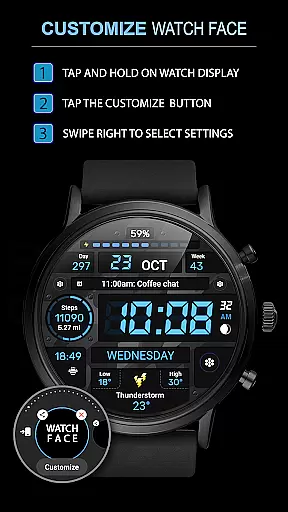
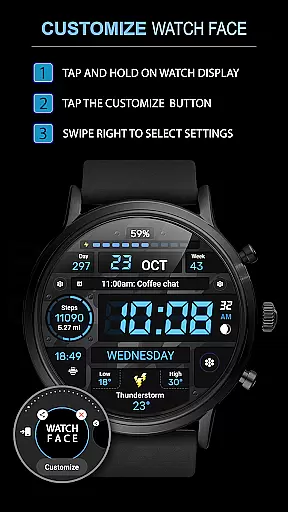
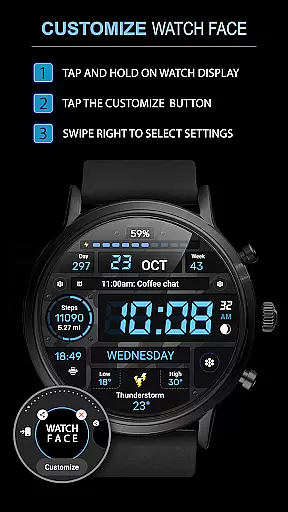
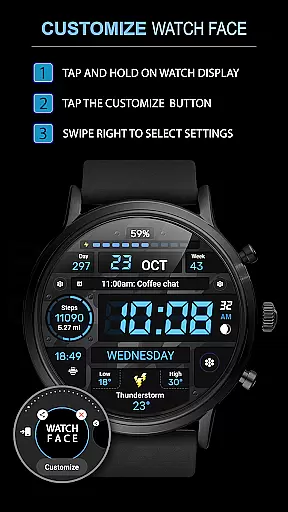
This application supports advanced features such as phone charge widgets, fitness tracking metrics like calories and floors climbed, all of which can be easily accessed and configured via the companion app. By following simple instructions available on samsung-watchface.com/settings, users can effortlessly set up these functionalities to enhance their wearable experience.
The companion app also plays a crucial role in keeping users informed about the latest promotions and updates. For instance, users can take advantage of special offers like 'Buy 1 - Get 1 free' by visiting samsung-watchface.com/buy1-get1. This level of integration not only enriches the user experience but also adds tangible value through exclusive deals and continuous improvements.
Ensuring broad compatibility across various Wear OS devices is vital for any Android Wear application. The WFP 129 Military watch face is designed to work seamlessly with devices running Wear OS 4 and API Level 30+, providing users with a versatile and reliable solution for their smartwatch needs.
This compatibility extends beyond mere functionality; it encompasses optimization for performance and battery efficiency. With high-resolution graphics and meticulous optimization, the watch face delivers an exceptional visual experience while maintaining low battery consumptionu2014a critical factor for prolonging device usage.
Moreover, the application's multilingual support and customizable features, such as AOD mode and weather display in Fahrenheit or Celsius, cater to a diverse global audience. Users can personalize their watch faces according to their preferences, making it suitable for different languages and regional settings. This adaptability underscores the application's commitment to delivering a universally compatible and user-friendly product.
Highly customizable
Optimized battery usage
Multilingual support
High resolution display
Versatile widget options
Requires WearOS 4
Complex setup process
Limited free features
No built-in GPS
Premium version costs extra

Deck out your Wear OS Watch face with a beautifully decorated pine wreath!
 4.50
4.50
Sleek, highly customizable watch face inspired by Galaxy Watch Circle Dashboard.
4.0
The most customizable minimal watch face. For Wear OS 5.0, API 34+ and later
4.70
Digital watch face with big numbers and many customization for Wear OS devices
4.40
sleep, alarm, snoring, stress, healing, focus, sound therapy, circadian rhythm
4.10
Get helpful reminders, take progress photos and find answers to your questions.
3.90
The Chevron App allows you to pay for fuel from the comfort of your car!
4.80
Track airplanes and follow flights with our real-time flight tracker
4.50
From periods to pregnancy & perimenopause, Flo helps you track it all. Try now.
4.70
Simple, helpful messaging by Google
4.60
Reliable phone calls with spam protection, caller ID and more helpful features
4.40
Bold, Modern Hybrid Watch Face for Wear OS. 10 Colors, Rich Info Display.
4.30
"PER27 Galaxy Digital" is a digital Wear OS watch face designed by PERSONA
4.10
Snowflake Rose Gold Watch Face - Digital, modern, & sleek with GYRO effect.
4.10
Connect, create, and collaborate with Gmail, part of Google Workspace.
4.10
Wear Os Watch Face - Animated Snow - Sesonal for Christmas & Winter
4.2
Precision analog watch face with 7 complications and style options
4.5
Analog watch face with 8 complications and expedition styling
4.0
Stunning modern digital watch face with 7 complications and strong contrast
4.0


User Reviews