
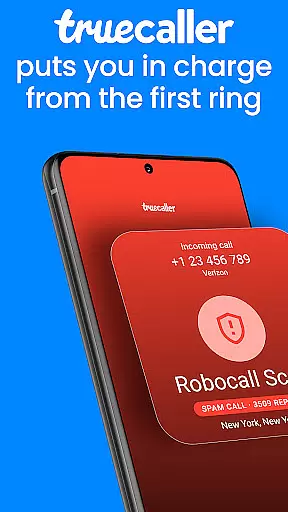
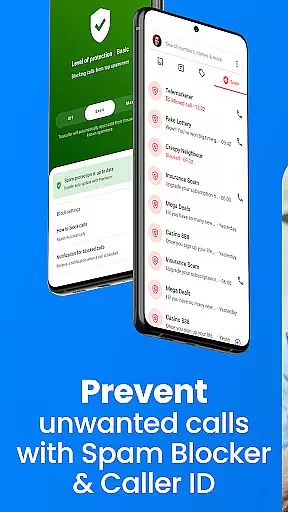

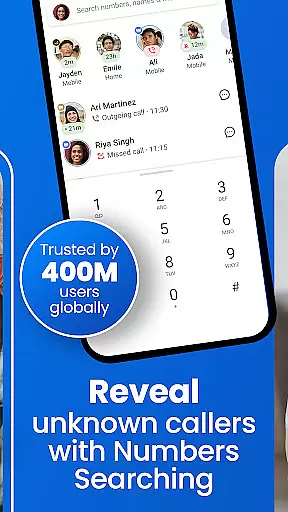

Truecaller revolutionizes mobile communication by combining caller ID, spam blocking, and contact management in one powerful application. Available on both Android and iOS platforms, this essential tool protects users from unwanted calls and messages.
The application's core functionality lies in its ability to instantly identify unknown callers while filtering out potential spam and scam attempts. Its sophisticated algorithms analyze calling patterns to maintain an up-to-date database of suspicious numbers.
Truecaller's value extends beyond basic call screening, offering users enhanced control over their communication experience. From video caller ID to reverse number lookup, the app provides comprehensive tools that empower users to manage their digital interactions effectively.
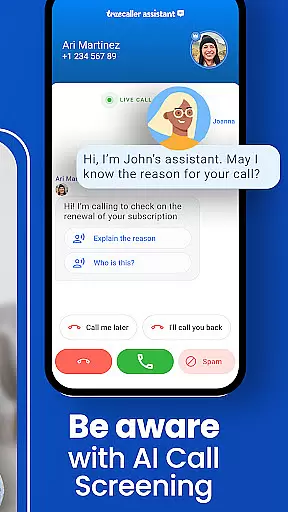
Truecaller offers advanced call management features designed to enhance user experience. The app's AI-powered call scanner provides real-time analysis of incoming calls, distinguishing between human and automated callers.
With its comprehensive spam detection system, Truecaller maintains an extensive database updated by millions of users worldwide. This collaborative approach ensures accurate identification of nuisance calls and messages.
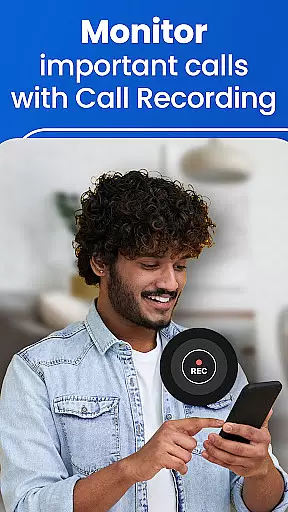
The app's integrated call recording functionality automatically generates summaries and transcripts, making it easier to review important conversations. Additionally, Truecaller's social integration allows seamless sharing and management of contacts across platforms.
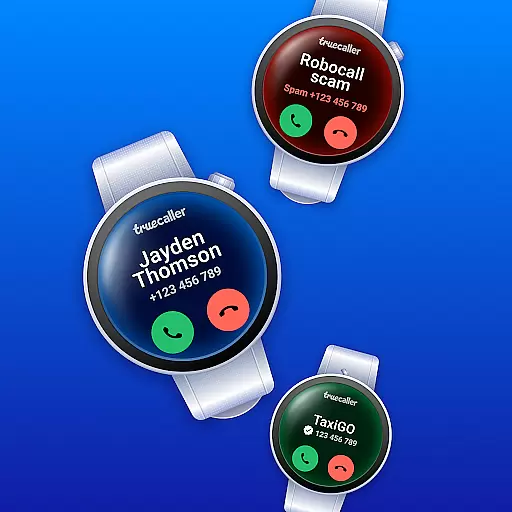
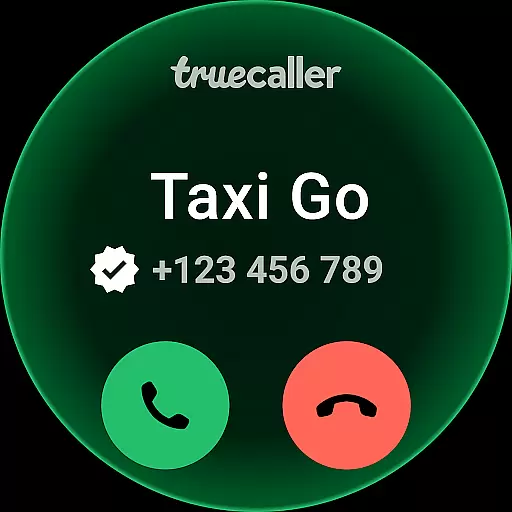
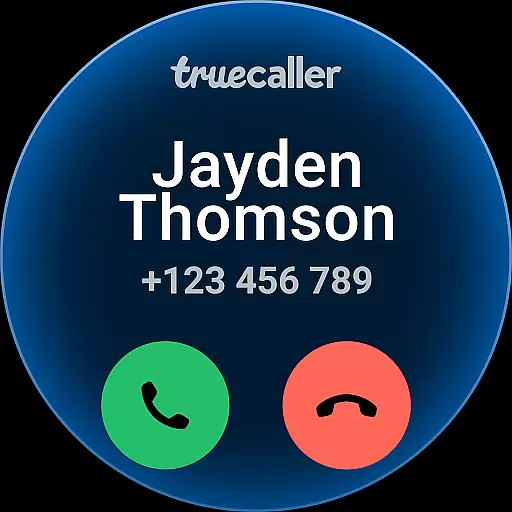
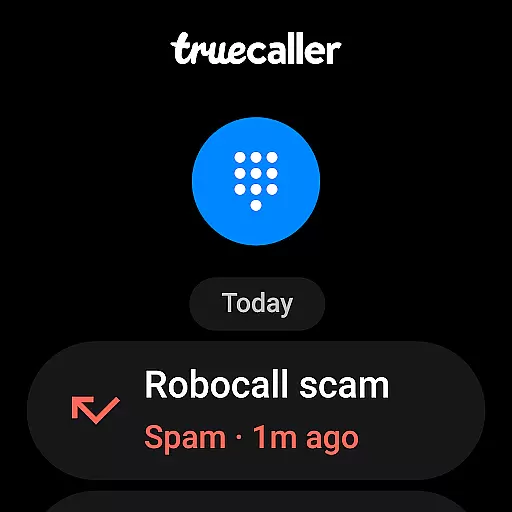
Truecaller offers seamless companion app integration, ensuring that your wearable device works in harmony with your smartphone. The application extends its advanced call-blocking and spam-filtering capabilities to your Android Wear device, allowing you to identify incoming calls and block unwanted ones directly from your wrist.
The integration provides real-time notifications for incoming calls, complete with caller ID information, so you can decide whether to take the call or let it go to voicemail. With synchronized blocking lists, any number you've marked as spam on your phone will automatically be blocked on your wearable device too.
Furthermore, Truecaller's AI Call Scanner and Call Recorder features are accessible through the companion app, giving you added security and productivity even when you're away from your phone. This ensures a consistent user experience across devices, empowering you to stay connected and protected at all times.
Truecaller is designed with broad Wear OS and device compatibility in mind, ensuring that users of various smartwatches can benefit from its features. Whether you have a Fossil, Samsung, or any other brand running on Wear OS, Truecaller adapts to provide an optimal experience tailored to your device's specifications.
The app takes advantage of the unique capabilities of each device, such as optimizing battery usage and leveraging hardware-specific features like always-on displays. This means you get the most out of your smartwatch without compromising on performance or functionality.
Additionally, Truecaller undergoes rigorous testing to maintain high standards of reliability and usability across different devices. Regular updates ensure that new Wear OS versions and devices are supported, keeping you ahead of technological advancements while maintaining top-notch call management and security features right on your wrist.
Accurate caller ID
Effective spam blocking
Real-time call scanning
User-friendly interface
Comprehensive contact management
Occasional false positives
Premium subscription cost
Privacy concerns
High data usage
Interface complexity

Christmas - Festive - Christmas Village - Winter - Christmas lights
 5.00
5.00
an Analog Watch Face for winter season with freeze winter background for Wear OS
4.5
Rose gold watch face with festive lights & customizable features.
4.60
A Wintery Snow Globe on Your Wrist; now celebrating Christmas!
4.3
The most customizable minimal watch face. For Wear OS 5.0, API 34+ and later
4.70
Kia Access makes getting your vehicle information easier than ever
4.60
Stay in touch with your friends and family using LINE!
3.40
Control your Samsung Smart TVs, appliances, and SmartThings-compatible devices
4.60
Back up your contacts & access them anywhere
4.30
Diet tracker for weight loss - track calories, food and macros. Simple and easy!
4.70
Your second brain for organizing your life: to-do, calendar, reminder.
4.70
Highly customizable hybrid watch face for Wear OS, perfect for everyday use.
4.60
A white realistic classic analog watch face with many customization options.
4.40
Christmas watch face. For Wear OS devices.
4.30
sleep, alarm, snoring, stress, healing, focus, sound therapy, circadian rhythm
4.10
Get helpful reminders, take progress photos and find answers to your questions.
3.90
Analog watch face with 8 complications and expedition styling
4.5
Artistic Digital Watchface
4.0
3 Complications. All shadow on/off. 30 Themes color palette...
4.2


User Reviews