
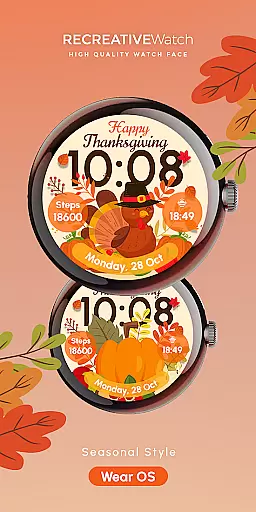
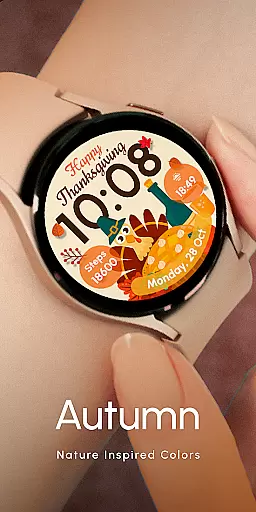

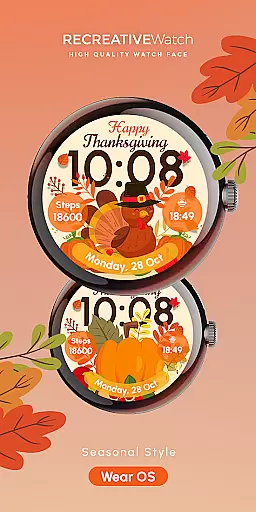
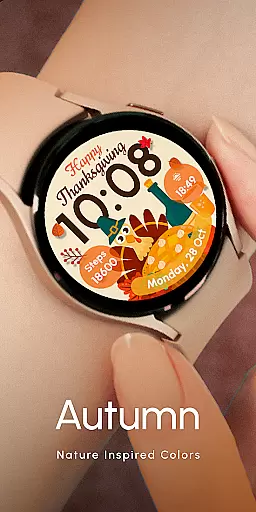

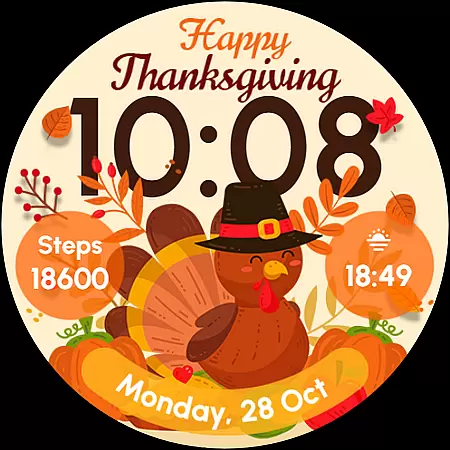
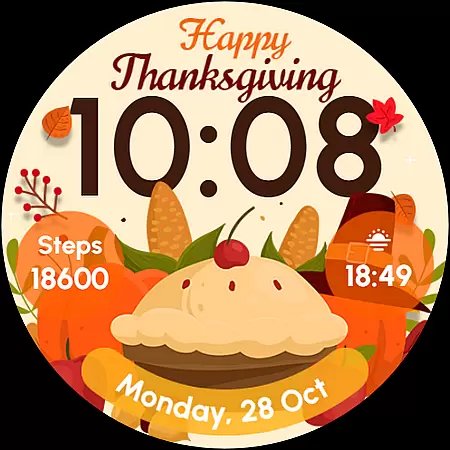
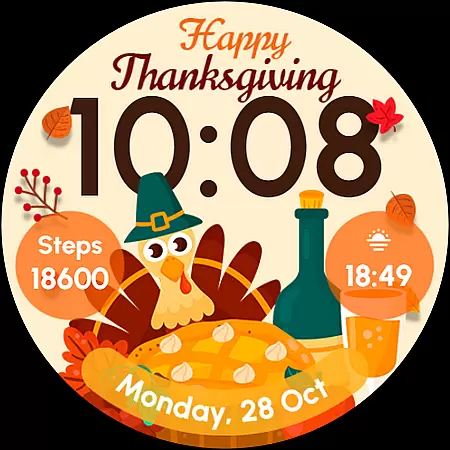
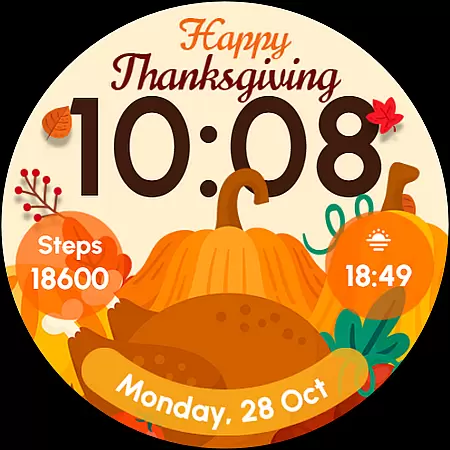
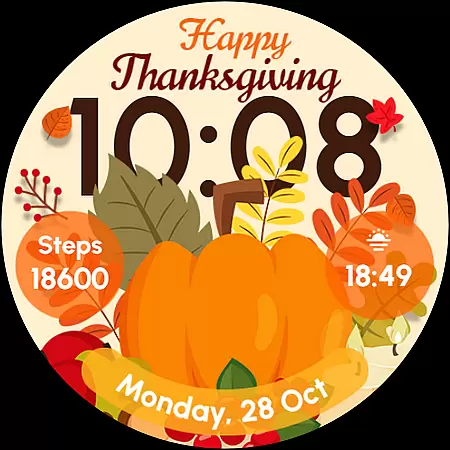
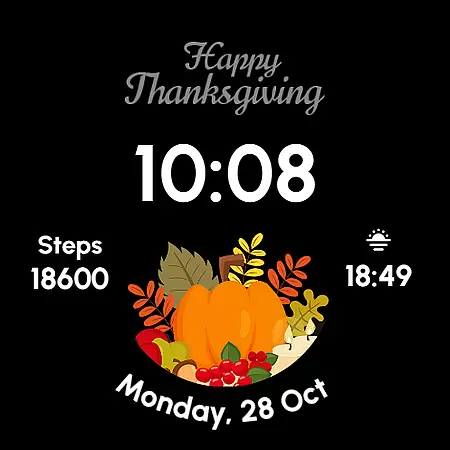
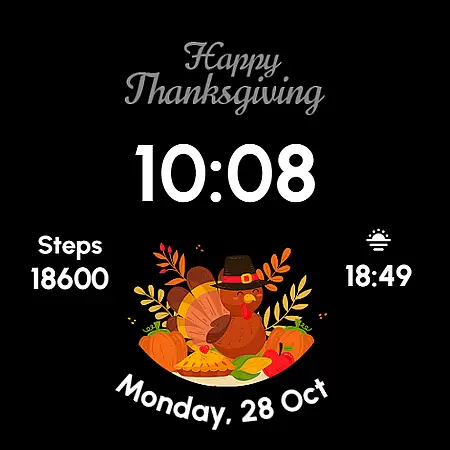
ReS54 is a festive Wear OS watch face that brings Thanksgiving vibes to your smartwatch. Featuring a cute turkey, vibrant pumpkins, and a festive feast design, it offers users a unique way to celebrate the season in style. The watch face displays essential information such as time, date, battery level, and step count while providing customization options for complications and styles.
This app is perfect for those who want to add a touch of autumn to their smartwatch without sacrificing functionality. Compatible with API level 33+ devices including Google Pixel and Galaxy Watch models, ReS54 ensures both aesthetics and practicality during the holiday season.
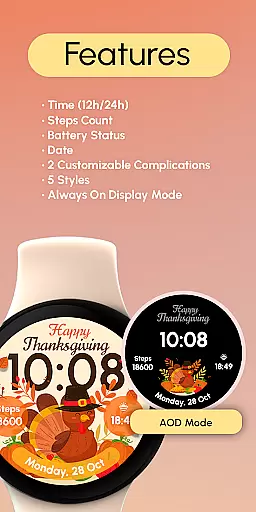
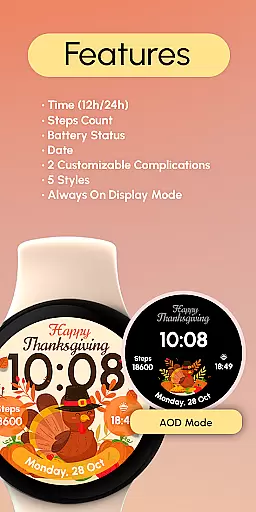
ReS54 offers a range of features designed to enhance your Wear OS experience. It includes digital time display in both 12/24hr formats, date, battery indicator, and step counter. Users can choose from five different styles and customize two complications according to their preferences.
The Always ON Display feature allows users to view the watch face even when the screen is not active. For optimal battery performance, users are advised to disable this mode if needed. With easy installation and compatibility with various Wear OS devices, ReS54 provides both functionality and festive charm on your wrist.
Companion app integration is essential for Wear OS watch faces like ReS54, as it ensures seamless synchronization between the watch and a paired smartphone. This connection allows users to unlock the full potential of their wearable device.
ReS54 leverages companion app integration by enabling users to customize complications directly from their smartphone. This means that you can personalize data fields with information that matters most to you, such as weather updates or calendar events, ensuring your watch face is not only festive but also functional.
The benefits of this integration include effortless management of watch settings, direct access to features like battery-saving options, and step counting. Users can easily adjust these settings to optimize their watch's performance while enjoying the Thanksgiving-themed visuals.
Ultimately, the companion app integration provided by ReS54 enhances user experience by offering convenience and personalization, allowing wearers to stay connected and celebrate the season in style without compromising on functionality.
Device compatibility is crucial for any Wear OS application, ensuring that the watch face operates smoothly across a range of devices. For ReS54, compatibility extends to API level 33+ Google Pixel watches, Galaxy Watch series 4 through 6, and other Wear OS models, providing a broad base of support.
This wide-reaching compatibility ensures that users with different devices can enjoy the cozy Thanksgiving theme, complete with its cute turkey and vibrant pumpkins. The watch face brings autumn vibes to every compatible wrist, regardless of the specific model.
Moreover, ReS54 supports features like Always On Display and customizable complications, which are optimized for these devices. Such optimization provides an enhanced visual experience and maintains the watch's battery life through recommended settings adjustments.
By prioritizing Wear OS and device compatibility, ReS54 guarantees a consistent and engaging user experience, making it easy for anyone with a supported device to partake in the seasonal celebration with both style and functionality.
User-friendly interface
Festive design elements
Customizable complications
Compatible with multiple devices
Always ON Display option
Limited to Wear OS
No advanced health metrics
Battery optimization required
Seasonal appeal only
Additional customization limited

Christmas is near, let's count together the days left until Santa comes
 4.5
4.5
MyNISSAN® lets you remotely control your car from your phone.*
4.50
A watch face that fuses motorsport precision with contemporary smartwatch design
4.0
Artistic Digital Watchface
4.1
Authentic military-tactical design with ZULU time! Realistic and functional!
3.80
Period, ovulation & pregnancy tracker. Fertility insights & menstrual calendar.
4.90
Premium hybrid watch face with many customizations for Wear OS devices.
4.40
Your music, your playlists, and more—offline and unlimited.
4.20
Start and succeed with PAP
4.10
Christmas Theme Watch Face for Wear Os
5.00
Hyperlocal rain alerts by MyRadar using patent-pending technology, radar & more
4.80
Diet tracker for weight loss - track calories, food and macros. Simple and easy!
4.70
Hybrid watch face for Wear OS with customizable complications by Matteo Dini MD
4.70
To-Do List: daily schedule planner, task organizer, to do reminder app, calendar
4.60
Snowflake Rose Gold Watch Face - Digital, modern, & sleek with GYRO effect.
4.10
A digital watch face that celebrates Christmas.
4.00
Want to take charge of your health? Let Google Fit help you reach your goals.
3.50
Funny animated watch face for Thanksgiving
4.0
Hybrid Vibrant Health Watch Face for Wear OS
4.1


User Reviews