
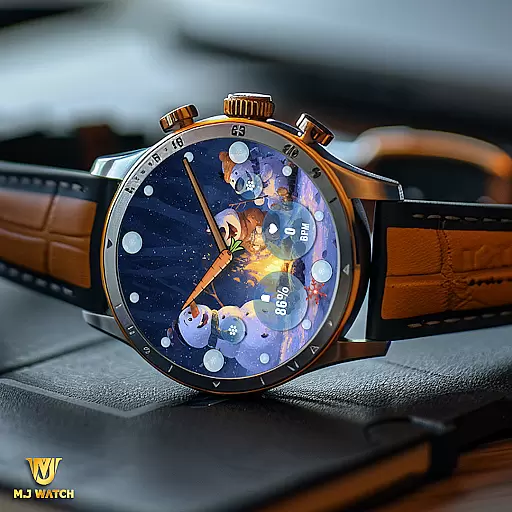
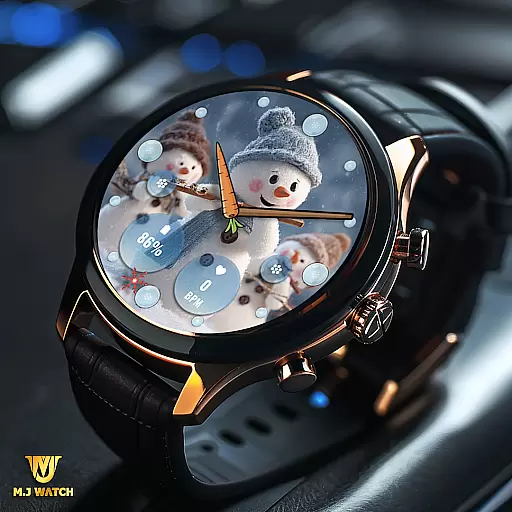
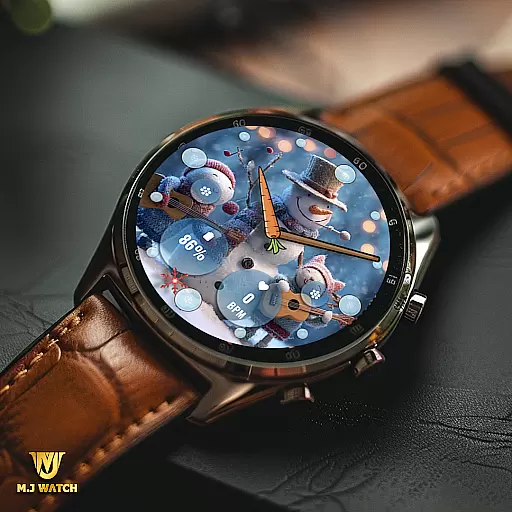
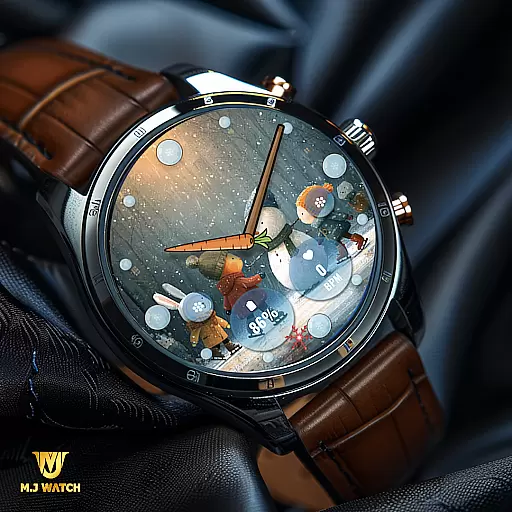
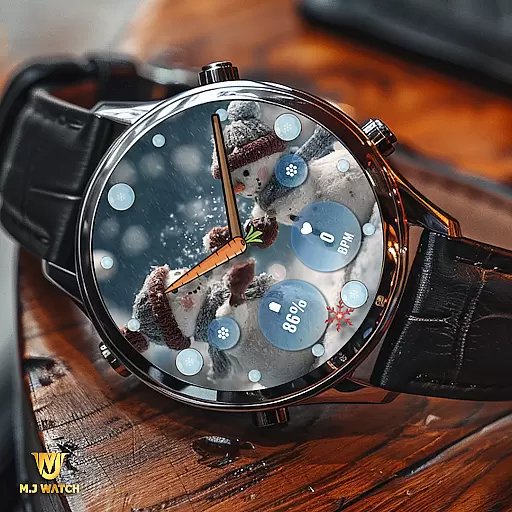
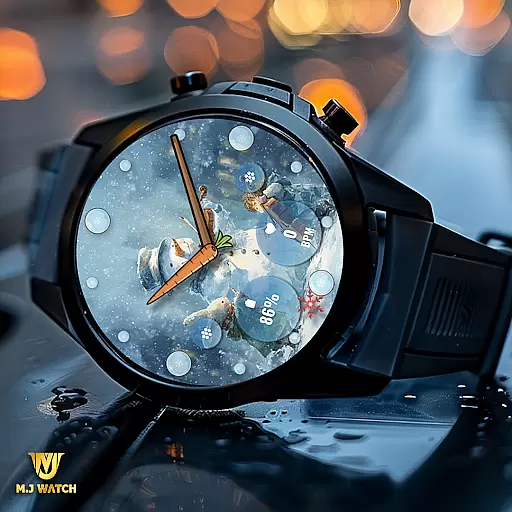
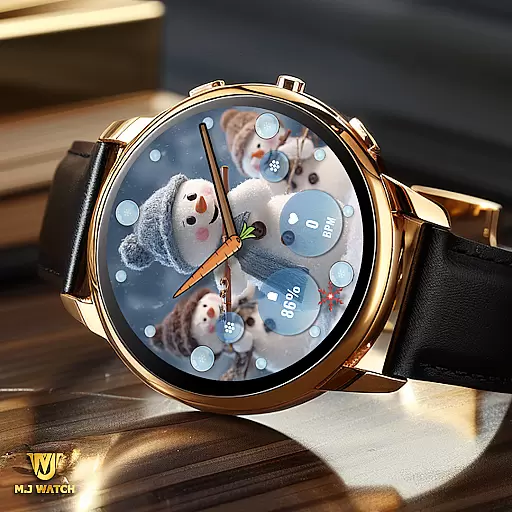
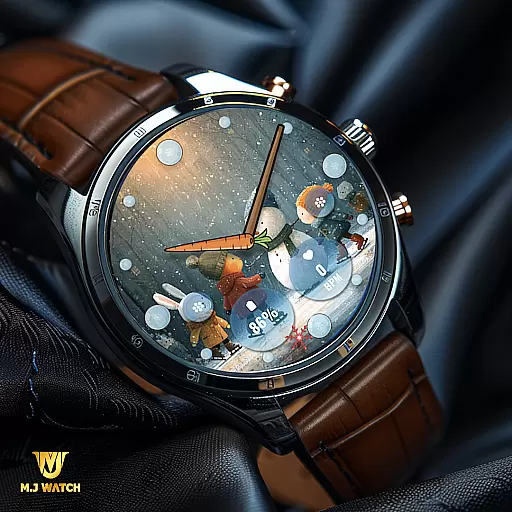
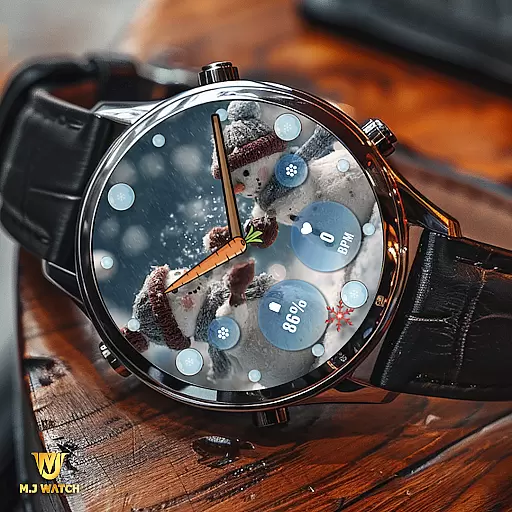
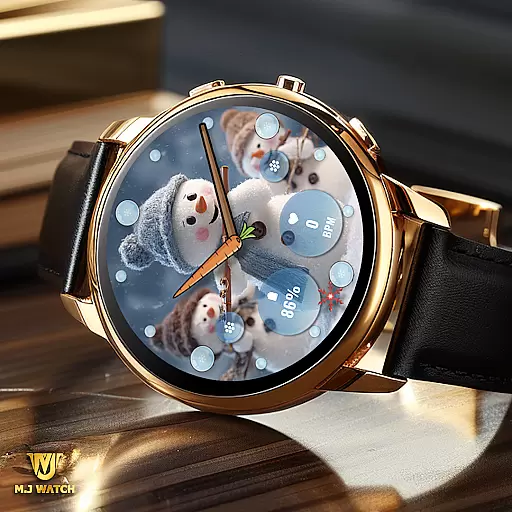
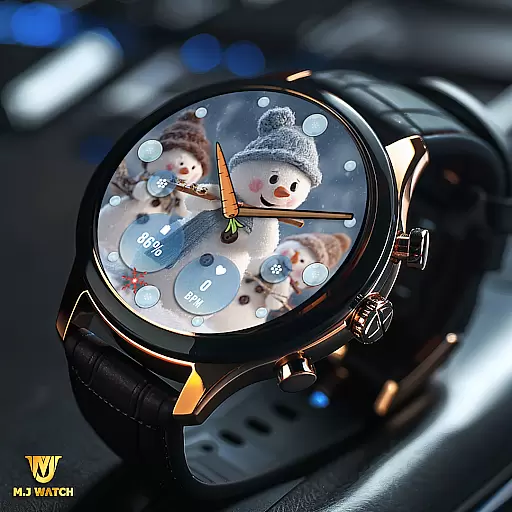
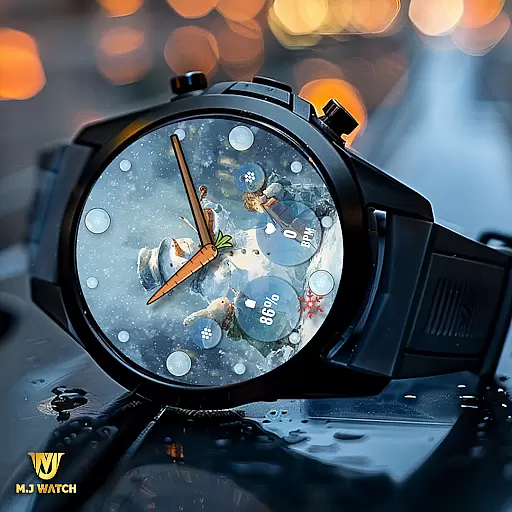
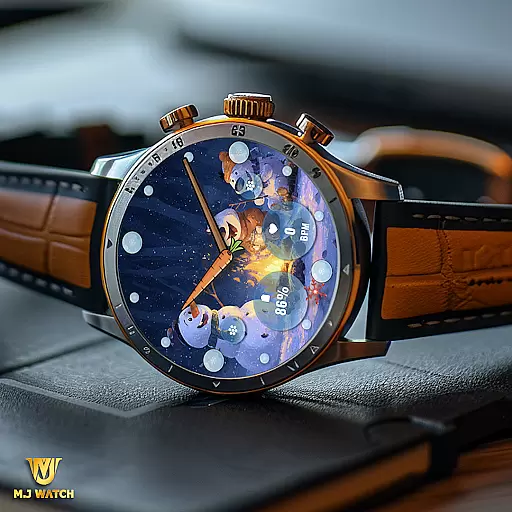
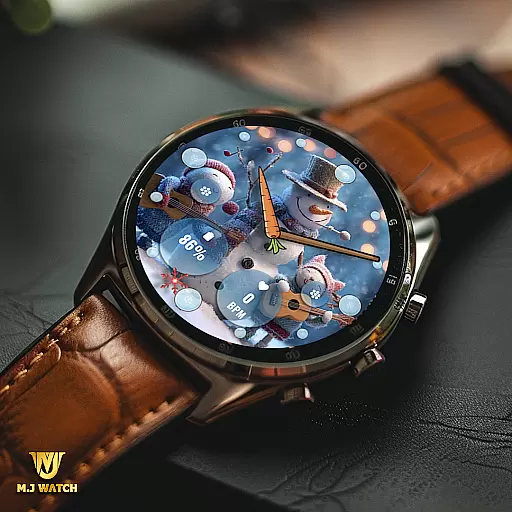
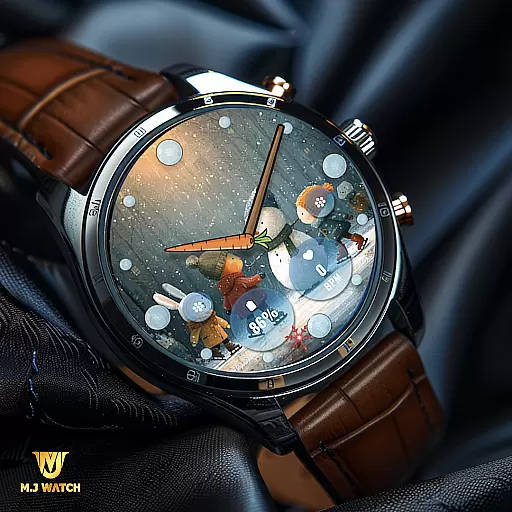
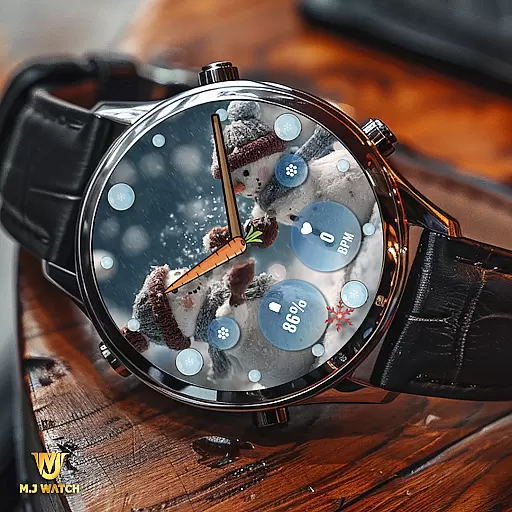
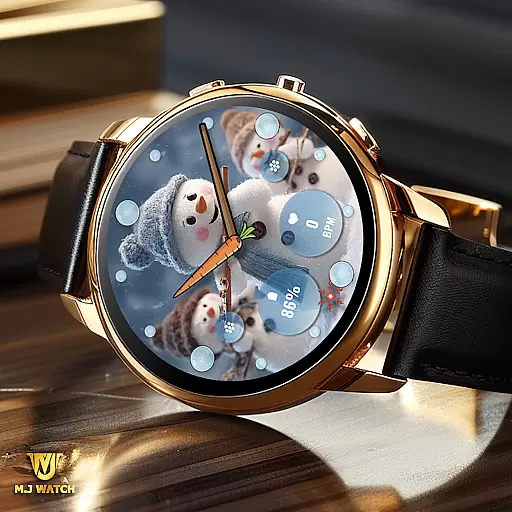
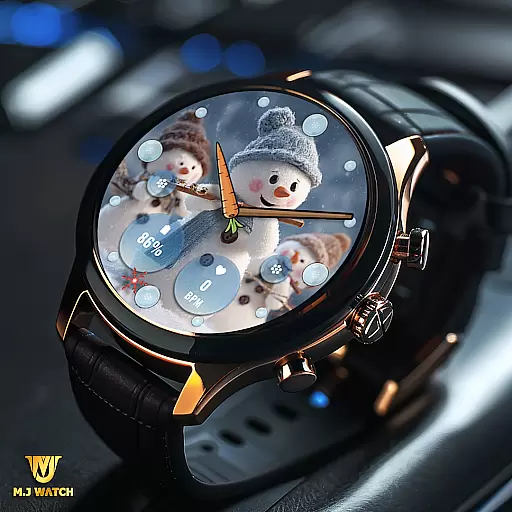
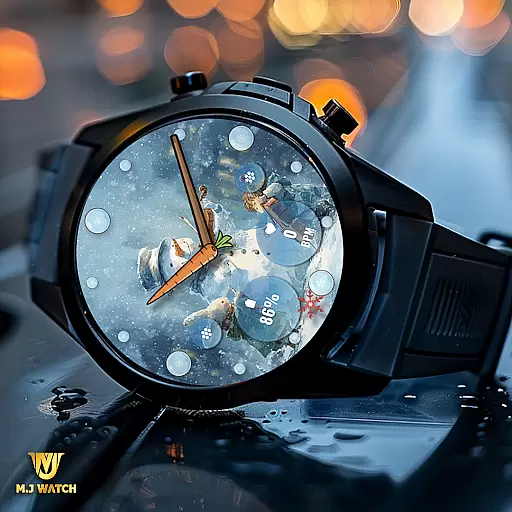
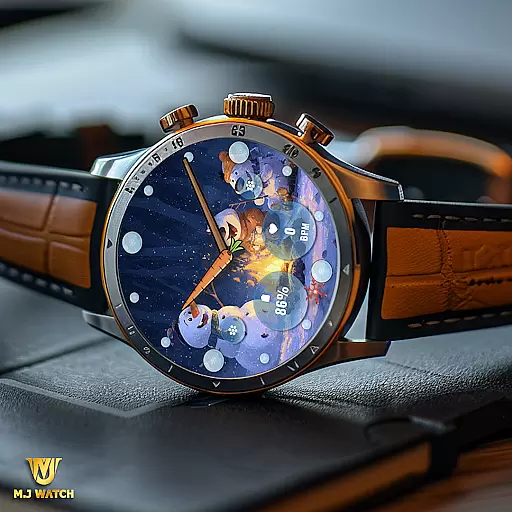
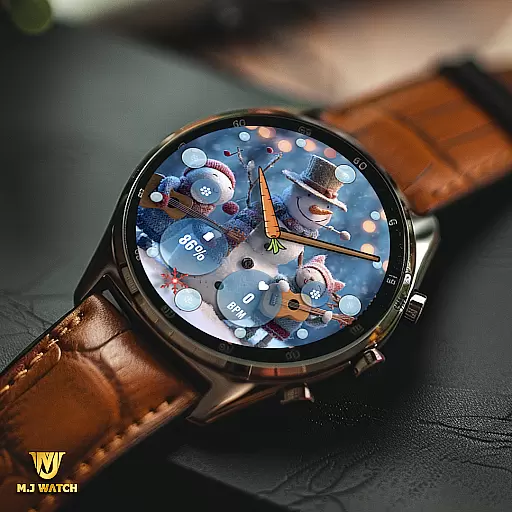
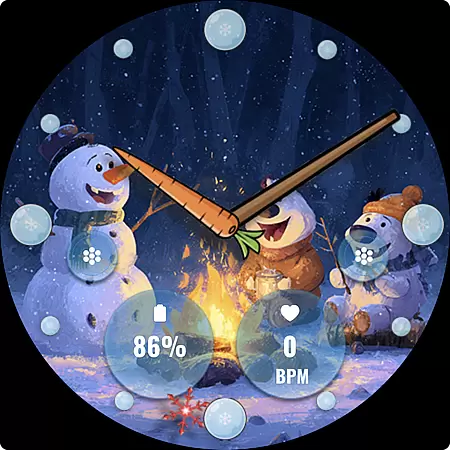
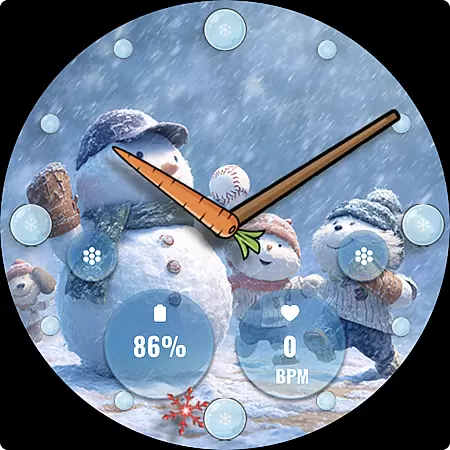
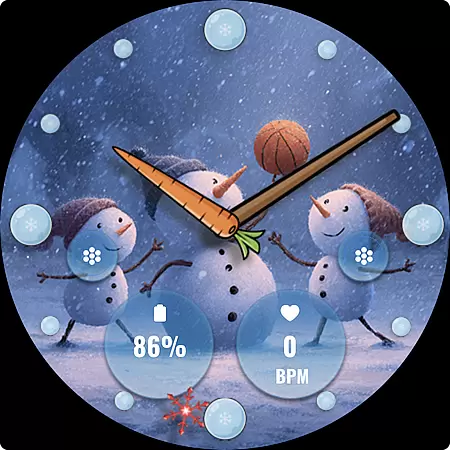
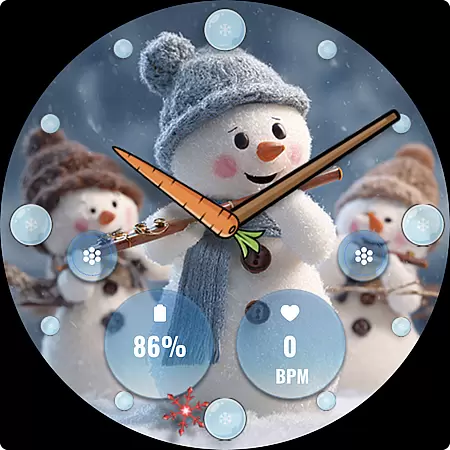
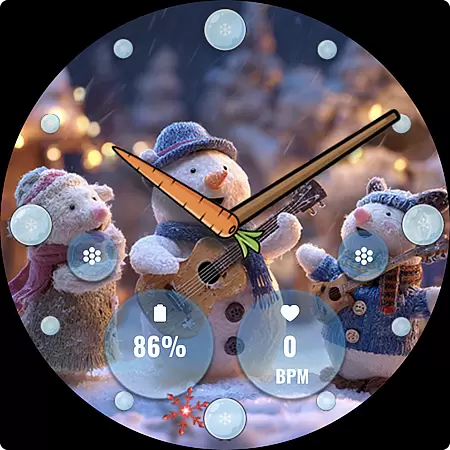
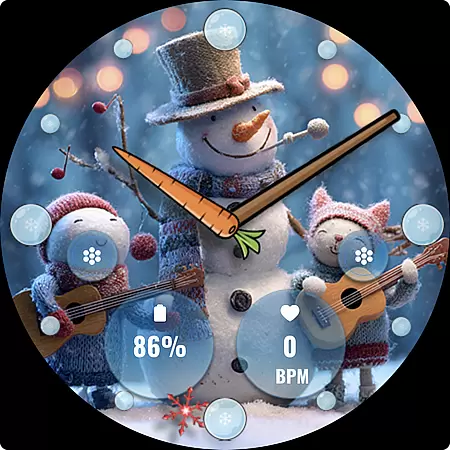
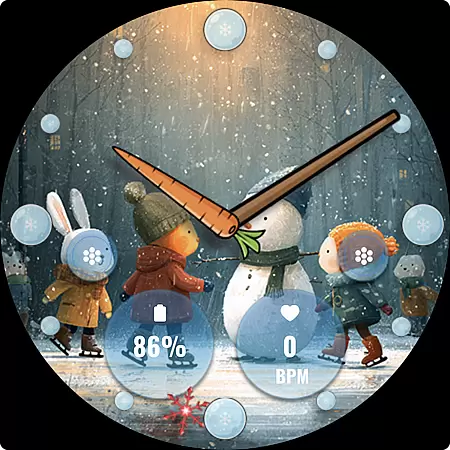
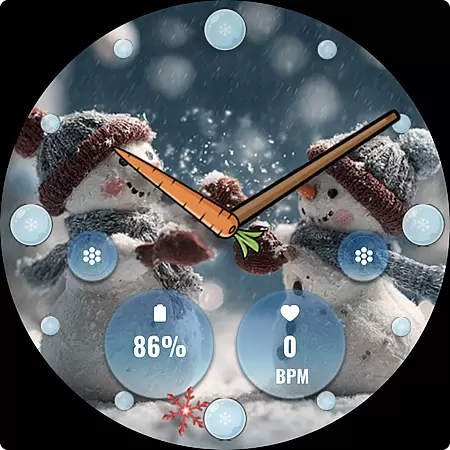
FLW105 Snowman Freeze Winter is a specially designed watch face for Wear OS devices, offering users an immersive winter-themed experience. The interface features a stunning freeze ice background with 10 unique winter images showcasing charming snowmen. This analog watch face displays hour, minute, and second hands while providing practical utility through customizable complications and shortcuts.
Users can personalize their watch face by selecting the information they want to display via two custom complications. Additionally, two custom shortcuts allow quick access to frequently used functions. With its elegant design and customizable features, this watch face is perfect for those who appreciate both aesthetics and functionality on their smartwatch during the winter season.
FLW105 Snowman Freeze Winter stands out with its rich feature set tailored for Wear OS users. The primary highlight is its analog watch display, which includes hour, minute, and second hands, ensuring accurate timekeeping in a classic format. Users can further enhance their experience by utilizing two custom complications that allow them to choose what information is displayed directly on the watch face.
In addition to complications, the watch face offers two custom shortcuts that provide quick access to preferred functions, streamlining user interaction. The inclusion of 10 distinct winter-themed images with a freeze ice effect adds visual appeal, making each glance at the watch a delightful experience. Customization is intuitive; users can modify images or complications by simply pressing and holding the screen, then selecting 'Customize.' These features collectively deliver a personalized and visually pleasing wearable experience.
For FLW105 Snowman Freeze Winter, seamless companion app integration is crucial for an enhanced wearable experience. This watch face connects effortlessly with your smartphone to ensure all features are easily accessible and customizable.
The synchronization between the Wear OS device and the companion app allows users to personalize their watch face with just a few taps. Whether it's adjusting complications or changing winter-themed images, the process is smooth and intuitive.
By utilizing the companion app, users can access two custom complications and shortcuts, tailoring the information displayed to their preference. This level of personalization ensures that the most important data is always at hand.
Overall, the integration provides a reliable and user-friendly way to manage the watch face settings, making it easy to enjoy the full range of features offered by FLW105 throughout the winter season.
FLW105 Snowman Freeze Winter is designed specifically for Wear OS, ensuring broad compatibility with a variety of devices. This compatibility allows users to enjoy a consistent and optimized experience across different smartwatches.
The watch face takes full advantage of Wear OS capabilities, offering features like analog watch hands and customizable complications. These elements work seamlessly on compatible devices, providing clear and accurate timekeeping alongside useful information at a glance.
In addition to its functional features, FLW105 offers ten unique freeze winter images with snowmen, which display beautifully on all supported devices. Users can switch between these themes effortlessly, thanks to the robust compatibility with Wear OS.
This harmonious relationship between software and hardware guarantees that users will have an engaging and visually appealing experience, regardless of their specific Wear OS device model.
Visually appealing winter theme
Fully customizable complications
Quick-access shortcuts
Intuitive customization process
Compatible with Wear OS
Limited to Wear OS devices
Only seasonal relevance
Customization requires multiple steps
No digital time option
Battery consumption may be high

"PER27 Galaxy Digital" is a digital Wear OS watch face designed by PERSONA
 4.10
4.10
A customizable Christmas watch face for Wear OS with a countdown.
4.20
Christmas watch face. For Wear OS devices.
4.30
Embrace the holiday spirit with this magical animated watch face!
4.40
Artistic Digital Watchface
4.1
Beautiful, colorful and practical watch face. For Wear OS devices.
5.00
Simple Analog-Digital Watchface For Wear OS 3.0 and Up Smartwatches
4.4
The #1 source of faces for your smartwatch!
4.00
Viewer for Wyze/Yi/Eufy/Arlo/ONVIF/RTSP/P2P IP cams w/ adv. features & DIY DVR
4.00
Christmas Theme Watch Face for Wear Os
5.00
Easy Voice Recorder is your everyday companion to record important moments.
4.70
Be an elegant and classy secret agent, with this carefully detailed watch face
4.70
Gym & home workout plans with strength training, exercise tracking, HIIT & more.
4.60
MyNISSAN® lets you remotely control your car from your phone.*
4.50
Beautiful artistic animated digital watch face, with a customizable layout!
4.40
Premium hybrid watch face with many customizations for Wear OS devices.
4.40
Wear Os Watch Face - Animated Snow Effect & Magic Spark - 6 Scenes
4.10
Professional weather radar and more
3.90
A Wintery Snow Globe on Your Wrist; now celebrating Christmas!
4.5


User Reviews