
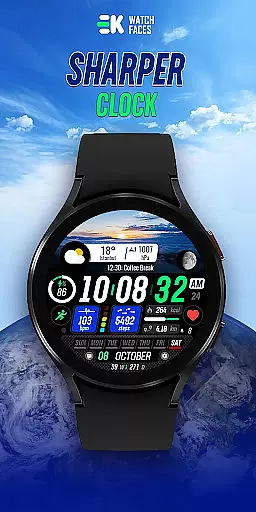
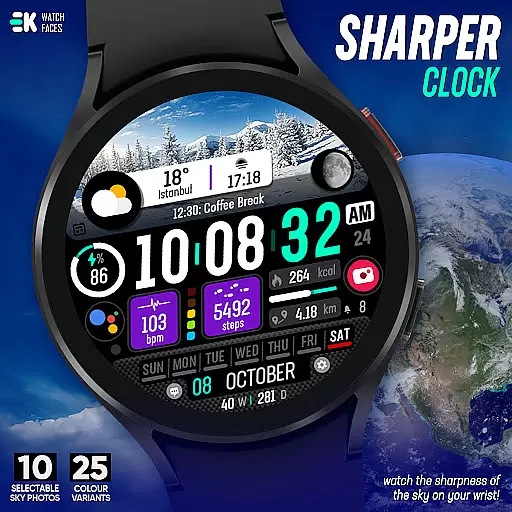
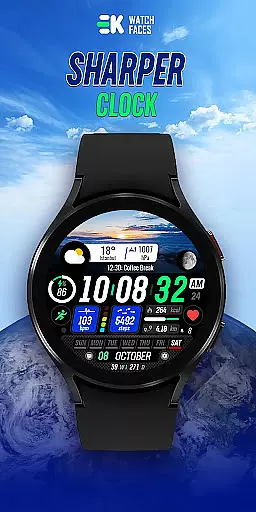
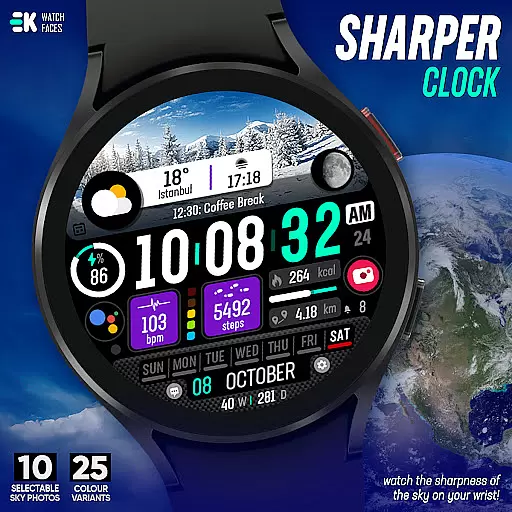
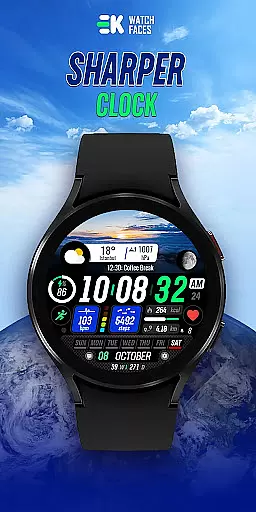
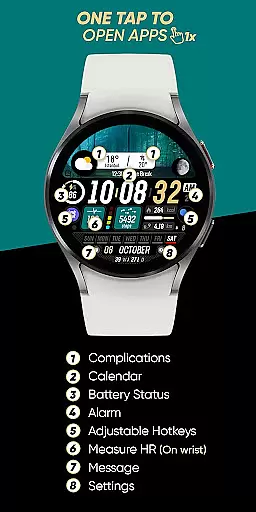
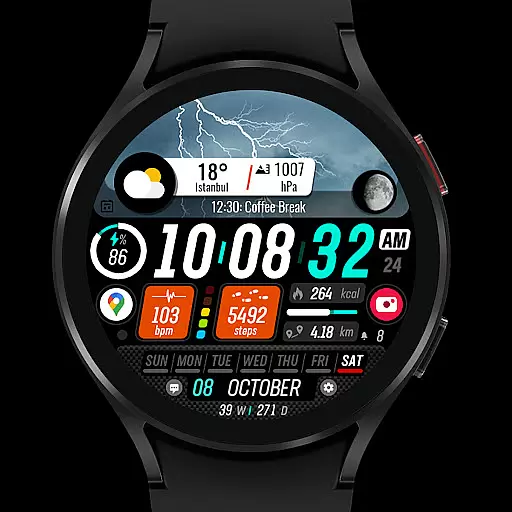
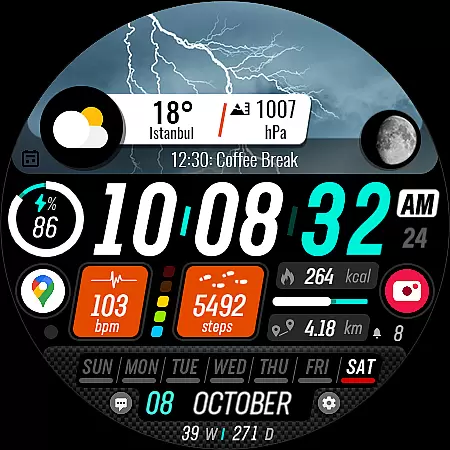
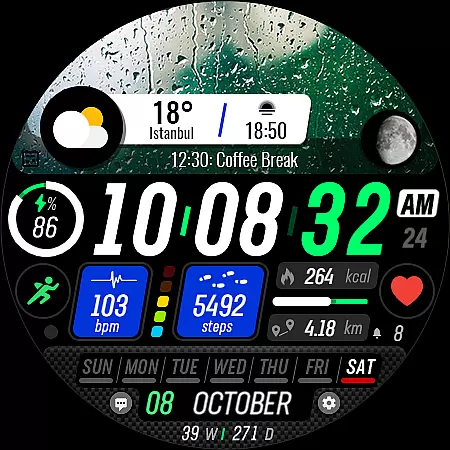
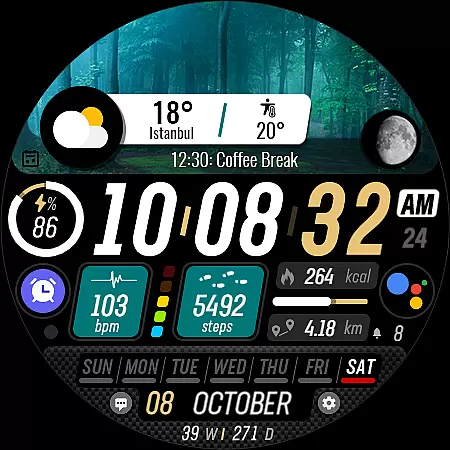
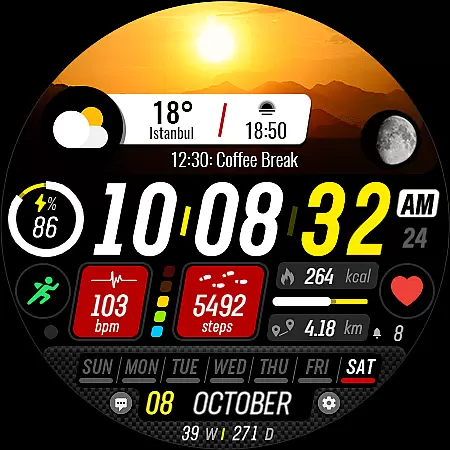
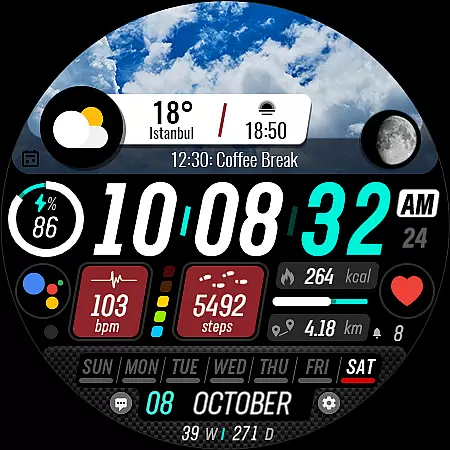
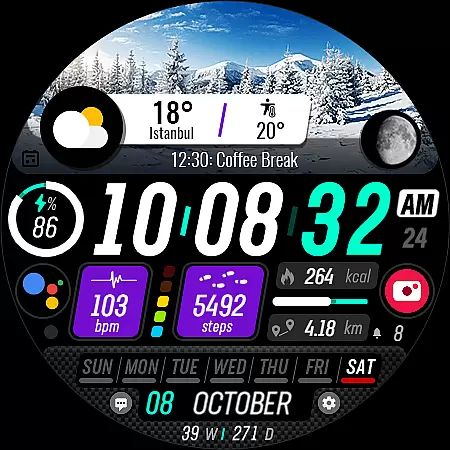
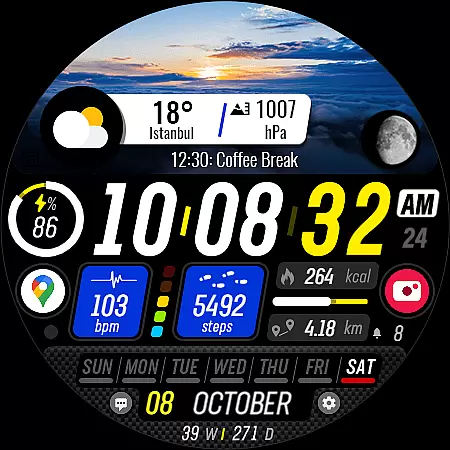
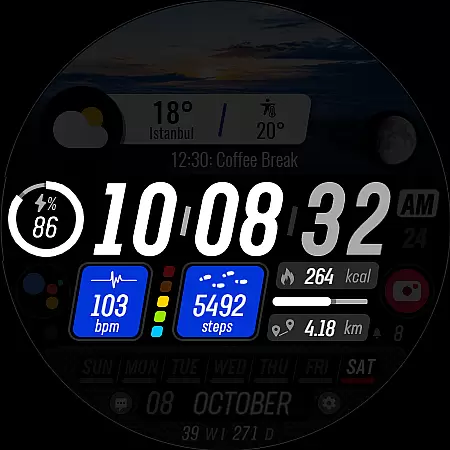
Sharper Clock is a premium watch face designed exclusively for Wear OS devices, offering users a unique way to experience timekeeping on their smartwatches. With compatibility limited to API 33 and above, this app brings the beauty of the sky right to your wrist.
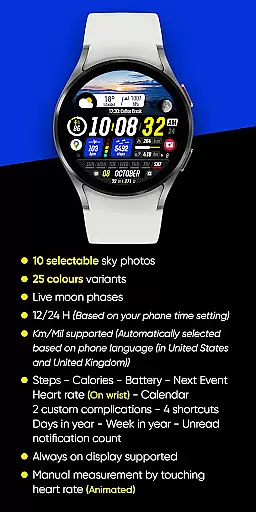
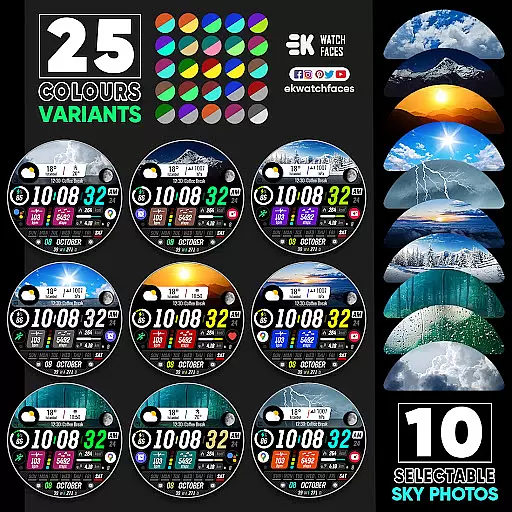
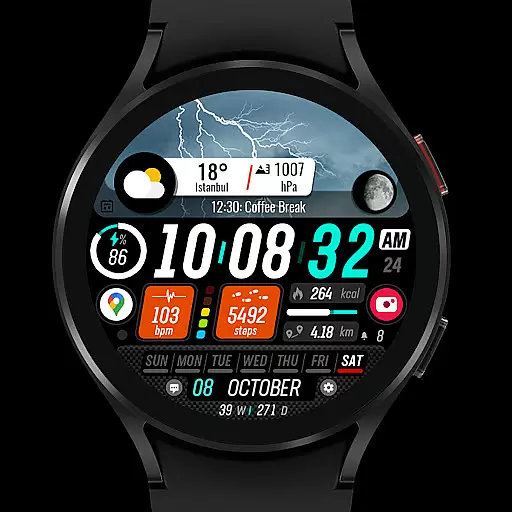
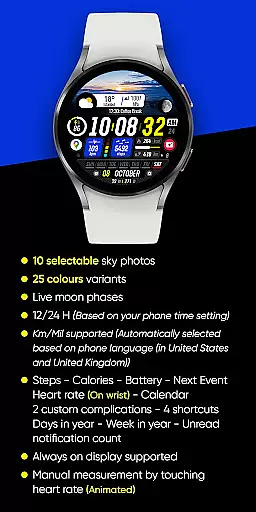
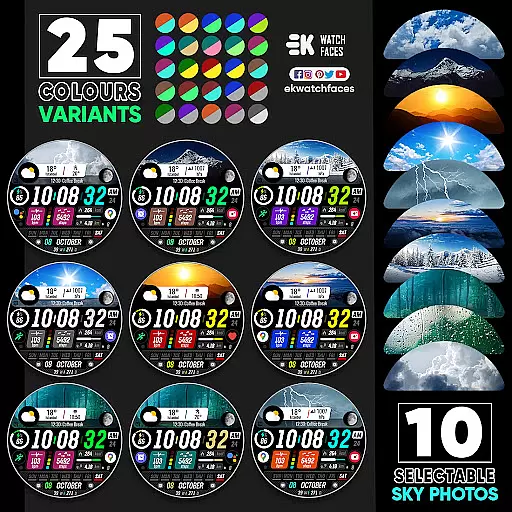
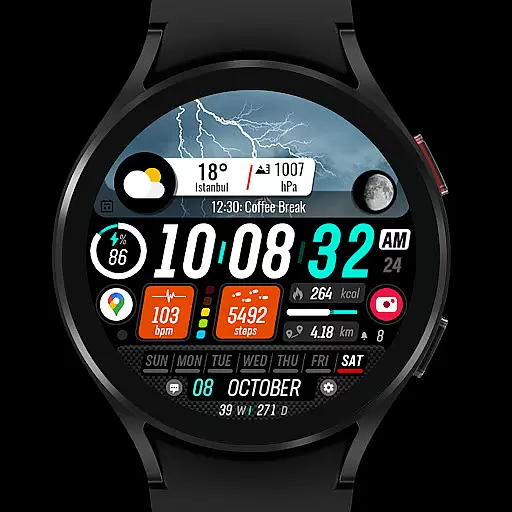
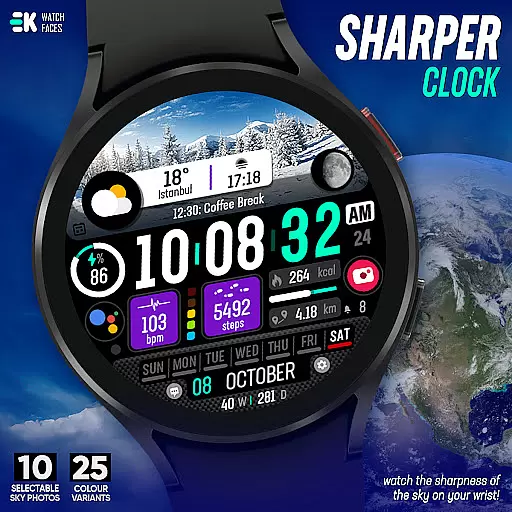
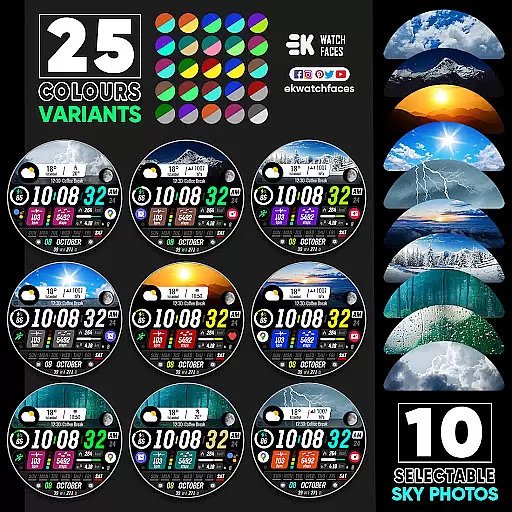
The watch face features 10 selectable sky photos with 25 color variants, live moon phases, and supports both 12/24-hour formats based on phone settings. It also automatically adjusts units between kilometers and miles depending on the user's location. The design incorporates essential health and daily tracking metrics such as steps, calories, battery status, next event, heart rate, and more.
Ideal for those seeking both functionality and aesthetics, Sharper Clock enhances the wearable experience by combining practical information display with visually stunning designs.
Sharper Clock stands out with its rich feature set tailored specifically for Wear OS users. The app offers 10 beautifully captured sky photos that change throughout the day, each available in 25 color variants to suit personal preferences.
One of the key highlights is the integration of live moon phases, providing real-time lunar information directly on the watch face. Users can choose between 12 or 24-hour time displays based on their phone's time setting, and the app intelligently selects between kilometers and miles according to the device's language settings.
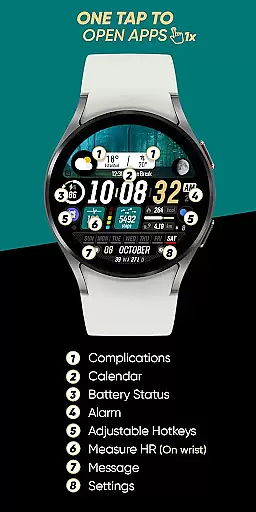
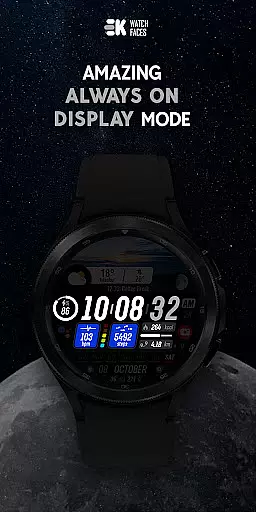
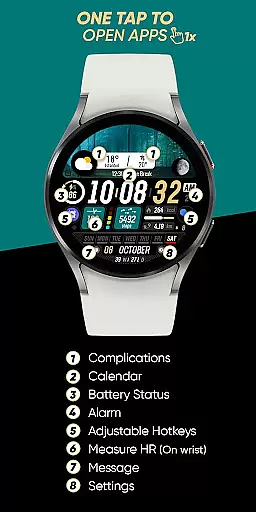
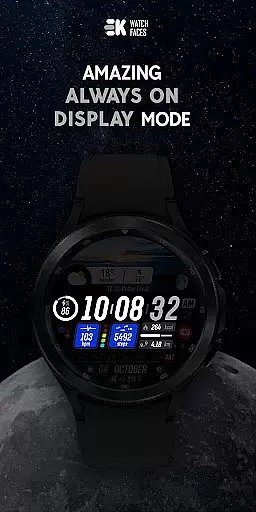
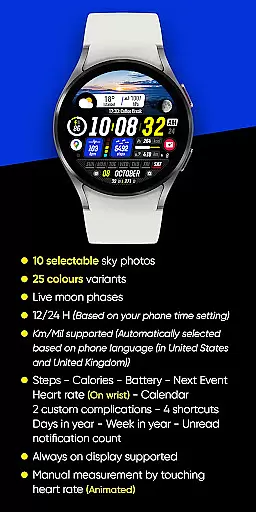
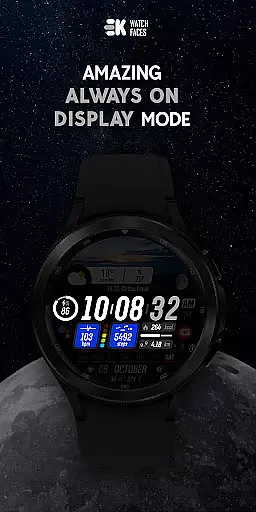
For comprehensive health and productivity tracking, the watch face displays steps, calories burned, battery level, upcoming events, heart rate, calendar details, and unread notification counts. Additionally, it supports always-on display functionality and allows customization through complications and shortcuts.
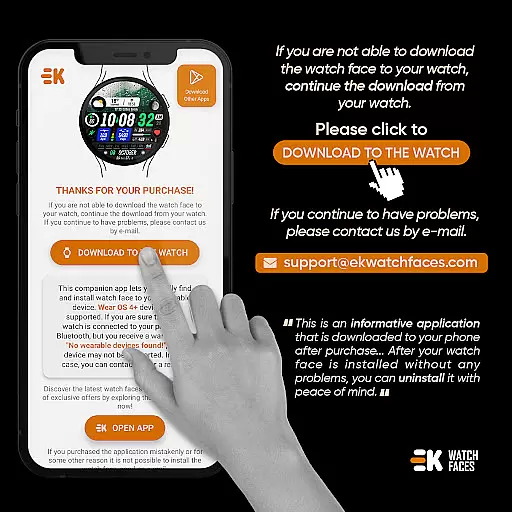
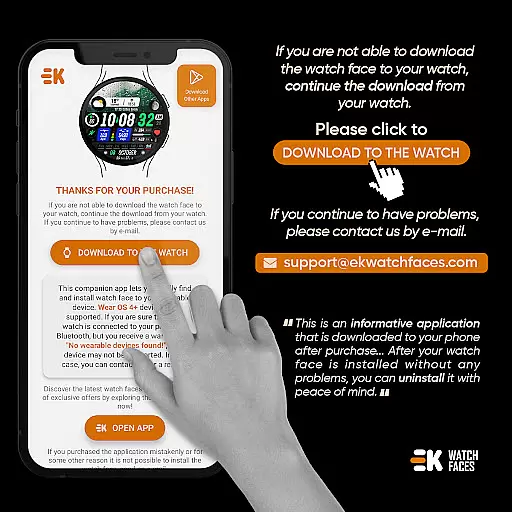
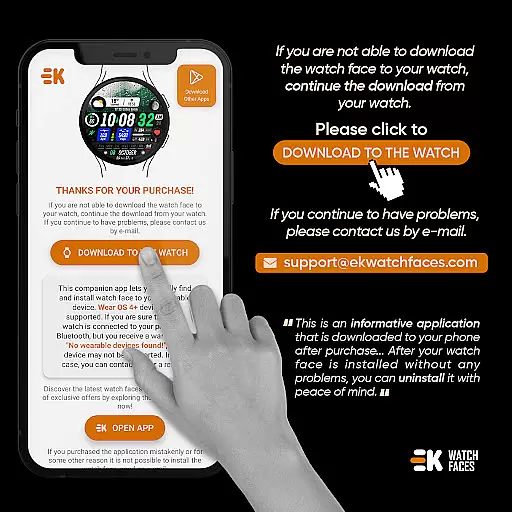
Sharper Clock - Watch Face offers seamless companion app integration, ensuring that your watch and phone work in harmony. The phone app acts as a placeholder to simplify the installation process and helps you locate the watch face on your Wear OS device effortlessly.
The installation process is straightforward. Ensure your watch is properly connected to your phone, then use the phone app to tap on 'DOWNLOAD TO THE WATCH' and follow the instructions on your watch. Within a few minutes, the watch face will be installed, ready for selection.
For those who encounter issues, the developer provides clear guidance. If stuck in a payment loop, rest assured you'll only be charged once. A simple wait or watch restart usually resolves this synchronization hiccup between your device and Google servers.
Alternatively, installing the watch face from a web browser on your PC is an option. Although any arising issues are beyond the developer's control, comprehensive support and documentation ensure a smooth user experience.
Compatibility with Wear OS devices is at the core of Sharper Clock - Watch Face's design. It is meticulously built for Wear OS, supporting API 33+, which ensures it runs smoothly on the latest devices while maintaining optimal performance.
This watch face brings a unique feature set, including 10 selectable sky photos, 25 color variants, and live moon phases. It supports both 12/24-hour formats based on your phone's time setting and automatically selects Km/Mil units according to your phone language, particularly useful in regions like the United States and United Kingdom.
Sharper Clock also integrates essential functionalities such as displaying steps, calories, battery status, next event, heart rate, calendar, custom complications, shortcuts, days in the year, week in the year, and unread notification counts. Always-on display support further enhances its utility.
To fully leverage these features, users should manually enable Sensors and grant permissions to receive complication data. This ensures all functions operate seamlessly, providing a comprehensive and engaging wearable experience.
Visually appealing design
Live moon phase tracking
Customizable color options
Comprehensive health metrics
Always-on display support
Limited to Wear OS
Requires API 33+
Installation process complex
Potential payment issues
No standalone functionality

Wear Os Watch Face - Animated Snow Effect & Magic Spark - 6 Scenes
 4.10
4.10
Find EV charging stations
4.30
The ultimate destination for kids ages 3-8 to explore the Marvel Universe!
4.30
The #1 source of faces for your smartwatch!
4.00
Real-time results, stats, schedules and player profiles for all leagues
4.60
Viewer for Wyze/Yi/Eufy/Arlo/ONVIF/RTSP/P2P IP cams w/ adv. features & DIY DVR
4.00
Hybrid Vibrant Health Watch Face for Wear OS
4.1
Connect, create, and collaborate with Gmail, part of Google Workspace.
4.10
Back up your contacts & access them anywhere
4.30
Diet tracker for weight loss - track calories, food and macros. Simple and easy!
4.70
A modern premium sporty hybrid watch face for Wear OS by Ballozi
4.70
Highly customizable hybrid watch face for Wear OS, perfect for everyday use.
4.60
A white realistic classic analog watch face with many customization options.
4.40
Your music, your playlists, and more—offline and unlimited.
4.20
Snowflake Rose Gold Watch Face - Digital, modern, & sleek with GYRO effect.
4.10
Authentic military-tactical design with ZULU time! Realistic and functional!
3.80
A watch face that fuses motorsport precision with contemporary smartwatch design
4.4
Fitness interactive virtual pet super fighter boy watch face
4.0
Minimalistic design modern digital watch face.
4.4


User Reviews