
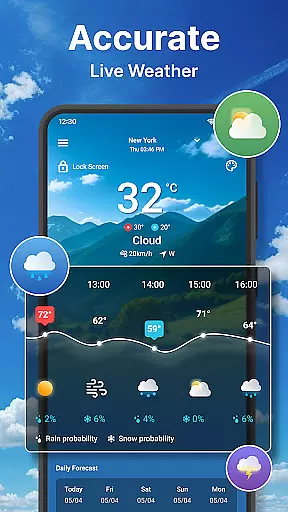
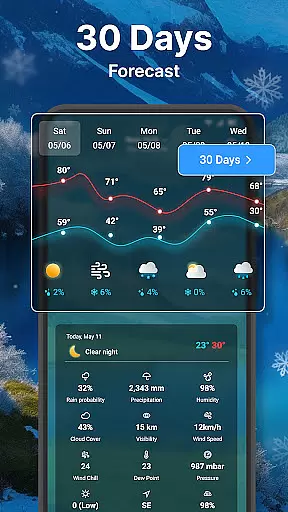
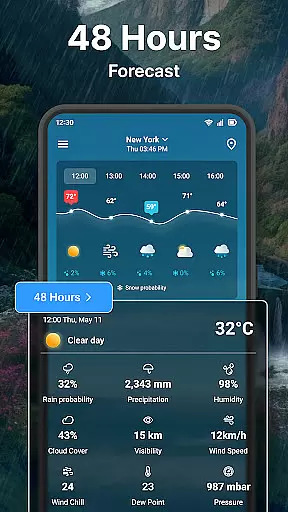
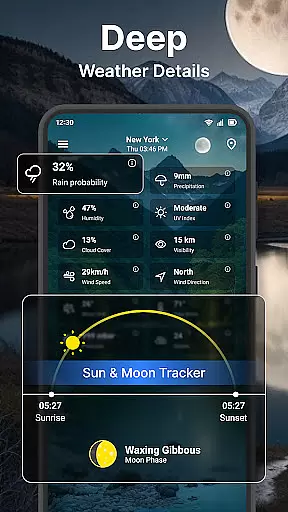
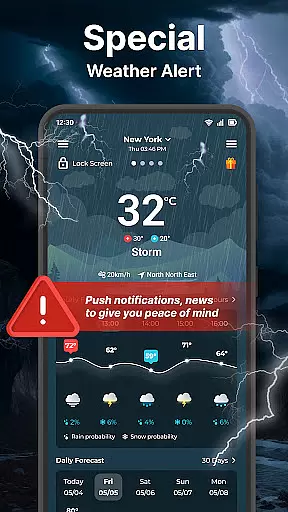
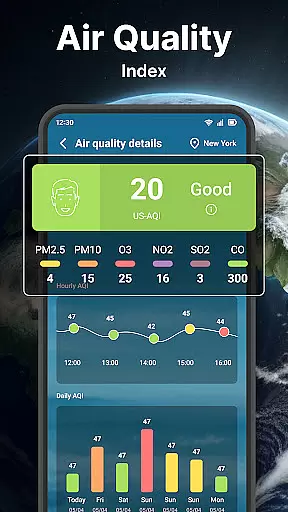
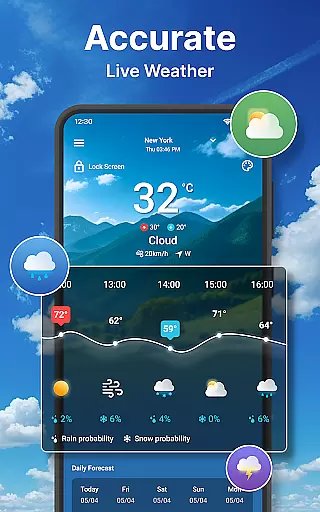
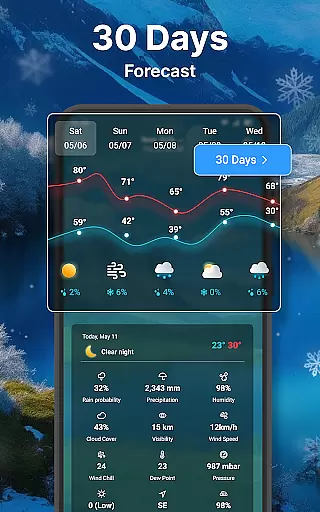
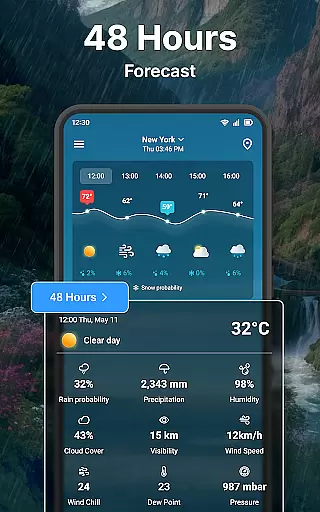
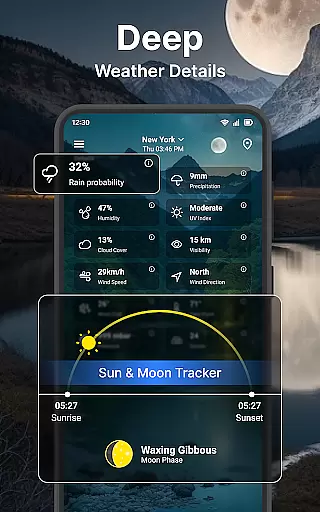
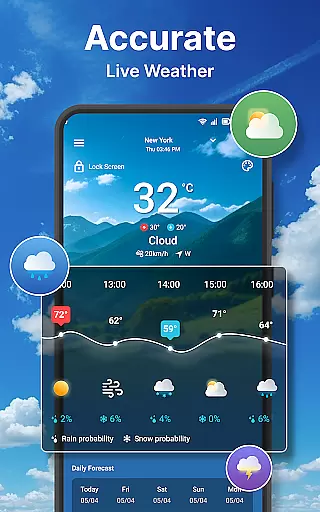
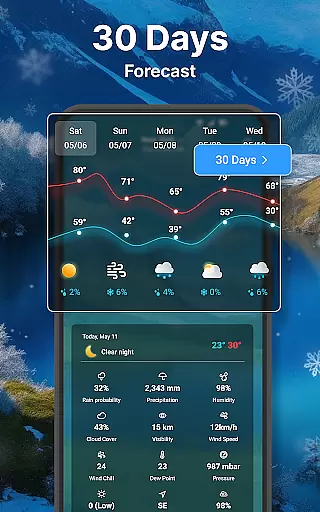
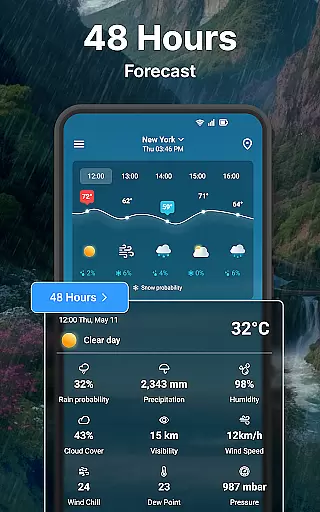
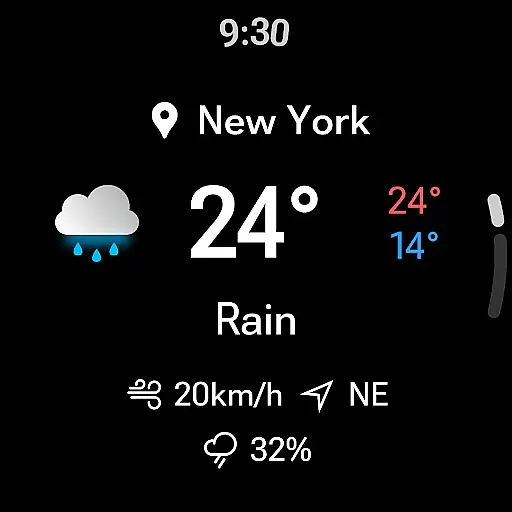
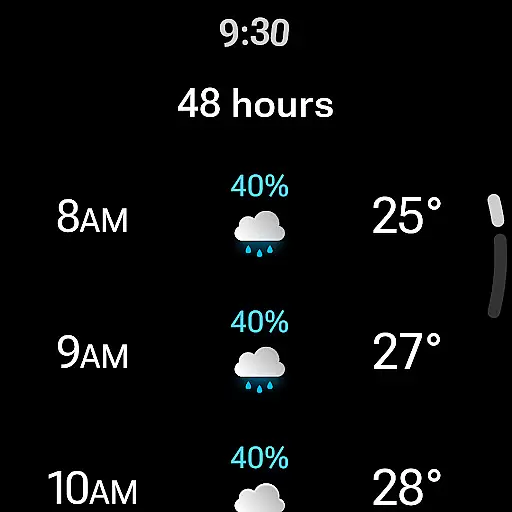
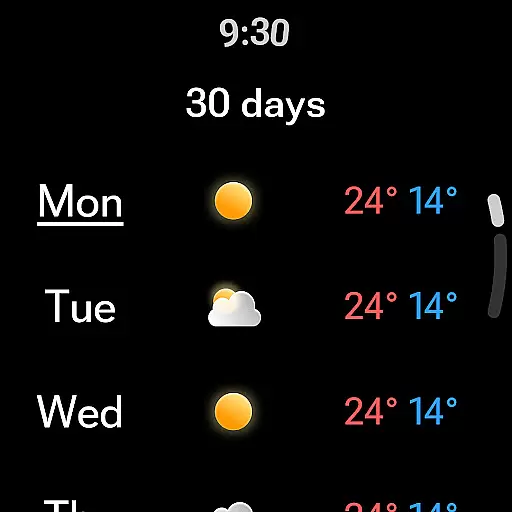
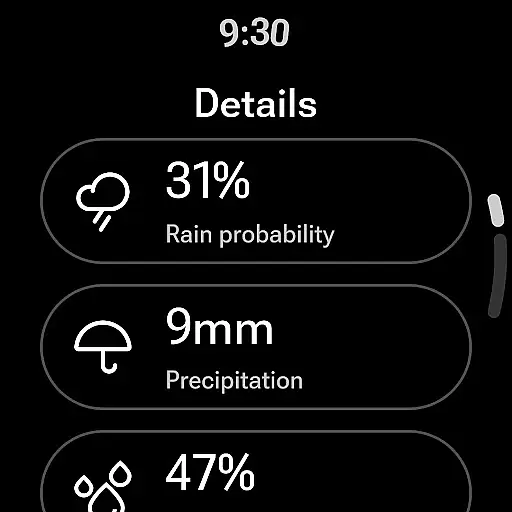
Weather forecast is a comprehensive weather application designed specifically for Android Wear devices. The app provides real-time, hourly, and daily weather forecasts extending up to 7 days, ensuring users have accurate and timely information at their fingertips. With its intuitive interface, users can quickly access essential weather details such as temperature highs and lows, wind speed and direction, and precipitation chances.
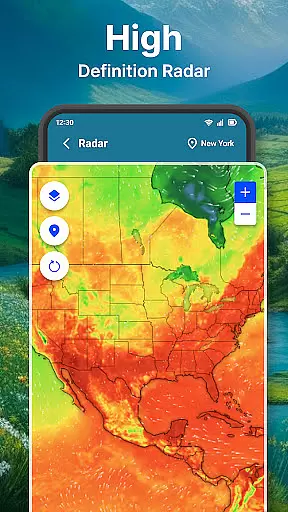
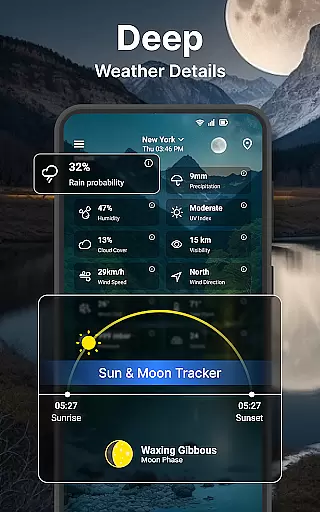
In addition to basic forecasting, Weather forecast offers advanced features like interactive weather radar maps, detailed insights into humidity, UV index, and sunrise/sunset times. Users can customize their experience with various widgets and enjoy seamless integration with Wear OS, allowing them to view critical weather data directly from their smartwatch. Whether planning your day or preparing for unexpected weather changes, this app equips you with all necessary tools.
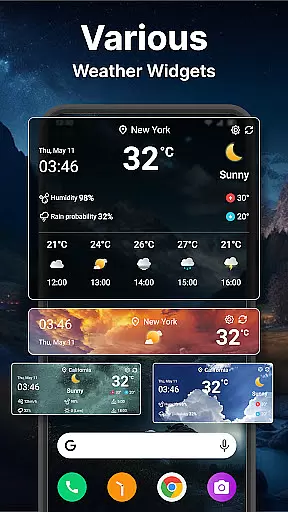
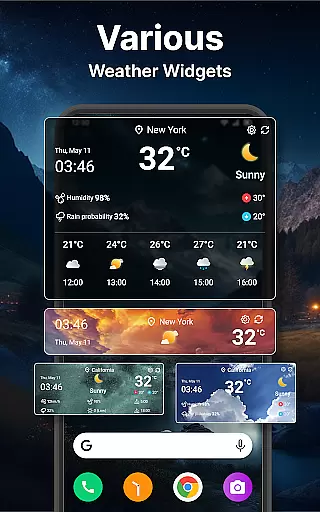
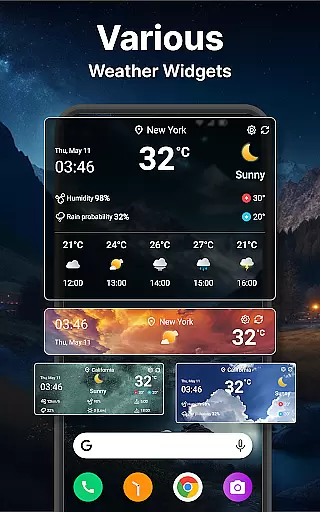
Weather forecast stands out with its rich feature set tailored for both casual users and weather enthusiasts. One of its key highlights is the highly customizable weather widgets that come in different sizes and configurations, enabling users to personalize their home screens with live weather updates. These widgets display vital information such as current temperature, forecast summaries, and even quick access to additional utilities like alarm clocks and calendars.
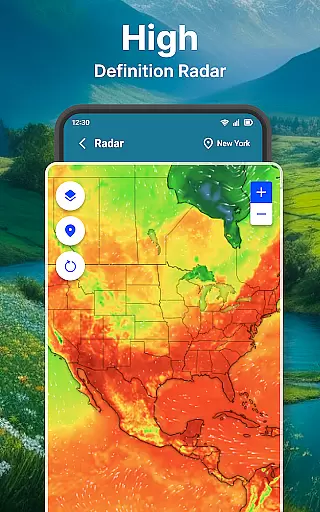
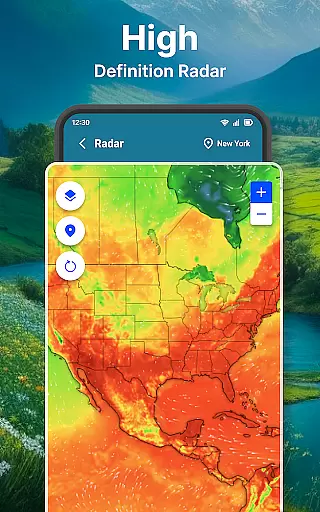
The app also excels in providing detailed meteorological data through an interactive weather radar. This feature allows users to visualize temperature, wind patterns, and precipitation in real-time, with zoom functionality for closer inspection. Moreover, the inclusion of unit settings for temperature, wind speed, and pressure ensures global usability, catering to diverse user preferences. Such depth in features makes Weather forecast not just informative but adaptable to individual needs.
Companion app integration is essential for users who want seamless synchronization between their mobile devices and Wear OS smartwatches. The Weather forecast app excels in this area by ensuring that all weather data viewed on your phone is accurately mirrored on your wearable device.
This application provides real-time conditions, hourly forecasts, and even detailed weather information directly to your wrist. This means you can leave your phone behind and still have critical weather updates right when you need them.
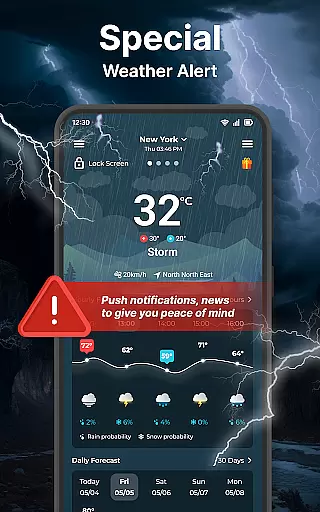
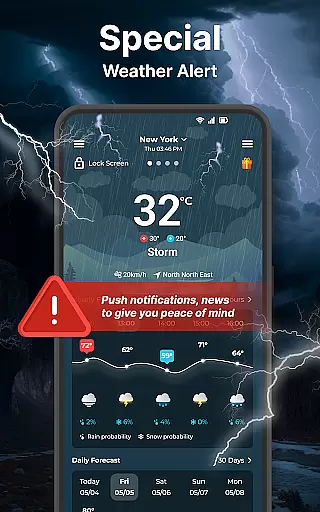
Users benefit from the ability to receive timely notifications and alerts directly on their Wear OS device. Whether it's a sudden change in weather or a scheduled daily forecast, the app ensures you're always informed.
The cohesive integration between the mobile and Wear OS versions of the app demonstrates its commitment to delivering a unified user experience. This makes it an invaluable tool for those relying on accurate, real-time weather updates throughout their day.
Ensuring compatibility with Wear OS and various devices is crucial for any app targeting the smartwatch market. The Weather forecast app supports a wide range of Wear OS devices, providing users with consistent performance and reliability regardless of their specific model.
This app offers tailored interfaces that take full advantage of the Wear OS platform. Users can quickly view weather conditions, receive notifications, and interact with weather widgets specifically designed for smaller screens without losing functionality.
One significant advantage is the flexibility it offers in terms of customization and settings. Whether it's adjusting temperature units or toggling notification preferences, the app allows users to personalize their experience on both mobile and wearable devices seamlessly.
By focusing on broad device compatibility and maintaining high standards of usability, the Weather forecast app ensures that every user enjoys a smooth and intuitive experience, making it a reliable choice for staying updated with weather conditions on the go.
User-friendly interface
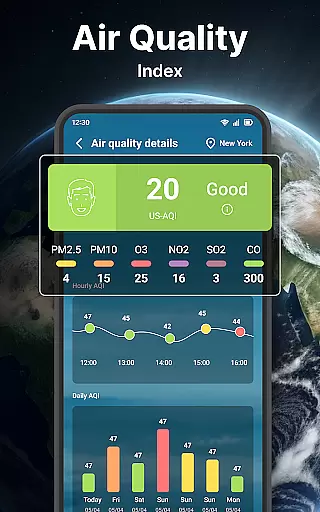
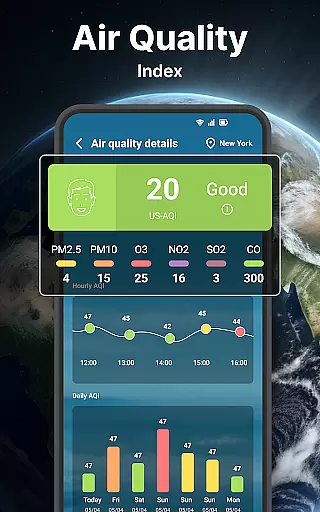
Comprehensive weather data
Customizable widgets
Interactive radar maps
Wear OS compatibility
Limited free features
Occasional inaccuracies
Ads in free version
Complex settings for beginners
High battery usage

Stylish digital watch face for Wear OS devices with customizable features
 4.1
4.1
Ideal for surviving in the wasteland left after nuclear fallout
4.50
Stay in touch with your friends and family using LINE!
3.40
Real-time weather radar with temperatures, warnings, hurricanes, and widgets
4.80
Hyper-Realistic Airplane Dashboard Watch Face With 10 Skins and Custom AOD
4.00
Hybrid watch face for Wear OS with customizable complications by Matteo Dini MD
4.70
A white realistic classic analog watch face with many customization options.
4.40
Start and succeed with PAP
4.10
Track airplanes and follow flights with our real-time flight tracker
4.50
Diet tracker for weight loss - track calories, food and macros. Simple and easy!
4.70
Connect to your Bluelink equipped Hyundai vehicle from your smartphone.
4.50
Fast and smart typing with Emojis, GIFs, and more
4.50
Reliable phone calls with spam protection, caller ID and more helpful features
4.40
Structured watch face with seven complications and modular UI elements
3.90
Christmas and New Year - Themed Watchface
4.0
Christmas is near, let's count together the days left until Santa comes
4.1
A Wintery Snow Globe on Your Wrist; now celebrating Christmas!
4.1
Sleek, highly customizable watch face inspired by Galaxy Watch Circle Dashboard.
4.2
Funny animated watch face for Thanksgiving
4.3


User Reviews