
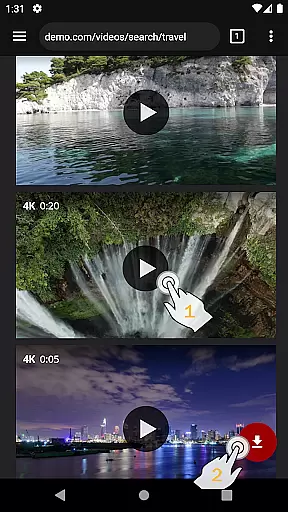
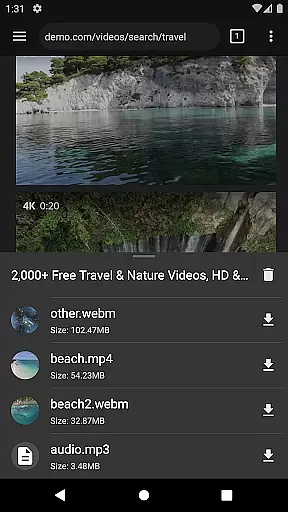

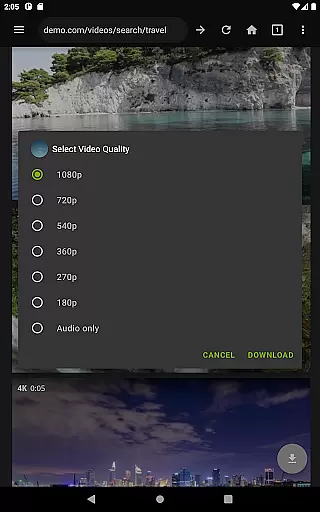
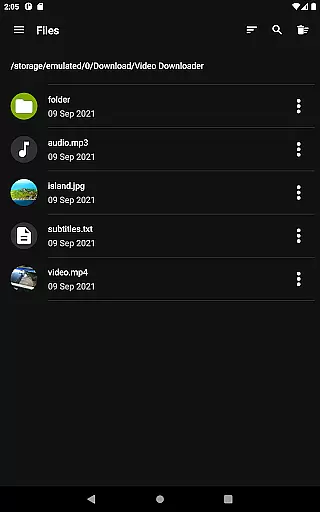
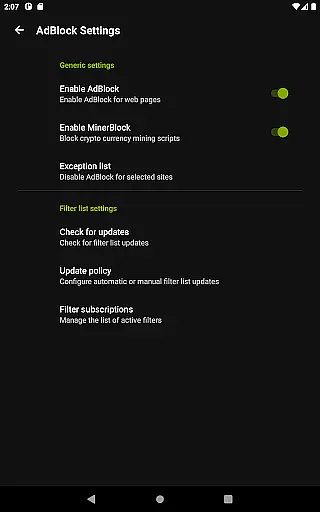
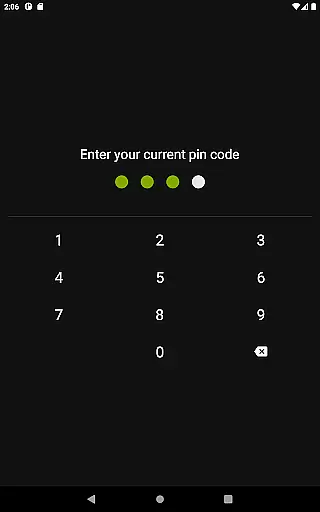
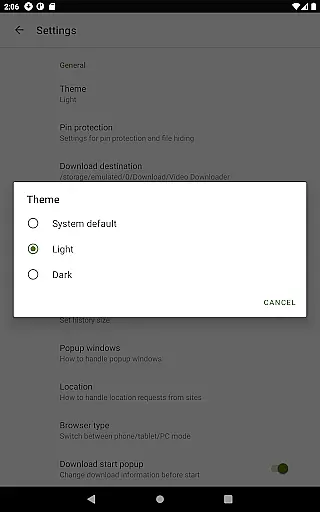
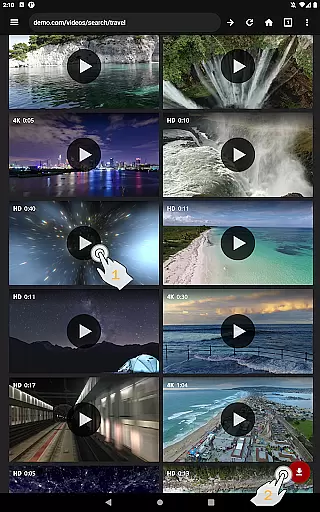
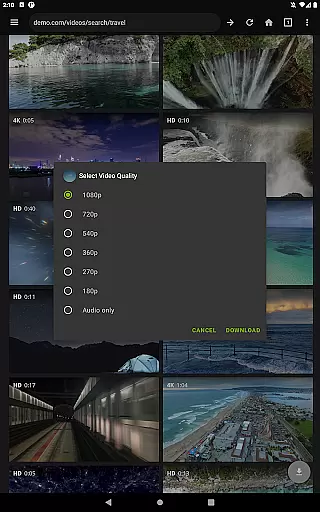
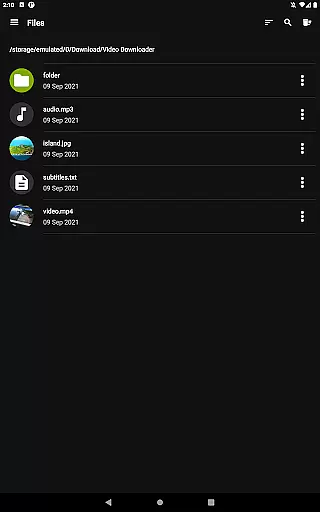
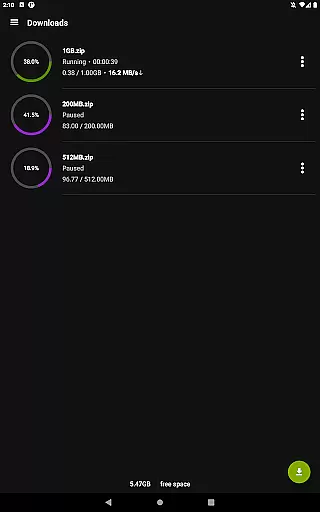
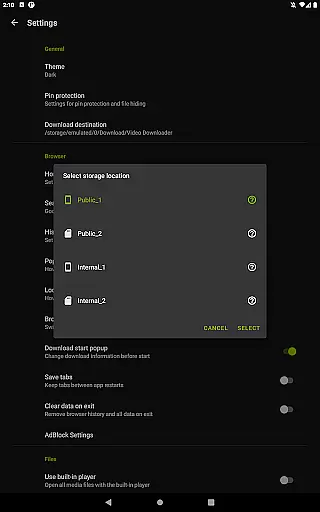
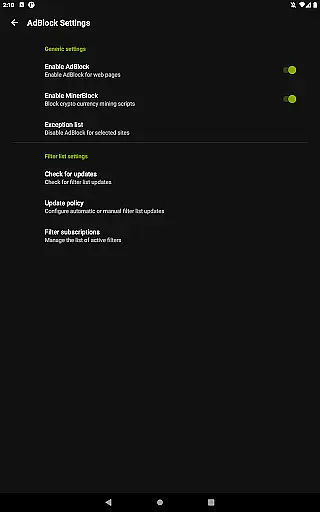
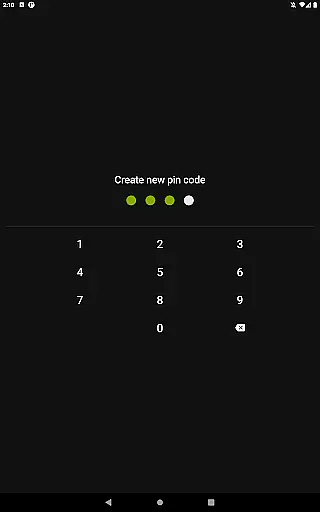
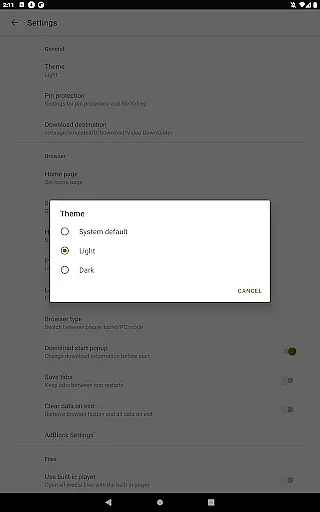
Video Downloader Pro is a premium application designed for users who need an efficient solution to download and manage video content across multiple platforms. The app offers advanced functionality that goes beyond basic downloading, including the ability to save live video streams for offline viewing. With its private web browser, users can browse securely in incognito mode while enjoying PIN protection. Additionally, the built-in AdBlocker ensures an uninterrupted experience by filtering out unwanted ads.
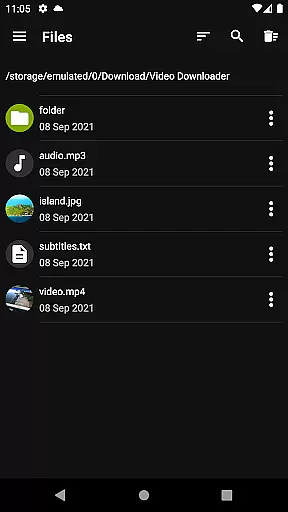
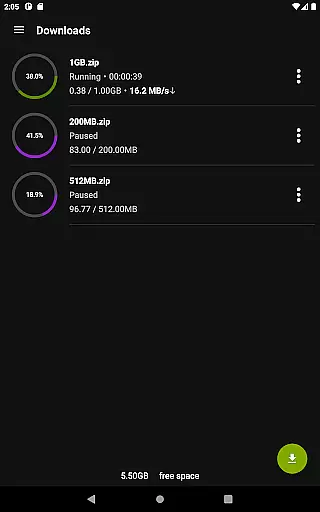
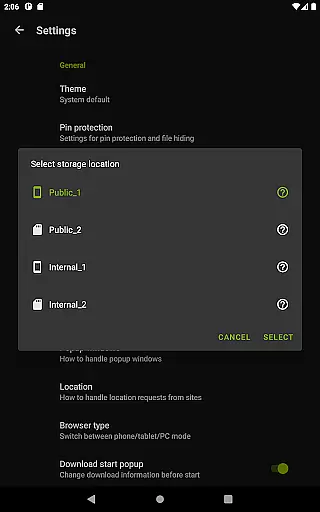
Another key feature of Video Downloader Pro is its multi-connection download manager, which significantly accelerates file downloads. The app also supports multiple SD cards, making it easier to organize and store large video files. Whether you're looking to bookmark favorite pages, export bookmarks to other devices, or download files over 4GB, this app provides all the tools necessary for seamless media management. Its lifetime purchase option and priority customer support make it a reliable choice for long-term use.
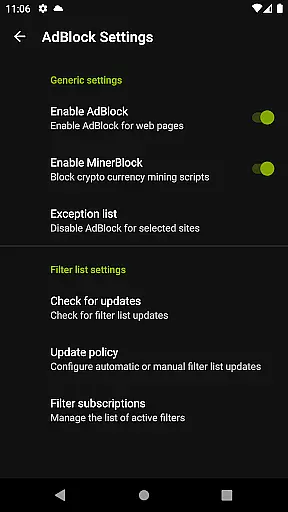
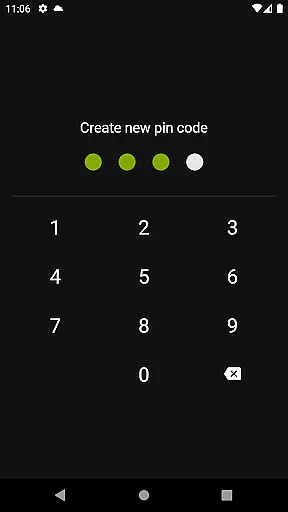
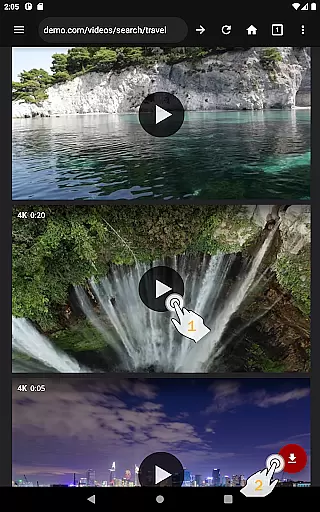
Video Downloader Pro stands out with its comprehensive set of features tailored for both casual and power users. One of its main highlights is the ability to download static videos as well as live streams, allowing users to watch content offline at their convenience. The app's private browser not only ensures privacy through incognito mode but also adds an extra layer of security with PIN protection. Furthermore, the fully featured AdBlocker lets users customize filter lists, enhancing their browsing experience.
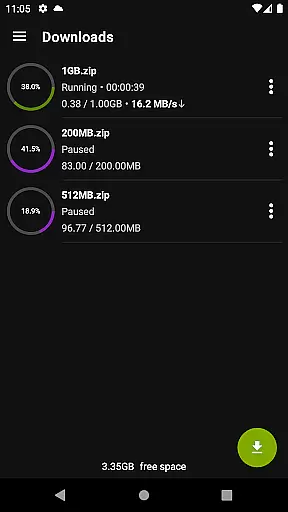
The multi-connection download manager is another standout feature, enabling faster downloads by utilizing multiple connections simultaneously. This is particularly useful when handling large files or slow internet connections. Additionally, the app supports multiple SD cards, giving users flexibility in managing storage space. Other notable features include background downloads, simultaneous file downloads, and the ability to pause, resume, or remove downloads. These functionalities ensure that users have full control over their downloading activities while maintaining efficiency and reliability.
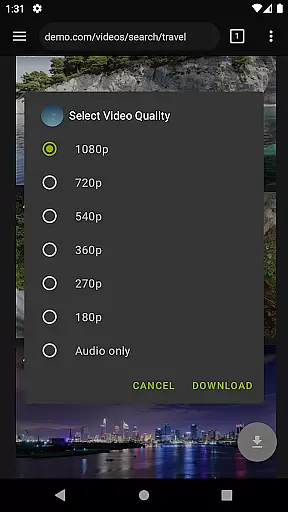
Video Downloader Pro stands out with its extensive video format compatibility, ensuring users can download and enjoy videos in their preferred formats. This feature is crucial for those who require specific formats for professional editing or playback on different devices.
The application supports a wide range of video formats including MP4, AVI, MKV, and more. This versatility allows users to seamlessly integrate downloaded videos into their existing workflows without worrying about conversion issues.
Moreover, the app's multi-connection download manager accelerates the downloading process, regardless of the video format. This ensures that users can quickly obtain their desired content while maintaining high-quality standards.
By offering comprehensive video format support, Video Downloader Pro empowers users to build a versatile media library that caters to all their playback and editing needs.
While primarily a video downloader, Video Downloader Pro also incorporates AI-powered editing features that enhance the user experience. These intelligent tools help streamline the post-download process, making video management more efficient and enjoyable.
The application includes an advanced AdBlocker that uses AI algorithms to detect and remove ads from web pages. This creates a cleaner viewing environment and reduces interruptions during video playback or downloading.
Additionally, the private web browser mode utilizes AI to optimize browsing speed and security. The incognito mode, combined with PIN protection, ensures that users' viewing habits remain private and secure.
These AI-driven enhancements demonstrate Video Downloader Pro's commitment to providing a comprehensive video management solution that goes beyond basic downloading capabilities.
Ads-free experience
Fast multi-connection downloads
Lifetime purchase option
Priority email support
Private browsing with PIN
No free version available
Requires Google account sync
Limited to personal use rights
Compatibility may vary
Refund policy has conditions

Auto video maker with music & exclusive filters. Video editing made simple.
 4.50
4.50
All format media Player, no need video converter any more!
4.00
Download website videos fast&privacy
4.40
Mix with Virtual DJ directly from your phone or tablet !
3.10
All in one multi protocols stream receiver for AirPlay, Cast and DLNA.
3.60
Watch IPTV on your Android device
4.60
LumaFusion: The Ultimate Storytelling Experience for Video Editing
4.10
Browser for Fire TV to stream webvideos, online movies, livestreams in HD
4.40
Download Hub, easy and private way to download and enjoy your videos offline
4.80
An easy-to-use and all-round screen recorder with audio
4.80
Find, download, and play torrents with the official BitTorrent® Pro app
4.70
A Simple app to download Video & Music from the Internet.
4.70
Browser for Samsung TV to stream webvideos, online movies and livestreams in HD
4.10
Stream Web Videos to Chromecast, Samsung, LG, Sony, Roku, Fire TV, DLNA + more
4.00
Cast to Smart TV, Fire TV. Cast video, photo - Fast & Stable!
3.90
Capture images & record videos for USB Camera, Webcam, Microscopes, Endoscopes
3.80
Watch full episodes of your favorite Cartoon Network and Cartoonito shows!
3.50
This app is an emulator of some specific IPTV boxes
3.50
Powerful HD video player with support for all formats & subtitles.
4.2


User Reviews