
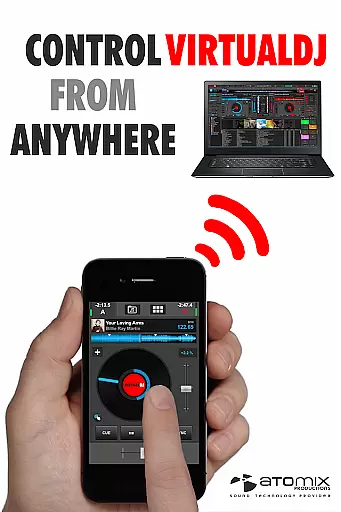
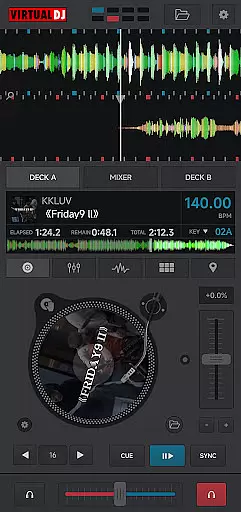
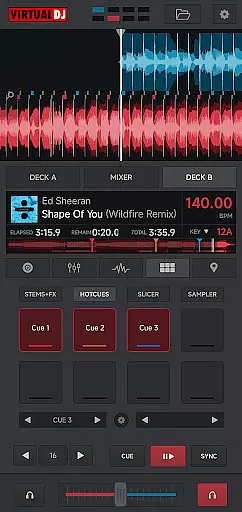
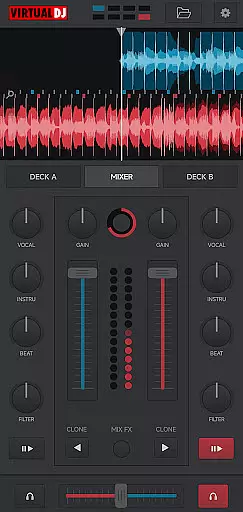
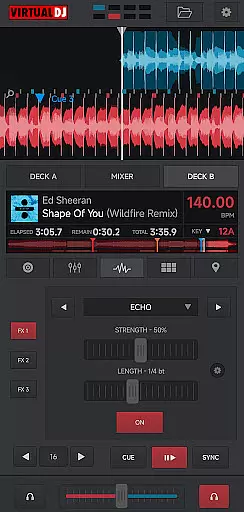
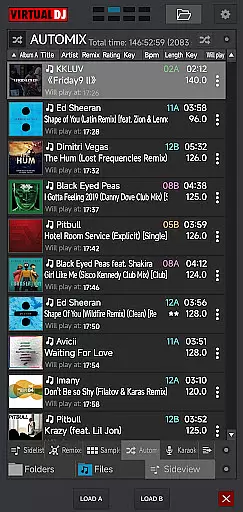
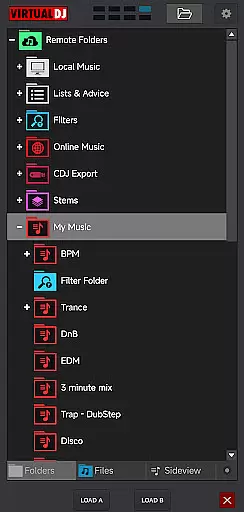
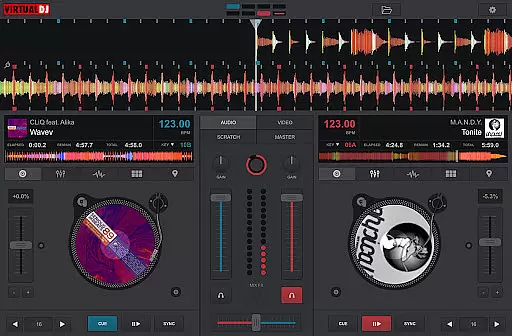
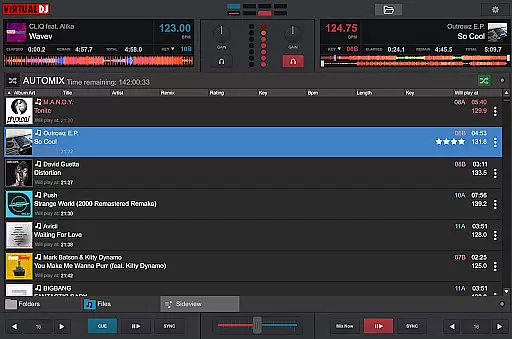
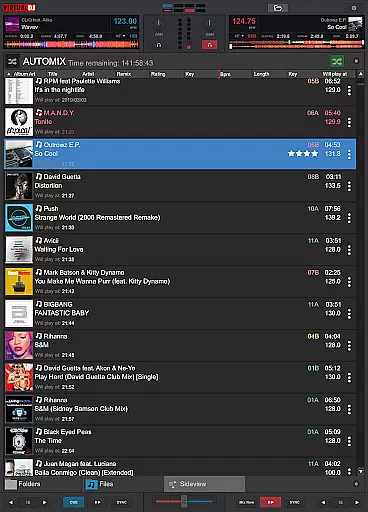
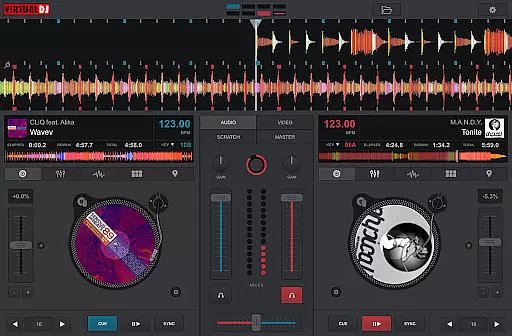
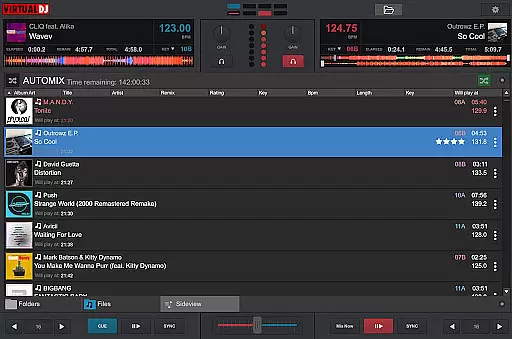
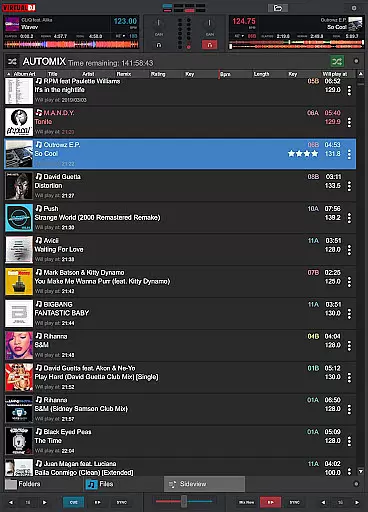
VirtualDJ Remote is a powerful application that allows DJs to control VirtualDJ software directly from their mobile devices. Designed for both professional and amateur DJs, this app enables seamless wireless control over VirtualDJ running on a PC or Mac through a simple Wi-Fi connection. Whether you want to use your tablet as a virtual scratch turntable or manage the mix remotely while the computer handles audio output, VirtualDJ Remote provides complete operational freedom.
The app supports the full range of VirtualDJ's features including beat mixing, effects, song suggestions, samplers, and video mixing. It offers maximum versatility with customizable skins that allow users to tailor the interface to their specific needs. With support from an active community creating innovative skins, the possibilities are endless - from sampler pads to complete DJ controllers.
This application is ideal for modern DJs who need mobility without compromising control. It ensures reliable performance whether you're in the DJ booth or managing the set from across the room. By connecting your phone or tablet to the VirtualDJ software, you can enjoy unparalleled flexibility in managing your mixes and performances.
VirtualDJ Remote stands out with its comprehensive feature set tailored for DJs. The app connects seamlessly over Wi-Fi, allowing users to control VirtualDJ software without physical constraints. This includes automatic connections on existing Wi-Fi networks or easy setup of ad-hoc networks by entering the device IP address into VirtualDJ.
One of the key highlights is its ability to support the full power of VirtualDJ, which boasts over 100 million users worldwide. Features such as beat mixing, effects, song suggestions, samplers, and video mixing are all accessible via the remote app. Additionally, it facilitates creative expression through customizable skins compatible with VirtualDJ’s skin SDK. Thousands of user-created skins ensure that every DJ can find or create a layout that suits their style.
Moreover, VirtualDJ Remote extends functionality beyond basic mixing. Users can broadcast live on internet radios, record sessions, get personalized advice with LiveFeedback, and even mix music videos while outputting video to a projector. The app also supports multi-deck setups, allowing simultaneous mixing on up to 99 decks. These capabilities make it an indispensable tool for any DJ looking to enhance their performance with mobile convenience.
VirtualDJ Remote stands out with its extensive video format compatibility, ensuring that DJs and content creators can work seamlessly across various media types. The application supports a wide array of video formats, allowing users to mix music videos without the hassle of format conversion.
This versatility is crucial for professional DJs who require reliable performance in diverse settings. Whether it's MP4, AVI, or MKV, VirtualDJ Remote handles these files with ease, providing uninterrupted playback and mixing capabilities.
The benefit to users is significant; they can focus on their creative process without worrying about technical limitations. This broad compatibility ensures that whether you're streaming from a local source or cloud storage, your content will play smoothly.
Moreover, this feature enhances the overall user experience by reducing preparation time and expanding creative possibilities. DJs can now confidently incorporate video elements into their sets, knowing that VirtualDJ Remote will deliver consistent performance regardless of the original file format.
While VirtualDJ Remote isn't primarily an AI-powered editing tool, it incorporates intelligent features that enhance the video mixing experience. The application utilizes advanced algorithms to analyze beat patterns and suggest optimal mixing points, streamlining the editing process for both beginners and professionals.
The software's sophisticated analysis capabilities automatically detect BPM and key signatures, enabling seamless transitions between video clips. This feature functions similarly to AI-powered tools by learning from user preferences and adapting to individual mixing styles over time.
Users benefit from these smart features through improved workflow efficiency and enhanced creative control. The system's ability to suggest compatible video clips based on current playback creates a more intuitive mixing experience.
Although not traditional AI editing, these intelligent features represent a significant advancement in video DJ technology. They provide users with tools that were previously only available for audio mixing, effectively bridging the gap between manual editing and automated assistance.
User-friendly interface
Wide range of features
Customizable skins
Wireless control
Active community support
Requires VirtualDJ software
Dependent on Wi-Fi stability
Limited standalone functionality
Complex setup for beginners
Device compatibility issues

HD video & music player - All format support with floating & PIP mode!
 3.80
3.80
Tik & Story Saver-Download ALL social media videos, photos & reels no watermark.
4.80
Fast & easy HD video downloader for all formats, support 4K playback & download.
4.60
Play and download HD videos from all sources — fast, simple, and all-in-one.
4.5
All in one multi protocols stream receiver for AirPlay, Cast and DLNA.
3.60
Flud is a simple and beautiful BitTorrent client for Android.
4.80
Browser for Samsung TV to stream webvideos, online movies and livestreams in HD
4.10
Livestream, news, & gaming content. Watch, chat, and upload. Join Rumble today!
3.80
convenient, safe and fast at Video Downloader & Player
4.60
Find, download, and play torrents with the official BitTorrent® Pro app
4.70
Support 1000+ Video Format, Subtitle Download, mp3 & Background Play, Cast On TV
4.60
Seamlessly connect and control your smart devices, anytime, anywhere with ease.
4.60
Add date and time watermark to photos and videos
4.50
Connect 2 UVC devices for recording and broadcast video/audio stream
3.90
Capture images & record videos for USB Camera, Webcam, Microscopes, Endoscopes
3.80
Live TV, anywhere in your home
3.80
AirMirror is Receiver for Screen Mirroring and Casting from Apple Devices.
3.60
Client application for NextPVR software
3.00
Stream high quality video from your camera over NDI protocol
4.3


User Reviews