
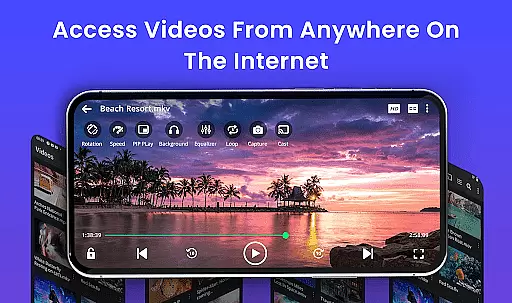
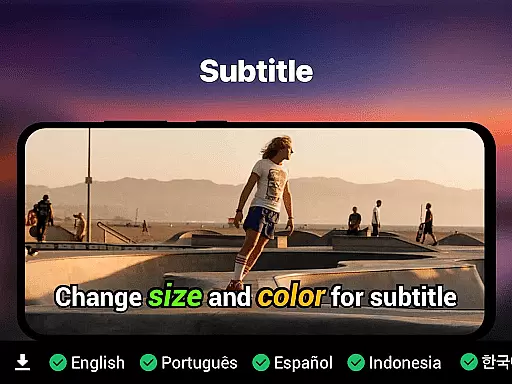
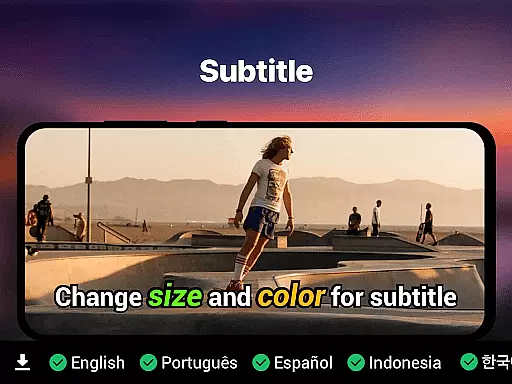
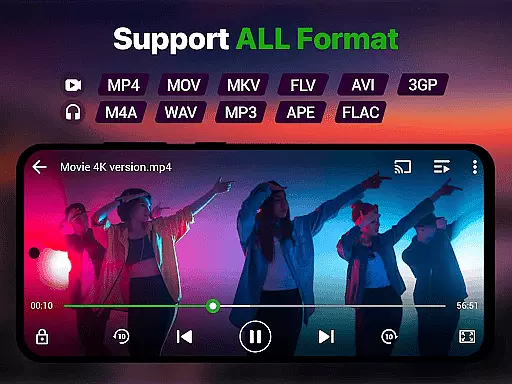
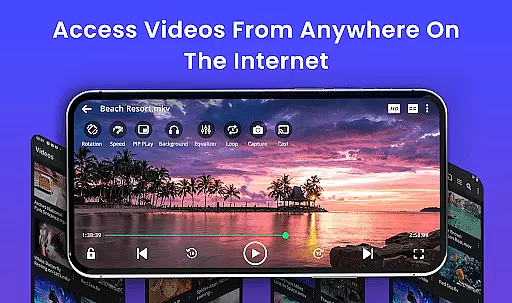
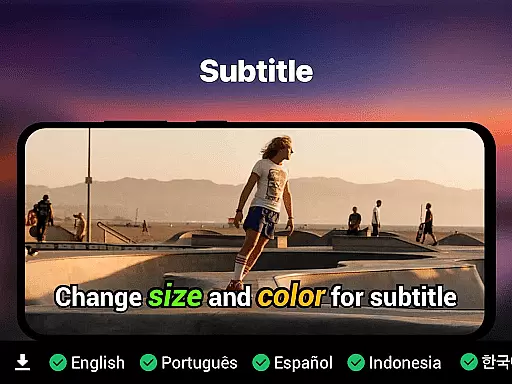
Video Player is a feature-rich video playback app designed for Android users who demand high-quality, smooth video experiences. Supporting Ultra HD and 4K playback across all major formats like MP4, MKV, AVI, and more, it ensures no file is left unplayable. The app also includes advanced features such as smart gesture controls, subtitle support, background play, and Chromecast streaming.
What sets this player apart is its AI-enhanced rendering technology that optimizes video clarity and frame rates, making it ideal for movie enthusiasts and content creators alike. With additional functionalities like speed control, night mode, and private folder security, Video Player offers both performance and personalization in one sleek package.
Perfect for watching downloaded media, managing video libraries, or securely viewing private content, this app transforms any Android device into a cinema-grade experience while maintaining ease of use and accessibility.
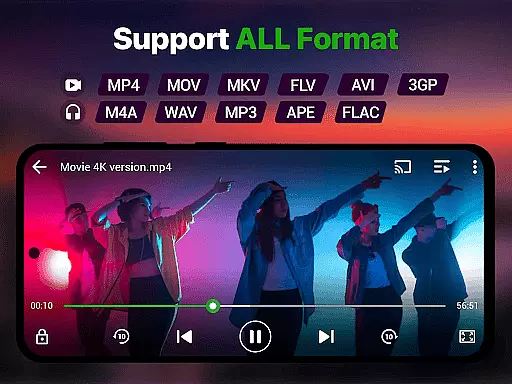
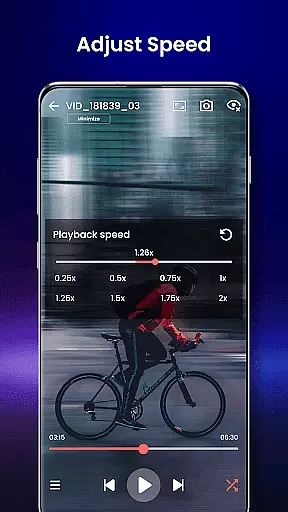
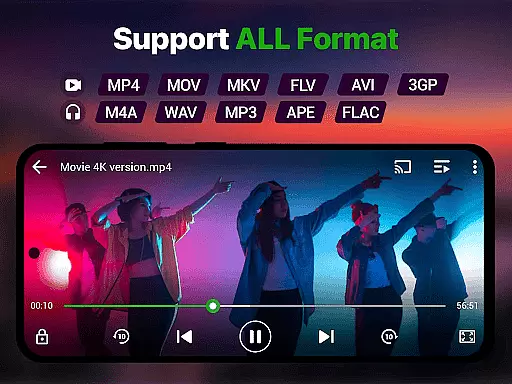
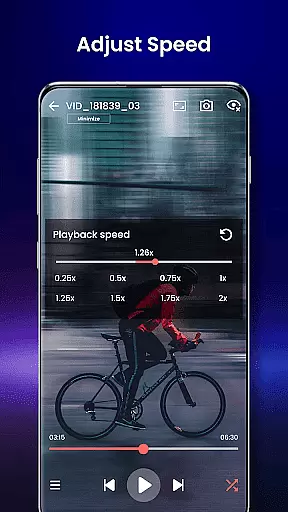
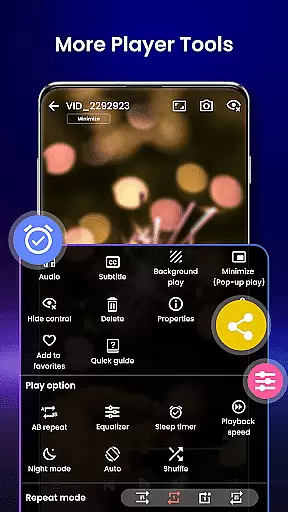
Video Player stands out with its comprehensive feature set tailored to meet diverse user needs. It supports an extensive range of video formats including MP4, MKV, AVI, MOV, FLV, and WMV, ensuring compatibility with virtually any file type. Advanced playback options like speed control (0.25x to 4x), subtitle synchronization, and resume playback enhance the viewing experience significantly.
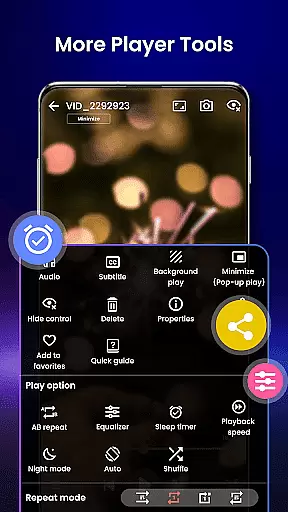
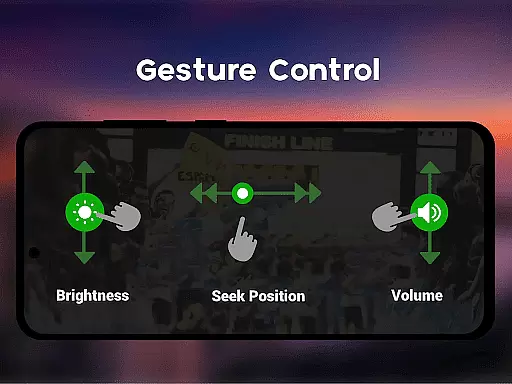
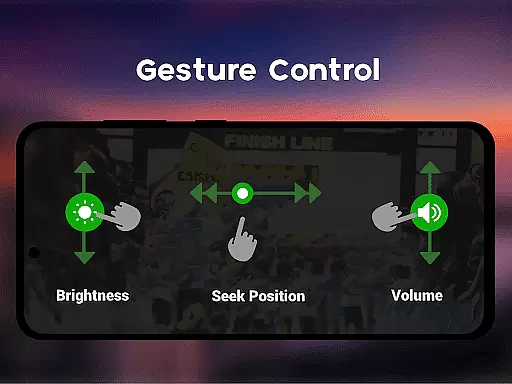
The app's smart gesture controls allow users to easily adjust volume, brightness, and seeking through intuitive swipes. Its pop-up window mode and background play functionality enable multitasking without interrupting entertainment. Additionally, integrated file management automatically detects and organizes videos, streamlining media handling.
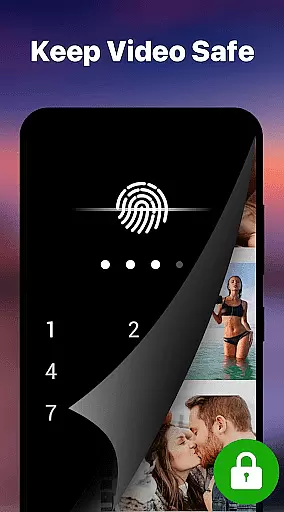
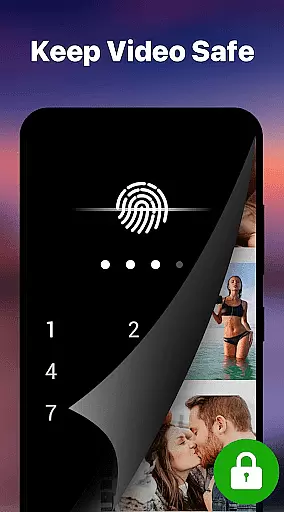
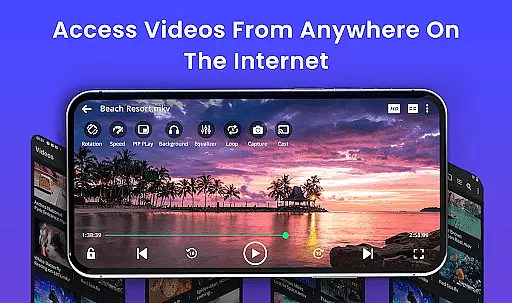
Security-conscious users will appreciate the private folder feature, which locks sensitive content behind a PIN. Chromecast support extends the app’s utility by enabling seamless streaming to larger screens, while night mode provides eye protection during late-night viewing sessions.
Video format compatibility is a crucial feature for any video player, ensuring that users can play videos in various formats without the need for conversion. Our Video Player app supports an extensive range of video formats including MP4, MKV, AVI, MOV, FLV, 3GP, WMV, and more. This wide compatibility ensures that no matter what type of video file you have, our app will handle it with ease.
The importance of this feature lies in its ability to save time and effort for the user. Instead of converting files to a compatible format, users can instantly play their videos. The app employs advanced decoding technology to ensure smooth playback of high-resolution videos, even in ultra HD and 4K quality.
Users benefit from seamless video playback across different formats, enjoying premium video quality with zero lag. Whether watching movies, recorded clips, or downloaded files, the experience is optimized for performance and clarity. With AI-enhanced rendering, the app boosts clarity and optimizes frames for a cinema-grade viewing experience on Android devices.
AI-powered editing features represent the cutting-edge advancement in video player applications, providing users with tools that enhance their video viewing and management experience. Our Video Player app incorporates smart gesture controls, speed control, and subtitle support with built-in track detection, offering a customizable and accessible interface for all users.
This innovative approach allows users to manipulate video playback effortlessly. For instance, adjusting volume, brightness, or seeking through intuitive touch gestures. Speed control enables slow-motion and fast forward options ranging from 0.25x to 4x, catering to diverse viewing preferences and needs.
Additionally, the app's AI capabilities extend to organizing video files automatically, detecting subtitles, and optimizing video rendering. These features collectively contribute to a superior user experience by simplifying navigation, enhancing accessibility, and maintaining high-quality video output. Users can now enjoy a personalized and efficient video playback tailored to their specific requirements.
Ultra HD & 4K support
All video formats compatible
Smart gesture controls
Subtitle track detection
Private folder security
No iOS version available
Advanced features may overwhelm new users
Limited cloud integration
Occasional codec issues
Heavy on low-end devices

Auto video maker with music & exclusive filters. Video editing made simple.
 4.50
4.50
Video Player - Unlimited features, 30 days money back guarantee.
4.60
Watch a large amount of high-definition short drama content
4.60
HD video maker with no watermark, no ads & vlog maker with music, PIP, text
4.50
Explore the largest library of free GIFs, Stickers & Memes - or create your own!
3.90
GENRAL PRO - General Pro is the best video player that fully supports all formats.
4.70
Download videos and play them offline
4.70
Browser for Samsung TV to stream webvideos, online movies and livestreams in HD
4.10
Manage your YouTube channel on the go
4.40
All in one HD video downloader & player for multiple formats with full privacy
4.70
High-Quality USB Camera Viewer & HDMI Display
4.70
Seamlessly connect and control your smart devices, anytime, anywhere with ease.
4.60
Web Browser for LG TV to stream webvideos, online movies and livestreams in HD
4.20
Powerful, professional, versatile teleprompter. Developed by an active film crew
4.00
Fast private browser with secure, seamless access & supported video downloads!
4.00
Online Videos Player
3.90
Capture images & record videos for USB Camera, Webcam, Microscopes, Endoscopes
3.80
This app is an emulator of some specific IPTV boxes
3.50
A full editing room to accompany your Insta360 cameras and handheld gimbals.
3.30


User Reviews