
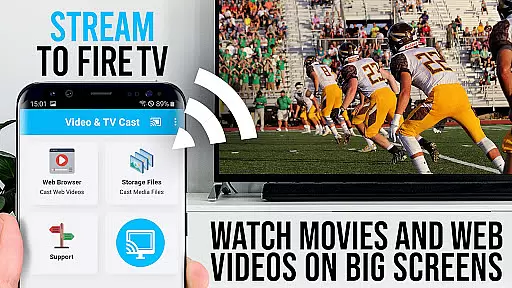
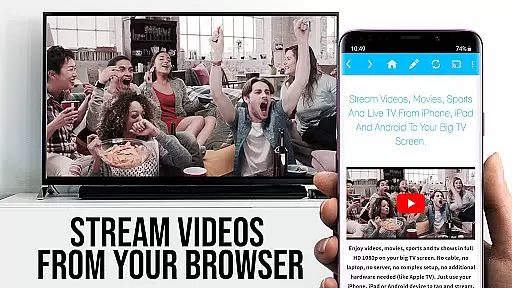
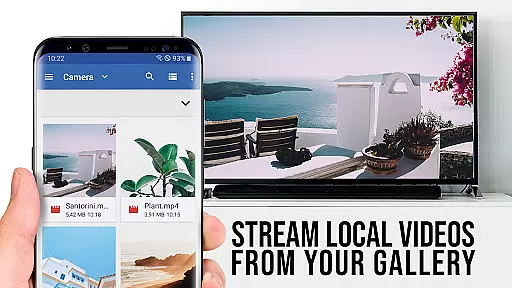
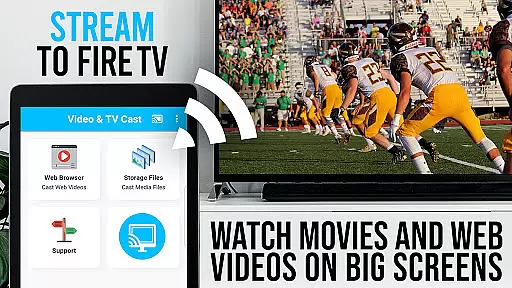
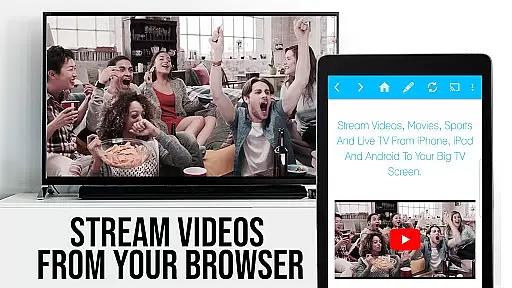
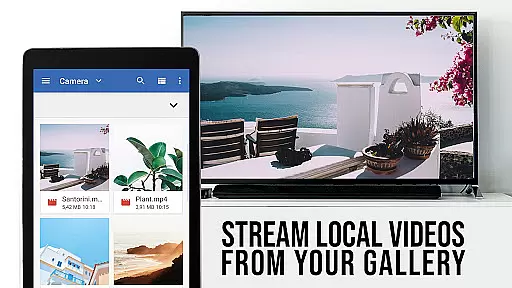
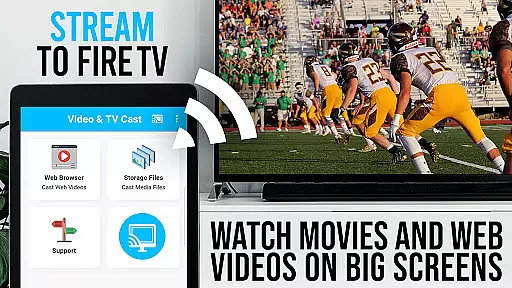
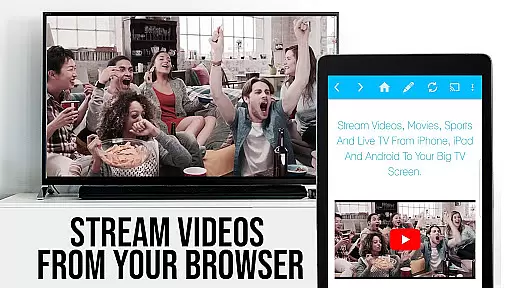
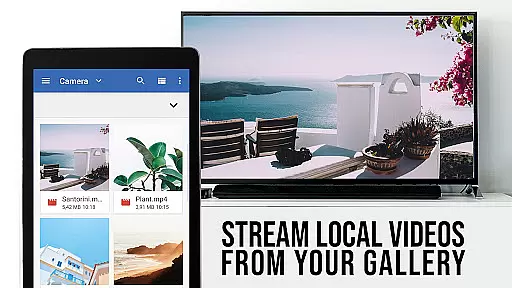
TV Cast Pro for Fire TV is the premier web video streaming solution that transforms your Fire TV into a versatile entertainment hub. Designed specifically for Amazon Fire TV and Fire TV Stick, this application allows users to stream web videos, online movies, livestreams, and live-TV shows directly on their television screens. Supporting formats like MP4, M3U8, HLS livestreams, and Full HD content over HTTPS, it eliminates the need for complex media servers.
The app's intuitive interface lets you browse the web and cast any embedded video with a single tap, displaying discovered videos below the browser for easy access. With its PRO features unlocked, users can enjoy advanced functionalities such as remote playbar controls, an ad-blocker, bookmarks management, desktop mode, and customizable homepage settings. Whether you're looking to watch free web content or premium services, TV Cast Pro offers a seamless experience tailored for home entertainment.
TV Cast Pro stands out with its comprehensive feature set designed to enhance video streaming on Fire TV devices. The app supports a wide range of video formats including MP4, M3U8, and HLS livestreams, ensuring compatibility with most online content. Its unique casting ability allows users to send videos from websites directly to their Fire TV with minimal effort, making it ideal for enjoying web-based media on a larger screen.
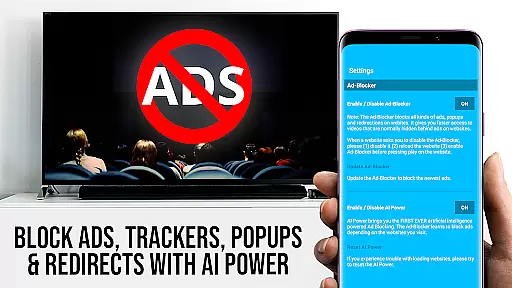
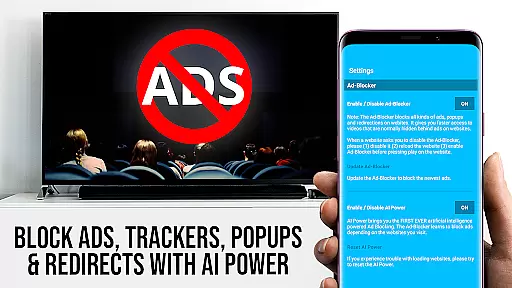
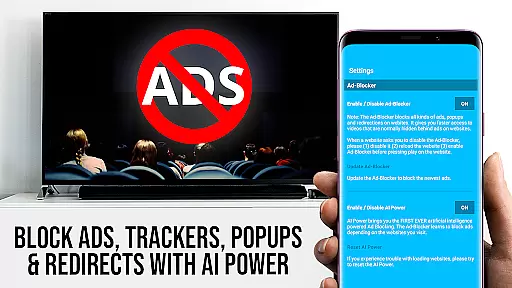
Premium features in the PRO edition include a Remote Playbar for advanced video control, allowing users to scrub, forward, rewind, play, pause, and stop videos effortlessly. The built-in Ad-Blocker enhances viewing by eliminating ads and popups on most websites, while the Bookmarks feature enables easy access to favorite sites. Additionally, Desktop Mode lets users view full desktop versions of websites, and the option to change the homepage adds personalization. These features collectively provide a superior streaming experience that prioritizes user convenience and content accessibility.
TV Cast Pro for Fire TV offers extensive video format compatibility, ensuring users can enjoy a wide range of content without technical hindrances. The app supports popular formats like Mp4, m3u8, and HLS livestreams, making it versatile for different types of media.
With the capability to handle video over https and Full HD content, this application caters to users who demand high-quality streaming experiences on their Amazon Fire TV or Fire TV Stick. This ensures that whether you're streaming web videos or watching live TV shows, the visual experience is clear and uninterrupted.
The app simplifies the process of playing video files directly on Fire TV. By entering or pasting the full video URL in the browser address bar, users can effortlessly stream their desired content. This straightforward approach eliminates the need for complex configurations or additional media servers.
For those with specific needs, the app provides advanced features such as an Ad-Blocker and Desktop Mode. These features not only enhance the viewing experience by removing distractions but also allow access to desktop versions of websites, broadening the scope of compatible video sources.
While TV Cast Pro for Fire TV doesn't focus on traditional AI-powered editing features, it excels in streamlining the video discovery and casting process. The app's intelligent detection system identifies embedded videos on web pages, allowing users to cast them to their Fire TV with a single tap.
The Remote Playbar feature offers advanced video control, mimicking editing capabilities by enabling users to scrub through videos, and control playback with options to forward, rewind, play, pause, and stop. This synchronized control across Android and iOS devices enhances user interaction with their content.
Bookmarks and the ability to change the homepage add another layer of personalization and ease-of-use, akin to setting up a custom editing workspace. Users can save their favorite websites and return to them quickly, creating a personalized and efficient browsing experience tailored to their video interests.
Additionally, the inclusion of an Ad-Blocker improves the overall experience by reducing interruptions from ads and popups. This feature, while not an editing tool in the conventional sense, contributes to a cleaner and more focused environment for enjoying online videos, much like curating content in a post-production setting.
User-friendly interface
Wide format support
Advanced remote controls
Effective ad-blocking
Customizable settings
No DRM video support
Limited device compatibility
Occasional connectivity issues
Requires manual URL entry
No full screen mirroring

Video player, file manager for all formats, 4K/HD media player supports subtitle
 4.30
4.30
You can play SWF format file!
2.50
IPTV-Smarters Player Pro M3U - Watch Live Stream TV Channels with Chromecast
4.00
KineMaster, Your Ultimate Video Editor!
4.40
Explore the largest library of free GIFs, Stickers & Memes - or create your own!
3.90
GENRAL PRO - General Pro is the best video player that fully supports all formats.
4.70
Cast to Smart TV, Fire TV. Cast video, photo - Fast & Stable!
3.90
Browser + Remote for Roku to stream webvideos, online movies and livestreams
4.60
Fast private browser with secure, seamless access & supported video downloads!
4.00
An easy-to-use and all-round screen recorder with audio
4.80
Video Downloader, Multiple Resolution Options, Video Player
4.50
This app was created to edit the metadata of music files.
4.20
Powerful video player with advanced hardware acceleration and subtitle supports
4.20
Make your own Animations, Video and Photo Edits, Visual Effects, and more!
4.00
Connect 2 UVC devices for recording and broadcast video/audio stream
3.90
Download videos easily & play them all in one smart, powerful video manager.
3.40
Browser for Sony TV to stream web videos, online movies and live tv
3.20
The essential companion to your Blue Iris PC software
2.50
Powerful HD video player with support for all formats & subtitles.
4.3


User Reviews