
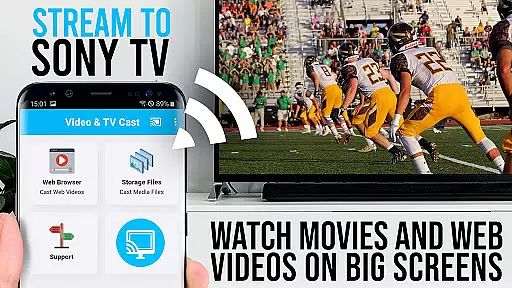
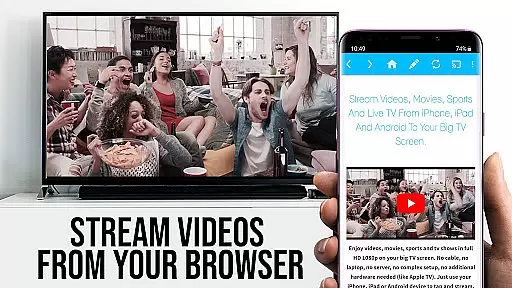
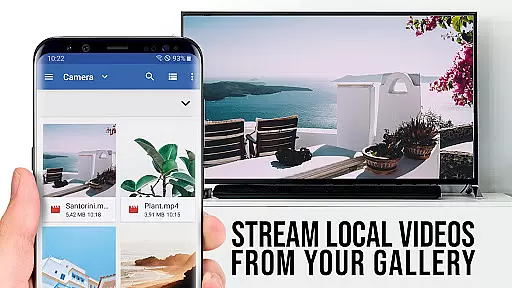
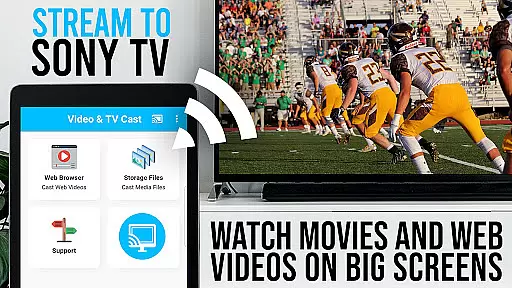
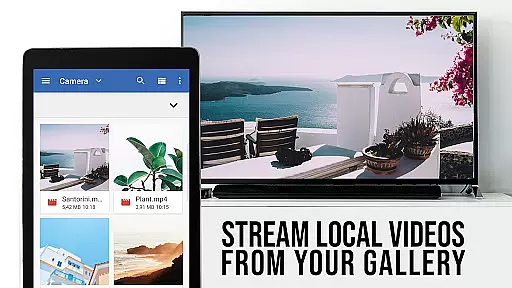
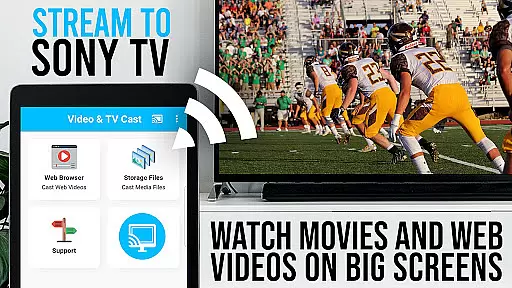
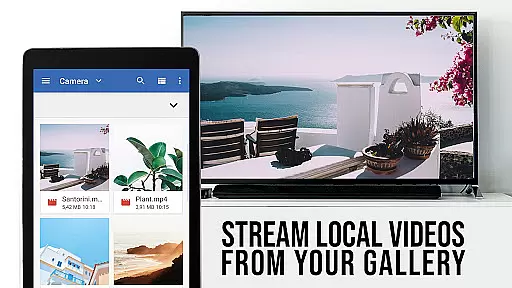
TV Cast Pro for Sony TV offers extensive video format compatibility, ensuring users can enjoy a wide range of content without limitations. The app supports popular formats like Mp4, m3u8, and HLS livestreams, making it versatile for various streaming needs.
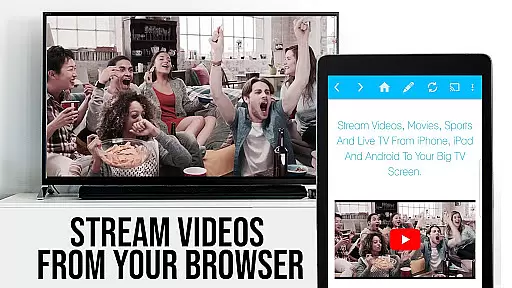
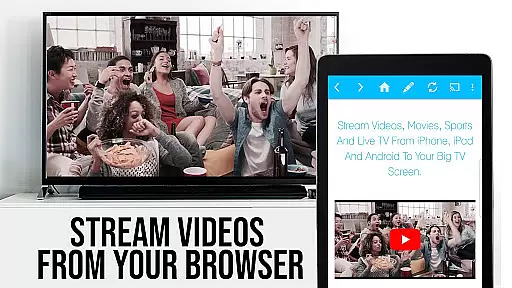
With the capability to handle video over https and Full HD support, this application guarantees high-quality playback on Sony TVs. Users can directly enter or paste the full video-url in the browser address bar to play files in supported formats, enhancing accessibility.
The importance of format compatibility lies in providing uninterrupted entertainment. Whether you're watching web videos, online movies, or live streams, having a player that understands multiple formats ensures smooth transitions and minimal buffering.
By removing the need for an additional streaming box, TV Cast Pro simplifies the streaming process while maintaining broad format support. This convenience allows users to focus on enjoying their content rather than worrying about technical restrictions.
Although TV Cast Pro for Sony TV doesn't emphasize traditional AI-powered editing features, it incorporates intelligent functionalities that enhance user experience. The app's ability to detect video links for casting after playing them on the Android device demonstrates a form of adaptive intelligence.
The Remote Playbar feature provides advanced video control while browsing, including video scrubbing, forward, rewind, play, pause, and stop functions. These controls offer a level of precision and flexibility comparable to sophisticated editing tools, allowing users to manage their viewing experience effectively.
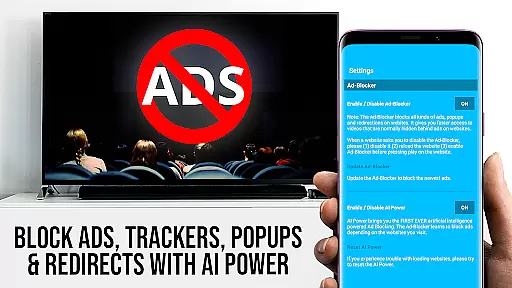
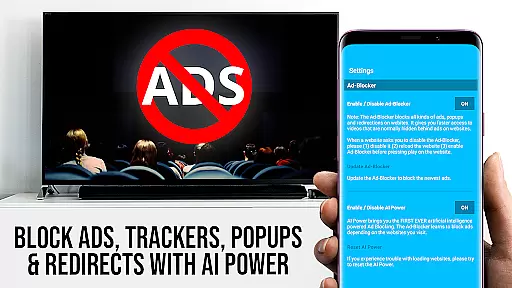
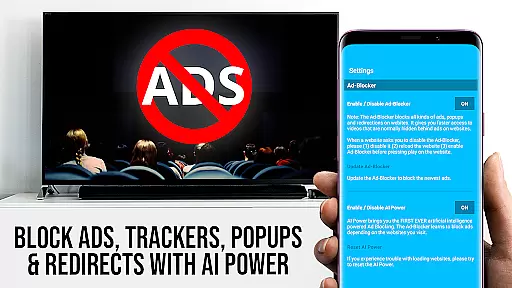
While not offering conventional editing capabilities, the app's Ad-Blocker function intelligently filters out ads and popups on most websites. This feature creates a cleaner viewing environment by automatically removing distracting elements from web pages before casting.
The combination of automatic video detection, remote control functionalities, and intelligent ad-blocking creates an optimized viewing experience. These features work together to provide users with a seamless and customizable way to enjoy web content on their Sony TVs.

Fast, private downloading, video saving, social media
 4.50
4.50
HD Video player all format, HD Videos, Cast & Subtitle. No annoying ads.
4.60
You can play SWF format file!
2.50
Video Player - Unlimited features, 30 days money back guarantee.
4.60
IPTV-Smarters Player Pro M3U - Watch Live Stream TV Channels with Chromecast
4.00
Powerful HD video player with support for all formats & subtitles.
4.2
All format media Player, no need video converter any more!
4.00
Play and download HD videos from all sources — fast, simple, and all-in-one.
4.4
Capture the moment and Cut
3.40
A Simple app to download Video & Music from the Internet.
4.70
Screen recorder with audio to take live videos & Screenshot in high quality!
4.70
?100% FREE! Download & save videos? safely in this app. All formats supported.
4.60
KineMaster, Your Ultimate Video Editor!
4.40
AirMirror Receiver - Screen mirroring/cast web videos to Android TV by AirPlay.
4.40
Video player, file manager for all formats, 4K/HD media player supports subtitle
4.30
Turn your phone into a wireless camera!
4.20
Web Browser for LG TV to stream webvideos, online movies and livestreams in HD
4.20
Your media, on your terms.
4.10
AI Video Editor:AI Music, Text to Video,Text to Speech,Auto Caption,Video Effect
4.00


User Reviews