
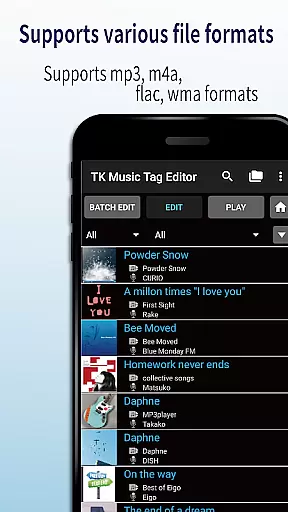
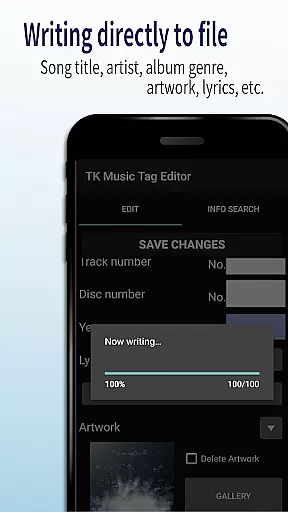
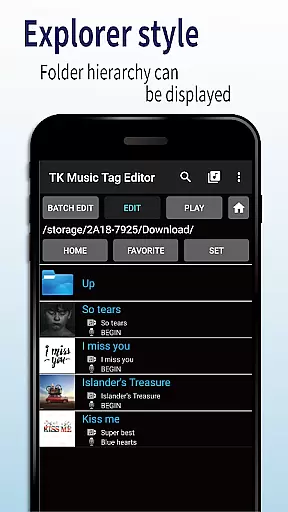
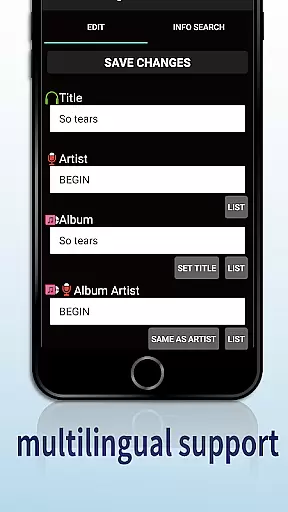
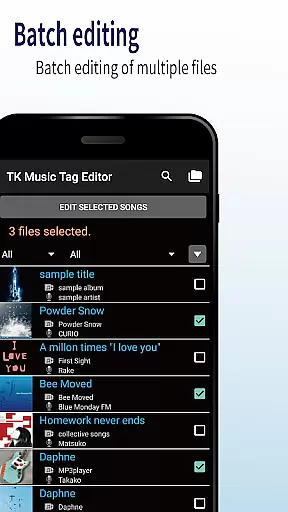
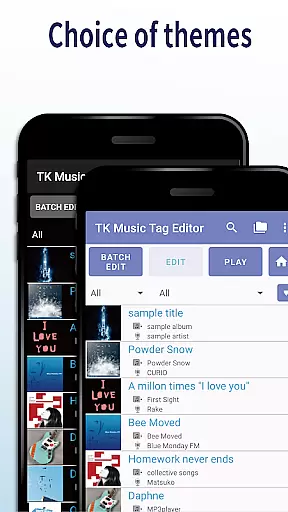
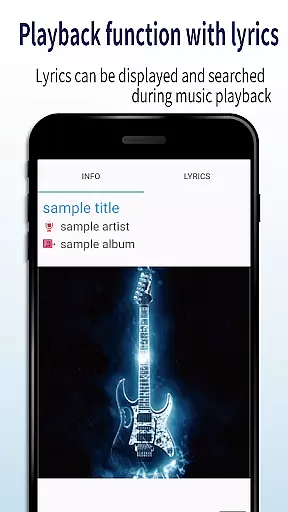
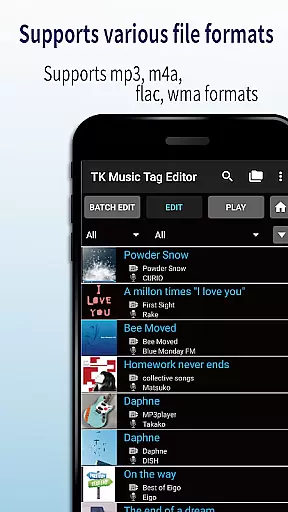
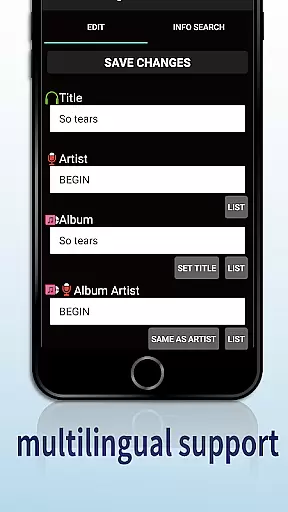
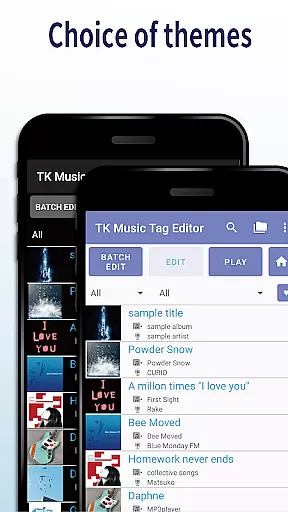
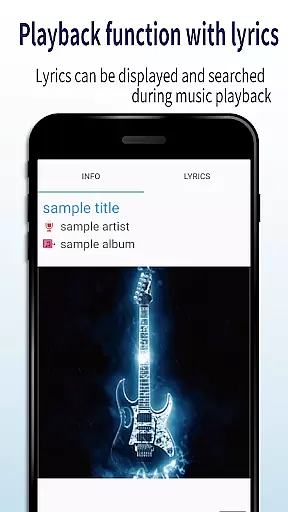
TK Music Tag Editor -Complete- is a comprehensive metadata editing tool designed specifically for music enthusiasts who need precise control over their audio files. This application allows users to edit essential metadata fields such as artist, album, cover art, and lyrics directly within mp3, m4a, flac, and wma files. The changes are written directly into the music files, ensuring that the metadata remains intact across different devices and platforms.
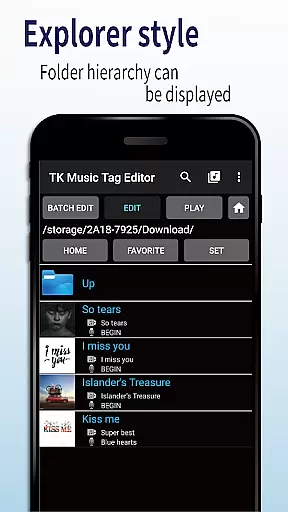
In addition to basic tag editing, the app offers advanced features like simultaneous filename editing, playlist creation, and support for multiple file formats. Whether you're organizing a large music library or preparing tracks for professional use, TK Music Tag Editor provides the necessary tools to manage your audio files efficiently. Its intuitive interface and reliable performance make it an indispensable tool for anyone serious about their music collection.
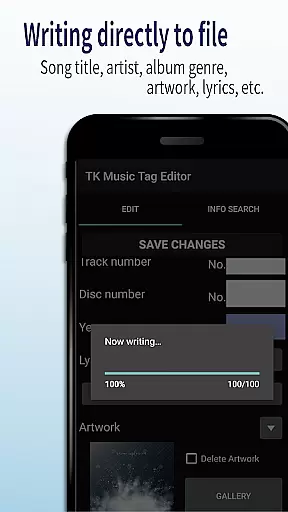
One of the standout features of TK Music Tag Editor is its ability to write tags directly into music files. This ensures that all metadata changes, including title, artist, album, cover art, and lyrics, remain permanently attached to the file itself. This functionality is particularly useful when transferring files between devices, as the metadata will always be preserved.
The app also supports simultaneous editing of music filenames, allowing users to standardize their file naming conventions easily. With customizable filename templates, you can create consistent naming patterns that suit your organizational preferences. Additionally, the playlist creation feature enables users to curate custom playlists effortlessly, making it easy to organize and access favorite tracks.
Support for multiple file formats, including m4a, flac, and wma, further enhances the app's versatility. It even detects mp3 files with incorrect extensions and can convert them to the proper .m4a format. These robust features ensure that TK Music Tag Editor caters to a wide range of user needs, from casual listeners to professional audio editors.
Video Players & Editors like TK Music Tag Editor -Complete- excel in their ability to handle various file formats, ensuring users can manage metadata across different types of audio files. This app supports mp3, m4a, flac, and wma formats, providing a comprehensive solution for tagging needs.
The application's strength lies in its direct writing capability to music files. Regardless of the device or platform used, such as a PC or smartphone, the metadata remains intact. This ensures that users have a consistent experience when accessing their music library from any source.
Additionally, the app offers the unique feature of detecting mp3 files mistakenly labeled with m4a formats, allowing for corrections to the .m4a extension. This functionality guarantees that files are correctly identified and accessible on any computer system, enhancing the overall user experience.
TK Music Tag Editor -Complete- incorporates AI-powered editing features that streamline the process of managing music libraries. The app allows simultaneous editing of both music filenames and metadata, presenting an efficient method for organizing tracks under naming conventions like 'Song Title (Artist).'
One innovative aspect is the playlist creation feature, which utilizes AI to assist in compiling and easily editing playlists. Users can curate collections of songs they wish to hear, simplifying the task of music management through smart suggestions and edits.
Future updates promise even more advanced AI functionalities with additional editable metadata options. By requesting user feedback for desired functions, the app demonstrates a commitment to continuous improvement and adaptation to user needs through intelligent design.
User-friendly interface
Direct tag writing
Multi-format support
Playlist management
Filename customization
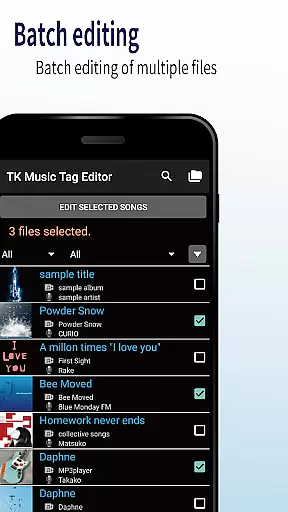
No batch editing
Limited advanced options
Occasional bugs
Basic UI design
No cloud sync

Online Videos Player
 3.90
3.90
Fast video downloader & private browser. Save HD clips to watch offline.
4.40
Powerful HD video player with support for all formats & subtitles.
4.2
Capture images & record videos for USB Camera, Webcam, Microscopes, Endoscopes
3.80
#1 Torrent App on Android ** No Ads Ever + Battery Saver **
4.80
Cast movies, tv shows and live streams to Chromecast, Roku, DLNA, Fire TV & more
4.60
Livestream, news, & gaming content. Watch, chat, and upload. Join Rumble today!
3.80
Manage your YouTube channel on the go
4.40
Make videos you’re proud to share with Edits, a video editor for creators.
4.70
Flud is a simple and beautiful BitTorrent client for Android.
4.80
Download videos and play them offline
4.70
A Simple app to download Video & Music from the Internet.
4.70
Video Player - Unlimited features, 30 days money back guarantee.
4.60
Fast, private downloading, video saving, social media
4.50
HD video maker with no watermark, no ads & vlog maker with music, PIP, text
4.50
Fast & Private Video Downloader App. Save all videos easily from the Internet.
4.40
Live TV, anywhere in your home
3.80
Connect EasyCap or UVC devices for recording and broadcast video/audio stream
3.60
Stream high quality video from your camera over NDI protocol
4.0


User Reviews