
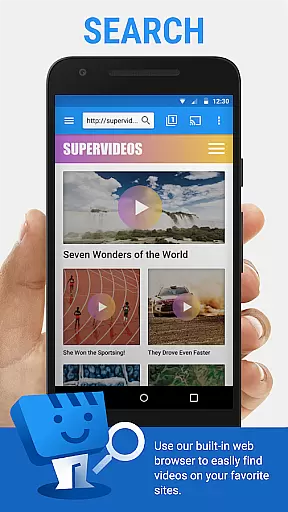
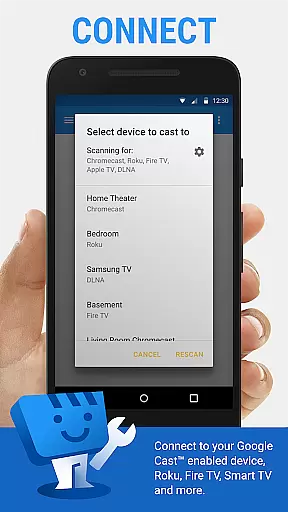
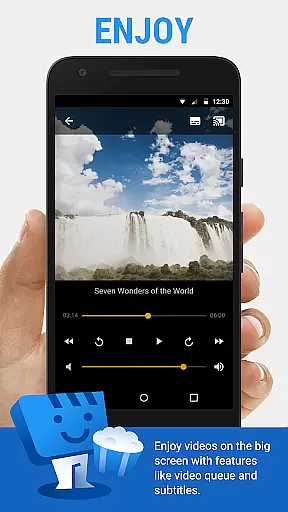
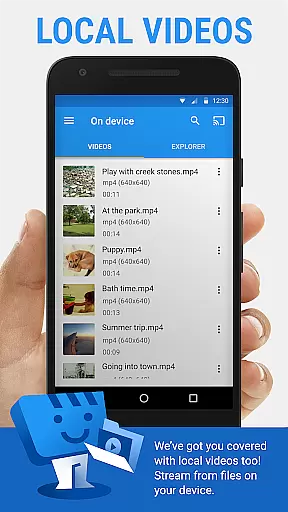
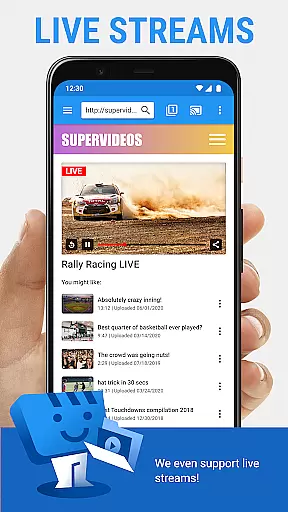
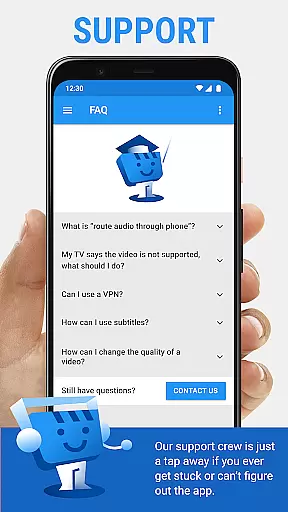
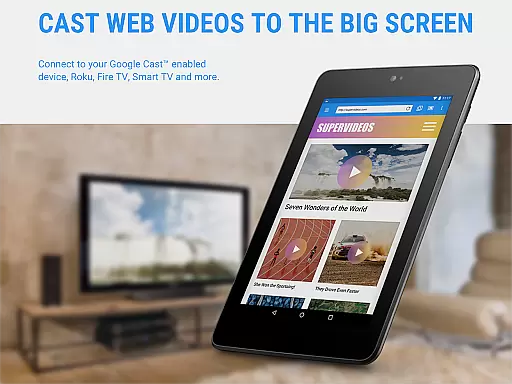
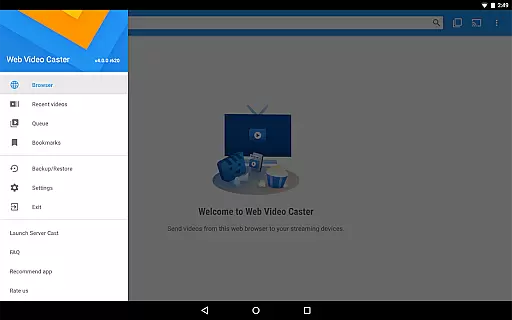
Web Video Cast is a versatile streaming application that allows users to cast videos, photos, and audio files from their mobile devices to various streaming devices. The app supports popular platforms like Chromecast, Roku, Amazon Fire TV, and Smart TVs, making it easy to enjoy web content on larger screens. With support for HLS live streams, MP4 videos, and HTML5 content, Web Video Cast provides a comprehensive solution for media casting needs.
The app's standout feature is its ability to detect subtitles automatically while browsing web pages. Users can also upload their own subtitle files or search for subtitles through OpenSubtitles.org. This makes the app particularly useful for watching foreign language content or improving accessibility for hearing-impaired viewers. Whether you're streaming movies, live sports, or personal media collections, Web Video Cast offers a seamless experience across multiple devices.
For power users, the premium version removes ads and adds useful features like bookmarks, video history, and customizable homepages. These enhancements make the app suitable for both casual viewers and advanced users who need more control over their streaming experience. By supporting a wide range of media formats and devices, Web Video Cast has become an essential tool for anyone looking to expand their home entertainment options.
Web Video Cast distinguishes itself through its extensive device compatibility and robust feature set. The app supports all major streaming platforms including Chromecast, Roku, DLNA receivers, and various smart TVs. This broad compatibility ensures users can stream content regardless of their preferred hardware setup. Additionally, the app's ability to handle different media types - from live streams in M3U8 format to local MP4 files - demonstrates its technical versatility.
One of the most innovative aspects of Web Video Cast is its integrated subtitle management system. The app not only detects subtitles on web pages but also allows users to upload custom subtitle files or search for alternatives through OpenSubtitles.org. This feature significantly enhances the viewing experience, especially for international content. The app's web browser functionality extends its capabilities further, enabling direct streaming from websites without requiring additional software or complicated setup procedures.
Premium users benefit from enhanced features that improve usability and convenience. These include ad-free browsing, video history tracking, queue management, and customizable homepages. The app also implements smart features like automatic video pausing during phone calls and efficient Wi-Fi connection management. While some advanced features are device-dependent, the core functionality remains consistent across supported platforms, making Web Video Cast a reliable choice for diverse streaming needs.
Web Video Cast offers extensive video format compatibility, ensuring users can cast a wide range of media to their TV. The app supports popular formats such as MP4 and M3U8 for live streams, provided the streaming device is capable of decoding these formats.
The application's strength lies in its ability to handle various types of content including movies, TV shows, live news, sports, and even photos and audio files. This versatility allows users to enjoy virtually any type of media on their TV without worrying about format restrictions.
While Web Video Cast does not perform video or audio decoding itself, it leverages the capabilities of the connected streaming devices like Chromecast, Roku, and Amazon Fire TV Stick. This ensures that users experience smooth playback of HTML5 videos and other supported formats directly from the web.
By supporting a broad spectrum of video formats and working with most major streaming devices, Web Video Cast provides an inclusive solution for users who want to stream diverse content from their mobile devices to larger screens effortlessly.
Although Web Video Cast primarily focuses on casting and streaming capabilities, it incorporates some intelligent features that enhance the user experience akin to AI-powered editing tools. For instance, the app automatically detects subtitles on web pages, providing users with seamless access to captioned content.
Users also benefit from the integrated search functionality of OpenSubtitles.org, which allows them to find and use their own subtitles. This feature adds a layer of personalization and accessibility, making video consumption more enjoyable and inclusive.
In addition to automated subtitle handling, Web Video Cast offers premium features like bookmarks and video history. These features utilize smart algorithms to help users organize and retrieve their favorite content efficiently.
While not traditional editing features, these intelligent functions streamline the viewing process and empower users to customize their streaming experience according to their preferences and needs.
User-friendly interface
Wide device compatibility
Subtitle support
Local file casting
Premium customization
No tab casting
Device limitations
Content dependency
Ads in free version
Premium cost

A Quick and Pro Video Editor
 4.70
4.70
Search & download videos from net with all video downloader, auto-detect & safe.
4.60
Fast video downloader & private browser. Save HD clips to watch offline.
4.40
Create photo video with music & template. AI video maker for stunning slideshow.
4.60
This app was created to edit the metadata of music files.
4.20
AirMirror is Receiver for Screen Mirroring and Casting from Apple Devices.
3.60
Explore the largest library of free GIFs, Stickers & Memes - or create your own!
3.90
Web Browser for LG TV to stream webvideos, online movies and livestreams in HD
4.20
Screen recorder with audio to take live videos & Screenshot in high quality!
4.70
AI Video Editor with Music, Filter, Slideshow, Effect, Merge & Trim Video.
4.80
Browser + Remote for Roku to stream webvideos, online movies and livestreams
4.60
Watch IPTV on your Android device
4.60
LumaFusion: The Ultimate Storytelling Experience for Video Editing
4.10
IPTV-Smarters Player Pro M3U - Watch Live Stream TV Channels with Chromecast
4.00
AI Video Editor:AI Music, Text to Video,Text to Speech,Auto Caption,Video Effect
4.00
Online Videos Player
3.90
Download videos easily & play them all in one smart, powerful video manager.
3.40
Client application for NextPVR software
3.00
Play and download HD videos from all sources — fast, simple, and all-in-one.
4.3


User Reviews