
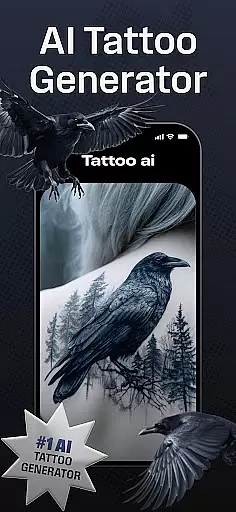
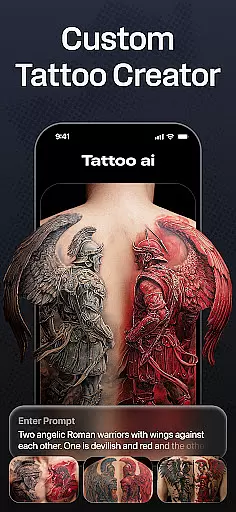
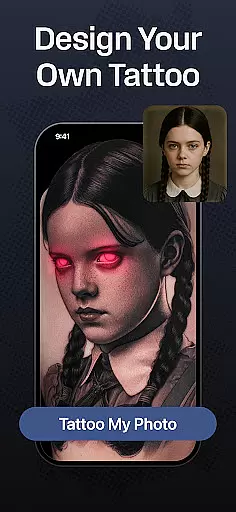
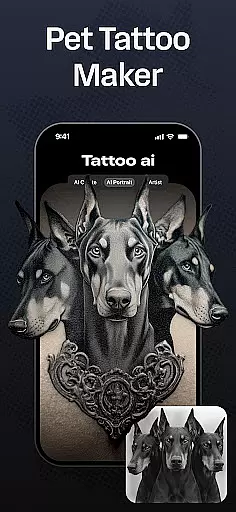
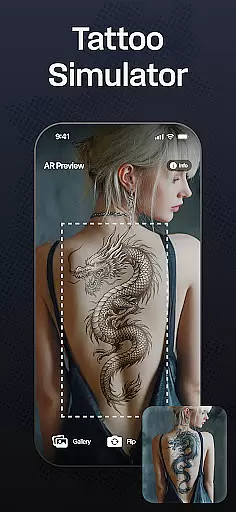
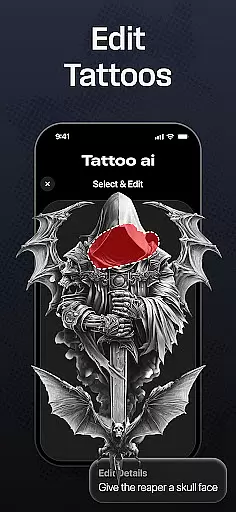
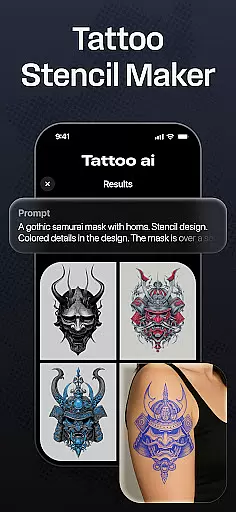
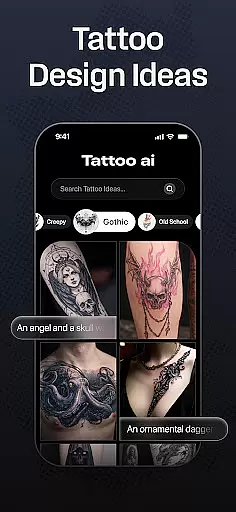
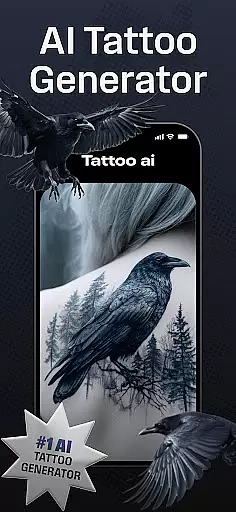
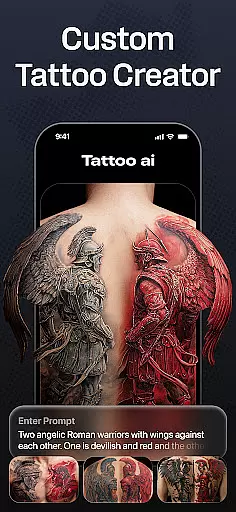
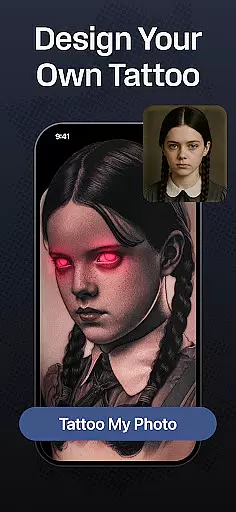
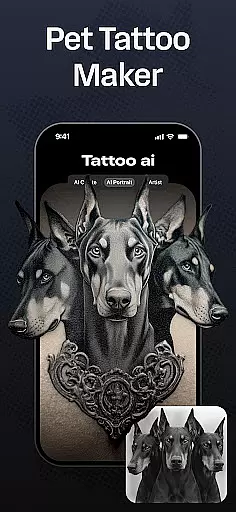
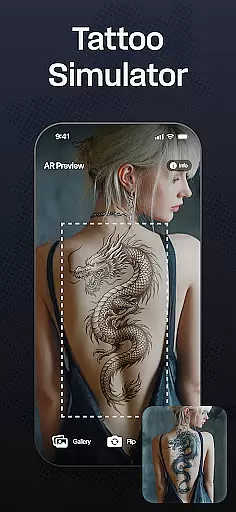
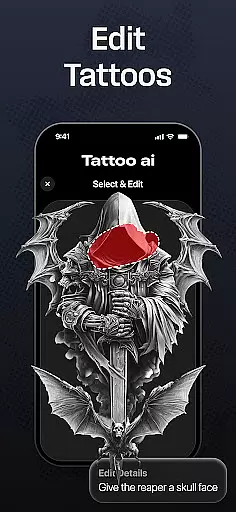
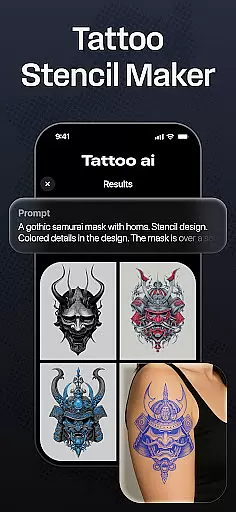
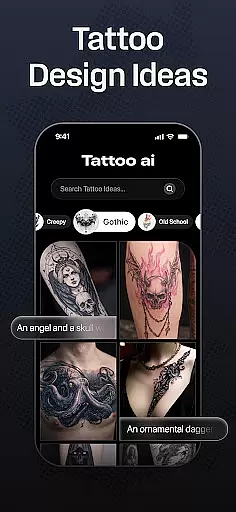
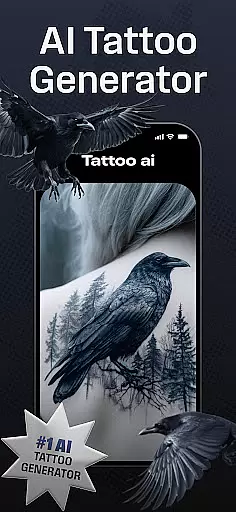
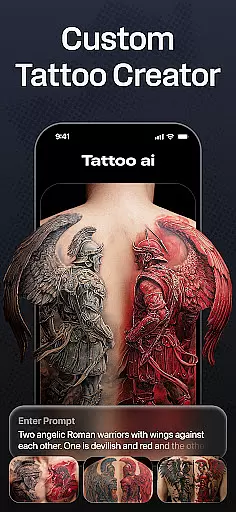
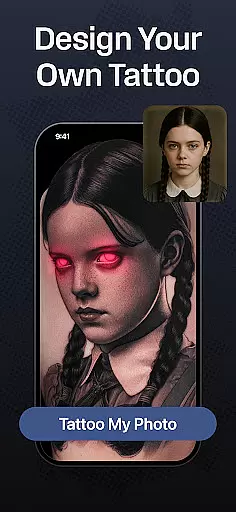
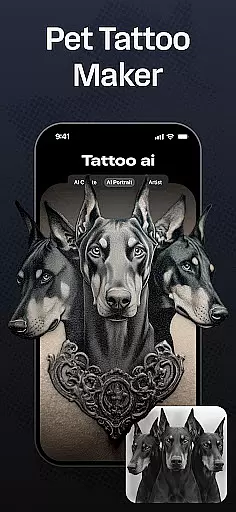
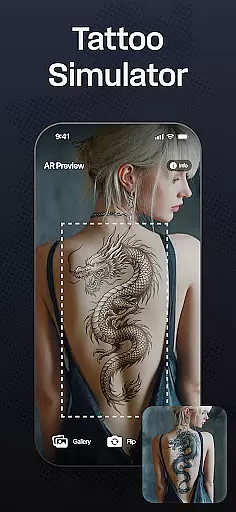
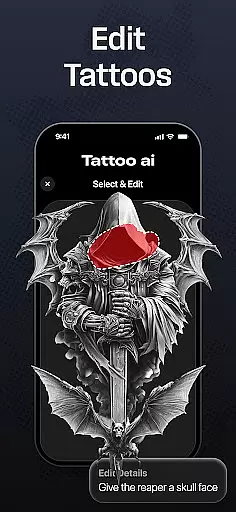
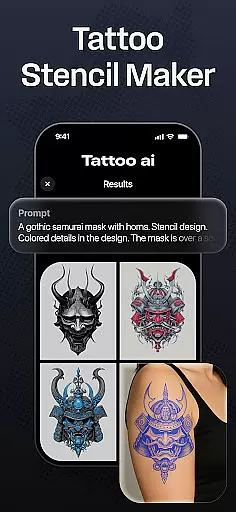
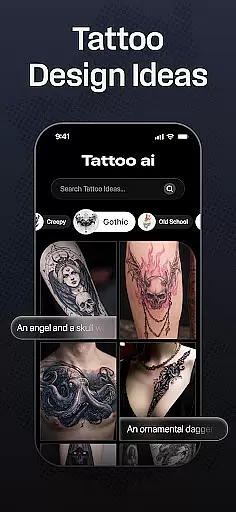
Tattoo AI is a revolutionary app in the Art & Design category, designed to assist both tattoo enthusiasts and professional artists in creating personalized tattoo designs. The app's standout feature is its advanced AI tattoo generator, which allows users to input their ideas and instantly receive unique, customized designs. Whether you're looking for black and white classics, vibrant Japanese art, or even text-based tattoos, Tattoo AI covers a wide spectrum of styles.
One of the key strengths of Tattoo AI is its full-body customization tool, enabling users to visualize how a tattoo will appear on different parts of their body. This helps in making informed decisions about size, placement, and design before committing to a permanent piece. Additionally, the app provides high-quality tattoo stencils that can be used by artists to bring digital designs into reality. With options to save and share your favorite designs, Tattoo AI ensures a seamless experience from concept to execution.
The app is particularly useful for those who struggle with finding inspiration or finalizing a design. By offering endless creative possibilities and simplifying the design process, Tattoo AI empowers users to explore artistic freedom while saving time on brainstorming and sketching. It's an essential tool for anyone serious about tattoos, whether they are first-timers or seasoned collectors.
Tattoo AI stands out in the Art & Design space due to its innovative features tailored specifically for tattoo creation. At the core of the app is the AI tattoo generator, which uses cutting-edge algorithms to produce designs based on user inputs. Simply describe your theme or idea, and the AI generates multiple unique options, acting as your personal digital tattoo artist.
Beyond the AI generator, the app offers diverse style options ranging from traditional black and white to intricate Japanese and tribal designs. For those interested in meaningful phrases, the text-based tattoo feature lets users customize fonts and styles to create impactful word art. Another notable feature is the full-body customization tool, which allows users to see how a tattoo would look on various body parts, ensuring better planning and decision-making.
For professional tattoo artists, Tattoo AI includes high-quality tattoo stencil outputs, bridging the gap between digital design and physical application. The ability to save and share designs adds another layer of convenience, allowing collaboration with clients or friends. These features collectively make Tattoo AI an indispensable tool for anyone involved in the tattooing process, offering both creative inspiration and practical utility.
In the realm of digital tattoo design, having access to comprehensive creative tools is essential. Tattoo AI offers an extensive suite of features that cater to both tattoo enthusiasts and professional artists. At the core of this app lies its advanced AI tattoo generator, which allows users to effortlessly create unique designs by simply inputting their ideas or themes.
The app provides diverse style options ranging from classic black and white tattoos to intricate Japanese art and bold tribal patterns. This ensures that users can find a style that resonates with their personal taste and aesthetic preferences. Additionally, Tattoo AI supports text-based tattoos, enabling users to craft meaningful quotes or phrases with customizable fonts, adding another layer of personalization.
For those seeking precision in their designs, Tattoo AI includes high-quality tattoo stencils. These stencils are perfect for artists who wish to bring digital creations into the physical world with accuracy and detail. The ability to visualize tattoos on various body parts further enhances the design process, allowing users to make confident decisions about placement and size.
Flexibility in canvas and format options is crucial for creating tattoos that fit perfectly on different body parts and meet specific artistic requirements. Tattoo AI excels in providing users with the tools needed to customize their designs fully. Whether you're looking to create a small, discreet tattoo or a large, detailed sleeve, this app offers the adaptability required to bring your vision to life.
One of the standout features of Tattoo AI is its full-body customization capability. Users can design tattoos for any part of the body, visualizing how each piece will look before making a commitment. This feature not only aids in decision-making but also ensures that the final design aligns with the user's expectations regarding size and placement.
Tattoo AI also supports a wide range of styles and formats, accommodating everything from simple text-based tattoos to complex artwork. With customizable fonts and styles, users can personalize their tattoos to reflect their unique personality and story. Furthermore, the app's ability to save and share designs adds another dimension of convenience, allowing users to gather feedback and refine their creations collaboratively.
User-friendly interface
Wide range of styles
Advanced AI technology
Customizable options
High-quality stencils
Limited free features
Requires internet
Premium subscription
Occasional bugs
Learning curve

Easy 3D drawing design maker & creator. Model designing, Sculpting. Create&paint
 4.00
4.00
Remove Background, Magic Eraser, Photo Enhancer, Story Templates, Collage Maker
4.30
Paint with oils and sketch with natural tools on a realistic virtual canvas.
3.80
Make your phone cooler and have a fantastic experience
4.80
Digital, Abstract, Classic - all types of color wheels in one app!
4.60
Draw anime easily with AR guidance, sketch templates & trace tools!
3.10
Powerful home decoration & house design that allows you to design dream home.
3.80
Everything you need to create hand drawn animation, anywhere you go!
4.40
Turning simple sketches into captivating tales filled with life and motion
3.90
Draw glowing spinners, relax, and spin your creative art
4.60
Create color palette from Image, RGB & RYB Color wheel harmonies, Color Scheme
4.50
Share the joy of painting with ibis Paint! Drawing anime and manga art.
4.50
Just trace a projected picture on paper and color! Draw & Paint with AR drawing
4.40
Bring One UI 8.5 Icons to life -elegant dark icons with a modern, premium touch.
4.30
Apply cartoon, caricature, and portrait effects to make your photos stand out!
3.60
Vidu is an AI video generator made for creators and aspiring makers.
3.30
Retouch photos. Create or edit images. Endless capabilities.
2.70
Transform photos into amazing monochrome dither art with professional algorithms
4.2
Art of Combination Wear OS Watch faces
4.5


User Reviews