
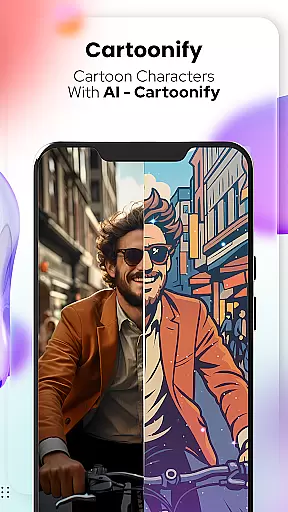
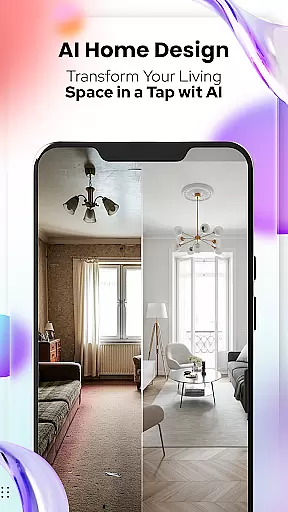
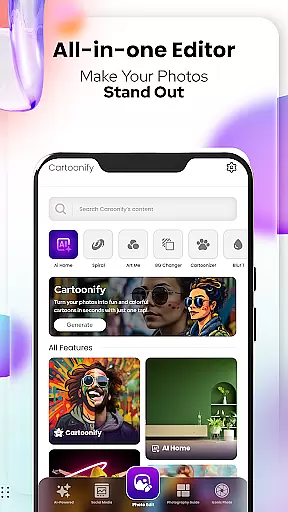
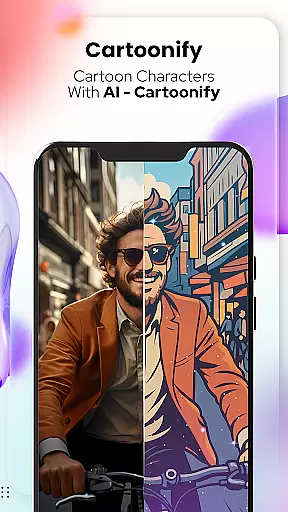
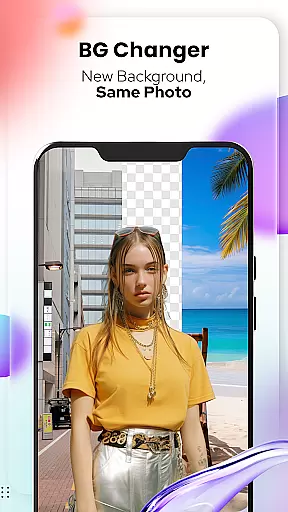
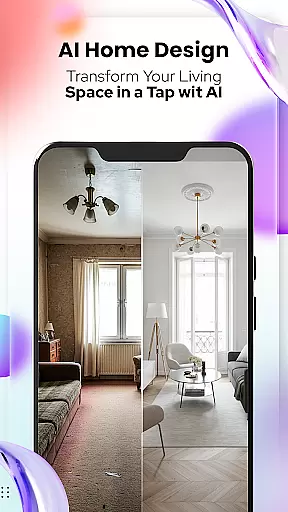
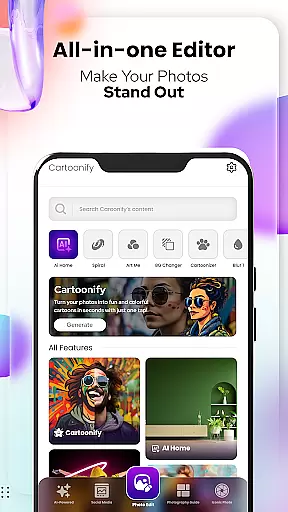
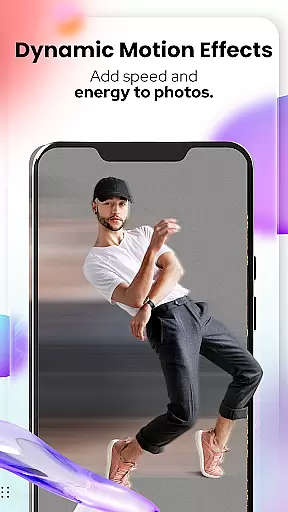
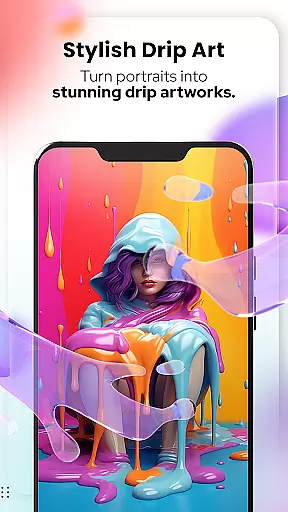
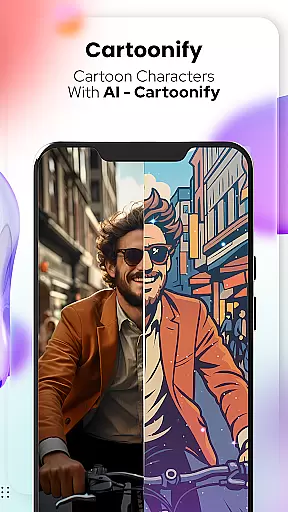
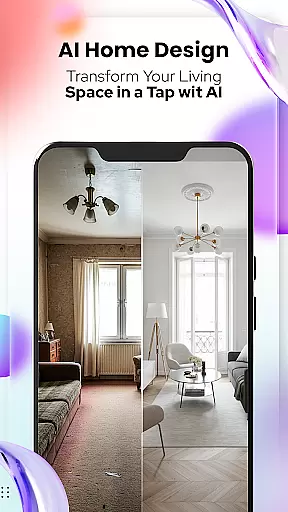
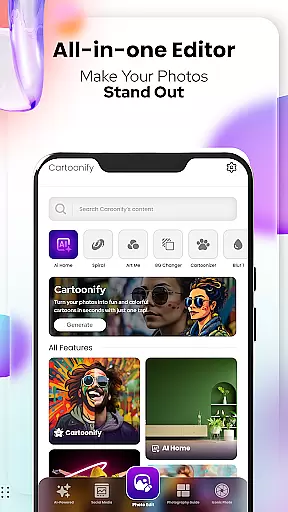
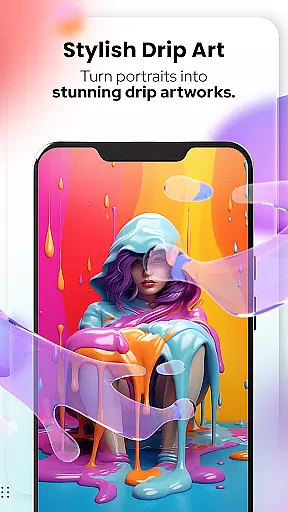
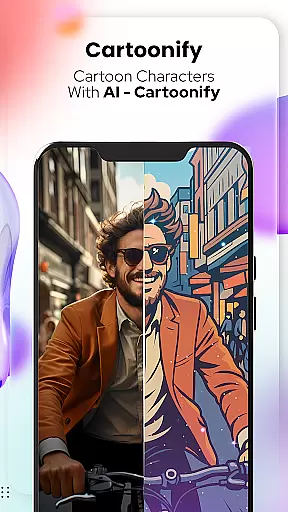
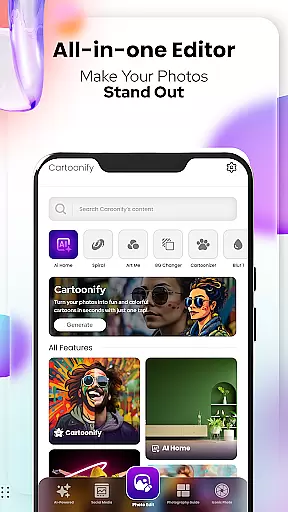
Cartoon Photo Editor - Toon Art is a creative photo editing application designed for art enthusiasts and casual users alike. This app allows you to transform ordinary photos into stunning cartoon-style artworks with just a few taps. The core feature, Cartoonify, converts any image into a cartoon portrait, making it perfect for social media profile pictures or simply for fun.
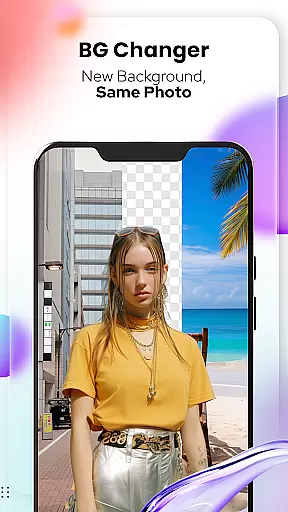
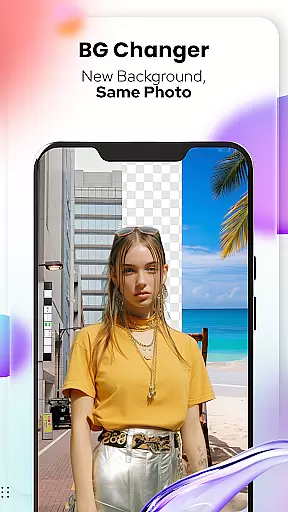
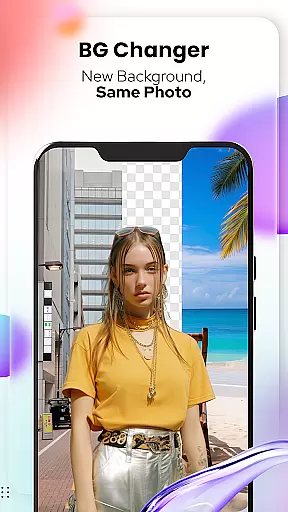
In addition to the main cartoon transformation tool, the app offers various artistic filters and effects. Users can experiment with different art styles through features like Art Me and Sketching, which provide options to create hand-drawn pencil caricatures or apply breathtaking artistic filters. With additional tools such as Background Changer and Pet Cartoonizer, this app ensures that both human and pet portraits receive a unique makeover, enhancing creativity and personal expression.
The app's versatility makes it suitable for multiple use cases, from professional artists seeking inspiration to everyday users wanting to add a playful twist to their photos. By combining powerful editing tools with user-friendly functionality, Cartoon Photo Editor - Toon Art delivers an engaging experience that brings out the artist in everyone.
Cartoon Photo Editor - Toon Art stands out with its diverse range of creative features tailored to enhance your photo editing experience. One of the most notable aspects is the Cartoonify feature, which uses advanced algorithms to automatically convert uploaded images into cartoon-style portraits within seconds. This feature is complemented by Art Me, where users can choose from a variety of stunning art styles to give their photos a professional touch.
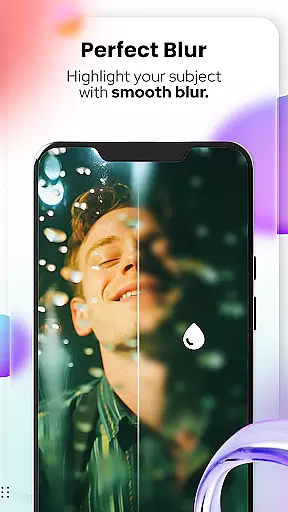
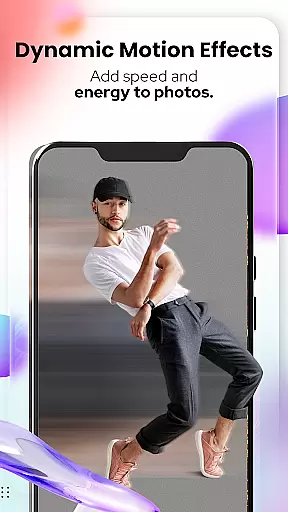
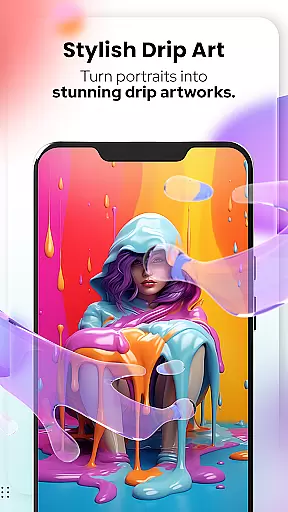
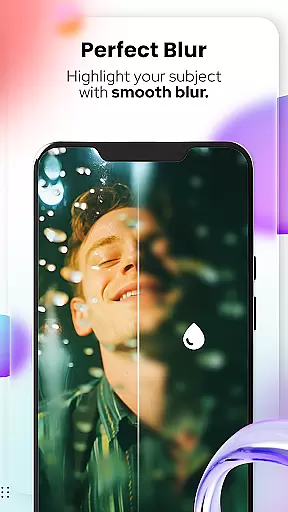
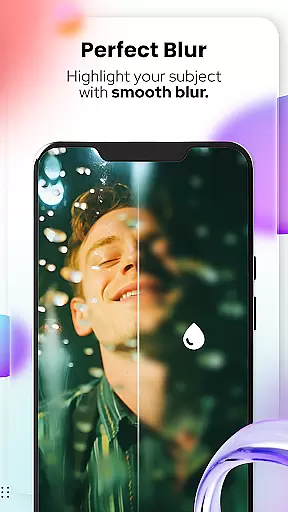
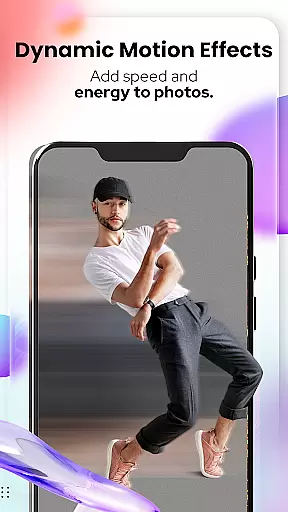
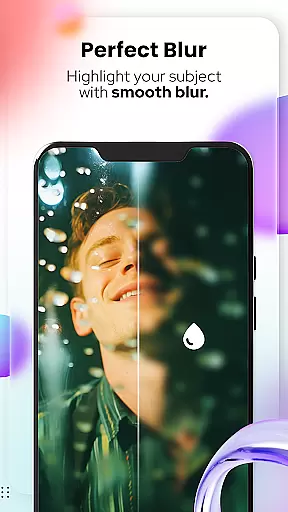
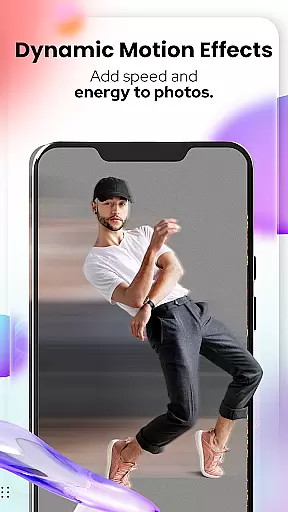
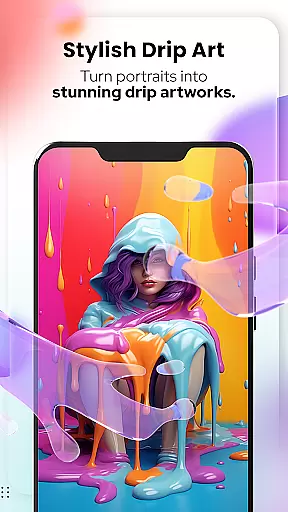
Beyond basic transformations, the app includes specialized tools like Pet Cartoonizer, which applies a charming pastel cartoon effect specifically designed for animal portraits. Additionally, the Background Changer tool allows users to easily remove or replace photo backgrounds, while the Sketching feature creates detailed pencil caricatures without requiring any drawing skills. These functionalities are further enhanced by new photo editing tools, including Blur & Motion Effects, Spiral & Drip Effects, and Mosaic options.
Each feature is crafted to maximize user creativity while maintaining ease of use. Whether you're looking to create eye-catching social media content or simply explore your artistic side, these robust tools ensure that every photo becomes a personalized masterpiece.
Cartoon Photo Editor - Toon Art offers a comprehensive suite of creative tools that cater to both casual users and design enthusiasts. The application includes features such as Cartoonify, which transforms any image into a cartoon-style portrait, and Art Me, allowing users to apply stunning art styles for a professional touch.
In addition to these, the app provides a Background Changer for easy background removal and replacement, and Sketching, which converts photos into detailed pencil caricatures. With the inclusion of NEW! Photo Edit Tools, users can access powerful editing options like Blur & Motion Effects, Spiral & Drip Effects, and Mosaic, Splash & Brush, ensuring a complete creative experience.
The variety of filters, stickers, and text tools available in the app empowers users to customize their images with ease. This vast array of features not only enhances the visual appeal of photos but also significantly boosts the user's ability to express creativity without the need for advanced drawing skills.
Flexibility in canvas and format options is crucial for accommodating various project requirements and personal preferences. Cartoon Photo Editor - Toon Art excels in this area by providing adaptable solutions for photo editing. Users can enjoy precise control over their digital canvas, with tools designed to adjust, crop, and overlay images seamlessly.
The app supports different image formats, making it convenient for users to import and export files without compatibility issues. Whether it's for social media profile pictures or creating unique artwork, the app ensures that your creations are formatted correctly for their intended platforms.
Moreover, the intuitive interface of Cartoon Photo Editor - Toon Art makes it easy for users to navigate through the flexible editing options. This accessibility allows for an efficient workflow, letting creators focus on bringing their artistic visions to life while the software handles the technicalities of format and canvas adjustments.
User-friendly interface
Wide range of artistic filters
Quick photo-to-cartoon conversion
Pet-specific cartoon effects
Advanced background editing tools
Limited free features
Some tools require premium access
Occasional ads in free version
High system requirements
Learning curve for advanced tools

Art of Combination Wear OS Watch faces (for Wear OS 5+ devices)
 3.00
3.00
Easy 3D drawing design maker & creator. Model designing, Sculpting. Create&paint
4.00
Unleash your drawing and painting potential
4.50
See Color, Paint Color
4.90
AI Art Generator transforms your words into AI generated art & paintings.
3.70
Art of Combination Wear OS Watch Faces
3.30
Just trace a projected picture on paper and color! Draw & Paint with AR drawing
4.40
Draw, make movies & animate cartoons easily with our 2D animation maker app
4.40
An intuitive, high-performance painting app that lets you focus on creating
4.40
Minecraft & Roblox Clothes
4.70
Draw, fidget, and spin glow art! Relax and express your creativity with a finger
4.60
Photo blender app to create overlay photos & double exposure.
4.40
Everything you need to create hand drawn animation, anywhere you go!
4.40
Get creative and make art with your Sesame Friends!
4.00
Inky runs Inkscape on Android devices and Chromebooks
2.90
Your Essential Color Theory Guide: Red, Yellow, Blue (RYB)
4.3
Art of Combination Wear OS Watch faces
4.4
Art of Combination Wear OS Watch Faces
4.1
A luxurious gold watch face for an elegant and refined look.
4.4


User Reviews