
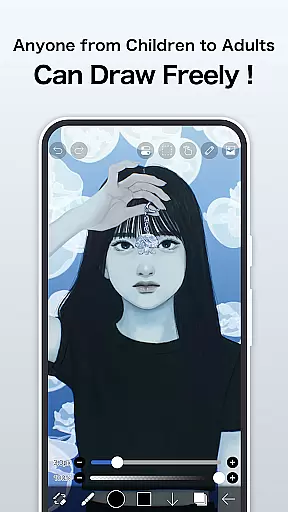
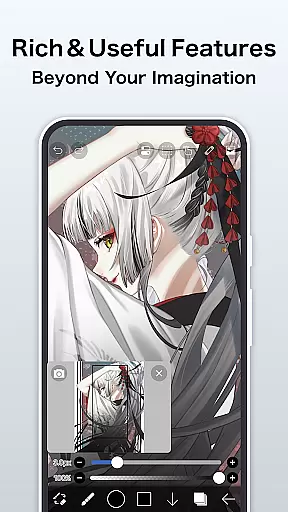
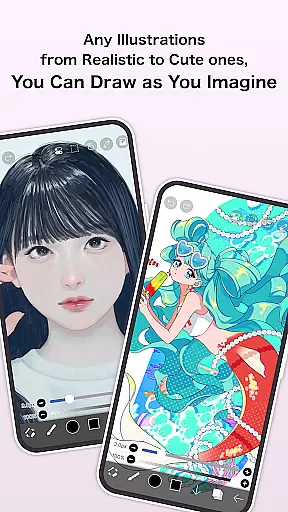
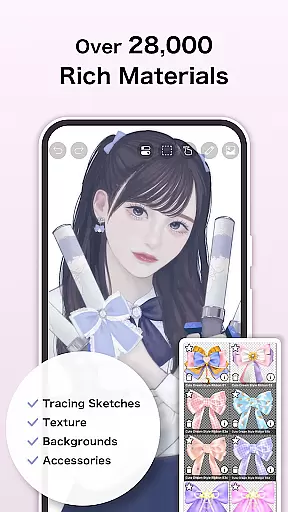
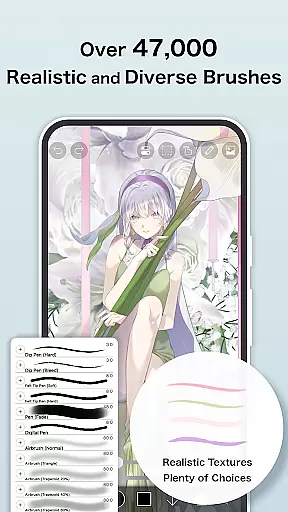
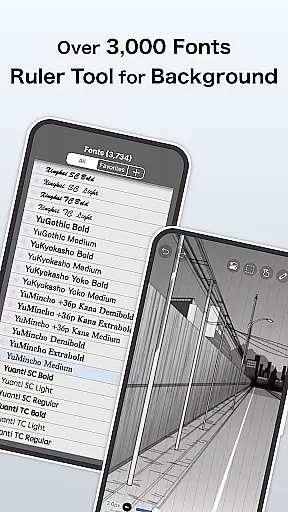
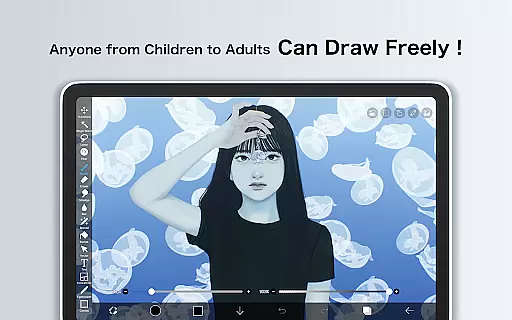
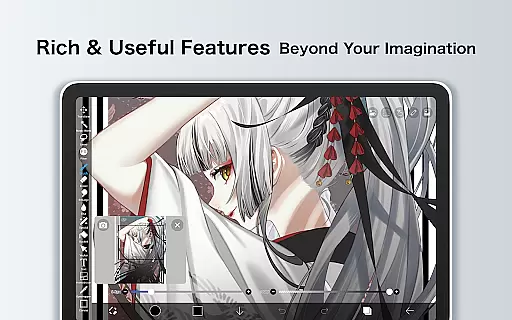
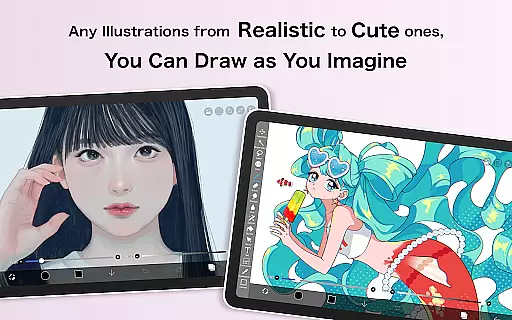
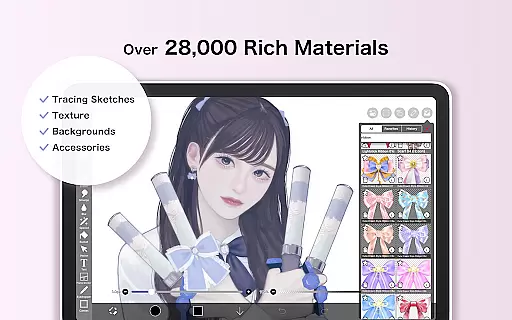
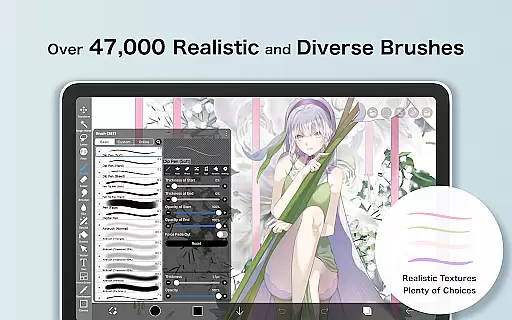
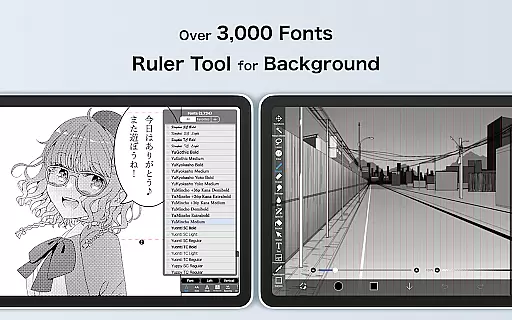
ibis Paint is a premier digital art studio designed for both amateur and professional artists. This app offers an extensive suite of creative tools including over 47,000 brushes, 2,700 materials, and 2,100 fonts, enabling users to produce artwork with precision and flair. With features like stroke stabilization, various rulers, and blending modes, it caters to detailed-oriented projects such as manga creation.
The app stands out with its unique sharing capabilities, allowing users to record and share their drawing processes. It also provides advanced text tools and filters that enhance the artistic workflow. Whether you're sketching, painting, or crafting intricate designs, ibis Paint delivers a seamless experience across Android devices.
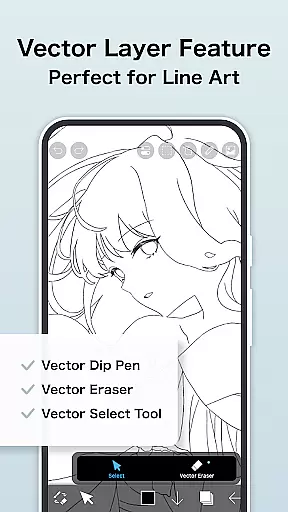
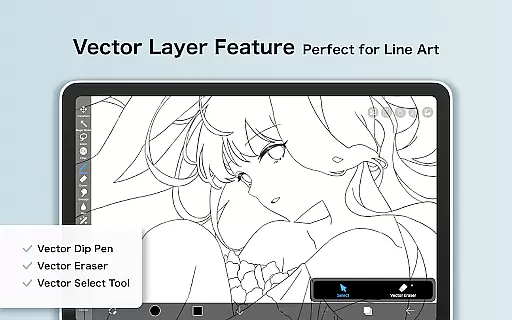
For those seeking uninterrupted creativity, ibis Paint offers a Prime Membership that unlocks exclusive features like cloud storage, vector tools, and AI assistance. This membership not only enhances productivity but also fosters a community where artists can learn and grow together.
ibis Paint distinguishes itself through its vast array of customizable brushes and materials, which cater to every artistic need imaginable. The app's brush engine supports smooth drawing at up to 60 fps, while layer features provide unlimited possibilities for composition and editing. Users can leverage individual layer parameters, clipping masks, and transformation tools to refine their work.
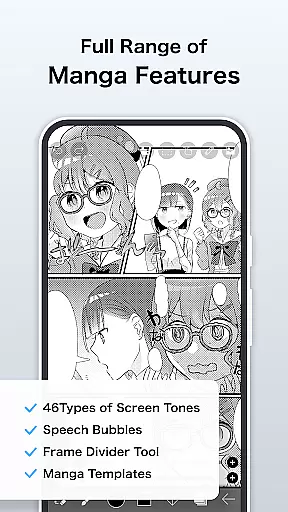
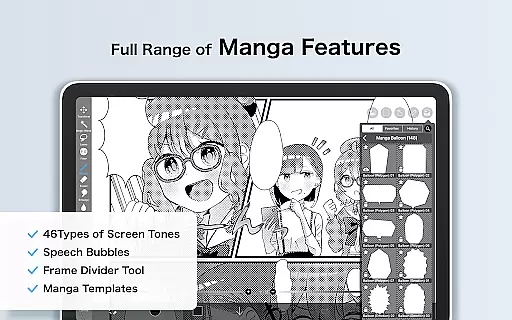
In addition to its robust drawing capabilities, ibis Paint includes specialized manga features. The advanced text tool allows for vertical and horizontal text alignment, font selection, and multi-text functions. Filters like Tone Curve and Levels Adjustment offer further refinement options, ensuring that each piece meets the artist's exacting standards.
Prime Membership elevates the experience by granting access to exclusive content and features. Members enjoy benefits such as increased cloud storage, vector tools, and the ability to import custom brush patterns. These premium offerings ensure that artists have everything they need to bring their visions to life without limitations.
ibis Paint offers an extensive suite of creative tools that cater to both amateur and professional artists. With over 47,000 brushes, users can explore a variety of styles ranging from traditional dip pens to modern digital brushes.
In addition to the vast brush library, the app provides advanced layer features. Artists can work with unlimited layers, apply blending modes, and utilize clipping masks for complex compositions. These functionalities ensure that every artistic vision can be fully realized within the app.
The inclusion of manga-specific features further enhances its creative capabilities. The advanced text tool supports vertical and horizontal writing, multiple fonts, and stroke options, making it ideal for creating professional-quality manga artwork.
All these tools are designed to work seamlessly together, providing a comprehensive art creation platform that eliminates the need for additional software. This complete toolkit empowers artists to focus on their creativity without technical limitations.
One of ibis Paint's standout features is its exceptional canvas and format flexibility. Users can create artworks in various resolutions and aspect ratios, accommodating different project requirements from social media posts to high-resolution prints.
The app supports custom canvas sizes, allowing artists to define specific dimensions and DPI settings for their projects. This flexibility ensures that artwork maintains its quality across different mediums and display formats.
Additionally, ibis Paint offers diverse export options. Artists can save their work in multiple file formats including PNG, JPEG, and PSD, preserving layer information for further editing in other software if needed.
This level of format flexibility extends to the app's compatibility with different devices and screen sizes. Whether working on a smartphone or tablet, users can expect consistent performance and precise control over their artwork's dimensions and resolution.
User-friendly interface
Extensive brush library
Advanced layer management
Vibrant community sharing
Premium Prime Membership
Initial cost for full access
Subscription required for Prime
Complexity may overwhelm beginners
Limited free trial duration
High system requirements

Create trending AI photos & videos with powerful effects and 3D styles.
 3.20
3.20
Sketch, trace and master AR drawing with awesome anime art!
3.30
AI Assistant, powered by ChatGPT GPT-4 & GPT-4o. Your intelligent companion.
3.50
See Color, Paint Color
4.90
Create color palette from Image, RGB & RYB Color wheel harmonies, Color Scheme
4.50
Design unique, funny and adorable cat stickers that reflect your own style!
3.80
Minecraft & Roblox Clothes
4.70
Image resizer to resize, crop, rotate, flip, change dpi photo or picture in bulk
4.60
Explore future self face age filter & remove background image for a unique look.
3.50
Learn how to draw with step-by-step tutorials, fun lessons & multiplayer drawing
4.70
Draw glowing spinners, relax, and spin your creative art
4.60
Turn your drawings into flipbook-style animations with simple creative tools
4.60
Kling AI is an image and video generation and editing studio powered by AI.
4.50
AI Tattoo Generator: Create Tattoo Designs & Get Ideas! Ink & Stencil Maker
4.50
Beauty Camera - Selfie Camera is the ultimate beauty camera and selfie app
4.30
Create stylish invitation cards using templates for weddings, birthdays & RSVP.
4.20
Your homescreen as an elegant glass with customized blur, lighting, and visuals.
3.70
Apply cartoon, caricature, and portrait effects to make your photos stand out!
3.60
Inky runs Inkscape on Android devices and Chromebooks
2.90


User Reviews