
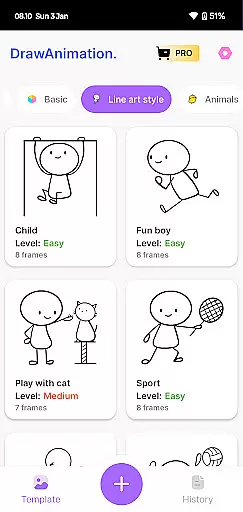
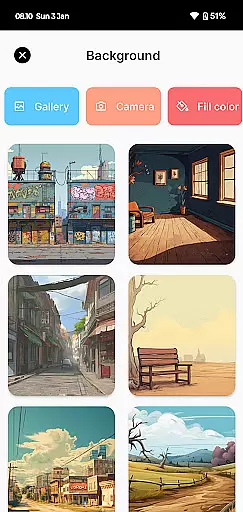
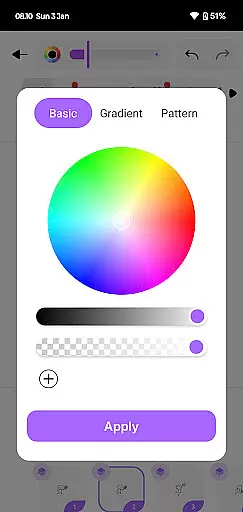
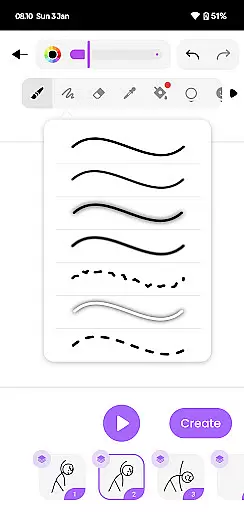
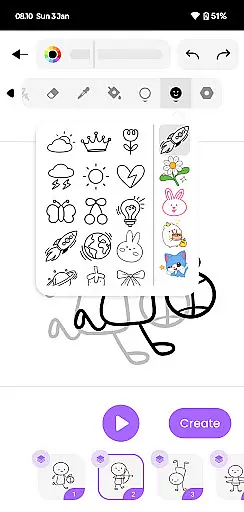
Draw Animation Maker is an innovative app in the Art & Design category that transforms simple doodles into captivating animations. The application serves as a comprehensive animation studio on your mobile device, enabling users to create frame-by-frame animations with ease. Whether you're crafting flipbook-style drawings or developing dynamic animated sequences, this app provides all the necessary tools.
The app's intuitive interface allows both beginners and experienced animators to design unique animated stories. With features like detailed frame manipulation and customizable drawing tools, it caters to various creative needs. Users can save their creations as GIFs or MP4 files, making it easy to share their animations on social media or with friends and family.
This versatile application is particularly useful for artists looking to explore digital animation or educators seeking engaging ways to teach storytelling and art concepts. By combining powerful animation capabilities with user-friendly functionality, Draw Animation Maker empowers users to unleash their creative potential while having fun.
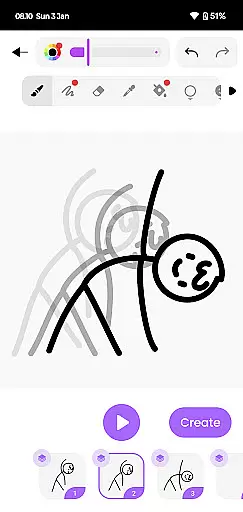
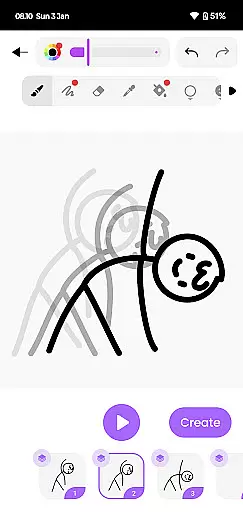
Draw Animation Maker stands out with its comprehensive set of animation features designed for both casual creators and serious artists. The app offers precise frame manipulation tools, allowing users to control every aspect of their animations with accuracy. Its onion-skinning feature enables creators to see multiple frames simultaneously, ensuring smooth transitions between animation sequences.
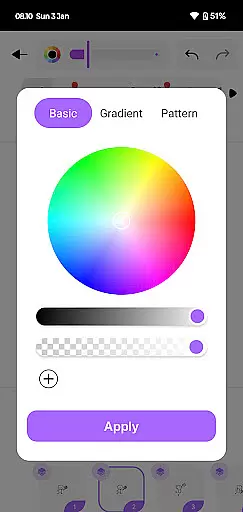
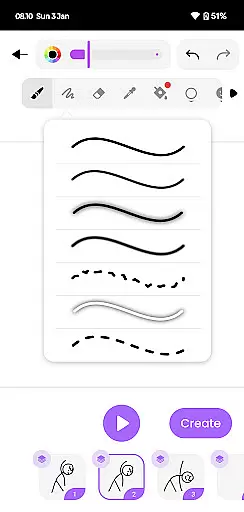
The application provides a wide range of drawing tools, including customizable brushes, pen sizes, and color palettes. These professional-grade features help users create detailed and expressive animations. Additionally, the app supports layer management, giving animators greater control over complex compositions and character movements.
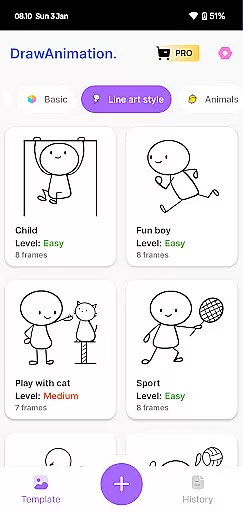
One of the app's most valuable features is its export capability, which allows users to save their animations in both GIF and MP4 formats. This flexibility makes it easy to share creations across various platforms. The app also includes tutorial resources and project templates, helping new users quickly grasp animation fundamentals while providing experienced creators with time-saving shortcuts.
In the realm of digital artistry, having a comprehensive suite of creative tools is paramount. Draw Animation Maker stands out by offering an extensive array of features that cater to both budding and experienced animators. The app provides everything from basic drawing tools to advanced frame-by-frame animation capabilities.
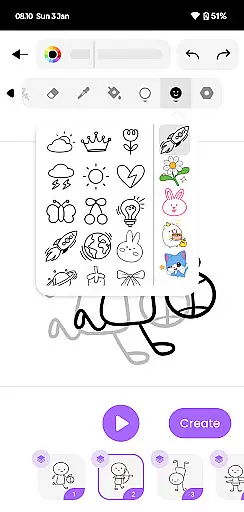
Users can access a variety of brushes, colors, and effects to bring their creations to life. This diversity ensures that artists are only limited by their imagination. Whether crafting simple cartoons or intricate anime scenes, the app's toolkit supports a wide spectrum of artistic expressions.
The inclusion of flipbook-style animation allows creators to weave compelling visual narratives. Artists can meticulously design each frame, resulting in dynamic and engaging animations. This level of detail empowers users to produce professional-grade content directly from their mobile devices.
A versatile canvas is essential for unleashing creativity without constraints. Draw Animation Maker excels in providing flexible canvas options that adapt to various project requirements. Users can customize dimensions and resolutions, ensuring their artwork meets specific needs.
The app supports multiple formats for saving and sharing creations. Animations can be exported as GIFs or MP4 files, making it easy to distribute work across different platforms. This adaptability enhances the user experience by catering to diverse sharing and publishing scenarios.
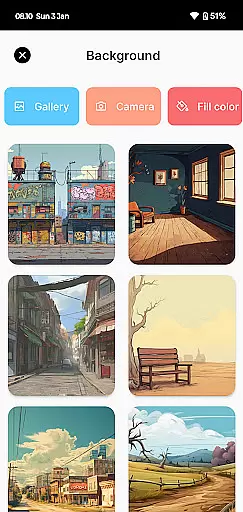
Moreover, format compatibility extends to importing assets. Artists can integrate external elements into their projects, enriching their animations with additional textures and details. This seamless integration fosters an environment where creativity flourishes without technical hindrances.
User-friendly interface
Powerful frame manipulation
Multiple export options
Comprehensive drawing tools
Onion-skinning feature
Limited free features
High learning curve
Occasional performance lag
Subscription required
Ads in free version

Create sweet, cool and unique couple avatars easily, in just a few steps!
 3.40
3.40
Create trending AI photos & videos with powerful effects and 3D styles.
3.20
Meet the magic aı 3d photo generator and smart AI video generator app.
3.20
Text to Image, Image to Video & AI Chat
4.20
Photo blender app to create overlay photos & double exposure.
4.40
Create stunning video, photo & magic from text with FlixAI GPT video generator.
3.10
The perfect place to start sketching! Use Sketchbook to draw and paint sketches.
4.50
Resize photos and print photos in exact size with our powerful photo printer!
3.80
Explore future self face age filter & remove background image for a unique look.
3.50
Create stunning art with AI.
4.80
Your AI soulmate — meaningful chats, and unique emotional moments
4.70
2D animation studio for Android tablets - unlimited layers, infinite timeline
4.70
Turn your drawings into flipbook-style animations with simple creative tools
4.60
Draw Trace image sketch by, AR art projector app, Easy to trace any image.
4.50
Stylish letters, Stylish Keyboard, Symbols, Emojis, Cool nickname
4.40
Image/ Text to Video Generator
4.40
AR Anime Drawing: How to draw anime with AR drawing & sketching apps!
4.00
Get creative and make art with your Sesame Friends!
4.00
Draw anime easily with AR guidance, sketch templates & trace tools!
3.10


User Reviews