
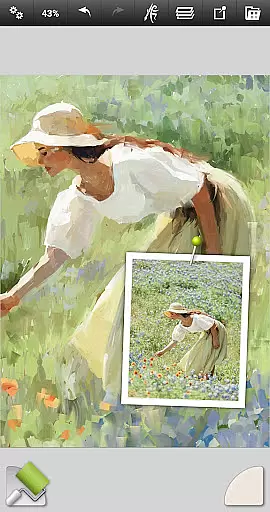
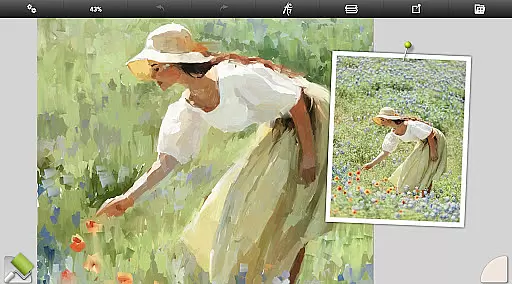
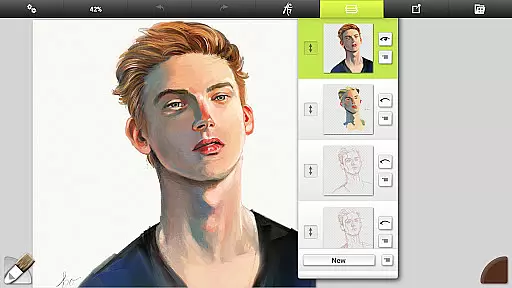
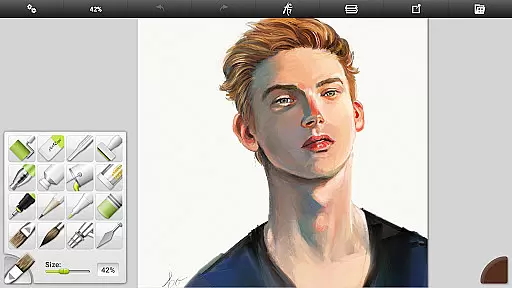
ArtRage Vitae Mobile Painting is a premium natural painting application designed for artists seeking realistic digital art tools. The app offers an impressive range of features that mimic real-world art supplies, allowing users to mix oil paints, draw with pencils, and blend watercolors on a virtual canvas. With support for textured surfaces and canvas sizes up to 4096px x 4096px, it provides professional-grade options for creative expression.
In addition to its natural painting tools, ArtRage Vitae includes powerful digital utilities such as layers, blend modes, and tracing images. These features make it suitable for both beginners and professionals. Whether you're sketching ideas or creating detailed artwork, this app serves as an all-in-one solution for mobile art creation. Its intuitive interface ensures ease of use while maximizing creative workspace.
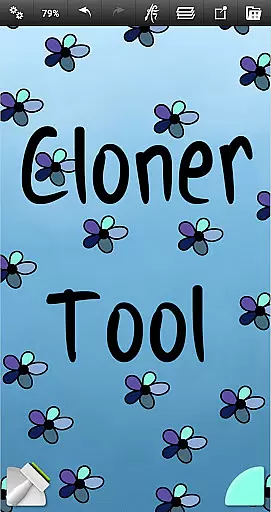
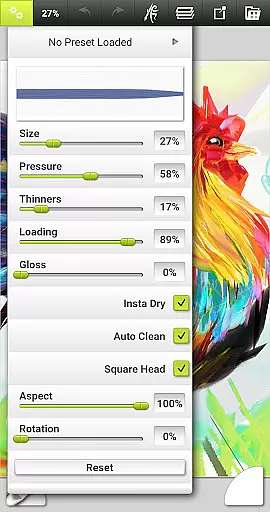
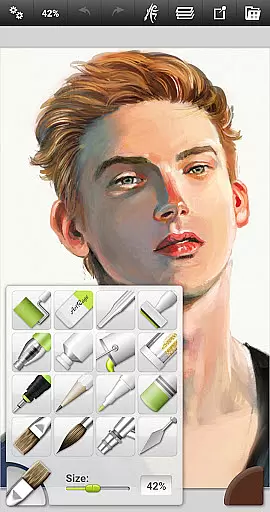
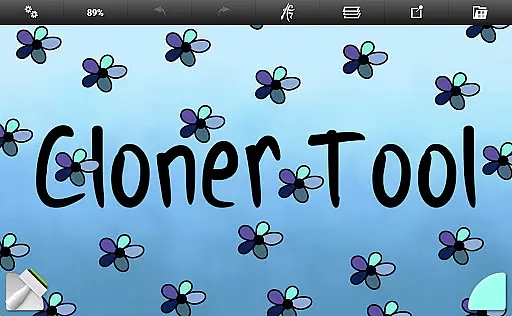
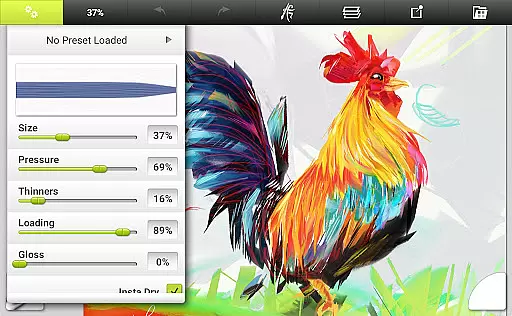
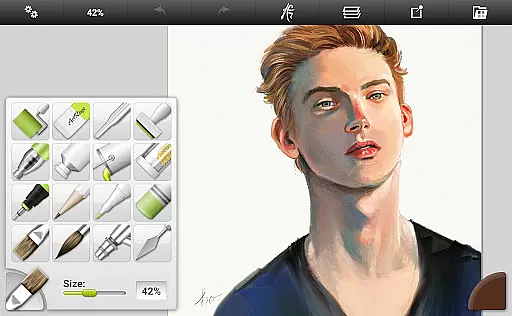
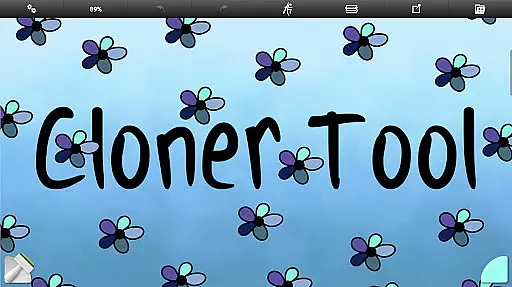
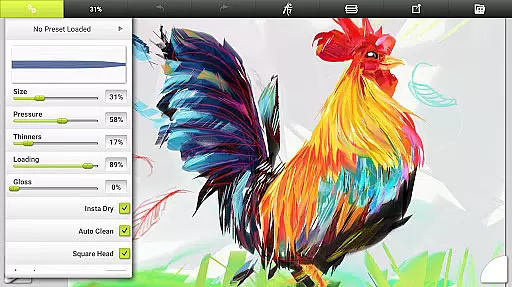
ArtRage Vitae stands out with its comprehensive set of 16 tools, each offering countless variations through presets and settings. From natural painting tools like the Oil Brush and Watercolor to sketching tools such as Pencils and Pastels, every instrument reacts like its real-world counterpart. Special effect tools like the Cloner and Glitter Tube add unique touches to your work, while customizable tool settings allow precise control over paint thickness, pencil softness, and more.
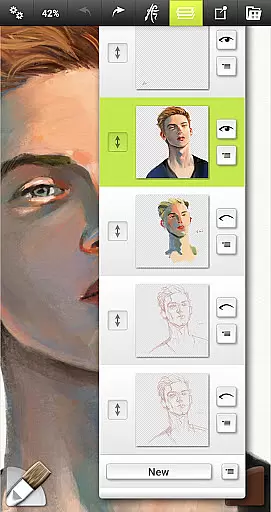
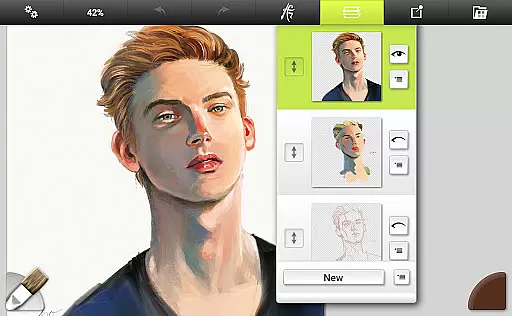
The app also supports advanced layer options, including opacity control and industry-standard blend modes. Users can import images for tracing, apply texture effects to their canvas, and store custom presets for frequently used settings. With unlimited undo/redo functionality and multi-touch canvas manipulation, ArtRage Vitae delivers a seamless experience for creating high-quality digital art on mobile devices.
In the realm of digital art, having a comprehensive set of creative tools is paramount. ArtRage Vitae Mobile Painting excels in this area by offering 16 diverse tools with countless variations through presets and settings.
These include natural painting tools like Oil Brush, Watercolor, Palette Knife, Paint roller, and Paint tube, which mimic real-world counterparts. Sketching & Drawing Tools such as Airbrush, Ink Pen, Felt Pen, Pencil, Wax/Chalk Pastel, and Eraser provide precision and control for detailed work.
Utility Tools like Flood Fill and Color Sampler enhance workflow efficiency, while Special Effect Tools including Cloner, Glitter Tube, and Gloop Pen allow for unique artistic expressions. Each tool's settings reflect natural properties, ensuring an authentic experience.
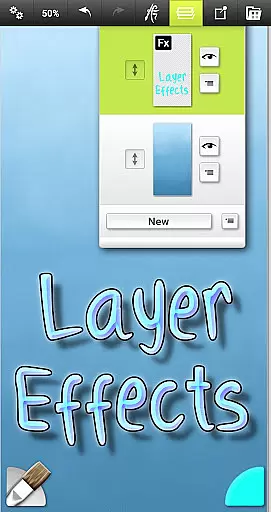
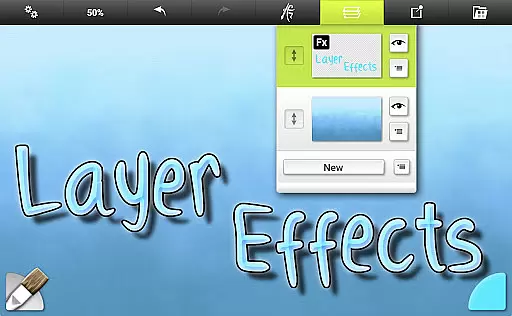
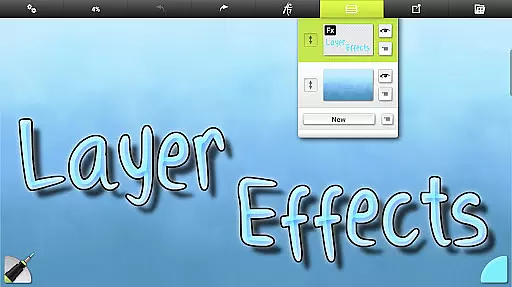
Users can store their favorite settings as custom presets, adjust canvas texture, and utilize real color blending options. Layer Effects further expand creative possibilities by enabling highlights, shadows, and 3D effects on individual layers.
Flexibility in canvas and format options is crucial for artists seeking to express their creativity without limitations. ArtRage Vitae Mobile Painting addresses this need by providing a maximum canvas size of 4096px x 4096px across all devices, allowing for expansive and detailed artwork.
The application supports various layer options, including transparent layers with opacity control and industry-standard Layer Blend Modes. This flexibility enables complex compositions and sophisticated editing techniques.
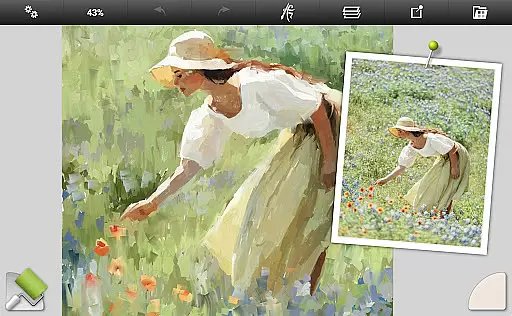
Artists can import images for tracing or reference purposes, aiding in accurate reproductions and stylistic explorations. The app also features unlimited Undo/Redo capabilities, empowering users to experiment freely without fear of irreversible mistakes.
Furthermore, ArtRage Vitae facilitates file management within its gallery and allows exporting and sharing artworks as JPG or PNG via Androidu2019s sharing system. Compatibility with desktop versions ensures seamless transitions between mobile and desktop environments.
User-friendly interface
Realistic painting tools
Advanced layer options
Customizable presets
Offline usability
Premium price point
Steep learning curve
Limited free features
Requires storage access
No built-in tutorials

Discover Cartoon Dream : Unleash Your Creativity with CuttingEdge AI
 4.50
4.50
Learn how to draw with step-by-step tutorials, fun lessons & multiplayer drawing
4.70
Unleash your drawing and painting potential
4.50
Make your phone cooler and have a fantastic experience
4.80
Android 14 style widgets and wallpapers app.
4.3
A luxurious gold watch face for an elegant and refined look.
4.3
Inky runs Inkscape on Android devices and Chromebooks
2.90
Create Logos, Tattoos, AI Art & more with our AI Photo Generator & Design Editor
4.20
Unleash your inner artist! Sketchar: AR Drawing for Limitless Creativity
4.40
2D animation studio for Android tablets - unlimited layers, infinite timeline
4.70
Your AI soulmate — meaningful chats, and unique emotional moments
4.70
Castle is social media for creating and playing games!
4.60
AI Tattoo Generator: Create Tattoo Designs & Get Ideas! Ink & Stencil Maker
4.50
Everything you need to create hand drawn animation, anywhere you go!
4.40
OneUI 8.5 icons ✨ Smooth, modern & based on the latest Play Store design ??
4.10
Vidu is an AI video generator made for creators and aspiring makers.
3.30
Draw anime easily with AR guidance, sketch templates & trace tools!
3.10
Pose and morph realistic male and female models! 3D poser app
3.00
Download now for a stylish and functional timepiece
4.3


User Reviews