
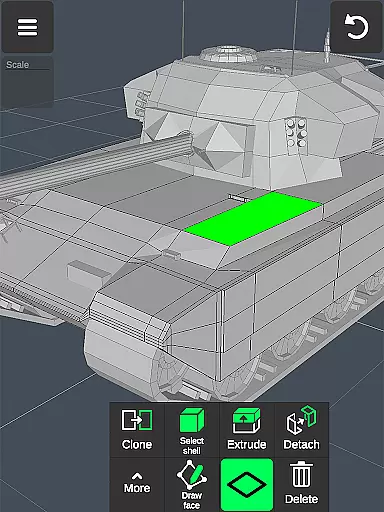
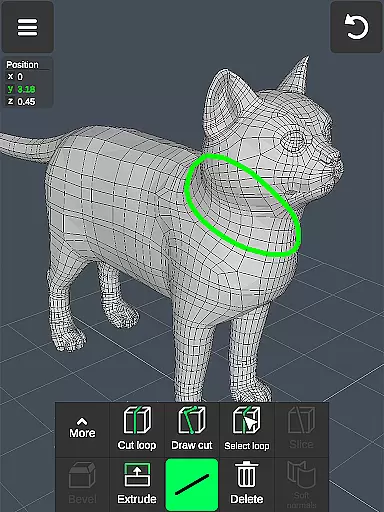
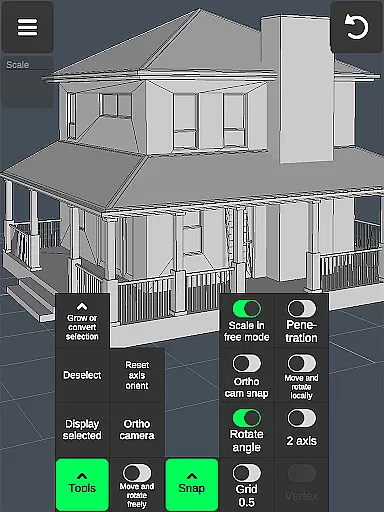

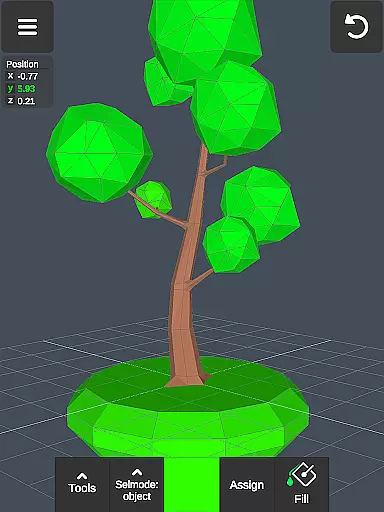
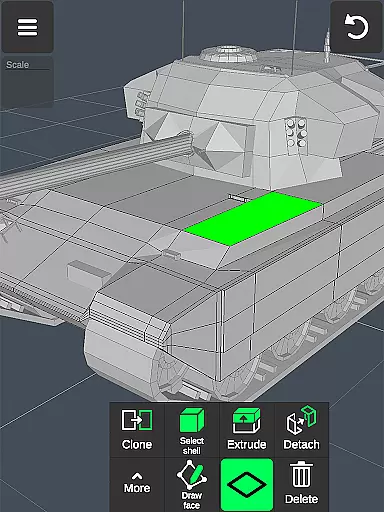
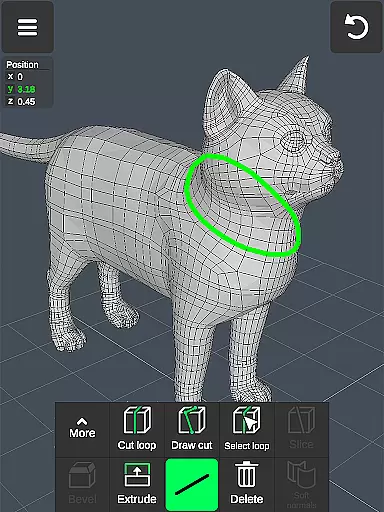
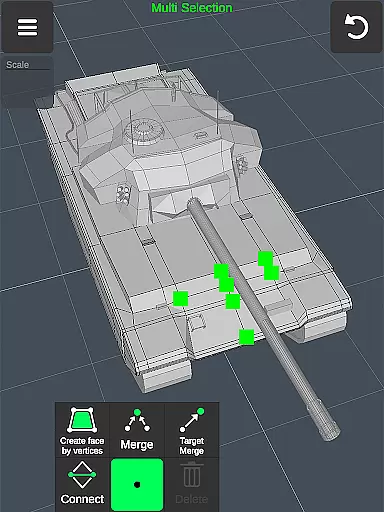
3D Modeling App is a powerful mobile solution for creating 3D models, objects, and art directly on your phone or tablet. Designed for professionals and hobbyists alike, this app allows users to design 3D characters, craft CGI graphics, and even develop 3D games through an intuitive gesture-based interface. Its versatility makes it suitable for various industries including engineering, automotive design, and game development.
The app stands out with its comprehensive toolset that supports everything from basic 3D modeling to advanced sculpting and animation. Users can create detailed 3D objects for business purposes, making it an essential addition to the toolkit of designers, architects, and engineers. Whether you're sketching concepts or building complex 3D environments, this app provides the tools needed to bring ideas to life.
With support for stylus pens and a wide range of export options, 3D Modeling App ensures seamless integration into professional workflows. The ability to export and import .obj files allows for compatibility with industry-standard software like 3ds Max, Maya, and Blender. This makes it an ideal choice for professionals looking to extend their creative capabilities beyond traditional desktop applications.
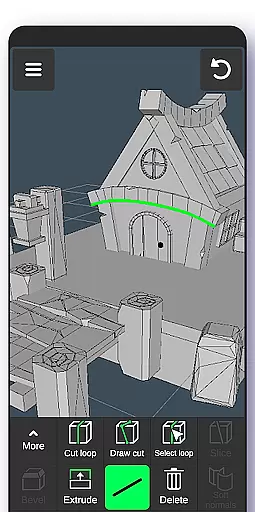
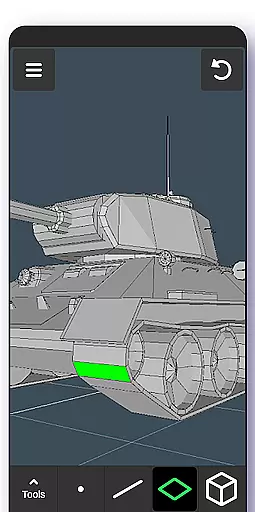
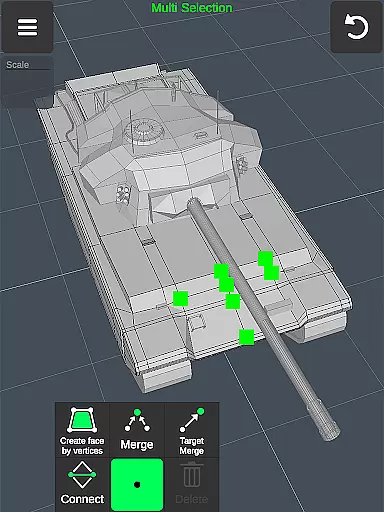
3D Modeling App offers an extensive array of features designed to streamline the 3D creation process. One of its standout capabilities is the fast workflow enabled by gesture controls, allowing users to move, rotate, and scale 3D objects effortlessly. The app also supports quick switching between tools and easy multi-selection of vertices, edges, faces, and objects, enhancing productivity and precision.
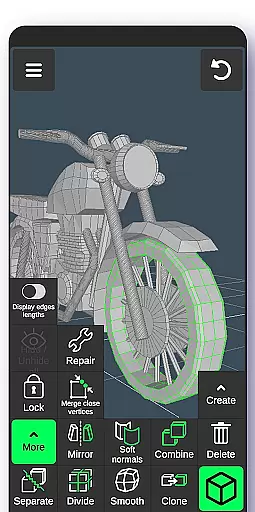
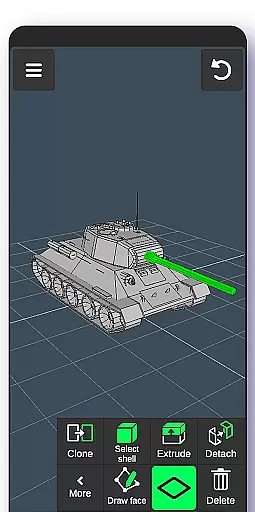
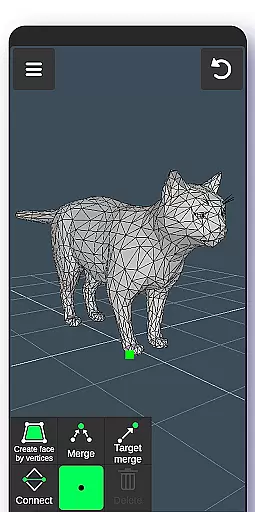
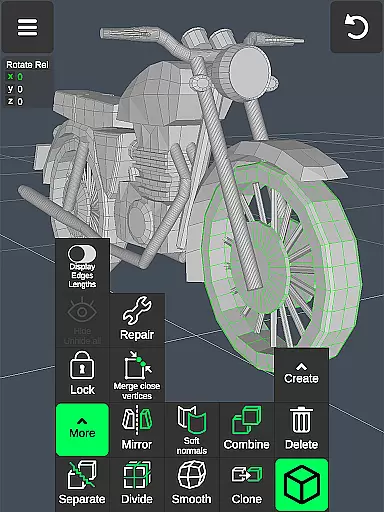
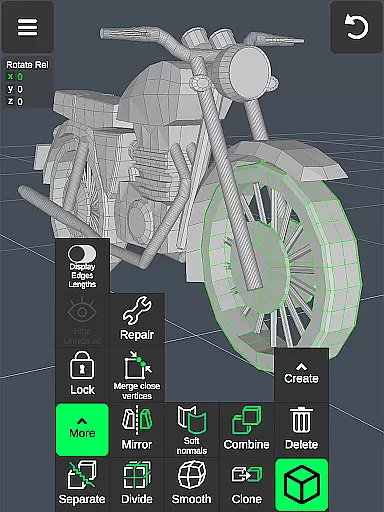
The app includes specialized tools for vertex, edge, and face manipulation, as well as object combination and separation. Users can merge, connect, extrude, and clone elements with ease. Sculpting tools provide further refinement options, enabling detailed adjustments with customizable brush sizes and strengths. These features ensure that both beginners and experienced artists can achieve their desired results efficiently.
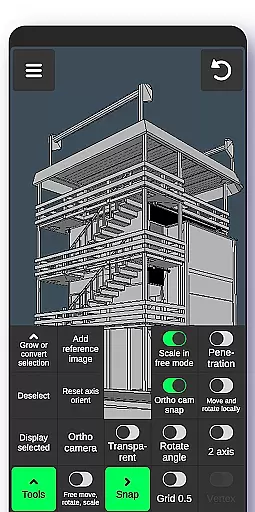
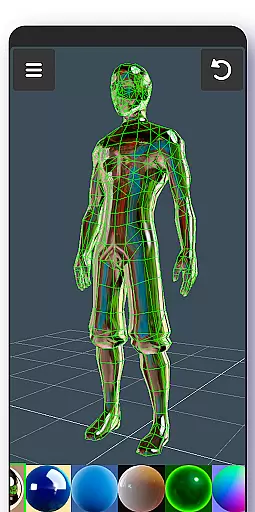
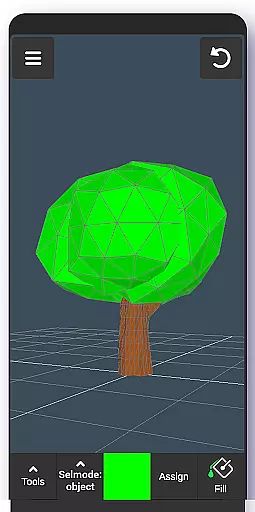
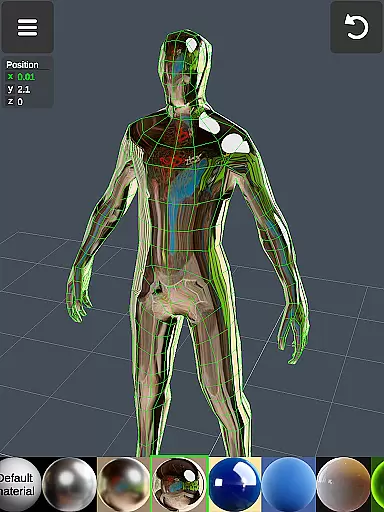
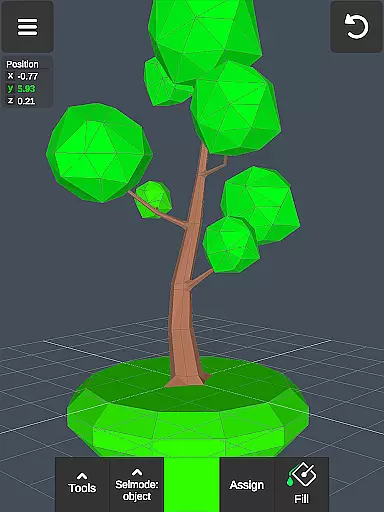
Additional display and coloring tools enhance the creative process. Users can toggle wireframes, shadows, and axis displays while painting vertex colors and applying up to 20 materials to objects. The app's compatibility with various file formats and its auto-save feature make it a reliable choice for professionals who require flexibility and security in their projects. With orthographic camera support and precise value settings, 3D Modeling App delivers a comprehensive 3D editing experience.
In the realm of 3D modeling and design, having a comprehensive suite of creative tools is essential for professionals and hobbyists alike. The 3D Modeling App excels in this area by offering an extensive array of features that cater to various needs within the Art & Design category. With functionalities ranging from basic 3D object creation to advanced sculpting and animation, this app ensures that users have everything they need at their fingertips.
The application provides specialized toolsets such as vertex, edge, face, and object tools which allow for intricate manipulation of 3D models. Users can merge vertices, extrude faces, clone objects, and even smooth surfaces with precision. These capabilities make it possible to create detailed designs whether you're working on character modeling or architectural visualization.
Moreover, the inclusion of sculpting tools adds another layer of depth to the creative process. Artists can push, pull, and shape their creations much like they would with real clay but with all the advantages digital technology offers. This flexibility empowers designers to experiment freely without worrying about material constraints or undo limitations.
By integrating these robust features into a single platform, the 3D Modeling App not only streamlines workflows but also enhances productivity. Whether used for professional projects or personal exploration, its complete toolkit supports limitless creativity in 3D artistry.
Flexibility in canvas size and format options is crucial for artists who require adaptability in their work environment. The 3D Modeling App addresses this need by providing versatile solutions that accommodate different project requirements and artistic styles. This adaptability ensures that creators can seamlessly transition between varied tasks without being constrained by fixed dimensions or formats.
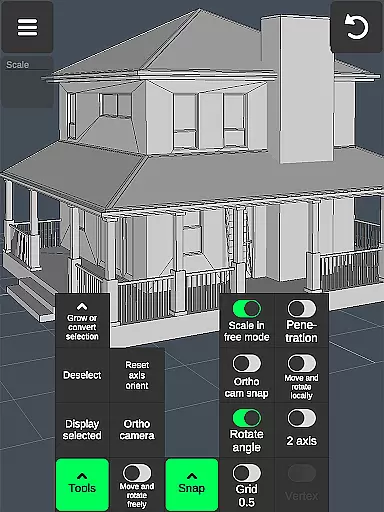
One standout feature is the ability to adjust display settings according to specific preferences. Users can toggle wireframes on or off, enable shadows for more realistic previews, and customize grid sizes for precise alignment during modeling sessions. Such customizable parameters empower artists to tailor their workspace exactly how they envision it, enhancing both comfort and efficiency while working on complex designs.
Additionally, support for multiple file types through import/export functionality further underscores the app's commitment to format compatibility. By allowing users to work with industry-standard .obj files, the application facilitates easy integration with other software tools commonly used in professional pipelines. This interoperability means that no matter where your project goes next, you'll always be prepared with compatible outputs ready for collaboration or final production stages.
Ultimately, the combination of adjustable canvas properties alongside broad format support makes the 3D Modeling App an invaluable asset for anyone involved in digital arts. It grants them unparalleled freedom over their creative processes while ensuring smooth transitions across diverse platforms and applications.
User-friendly interface
Wide range of tools
Supports stylus pens
Extensive file compatibility
Auto-save functionality
Steep learning curve
Occasional bugs
Limited tutorials
High system requirements
Premium pricing

Discover Cartoon Dream : Unleash Your Creativity with CuttingEdge AI
 4.50
4.50
Pose and morph realistic male and female models! 3D poser app
3.00
Transform photos into amazing monochrome dither art with professional algorithms
4.1
Remove Background, Magic Eraser, Photo Enhancer, Story Templates, Collage Maker
4.30
Unleash your drawing and painting potential
4.50
Draw beautiful mandala's very easily
4.60
Create stunning video, photo & magic from text with FlixAI GPT video generator.
3.10
Powerful home decoration & house design that allows you to design dream home.
3.80
AI-powered photo & video creation—fast, fun, and effortless with Quick Actions
4.60
Mobile pixel art editor. Simple. Fast. Portable.
4.80
Your AI soulmate — meaningful chats, and unique emotional moments
4.70
Draw glowing spinners, relax, and spin your creative art
4.60
Nano Banana AI Image Generator, Anime Filter, AI Portrait, AI Photo Generator
4.30
Custom Character Creator & PFP Maker!
4.20
Text to Image, Image to Video & AI Chat
4.20
Experience next-gen icons with a modern liquid glass look.
3.60
Create trending AI photos & videos with powerful effects and 3D styles.
3.20
Meet the magic aı 3d photo generator and smart AI video generator app.
3.20
Download now for a stylish and functional timepiece
4.0


User Reviews