
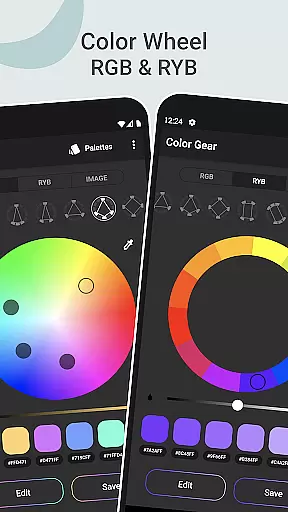
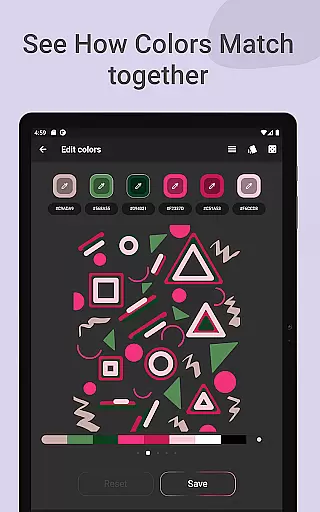
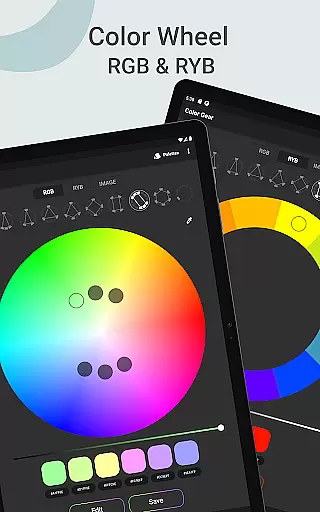
Color Gear is an essential tool for designers and artists seeking to master color theory and create harmonious palettes. The app provides a comprehensive suite of features centered around the color wheel, supporting both RGB and Itten (RYB) models. This allows users to work with digital media as well as traditional art forms. With over 10 color schemes available, it ensures that every project's color needs are met with precision.
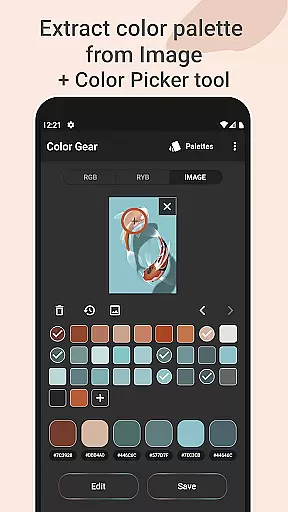
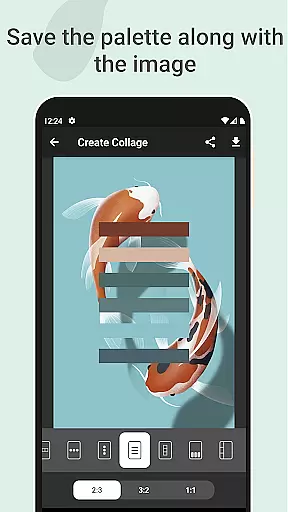
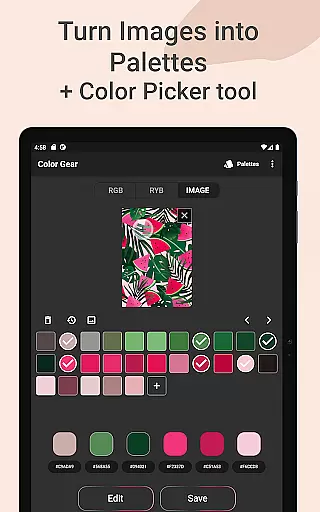
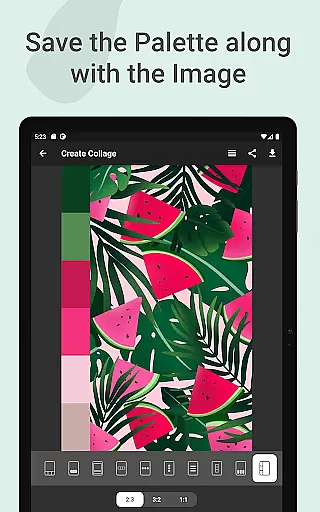
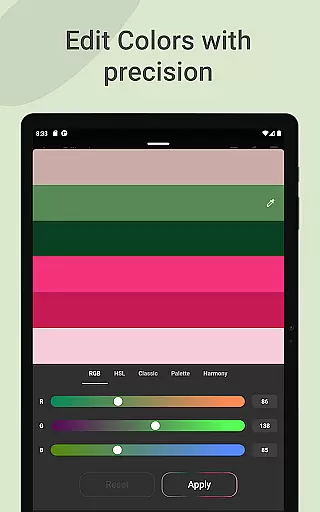
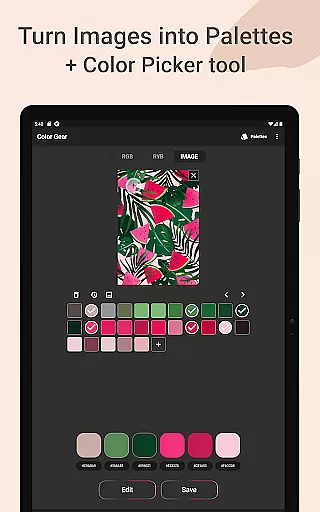
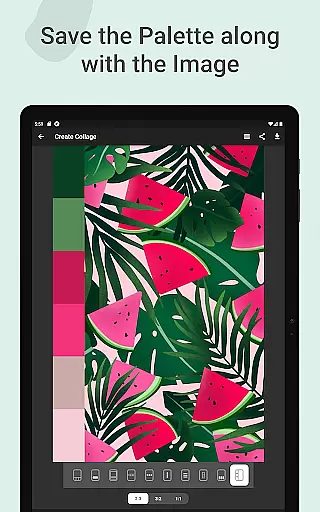
The app goes beyond basic color selection by enabling users to extract palettes from images, manually pick colors with an eyedropper tool, and save palettes alongside images as collages. Advanced color editing options let users fine-tune hue, saturation, and lightness values. Whether you're designing graphics or painting, Color Gear offers the tools needed to produce professional-quality color work efficiently.
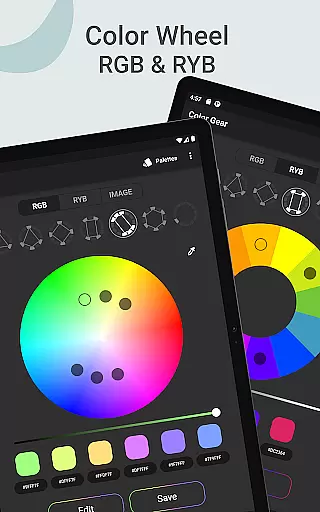
Color Gear stands out with its dual color wheel support—RGB for digital projects and Itten for traditional art—each offering more than 10 color harmony schemes. Users can input specific HEX or RGB codes to generate matching palettes, ensuring exact color replication across different mediums. The ability to extract palettes directly from images using automated algorithms or manual selection adds another layer of versatility.
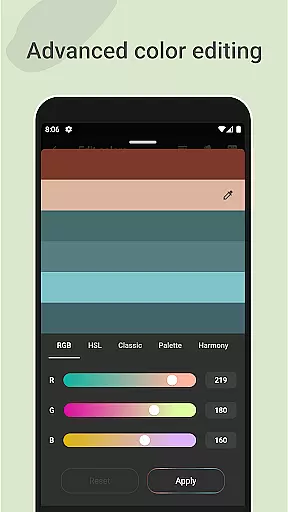
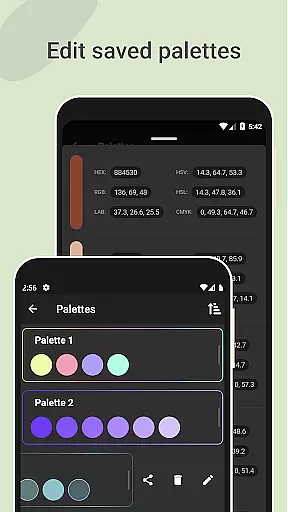
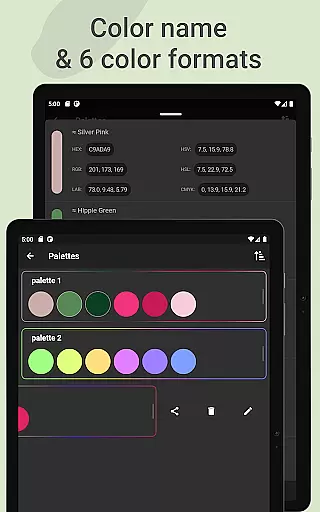
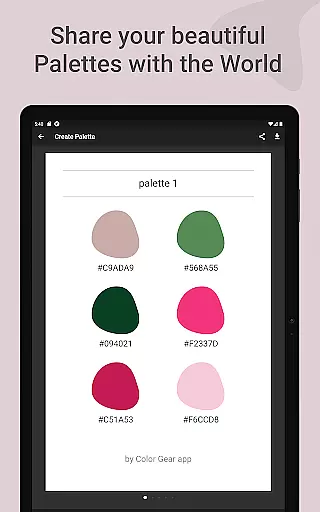
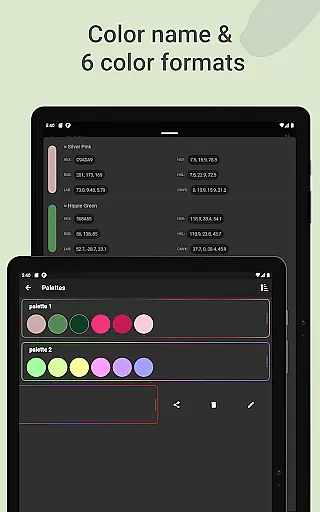
Advanced color editing capabilities allow precise adjustments of individual swatches within a palette, while seamless management features enable easy sharing in multiple formats including HEX, RGB, LAB, HSV, HSL, and CMYK. All these powerful tools are packaged into an intuitive interface that works offline, making Color Gear indispensable for creative professionals who demand flexibility and accuracy in their color choices.
Color Gear offers a comprehensive suite of creative tools that cater to both designers and artists. The app includes two color models, RGB and Itten Color Wheel, allowing users to work with digital media or traditional paint and pigment with equal ease.
With over 10 color schemes available for each model, the app supports a wide range of artistic expressions. Users can build palettes based on added HEX color codes, ensuring precision and consistency in their work.
The ability to extract palettes from images using advanced algorithms adds another layer of versatility. This feature, combined with the Hex Color Picker, allows for detailed color extraction, making it an indispensable tool for creatives who draw inspiration from the world around them.
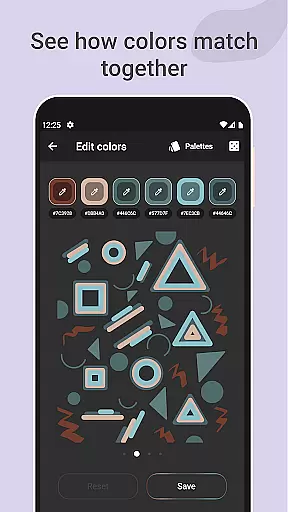
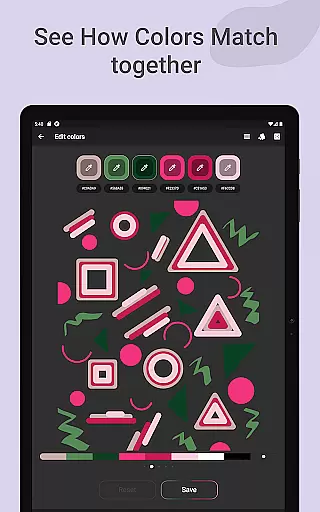
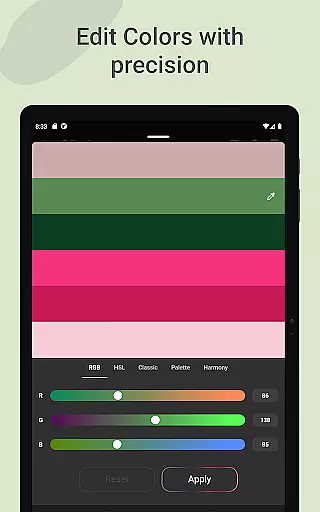
Advanced color editing options give users the power to adjust Hue, Saturation, and Lightness with fine control. This ensures that each color swatch within a palette can be individually refined to meet exact design specifications.
Flexibility is at the heart of Color Gear's canvas and format offerings. Designers can easily manage and share color palettes thanks to the app's support for six color formats including RGB, HEX, LAB, HSV, HSL, and CMYK.
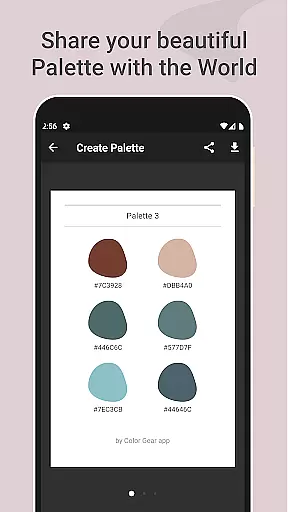
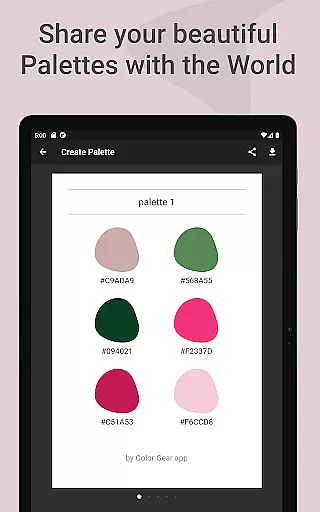
The option to save palettes along with images enhances workflow efficiency. Users can create collages with their saved palettes, choosing layouts that best showcase their work before sharing them with peers or clients.
Color Gear stands out by providing all these features in an offline-capable application, ensuring that creative professionals have access to their tools anytime, anywhere without internet constraints.
Whether you're looking to explore color theory or need a reliable way to daily create palettes, Color Gear adapts to your needs. With intuitive controls and a variety of customization options, it's designed to fit seamlessly into any artist's toolkit.
User-friendly interface
Comprehensive color models
Offline functionality
Advanced color editing
Versatile palette creation
Limited advanced tutorials
No cloud sync option
Basic image editing only
Occasional UI glitches
Premium feature costs

Download now for a stylish and functional timepiece
 4.5
4.5
Stylish letters, Stylish Keyboard, Symbols, Emojis, Cool nickname
4.40
Paint with oils and sketch with natural tools on a realistic virtual canvas.
3.80
Your Essential Color Theory Guide: Red, Yellow, Blue (RYB)
4.1
AI Art Generator transforms your words into AI generated art & paintings.
3.70
Your AI soulmate — meaningful chats, and unique emotional moments
4.70
Art of Combination Wear OS Watch Faces
3.30
Android 14 style widgets and wallpapers app.
4.1
Retouch photos. Create or edit images. Endless capabilities.
2.70
Castle is social media for creating and playing games!
4.60
The ultimate tool for creating animations
4.60
Photo blender app to create overlay photos & double exposure.
4.40
AI generated images & photos, turn your words into drawing, painting & pictures.
4.30
Sketch, plan, take notes and illustrate on an infinite canvas.
4.20
Floor Plan Creator lets you create, edit and share floor plans.
4.00
Powerful home decoration & house design that allows you to design dream home.
3.80
Your homescreen as an elegant glass with customized blur, lighting, and visuals.
3.70
Create cute cat emojis & PFPs! Fun, custom avatars for cat lovers.
3.70
Art of Combination Wear OS Watch faces (for Wear OS 5+ devices)
3.00


User Reviews