
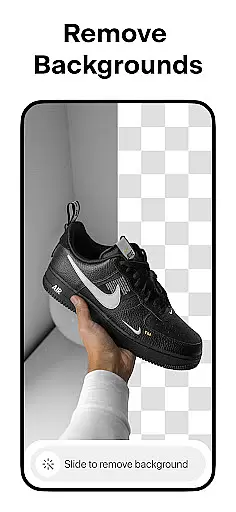
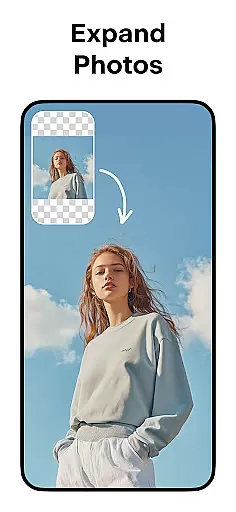
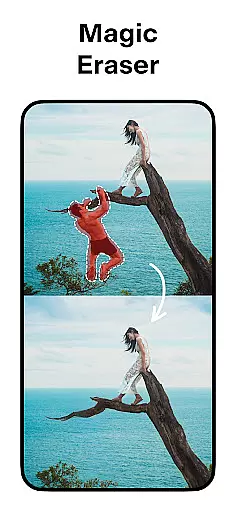
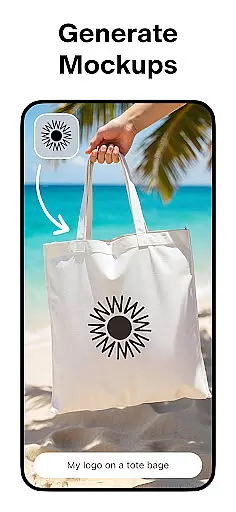
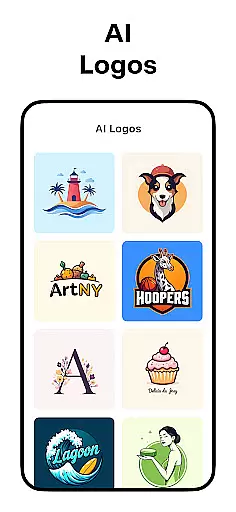
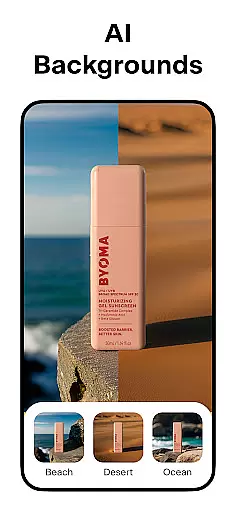
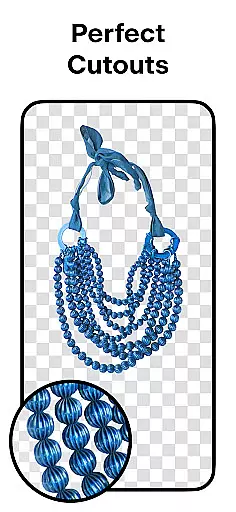
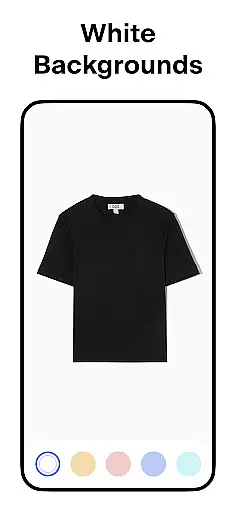
Pixelcut AI Photo Editor is an all-in-one graphic design and photo editing application that empowers users to create stunning visuals effortlessly. With over 15 million creators already on board, this app leverages advanced AI technology to simplify complex design tasks. Users can remove backgrounds with precision, generate professional product photos, and access a complete suite of creative tools.
The app's standout features include the Magic Eraser for cleaning up unwanted objects, AI Photoshoot for e-commerce-ready images, and Magic Writer for generating engaging copy. Whether you're designing for Instagram, Shopify, or other platforms, Pixelcut ensures your content stands out. Its intuitive interface and robust functionality make it ideal for both beginners and experienced designers looking to enhance their visual storytelling.
Pixelcut offers a comprehensive set of features designed to streamline photo editing and graphic design. The Background Remover tool allows users to erase backgrounds instantly, while the AI Photoshoot feature generates unlimited product photos optimized for online stores. Additionally, the Magic Writer function, powered by OpenAI's GPT, helps craft compelling product descriptions, hashtags, and captions.
For video content, the Reels Maker simplifies business video creation, and the Collage Maker provides dozens of creative layouts. Users can also choose from thousands of templates tailored for shopping platforms, apply realistic shadows, and experiment with diverse text styles. These features collectively enable users to produce high-quality visuals that boost engagement and sales across platforms like Instagram and Shopify.
Pixelcut AI Photo Editor stands out as a comprehensive creative suite for both amateur and professional designers. The application provides an extensive range of tools that cater to various design needs, ensuring users have everything required to bring their creative visions to life.
At the core of Pixelcut's offerings is its powerful background remover, which allows users to instantly strip backgrounds from images, providing a seamless cutout experience. This feature is complemented by the Magic Eraser tool, which enables the removal of unwanted objects, thus refining image quality.
In addition to these, Pixelcut leverages AI technology to enhance the creative process further. The AI Photoshoot feature generates numerous product photos, making it an ideal tool for e-commerce businesses looking to create appealing product imagery. Meanwhile, the Magic Writer tool, powered by advanced AI similar to ChatGPT, aids in crafting compelling product descriptions and engaging social media content.
The app also includes features like Reels Maker for video creation, collage options for photo compilations, and a variety of templates designed specifically for shopping platforms. With these robust tools at their disposal, users can significantly improve their design workflow and output quality.
Flexibility in design is crucial for creators who wish to express their ideas without limitations. Pixelcut AI Photo Editor addresses this need by offering versatile canvas and format options that adapt to various project requirements.
Users can place their products on simple white or colorful backgrounds, choosing from a palette of stunning colors and backdrops. This feature ensures that whether it's for a minimalist aesthetic or a vibrant look, the final product image aligns with the creator's vision.
Moreover, Pixelcut supports different text styles, allowing users to overlay text on images with beautiful font choices. This turns quotes into art and enhances visual storytelling, making posts more engaging across platforms like Instagram, Poshmark, and Shopify.
With control over shadows and other design elements, users can make their products appear realistic and appealing. Such flexibility empowers creators to produce standout visuals that capture attention and drive sales, all while maintaining brand consistency across diverse marketing channels.
User-friendly interface
Advanced AI-powered tools
Versatile design templates
Efficient background removal
Comprehensive e-commerce support
Premium features require subscription
Limited free template options
Occasional processing delays
Advanced tools may overwhelm beginners
Export quality varies on free plan

Image/ Text to Video Generator
 4.40
4.40
Digital illustration drawing & painting pad app to paint Anime and Manga art
4.50
Photo blender app to create overlay photos & double exposure.
4.40
Convert image to JPG PNG HEIC PDF, support almost all kinds of image formats
4.70
Digital, Abstract, Classic - all types of color wheels in one app!
4.60
Draw beautiful mandala's very easily
4.60
AR Anime Drawing: How to draw anime with AR drawing & sketching apps!
4.00
Turning simple sketches into captivating tales filled with life and motion
3.90
Draw, make movies & animate cartoons easily with our 2D animation maker app
4.40
Passport size photo maker, create ID photo and visa photo in seconds
4.80
Create stunning art with AI.
4.80
Draw, fidget, and spin glow art! Relax and express your creativity with a finger
4.60
Kling AI is an image and video generation and editing studio powered by AI.
4.50
Everything you need to create hand drawn animation, anywhere you go!
4.40
OneUI 8.5 icons ✨ Smooth, modern & based on the latest Play Store design ??
4.10
Design your dream room with AI. Get decor ideas & plan home interiors
3.90
Design unique, funny and adorable cat stickers that reflect your own style!
3.80
Create cute cat emojis & PFPs! Fun, custom avatars for cat lovers.
3.70
AI Assistant, powered by ChatGPT GPT-4 & GPT-4o. Your intelligent companion.
3.50


User Reviews