
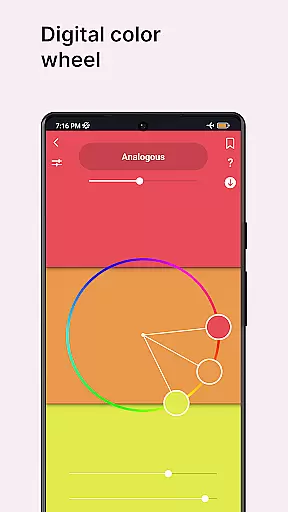
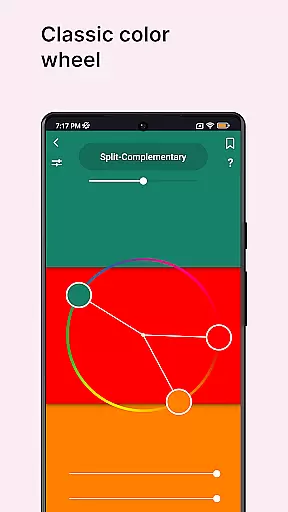
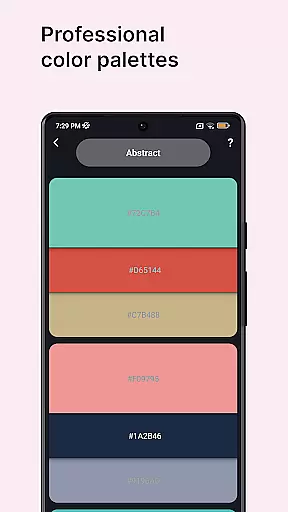
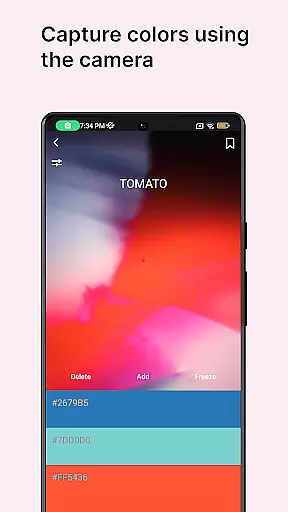
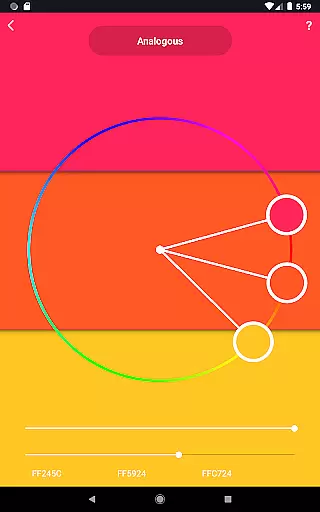
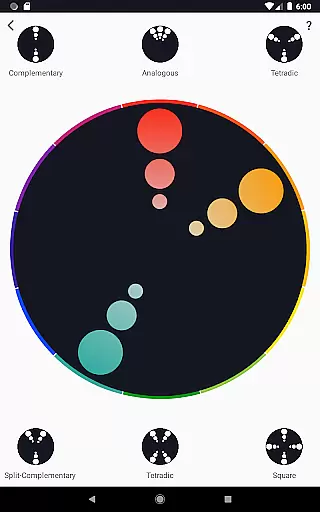
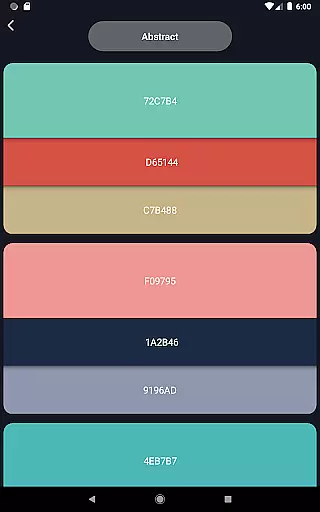
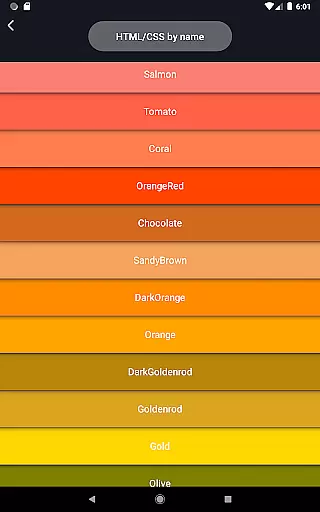
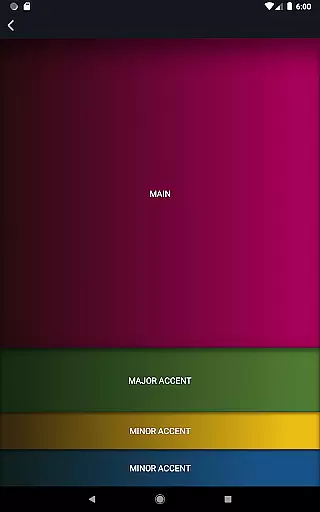
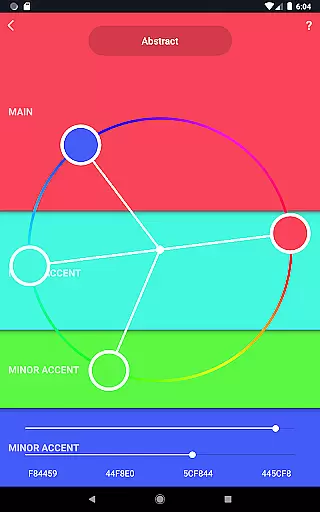
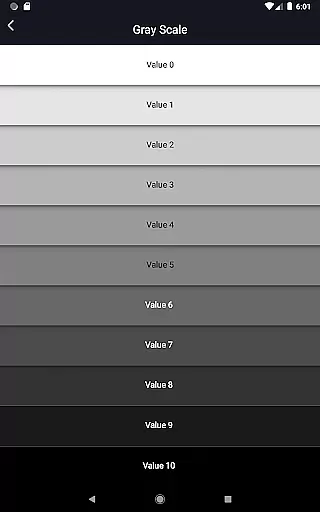
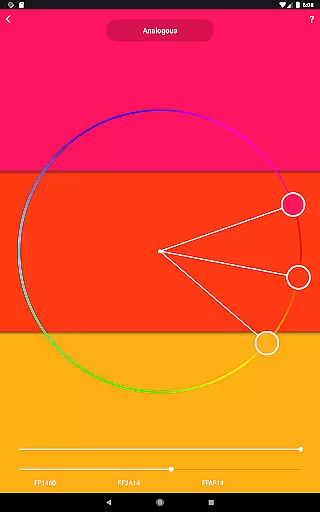
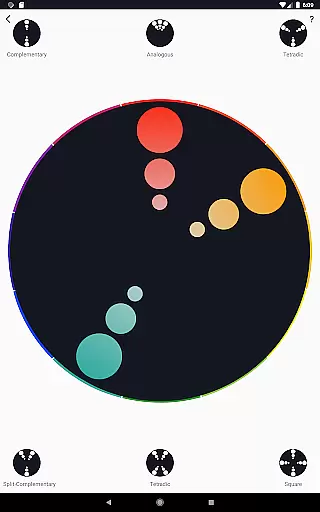
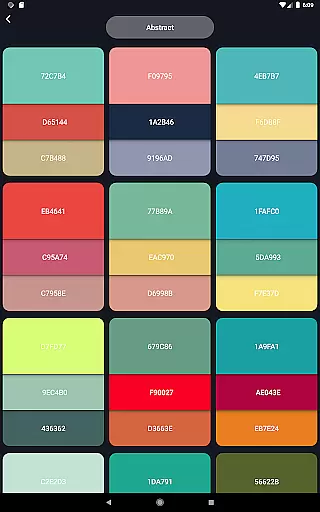
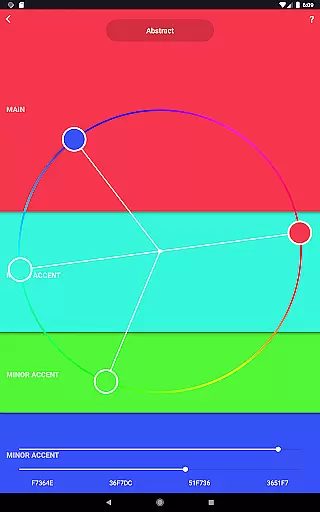
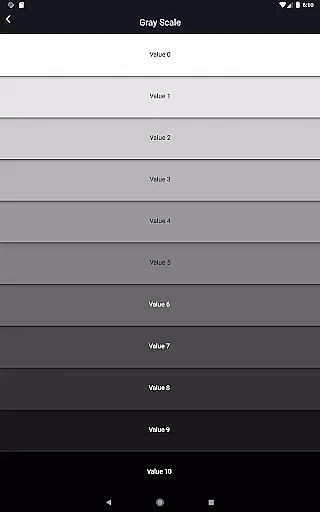
Color Wheel is a comprehensive art and design application that brings together various types of color wheels, catering to graphic designers, painters, and artists. The app features digital, abstract, and classic color wheels, each serving different artistic needs. With specialized tools like color combinations, color picker, image colors, color swatches, grayscale, value checker, and value breaker, it offers an all-in-one solution for color selection and analysis.
This versatile app is particularly useful for professionals in graphic design and painting. It helps users create harmonious color palettes, extract colors from images or the environment through the camera, and analyze paintings for proper value balance. Whether you're working on digital projects or traditional artwork, Color Wheel provides essential tools to enhance your creative process and improve your artistic outcomes.
Color Wheel stands out with its diverse range of specialized features tailored for artists and designers. The digital color wheel serves as an indispensable tool for graphic designers, enabling precise color selection for digital projects. The abstract color wheel caters specifically to abstract painters, offering unique color choices that inspire creativity in non-representational art forms.
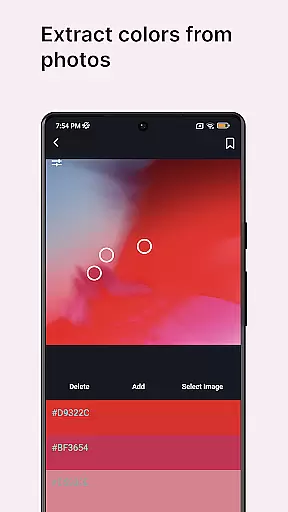
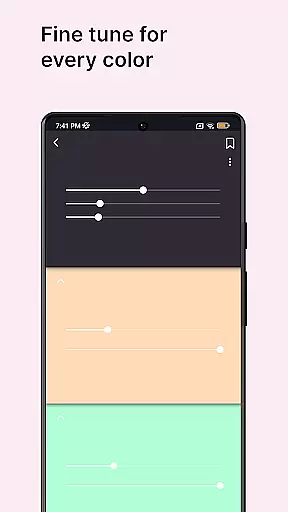
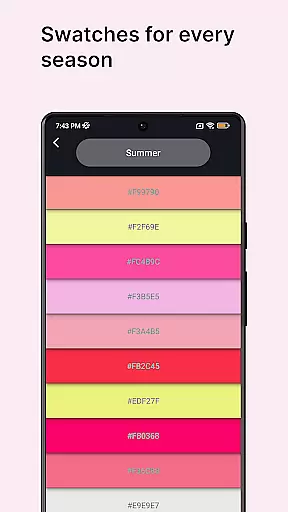
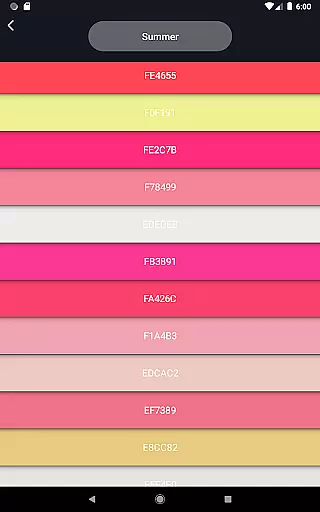
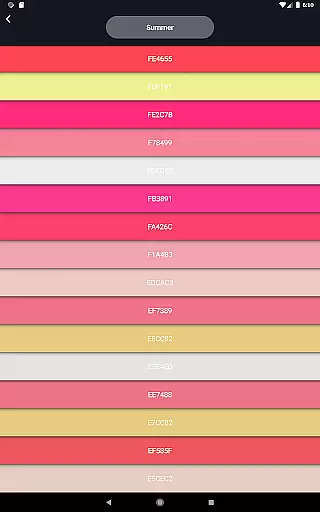
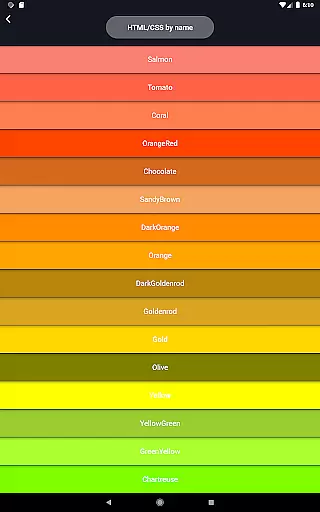
Beyond the traditional color wheels, the app includes professional color palettes, a color picker tool for capturing colors from the camera, and an image color extractor. Additional features like color swatches organized by seasons and moods, a grayscale tool, value checker, and value breaker provide comprehensive solutions for both digital and traditional artists. These innovative tools help simplify complex artistic decisions while maintaining professional standards in color theory application.
In the realm of digital art and design, having a comprehensive set of tools is paramount. Color Wheel offers an extensive suite that caters to various needs within the Art & Design category.
This application provides multiple types of color wheels including Digital, Abstract, and Classic versions, each serving different artistic purposes. The inclusion of professional color palettes and a versatile color picker enhances its utility for both graphic designers and painters.
Furthermore, features such as image colors extraction, seasonal color swatches, grayscale conversion, value checker, and value breaker empower users with capabilities that simplify complex tasks in painting and design work.
By consolidating these essential functions into one app, Color Wheel ensures artists have everything they need at their fingertips to create stunning visuals efficiently.
A crucial aspect of any art and design application is the flexibility it offers in terms of canvas options and format compatibility. Color Wheel excels by providing adaptable solutions tailored to diverse creative processes.
The app supports not only standard color wheel formats but also extends its functionality through specialized tools like the color picker which can extract colors from images or camera input. This versatility allows artists to work with real-world references seamlessly.
Additionally, features such as grayscale conversion and value checking provide further adaptability for projects requiring specific tonal ranges or balance assessments. These utilities ensure precision in artwork creation regardless of medium constraints.
With this level of canvas and format flexibility, Color Wheel stands out as an indispensable companion for modern creatives seeking efficiency without compromising on quality or creative freedom.
User-friendly interface
Comprehensive color tools
Versatile design options
Professional-grade features
Innovative value analysis
Steep learning curve
Advanced features may overwhelm beginners
Occasional performance lags
Limited free version capabilities
Requires technical understanding

Meet the magic aı 3d photo generator and smart AI video generator app.
 3.20
3.20
Create stylish invitation cards using templates for weddings, birthdays & RSVP.
4.20
Create neon drawing with magic doodle and fun doodle art effects!
4.50
Photo stitcher for automatically screenshot stitching into a long screenshot
4.70
Bring One UI 8.5 Icons to life -elegant dark icons with a modern, premium touch.
4.30
Share the joy of painting with ibis Paint! Drawing anime and manga art.
4.50
Video AI: Revolutionize Your Content Creation with Advanced Video Generation
4.50
Draw, fidget, and spin glow art! Relax and express your creativity with a finger
4.60
Sketch and paint on your device with the feel and freedom of drawing on paper
4.00
Get an overview over all your embroidery threads, projects and more.
4.60
Draw glowing spinners, relax, and spin your creative art
4.60
Draw Trace image sketch by, AR art projector app, Easy to trace any image.
4.50
Nano Banana AI Image Generator, Anime Filter, AI Portrait, AI Photo Generator
4.30
Text to Image, Image to Video & AI Chat
4.20
Design your dream room with AI. Get decor ideas & plan home interiors
3.90
Paint with oils and sketch with natural tools on a realistic virtual canvas.
3.80
Create stunning video, photo & magic from text with FlixAI GPT video generator.
3.10
Transform photos into amazing monochrome dither art with professional algorithms
4.2
Android 14 style widgets and wallpapers app.
4.2


User Reviews