
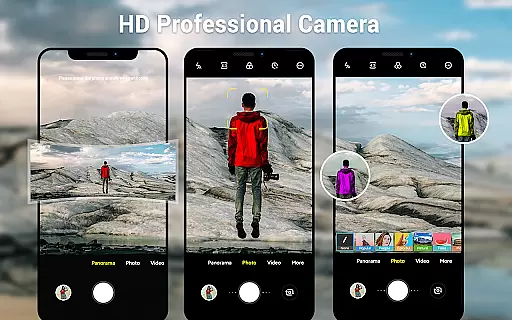
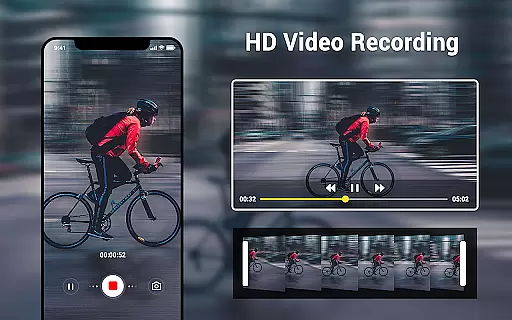
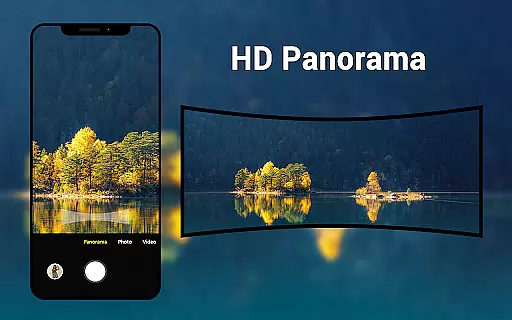
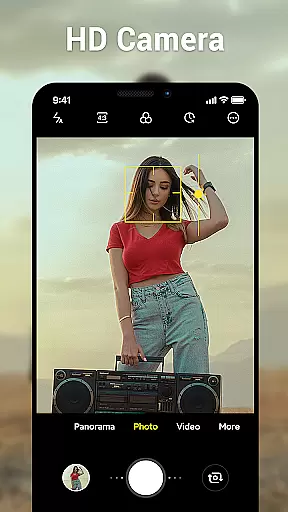
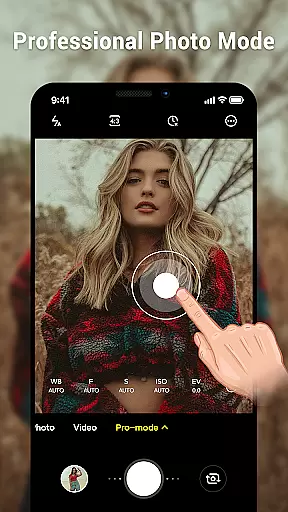
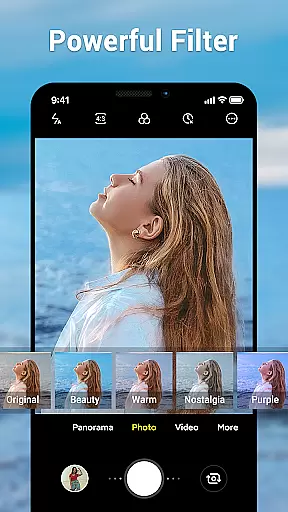
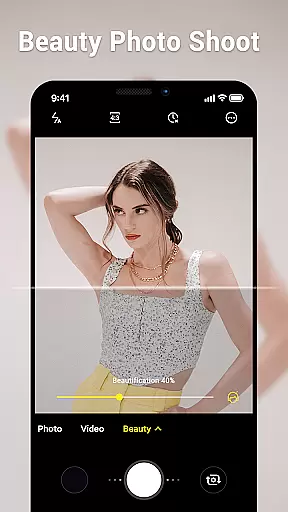
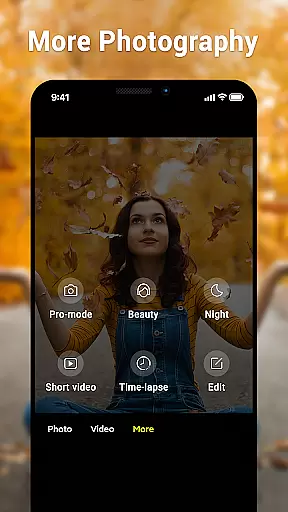
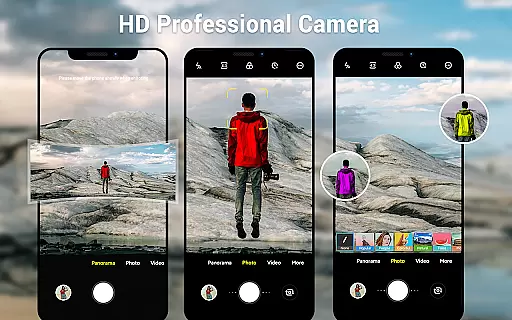
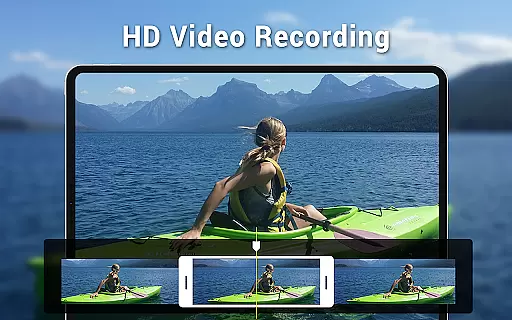
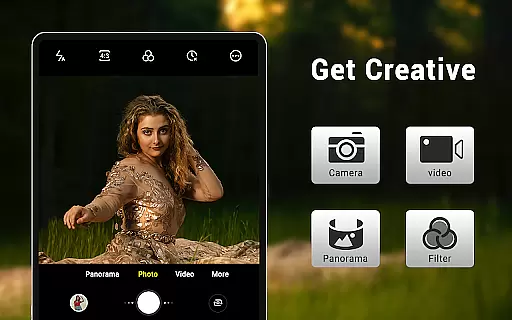
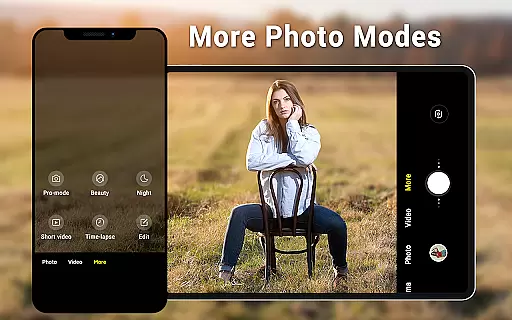
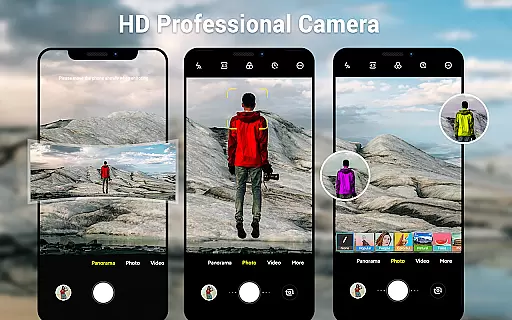
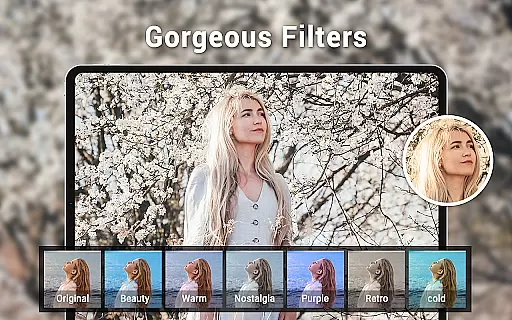
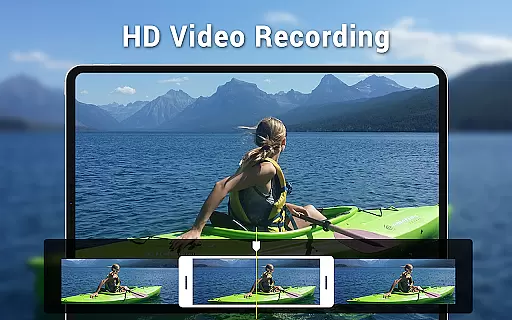
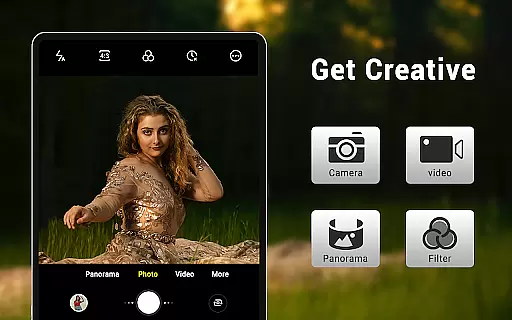
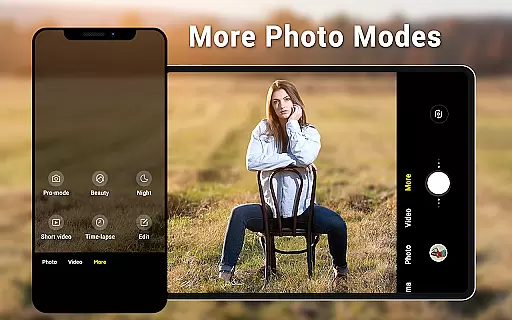
Camera for Android is a native system HD camera application designed to provide users with a simple and efficient way to capture high-quality photos and videos. The app supports multiple shooting modes including standard camera, video recording, and smart panorama, making it versatile for various photography needs.
One of the standout features is its intuitive interface that dynamically adjusts based on whether you're using a phone or tablet. It also offers advanced settings such as white balance, exposure control, countdown timer, and configurable volume keys. These functionalities ensure that users can customize their experience to suit different environments and preferences while maintaining excellent picture quality.
Whether you're capturing everyday moments or creating professional-grade content, Camera for Android provides tools like pinch-to-zoom, wide-screen picture support, and location targeting which enhance usability and convenience. This makes it an ideal choice for anyone looking to maximize their device's photographic capabilities without compromising speed or performance.
Camera for Android boasts an array of features that cater to both amateur photographers and seasoned professionals alike. With three primary modes - camera, video recorder, and panorama - users have the flexibility to switch between different types of media capture seamlessly. The HD camera ensures crisp images and smooth videos, while smart panorama mode allows for expansive shots by stitching together multiple frames intelligently.
The app includes several customization options such as white balance settings (Incandescent, Fluorescent, Auto, Daylight, Cloudy), screen mode settings (Action, Night, Sunset, Play), and exposure adjustments. Users can also set a countdown timer for timed shots and utilize pinch-to-zoom functionality for detailed close-ups. Additionally, dynamic user interfaces adapt to your device type, ensuring optimal display whether you're on a phone or tablet.
Other notable features include wide-screen picture support, configurable volume keys for easier operation, and location targeting which tags photos with geographical data. All these elements work together to create a comprehensive photography tool that leverages the full potential of Android devices, providing users with everything they need to produce stunning visuals effortlessly.
Real-time capture and preview functionality is essential for ensuring that users can accurately frame and capture their desired shots without delay. The Camera for Android app excels in this area by providing a seamless experience that leverages the native capabilities of your device.
This application offers an intuitive interface that allows you to shoot high-quality photos and videos with ease. With features such as pinch-to-zoom, exposure settings, white balance adjustments, and countdown timer, it ensures that every moment captured is exactly how you envisioned it.
The dynamic user interface adapts to both phone and tablet screens, offering wide-screen picture modes and various screen mode settings like action, night, sunset, and play. This flexibility empowers users to take stunning photographs under different conditions while maintaining precise control over their shooting environment.
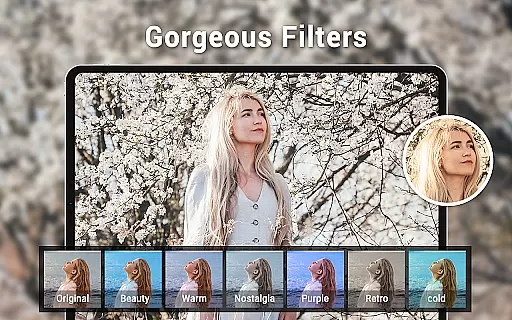
AI beauty and enhancement features are becoming increasingly popular among photography apps, aiming to improve image quality naturally without making them look overly processed. Camera for Android incorporates these functionalities subtly yet effectively, enhancing portraits while preserving authenticity.
With smart panorama shooting and configurable volume keys, this app provides additional tools that contribute to a more natural photo-taking experience. Users can enjoy capturing expansive landscapes or group photos with minimal distortion and maximum clarity.
Despite the presence of many camera applications on the market today, this native Android app stands out due to its efficiency and ability to meet diverse user needs. It serves as an excellent alternative for devices lacking a built-in camera app, ensuring that all users have access to reliable photographic tools.
User-friendly interface
High-definition photo capture
Versatile shooting modes
Advanced customization options
Efficient performance
Limited creative filters
No built-in editing tools
Basic UI design
Occasional bugs reported
Requires newer devices

1M influencer's special filter
 4.60
4.60
Professional video recording application with manual controls for filmmakers!
2.80
Take videos and pictures with the popular TikTok TIME WARP SCAN filter.
4.60
GCamera allows all GCam features on all phone models! Better photos with GCamera
3.30
AI Photo Editor with 100+ Filters, Effects! Remove BG, Retouch & Photo Enhancer.
4.80
The original Rarevision VHS look seen everywhere!
4.70
A unique animation app. Powerful, easy to use, and lots of fun.
4.30
Discover How to Plan any Sun, Moon and Milky Way Photo You Imagine in Seconds
4.70
Your Family Calendar + Photos. Manage your Skylight Calendar and Skylight Frame.
4.40
Pro version: AR sun/moon tracker for any date. Tool for photographers & planners
4.90
Perfect body tune & face app - photo retouch, makeup, slim body & beautify face.
4.80
Enhance, retouch & create your story - Share the moment with Photoshop Express.
4.60
HD Camera Pro with HD Video shooting, Panorama, Photo editor , Beauty Camera.
4.50
Edit like a pro with Hypic. Apply filters, AI effects, & magic touch.
4.40
Photobooth mini FULL app will allow you to add more fun to your parties
4.00
How old age camera Gender Swap App Face Shape Hairstyle App Hair Styler App fun!
4.00
Professional quality photo edits with the new Snapseed.
4.00
Application for remote controlling DSLR
3.00
Photo Album Watch Face shows your favorite pictures as a Watchface.
1.90


User Reviews