
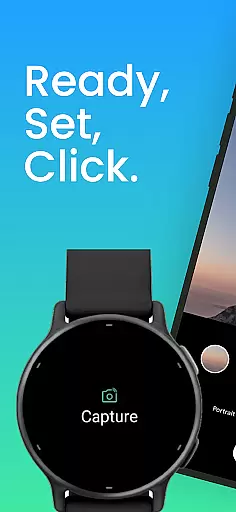
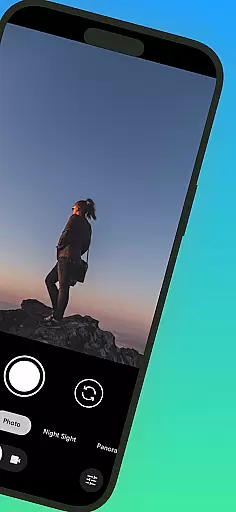
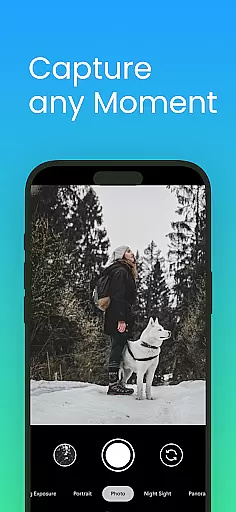
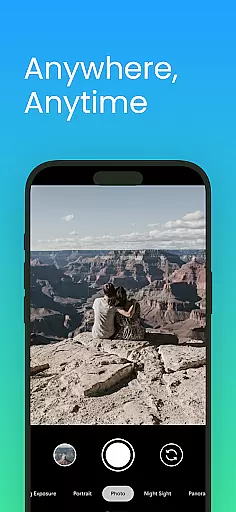
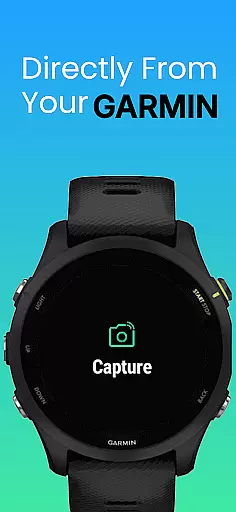
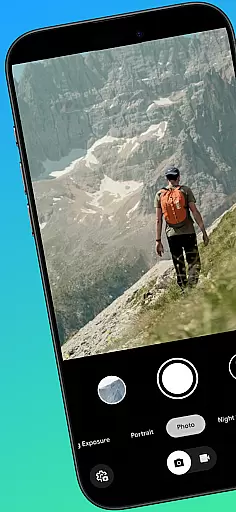
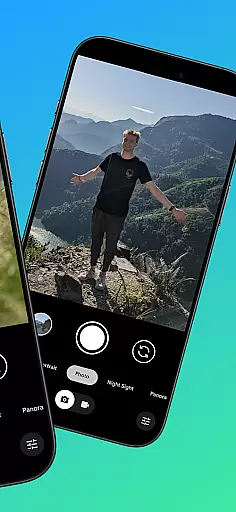
CameraClick is a powerful photography app that connects Garmin smartwatches with Android phones, enabling wireless remote control of your phone's native camera. This seamless integration allows users to capture photos and videos directly from their wrist, making it ideal for group shots, solo adventures, or distance recordings.
The app works with your existing camera application, preserving preferred quality settings, lens choices, and storage paths. Using Android’s AccessibilityService, CameraClick interacts directly with the camera shutter button, ensuring compatibility across various devices and camera apps.
Whether you're an athlete recording workouts, a creator capturing nature, or simply someone who wants to take photos without reaching for your phone, CameraClick offers a reliable solution tailored to your needs.
CameraClick stands out with its unique ability to integrate with your phone's native camera app rather than relying on a custom viewer. This ensures that all your preferred camera settings—quality, lens choice, and storage path—are preserved while providing wireless control right from your Garmin smartwatch.
One of the key features is its use of Android’s AccessibilityService, which allows direct interaction with the camera shutter button. This makes CameraClick compatible with a wide range of camera apps across different devices, giving users full control over how their photos and videos are captured.
Additionally, CameraClick has been tested and proven reliable on popular Android devices from brands like Google, Samsung, Motorola, Xiaomi, Fairphone, OPPO, Honor, Nothing, OnePlus, and more. This broad compatibility ensures a consistent experience regardless of your device.
Real-time capture and preview functionality is essential for ensuring that users can take photos or record videos with precision and confidence. CameraClick excels in this area by providing seamless integration between your Garmin smartwatch and Android phone.
The app leverages the native camera application on your phone, meaning you get to use the camera interface and settings you are already familiar with. This ensures that quality settings, preferred lenses, and storage paths remain consistent with your usual photography workflow.
By utilizing Androidu2019s AccessibilityService, CameraClick interacts directly with the camera's shutter button. This direct interaction allows for a reliable and responsive remote shooting experience right from your wrist, making it easier than ever to capture moments without needing to hold your phone.
Whether you're taking group shots, solo adventures, or recording video from a distance, the real-time feedback and control offered by CameraClick ensure that you never miss a moment, providing both convenience and high-quality results.
While CameraClick does not focus heavily on AI beauty and enhancement features, it provides an authentic and unaltered photography experience which is crucial for many creators and photographers who prefer natural results.
The app works with your phoneu2019s existing camera app, preserving your preferred quality settings and lens choices. This means that any enhancements or beautification features you have configured within your native camera app will still function as expected.
For those who prioritize genuine and unedited content, CameraClick offers a straightforward solution. It avoids unnecessary alterations, focusing instead on giving users precise control over when and how their photos are taken.
This approach ensures that the final images reflect true-to-life scenes without artificial enhancements, catering to athletes, nature enthusiasts, and everyday users who value authenticity in their photography.
Wireless control
Native camera support
Wide compatibility
Preserves settings
User-friendly
Requires permissions
Garmin-only
Limited iOS
Needs Connect IQ
Accessibility setup

AI portrait generator and polaroid AI selfie, fun AI generated AI photo creator!
 4.30
4.30
[3DSteroid Pro] is a stereoscopic application for Android.
4.30
Professional video recording application with manual controls for filmmakers!
2.80
Viewfinder, Light meter, Reciprocity failure time, DOF & Bellows Extension
4.60
All-in-One Editor & AI Photo Enhancer, Collage, Cartoonify, Funny Stickers & BGS
4.10
Pet Camera
3.70
Turn photos into cartoons & avatars! - Photo Editor, Cartoon Face!
3.90
A light meter for true photographers.
4.20
The original Rarevision VHS look seen everywhere!
4.70
Your personal guide to the sun and moon. Plan ahead, visualize and predict!
4.70
1M influencer's special filter
4.60
Light-weight Media Gallery app for Android made with Jetpack Compose
4.60
PhotoSync Bundle Add-On License. Enables all features and services in PhotoSync.
4.60
Photo Exif Editor allows to view, add and modify EXIF data of multiple photos
4.50
Luminar: Photo Editor - easy picture editing with AI
4.20
Photo editor: face & body editor, beauty cam, filters and quality enhancer.
4.00
Hair color changer, AI haircut app, fun hair editor and buzz cut filter for all!
3.80
Be your best in every shot! Fix, edit and retouch your face in selfies & photos.
3.70
Over 800 film simulation recipes for Fujifilm. Black Friday Offer!
4.3


User Reviews