
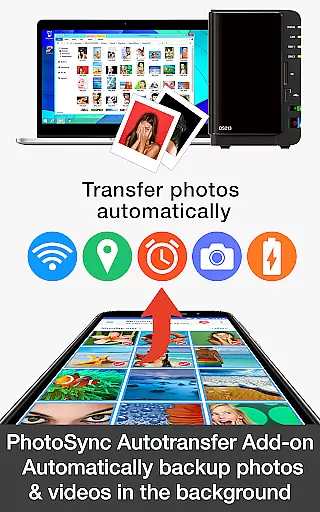
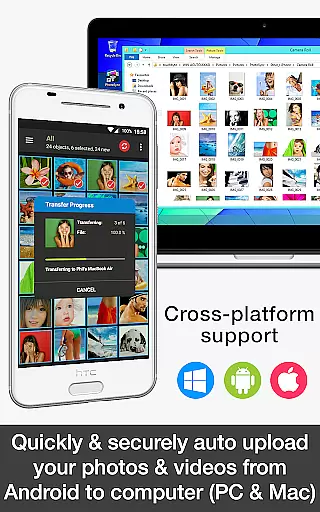

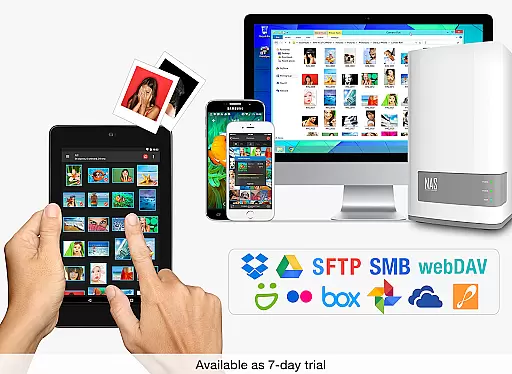
PhotoSync Autotransfer Add-On is an advanced activation license designed to enhance the free version of PhotoSync by adding automatic wireless photo and video backup capabilities while removing ads. This add-on allows users to effortlessly back up their media files in the background to various destinations including computers, private clouds, NAS devices, and supported cloud services.
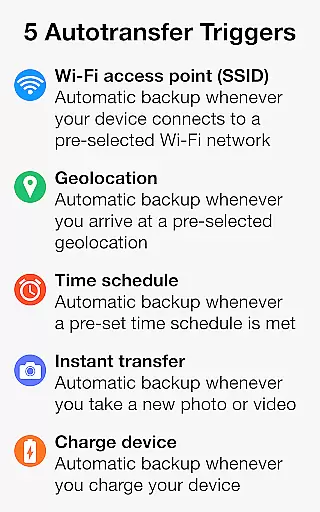
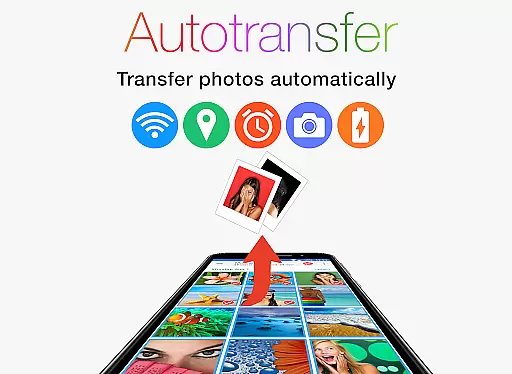
The product stands out with its five configurable Autotransfer triggers that include Wi-Fi access point (SSID), geolocation, time schedule, taking a photo, and device charging. These features ensure that your precious memories are securely backed up without any manual intervention. Whether you're at home, in the office, or on the go, PhotoSync Autotransfer ensures your data is safe and accessible.
With over 10,000 positive reviews and millions of successful photo transfers, PhotoSync has established itself as a reliable cross-platform solution available for Android, iOS, Windows, and Mac. Its decade-long presence in the market, coupled with continuous updates, guarantees a secure and customizable user experience tailored to individual needs.
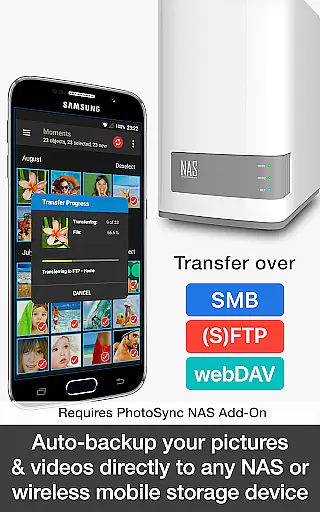
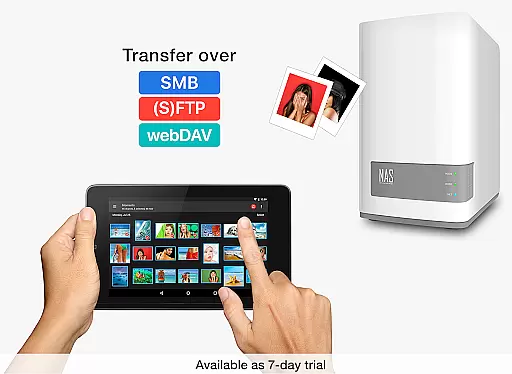
PhotoSync Autotransfer Add-On offers a comprehensive suite of features designed to streamline and secure your photo and video backups. One of its standout capabilities is the automatic wireless backup functionality, which supports multiple transfer protocols such as SMB, (S)FTP, WebDav, and direct connections to computers over WiFi or Portable WiFi Hotspot. This ensures that your media files are safely stored across different platforms and devices.
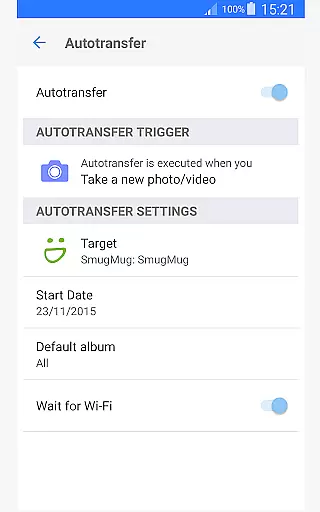
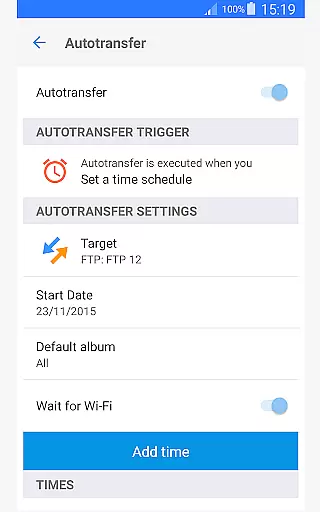
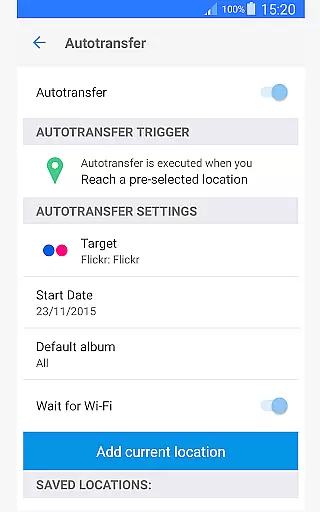
The add-on provides five distinct Autotransfer options to cater to various user preferences and scenarios. You can set up instant transfers upon capturing new photos or videos, trigger backups when connecting to specific WiFi networks, activate location-based transfers when arriving at designated places, initiate backups during device charging, or schedule regular transfers based on preset times. These flexible options give users complete control over their backup processes.
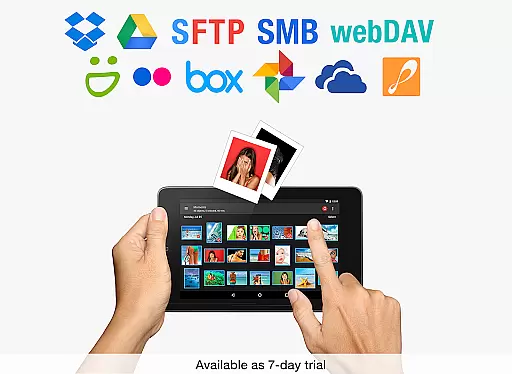
Additionally, PhotoSync Autotransfer integrates seamlessly with popular cloud services like Dropbox, Google Drive, Google Photos, Flickr, OneDrive, SmugMug, Box, Zenfolio, and PhotoPrism through optional Cloud Add-Ons. This integration not only expands storage possibilities but also enhances sharing capabilities, making it easier than ever to manage and access your digital assets from anywhere.
Real-time capture and preview functionality is essential for ensuring that every photo or video taken meets the desired quality standards. PhotoSync Autotransfer Add-On excels in this area by providing users with reliable automatic background transfers of photos and videos.
This application supports instant transfer options, allowing media to be backed up as soon as it's captured. This feature ensures that users never miss a moment, offering peace of mind that all content is securely stored without manual intervention.
Moreover, the app facilitates wireless backup to various destinations including computers, private clouds, and NAS systems. With multiple autotransfer triggers such as Wi-Fi access points, geolocation, and device charging, users can customize their experience to match their lifestyle seamlessly.
While PhotoSync Autotransfer Add-On does not focus on AI beauty enhancements, it emphasizes the naturalness and authenticity of your photos and videos through secure and customizable backup solutions. The emphasis here is on preserving the original quality and context of your captures.
The application provides five configurable autotransfer triggers, ensuring that your media is transferred under conditions that best suit your needs. Whether it's upon connecting to a specific Wi-Fi network or when you arrive at a particular location, these settings help maintain the integrity of your content.
Additionally, by supporting a wide range of storage options like SMB, (S)FTP, WebDav, and popular cloud services, PhotoSync ensures that your files are stored safely and remain accessible. This approach prioritizes the preservation of your memories just as they were captured, without artificial alterations.
Automatic wireless backup
No ads
Cross-platform support
Flexible Autotransfer options
Secure and reliable
Requires separate app installation
Premium features need additional purchases
Limited free version functionality
Complex setup for beginners
Dependent on network connectivity

Search, tag and rate your way to an organized image gallery
 4.40
4.40
Safe & smart flight with Go Fly drone controller for 40+ drone camera, zone map
4.50
Photo editor: AI filters, photo enhancer, pic collage maker, AI art generator.
4.80
AI photo editor with hair editor, retouch tools, hair color changer & filters!
4.50
Turn your phone into a professional camera - full DSLR manual photography
4.30
Create AI photos & videos with Enhancer; restore, fix, beautify, enhance photos
4.50
Collage your moments in one tap: 1000+ layouts, filters, stickers, and texts.
4.90
Professional camera app that brings DSLR manual photography controls to Android.
4.20
Discover How to Plan any Sun, Moon and Milky Way Photo You Imagine in Seconds
4.70
Create collages easily! Nice pic collage maker & background eraser for Instagram
4.50
[3DSteroid Pro] is a stereoscopic application for Android.
4.30
Shooting photos and records video easily and efficient with professional Camera
4.30
Create AI Photos, Improve and restore quality of blurry, old or damaged pics.
4.20
Create & Edit with AI: AI Remove, Enhance, Retouch, Filter
4.10
Photo editor: face & body editor, beauty cam, filters and quality enhancer.
4.00
USB Storage Access for Photos, Videos, Music and Documents
3.80
GCamera allows all GCam features on all phone models! Better photos with GCamera
3.30
An interval timer to automate photo taking process for timelapse
2.90
Professional video recording application with manual controls for filmmakers!
2.80


User Reviews