
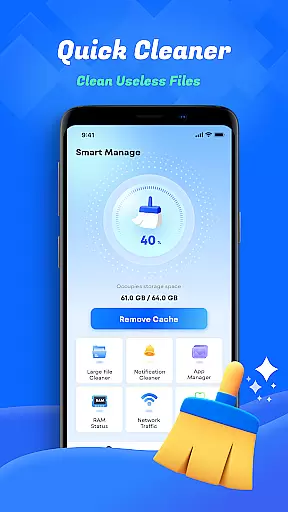
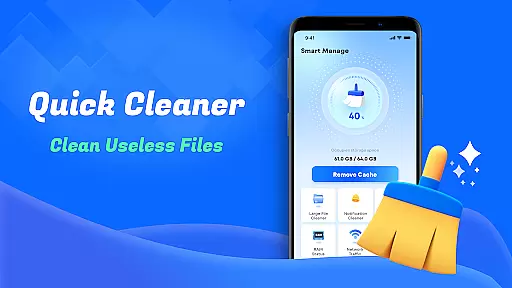
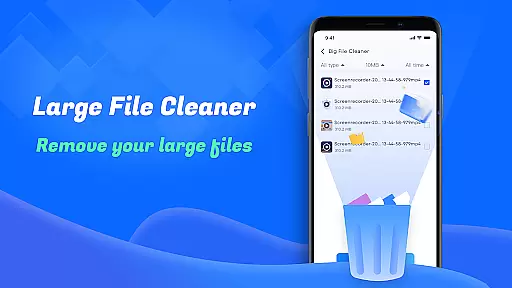
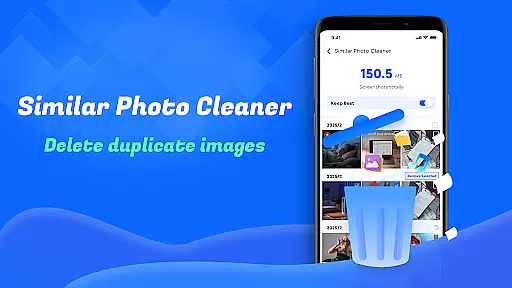
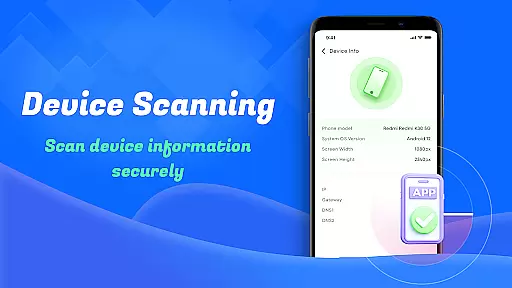
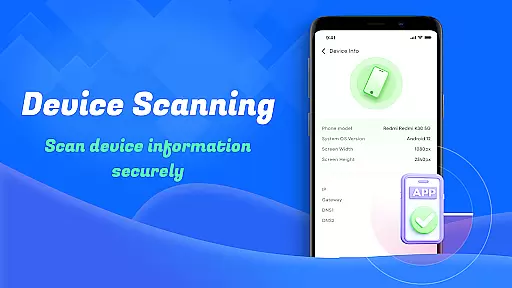
Smart Cleaner is a comprehensive phone cleaning tool designed to optimize device performance through efficient file management. The app specializes in removing unnecessary files, large files, and redundant screenshots while offering advanced features like similar photo detection.
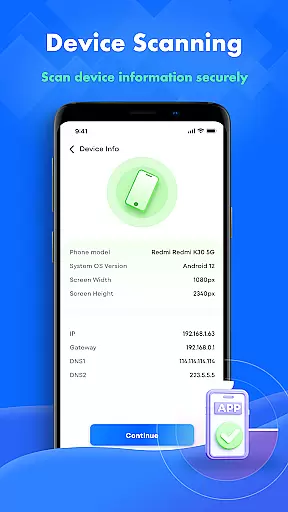
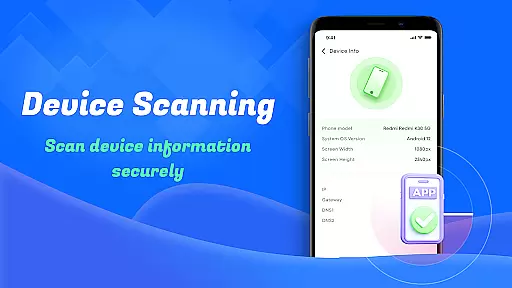
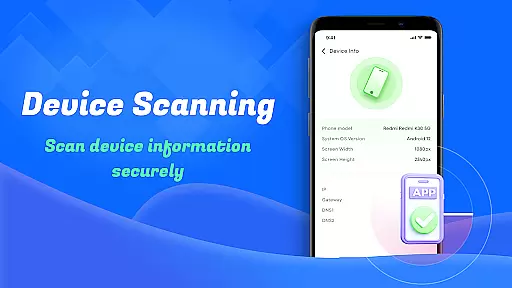
With an intuitive user interface, it ensures effortless navigation for users of all technical backgrounds. Its core functionality lies in providing detailed device information, network usage monitoring, and effective storage optimization, making it an essential utility for maintaining a clutter-free smartphone.
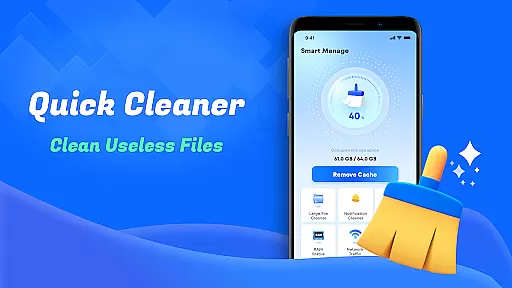
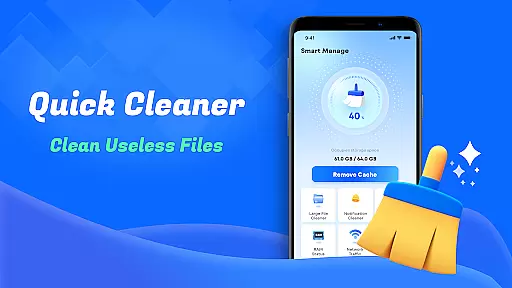
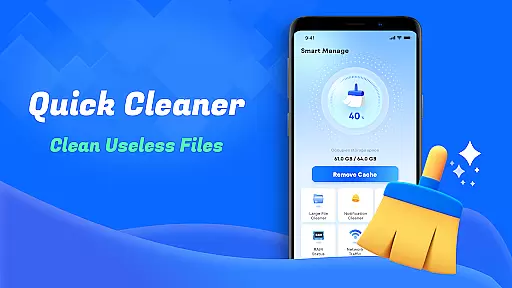
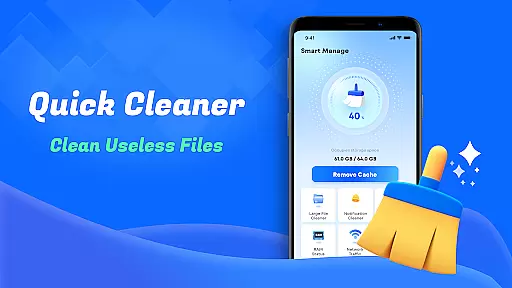
Smart Cleaner stands out with its diverse range of practical features tailored to enhance device efficiency. One key feature is the Unnecessary Files Cleanup, which scans and removes junk files that accumulate over time, freeing up valuable storage space.
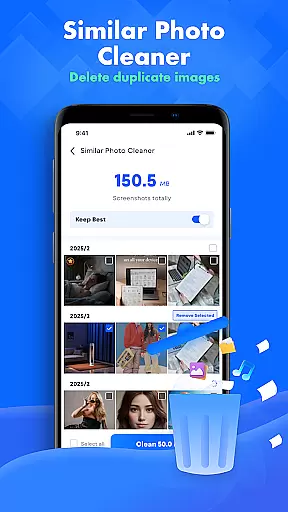
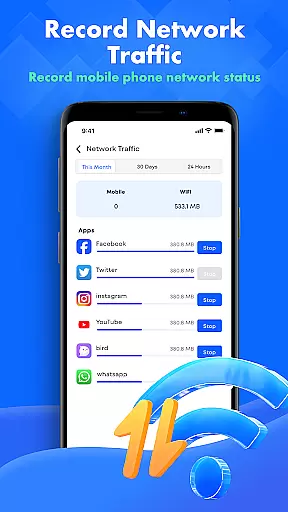
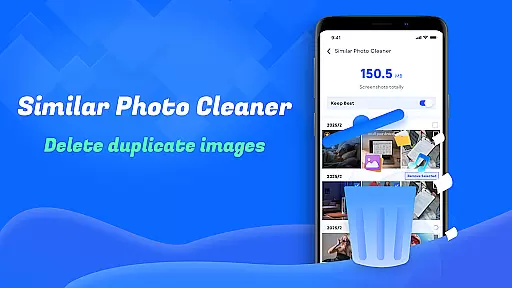
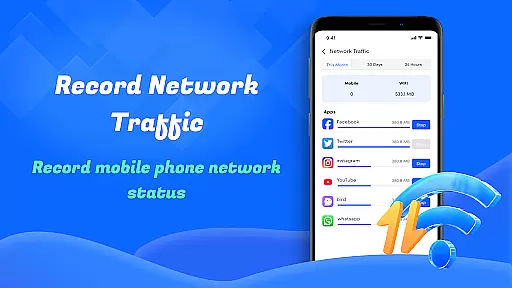
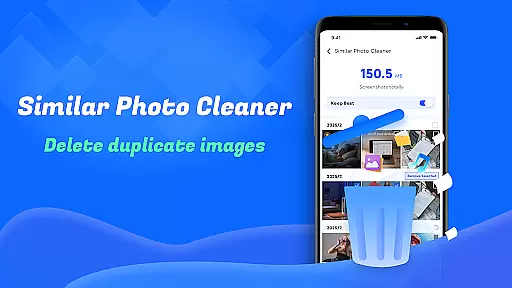
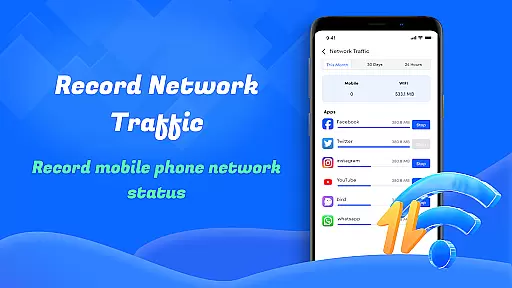
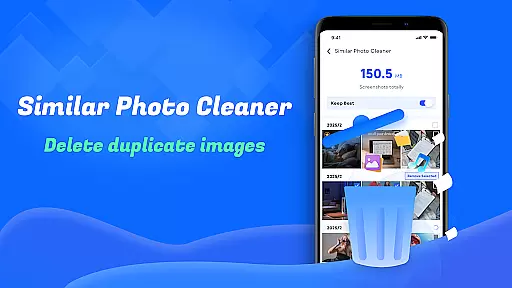
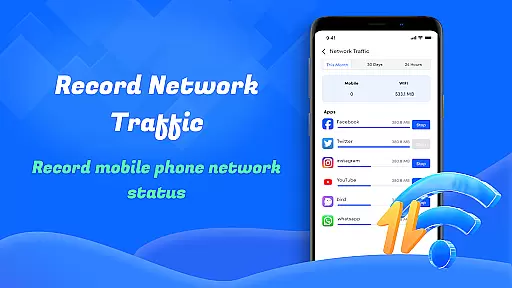
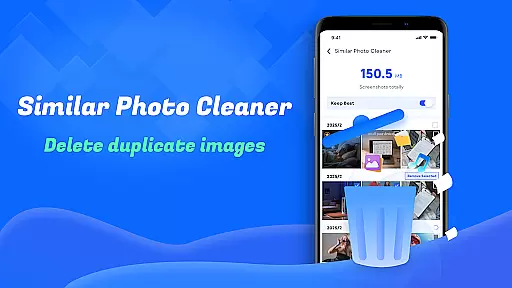
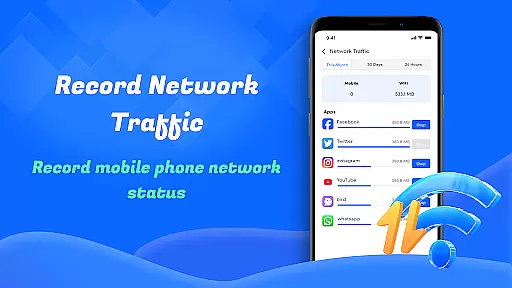
Another notable capability is the Similar Photos function, which intelligently identifies duplicate or near-identical images, allowing users to declutter their galleries effectively. Additionally, the app provides real-time Network Usage insights, helping users monitor data consumption and avoid unexpected charges.
Smart Cleaner stands out for its precision in identifying and removing unnecessary files from your device. The app employs advanced algorithms to scan your storage thoroughly, ensuring that only the redundant files are targeted while safeguarding important data.
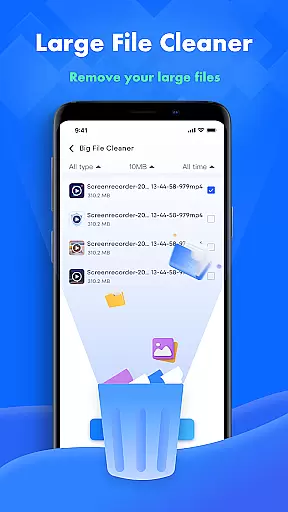
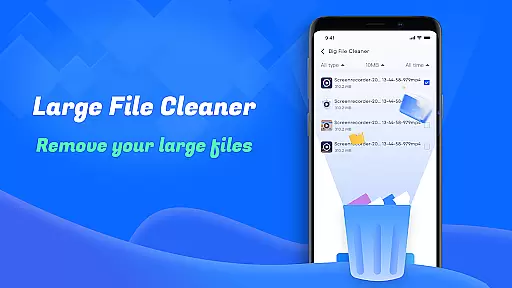
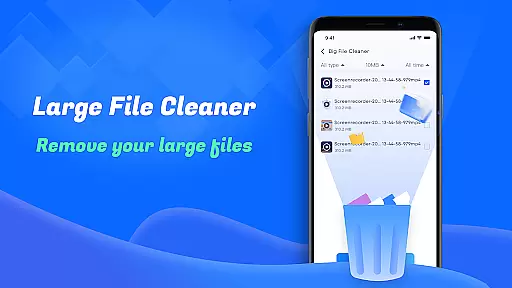
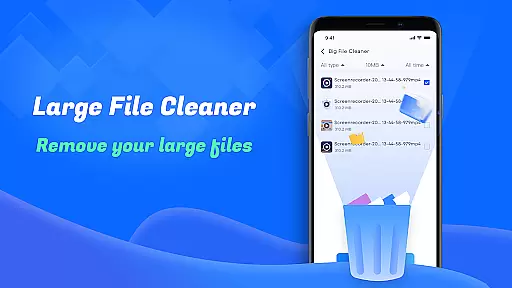
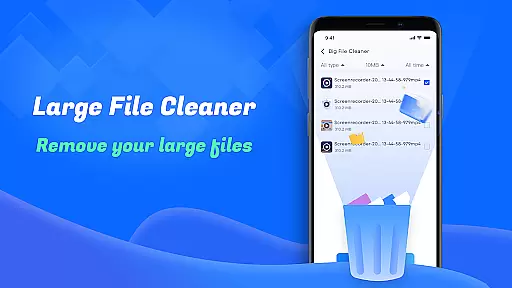
The Large File Cleanup feature is particularly effective, allowing users to pinpoint sizable files that may be occupying valuable space. By presenting these files clearly, Smart Cleaner empowers you to make informed decisions about which items to keep or discard.
Additionally, the Similar Photos functionality uses intelligent recognition to detect duplicate images, helping maintain an organized gallery without manual effort. This level of automation not only saves time but also enhances your overall device management experience.
Smart Cleaner boasts a user-friendly interface that simplifies the process of managing your device's storage. With intuitive navigation and clear visual cues, even those who aren't tech-savvy can easily utilize the appu2019s powerful features.
The design emphasizes ease of use with straightforward options for cleaning different types of files. Whether itu2019s screenshots or large files, each category is presented in a way that makes selection and removal hassle-free.
Moreover, real-time feedback during tasks such as scanning and clearing provides transparency and reassurance. Users can track progress effortlessly, making the entire cleanup process both efficient and satisfying.
User-friendly interface
Effective storage optimization
Advanced photo management
Real-time network monitoring
Comprehensive device analysis
Limited customization options
Requires multiple permissions
No cloud backup integration
Occasional slow performance
Ads in free version

 4.50
4.50
Quickly switch to an encrypted DNS server on Android TV
4.50
Head tracking for PC sim games such as MSFS 2024 or Elite:Dangerous. No headset!
4.50
Keep track of your Palia friendships, tasks, and inventory with Palia Notebook
4.60
Create your own live wallpaper or check out thousands already made presets
3.90
Unleash gamepad precision for ultimate mobile gaming dominance.
3.90
The ultimate tool for network analysis, wifi scanning and problem detection.
4.90
Create your own custom widget with endless possibilities
3.90
Automate everything from settings to photos, SMS to speech. ADC2 prize winner.
4.10
NFC Tools can read and write NFC tags.
4.70
HD Video player and downloader for all formats, fast & smooth 4K video playback.
4.60 4.50
4.50
The Ultimate Bluetooth Keyboard & Mouse. Securely control your PC, Mac, and more
4.50
Screen Mirroring for Roku Sticks, Roku TCL TV and Roku Hisense TV
4.50
Use your phone as a webcam on your computer over WiFi or USB.
4.40
MS-DOS in your pocket. Play old DOS games anywhere you are ;)
4.10
View detailed information about your Nissan Leaf the dealer never shows you.
4.10
Amateur Radio app for APRS: Track friends, exchange messages, get tactical info.
3.90
Save any video in HD - paste the link, download fast and watch offline.
4.4


User Reviews