
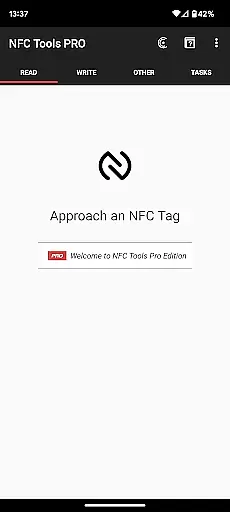
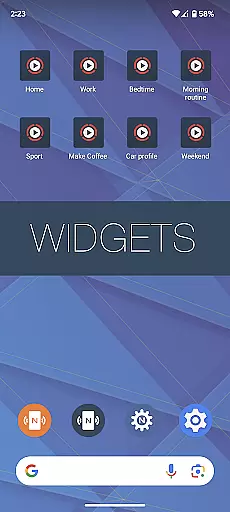
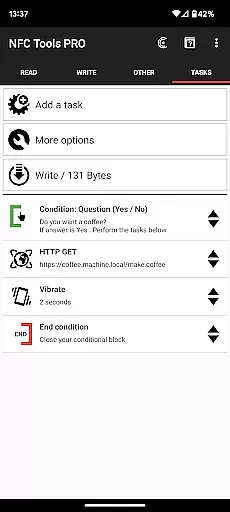
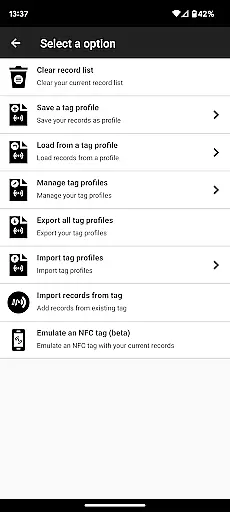
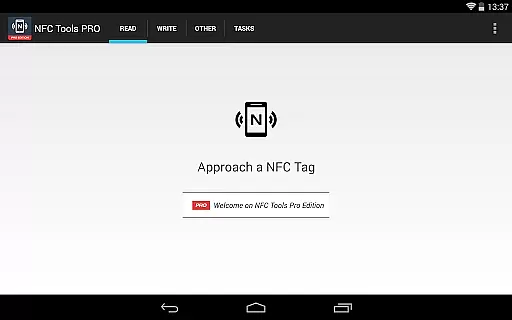
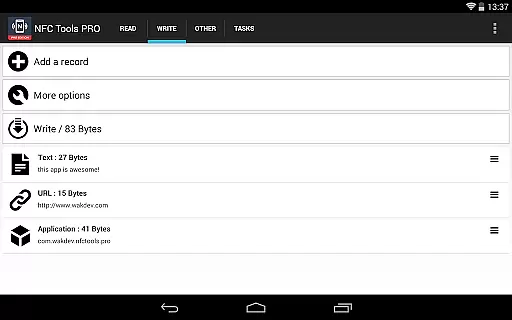
NFC Tools - Pro Edition is the ultimate solution for users looking to maximize the potential of their NFC-enabled devices. This powerful application allows you to read, write, and program tasks on NFC tags and compatible chips through an intuitive interface. With unlimited access to all available tasks, it empowers you to design creative and practical routines without restrictions.
Designed for both casual users and tech enthusiasts, this app offers advanced features such as profile management, task execution without physical NFC tags, and conditional blocks for complex actions. Whether you're automating daily tasks or experimenting with innovative NFC use cases, NFC Tools - Pro Edition provides the tools necessary to bring your ideas to life while ensuring seamless usability.
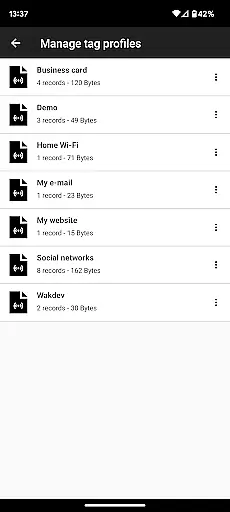
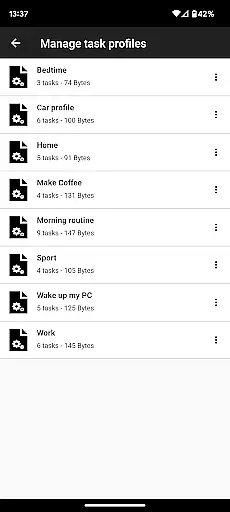
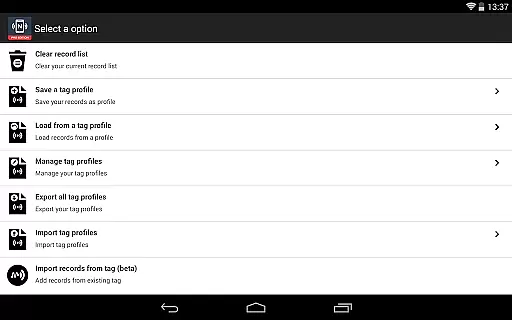
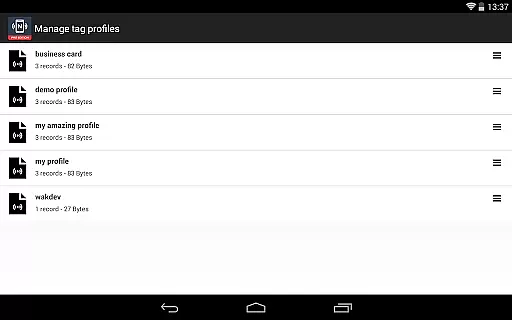
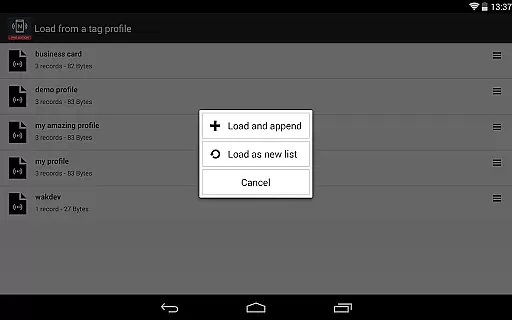
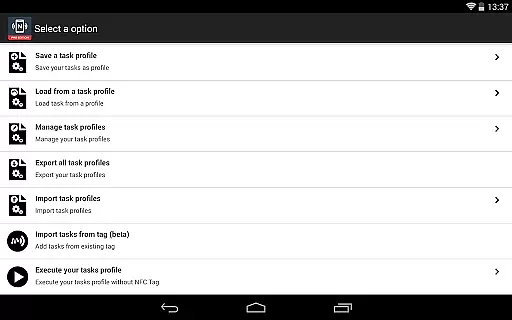
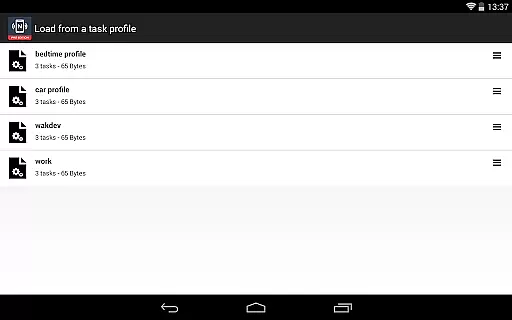
NFC Tools - Pro Edition stands out with its comprehensive suite of professional-grade features. One of its key highlights is the profile management system, which lets you save and reuse profiles containing records and tasks. This functionality is particularly useful for users who frequently work with similar configurations or need quick access to predefined setups.
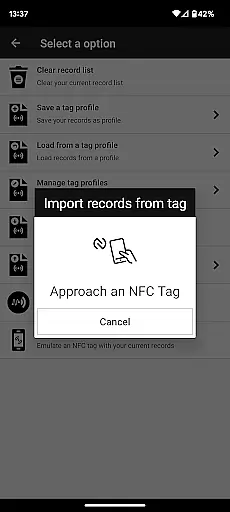
In addition to managing profiles, the app supports importing data from existing NFC tags, enabling rapid edits to records or tasks. It also introduces unique capabilities like executing tasks via home screen shortcuts, emulating NFC tags using your device, and creating intricate routines with conditional blocks. With over 200 tasks available, the possibilities are virtually limitless, making this tool indispensable for anyone seeking to harness the full power of NFC technology.
NFC Tools - Pro Edition stands out for its precision and reliability in executing core NFC-related functions. The app allows users to read, write, and program tasks on NFC tags with remarkable accuracy, ensuring that each command is carried out as intended without errors or misinterpretations.
With over 200 tasks available, the app offers a vast array of possibilities for users to explore. Whether it's setting up shortcuts on your home screen or emulating NFC tags, every feature is designed to work seamlessly, providing an effective solution for both personal and professional use.
The inclusion of conditional blocks adds another layer of sophistication, allowing users to create complex actions based on specific conditions. This ensures that the app can adapt to various scenarios, making it not only accurate but also versatile in its application.
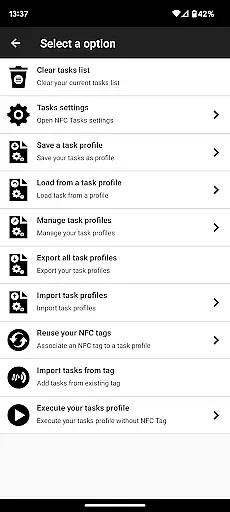
The user interface of NFC Tools - Pro Edition is crafted to offer a simple yet powerful experience. It features a lightweight design that makes navigation intuitive, even for those who may be new to NFC technology. Users can easily access all the app's functionalities without feeling overwhelmed by unnecessary complexity.
A key aspect of the app's interface is the profile management system, which allows users to save and reuse profiles effortlessly. This feature simplifies the process of managing records and tasks, enabling quick modifications and executions without hassle.
Additionally, the ability to import data from existing NFC tags streamlines the editing process, further enhancing the app's ease of use. With clear options and straightforward controls, NFC Tools - Pro Edition ensures that users can focus on their creative and practical routines without being bogged down by a steep learning curve.
Unlimited Task Access
Profile Management System
Advanced Conditional Blocks
Task Execution Without NFC Tags
Over 200 Customizable Tasks
Requires NFC Hardware
Premium Price Point
Complexity May Overwhelm Beginners
Limited Use Without Free App
No Built-in NFC Tag Purchase Option

 4.50
4.50
PDF Reader - Document Viewer: Read, Manage & Organize Your Documents
3.10
Safely recover deleted photos, videos, and files with a single easy tap.
3.70
App that Recover your pictures, videos or files after you delete them.
4.20
Create your own live wallpaper or check out thousands already made presets
3.90
Mirror your screen to Chromecast and Android TV - Super fast and simple
4.60
Making emulation easy for everyone!
4.30
Planner and Tracker for Stardew Valley
4.60
Mirror your screen to Fire TV - Super fast and simple
4.40
Connect instantly to a fast, encrypted VPN with one tap
4.60
Canon PRINT is a companion app for your Canon printer.
4.60
Keep track of your Palia friendships, tasks, and inventory with Palia Notebook
4.60
Use your phone as a webcam on your computer over WiFi or USB.
4.40
Fluid navigation gestures for all of us!
4.30
An easy-to-use calculator designed to save time calculating and bending conduit
4.30
PC precision for mobile gaming: dominate with keyboard and mouse!
4.30
Quickly & easily calculate the spacing of handrail balusters
4.20
1-Click close all background apps on Android TV
3.90
card-reader app
2.20


User Reviews