
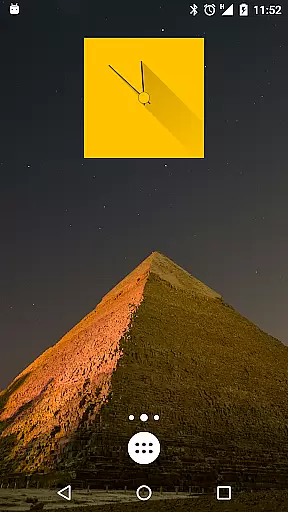
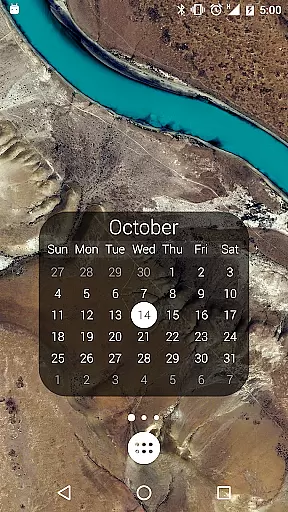
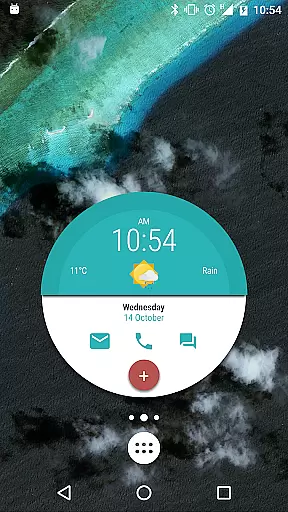
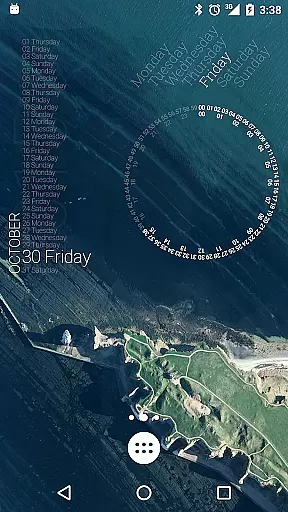
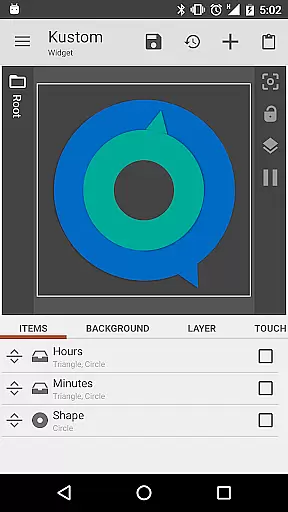
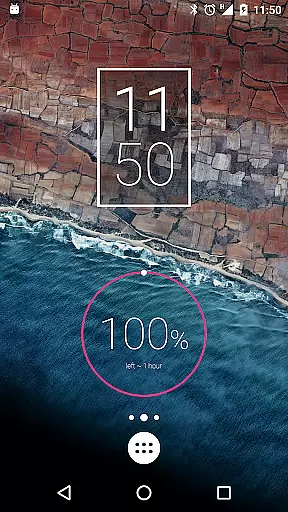
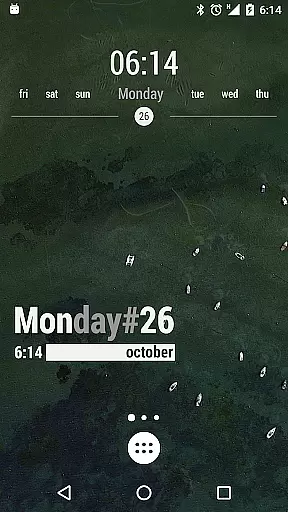
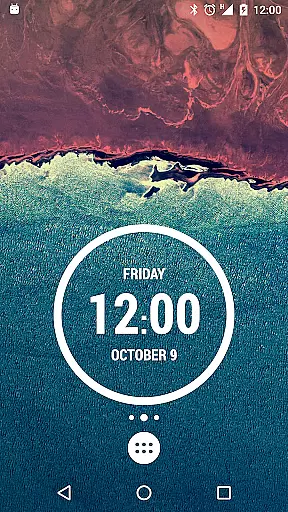
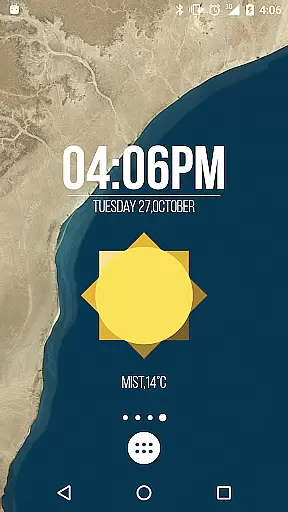
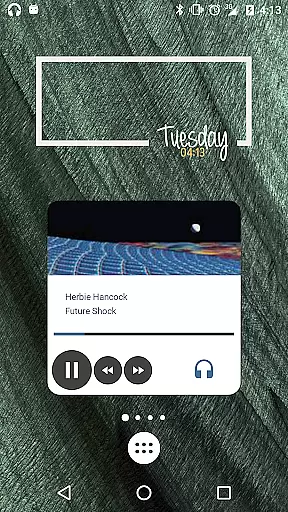
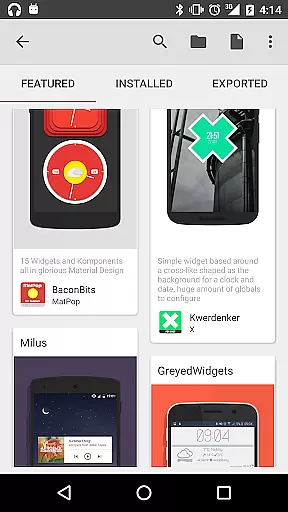
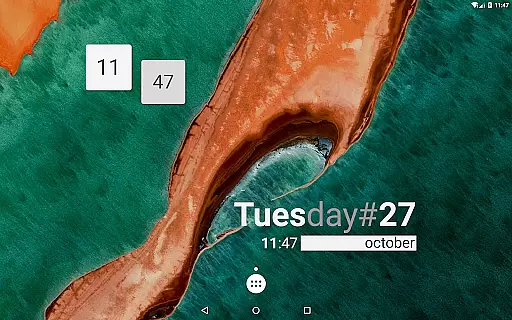
KWGT Kustom Widget Pro Key is a powerful tool designed to enhance your Android experience by unlocking advanced features in the Kustom Widget app. This pro key removes ads, supports external skin imports, and enables unique functionalities like Buzz Launcher import support.
With this key, users can create highly customized widgets including digital and analog clocks, weather displays, battery meters, and more. The combination of KWGT and this pro key offers limitless design possibilities through its WYSIWYG editor, making it possible to display various data without compromising device performance.
The KWGT Kustom Widget Pro Key unlocks essential features that empower users to maximize their customization capabilities. It allows for importing skins from SD cards, recovering presets, and accessing advanced functionalities like Google Fitness support and Tasker integration.
This tool stands out with its sophisticated programming language, complex data display options, and dynamic content downloading via HTTP. Users can create touch-sensitive hotspots, apply professional-grade overlay effects, and utilize scalable vector graphics (SVG) for crisp visuals on any screen size.
Additionally, the pro key enables displaying an impressive range of data including weather conditions, astronomy information, device statistics, and live maps. These features make KWGT a versatile solution for those seeking complete control over their home screen's appearance and functionality.
KWGT Kustom Widget Pro Key enhances the core functionalities of the Kustom Widget app by unlocking advanced features that ensure precision and efficiency in widget creation. This includes the ability to import designs from SD cards and external sources, offering users a broader range of customization options.
The tool's effectiveness is further demonstrated through its support for complex programming languages, enabling functions, conditionals, and global variables. This allows users to create highly personalized and dynamic widgets that can change based on various triggers such as touch, time, location, and weather conditions.
Additionally, KWGT provides comprehensive data display options ranging from date, time, battery status with duration estimation, to more sophisticated metrics like astronomy details and network information. These capabilities ensure that users have all the necessary tools to build effective and accurate widgets tailored to their specific needs.
Despite its powerful features, KWGT Kustom Widget Pro Key maintains an intuitive and user-friendly interface. The WYSIWYG (What You See Is What You Get) editor simplifies the design process, allowing users to visualize their creations in real-time without any technical expertise required.
Users benefit from an extensive array of pre-made skins and components which serve as excellent starting points for new projects. With easy-to-use text formatting options, custom fonts, colors, sizes, and effects, even beginners can craft visually appealing widgets effortlessly.
Moreover, the layering system with overlay effects mimics professional image editors, providing functionalities like blur, clear, xor, difference, and saturation. Such features ensure that while the interface remains simple, it does not compromise on delivering a rich set of creative possibilities for users at all skill levels.
Unlimited customization options
Advanced widget creation tools
Battery-efficient operation
Professional design capabilities
Extensive data display options
Requires separate app purchase
Steep learning curve
Limited use without main app
No standalone functionality
Premium price point

 4.10
4.10
Change your GPS location instantly. Simulate routes anywhere in the world.
4.90
HD Video player and downloader for all formats, fast & smooth 4K video playback.
4.60
Best leveling tool for your Android device. Hang paintings like a pro.
4.90
Detect hidden spy camera with advanced scanning {{ Premium version }}
4.00
Signal Strength, Mobile, Wifi, Speed Test, Bad Signals, Cellular, 5G, LTE, 4G
4.20
The Ultimate Bluetooth Keyboard & Mouse. Securely control your PC, Mac, and more
4.50
Clean up large files and similar photos, fast and easy to use
4.40
Protect your device with antivirus, storage cleanup, and system monitoring
4.70
Enjoy smooth gameplay with Game Booster
4.90
Excellent scientific calculator with symbolic algebra, integrals, derivatives
4.80
Play your X-Box games remotely in 1080p with any controller and zero latency
4.60
Game Booster, GFX Tool is now compatible with newer game update
4.50
Quickly check the frequency of the Earth
4.30
Just one-tap to easy translate in any language after calls within seconds.
4.20
Effortlessly run ADB commands directly on your device without a PC.
4.20
Introducing Smart Printer, your ultimate destination for printing solutions!
4.00
Fun lie-detection pranks for friends and parties.
3.80
Clean the junk files on your device
3.40


User Reviews