
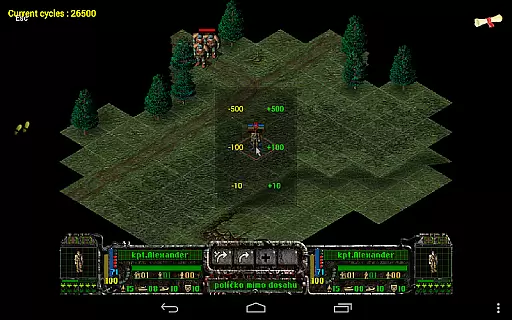
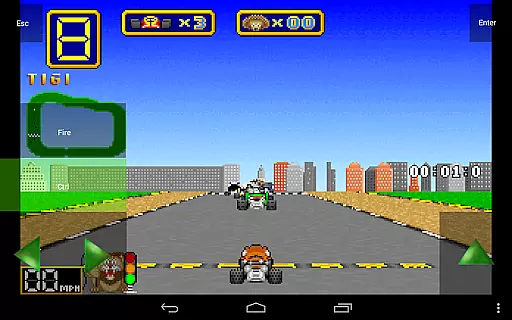
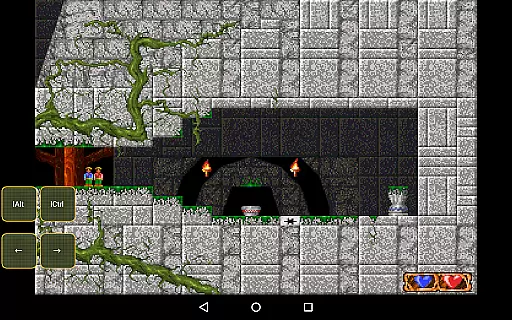
Magic DosBox is a highly optimized and fast DOSBox emulator for Android, designed to bring your favorite DOS and Windows games to your mobile device. With full support for mouse, keyboard, sound, and gamepads, it allows you to play classic games anywhere without the need for external hardware.
The app features a unique control system tailored for touch devices, making it easy to enjoy gaming on the go. It supports IPX networking for multiplayer experiences and offers advanced customization options for controls and screen layouts. Whether you're revisiting nostalgic titles or exploring retro gaming, Magic DosBox provides a seamless and immersive experience.
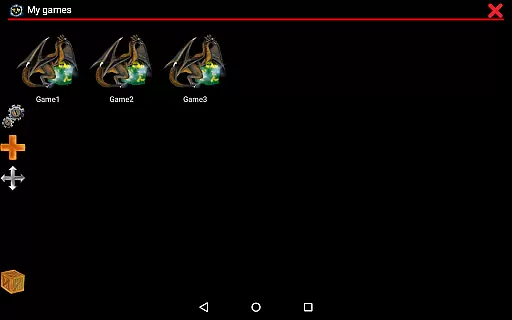
Magic DosBox stands out with its extensive feature set tailored for both casual and hardcore gamers. The app includes a game collection system where each game profile can be customized extensively, allowing users to tailor their gaming experience to specific needs.
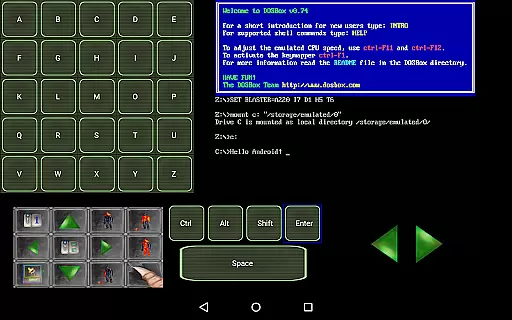
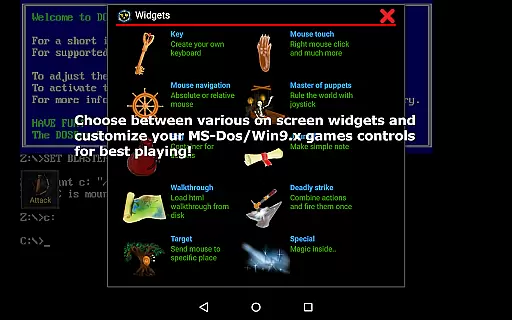
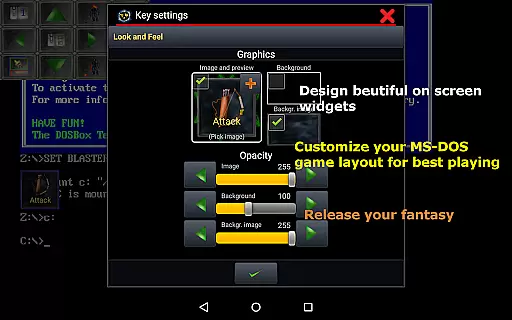
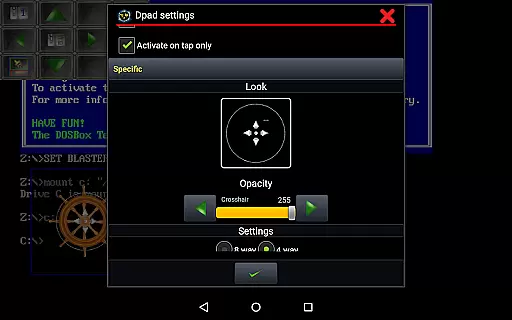
One of the key highlights is the ability to create on-screen widgets such as virtual buttons, D-pads, and keyboards. These widgets are highly customizable in terms of appearance and functionality, supporting gestures like swipes, long presses, and double taps. Additionally, the app supports various external controllers including Xbox 360 gamepads and Samsung stylus, enhancing gameplay flexibility.
Other notable features include multi-language support, sound Blaster compatibility, and network play through IPX. The app also allows users to take in-game screenshots, lock screen orientation, and import/export game profiles effortlessly. These capabilities make Magic DosBox a versatile tool for running and enjoying a wide range of DOS-based games on modern Android devices.
Magic DosBox is a highly optimized and fast DOSBox port for Android, designed to emulate the experience of playing DOS and Windows games on mobile devices. The core function of this app lies in its ability to accurately emulate the DOS environment while providing an effective gaming experience. This includes full support for mouse, keyboard, sound, and gamepad controls, making it possible to play your favorite classic games anywhere without the need for external hardware.
The app achieves its effectiveness through several key features. It supports various input methods including touch controls, external gamepads, and even Samsung stylus. With multi-language support and customizable game profiles, users can tailor their experience to fit their preferences. Additionally, Magic DosBox offers unique control systems such as on-screen widgets, which include virtual buttons, dpad, and other interactive elements that enhance gameplay.
Users benefit from the app's optimization for touch devices, allowing them to enjoy a seamless experience whether they are using a smartphone or tablet. The inclusion of networking capabilities like IPX ensures that multiplayer games can be enjoyed with friends. Moreover, the app provides tools for creating shortcuts, exporting/importing profiles, and designing personalized layouts, all contributing to a more engaging and convenient user experience.
A crucial aspect of Magic DosBox is its interface simplicity and intuitiveness, which makes it accessible to both newcomers and experienced users. Despite the complexity of emulating a DOS environment, the developers have managed to create an interface that is straightforward and easy to navigate. This simplicity is evident in the way users can manage their game collections and customize controls without any hassle.
The app offers various modes, including design mode and play mode, allowing users to switch between setting up their gaming environment and actually playing games. In design mode, users can create and customize on-screen widgets with custom images, text, and backgrounds. These widgets can be positioned anywhere on the screen and resized according to personal preference, ensuring an intuitive setup process.
Magic DosBox also excels in providing clear documentation and support through its website and forums. Users can find detailed guides on adding games to their collection, creating on-screen buttons, and styling widgets. This comprehensive support system enhances the overall intuitiveness of the app, empowering users to make the most out of their emulation experience without feeling overwhelmed by technical details.
Highly optimized performance
Extensive customization options
Supports multiple game controllers
Unique touch-friendly controls
Active development and updates
No included games
Complex setup for beginners
Limited free version features
Occasional compatibility issues
Requires technical knowledge

Easily install aab(Android App Bundle) files on your Android device with our app
 4.80
4.80
A powerful, easy-to-use flight computer on your phone or tablet!
3.80
Remote for Roku, Fire TV, Samsung TV, LG TV, Android TV, Chromecast and VIZIO TV
4.20
Enjoy smooth gameplay with Game Booster
4.90
Signal Strength, Mobile, Wifi, Speed Test, Bad Signals, Cellular, 5G, LTE, 4G
4.20
The one-and-only remote control for PC, Mac, and Linux
4.70
With videos, electrical calculators, and built-in ebook, Ugly’s has your answer.
4.50
The Ultimate Flex Drivers Utility App - Convenient Tapping & Block Filters
4.70
Create your own custom widget with endless possibilities
3.90
Navigate with Ease and Style
4.90
Powerful collection of electronics tools and reference.A must for any enthusiast
4.90
Remote Play with FSR upscaling, low latency & full controller support
4.80
eXtended Permission Manager - a small app to manage permissions and AppOps
4.50
The Ultimate Bluetooth Keyboard & Mouse. Securely control your PC, Mac, and more
4.50
Button mapper, mouse toggle, sleep timer and a lot of another features
4.50
Just swipe the edge to do something!
4.40
Making emulation easy for everyone!
4.30
This app unlocks the Pro features of the Central for DayZ app
3.60
PDF Reader - Document Viewer: Read, Manage & Organize Your Documents
3.10


User Reviews