
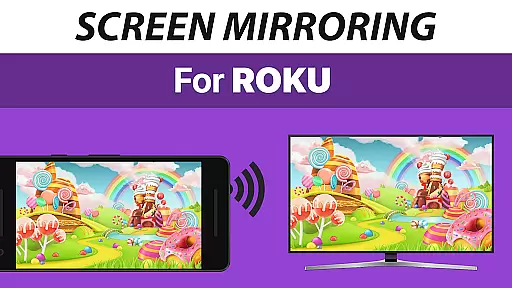
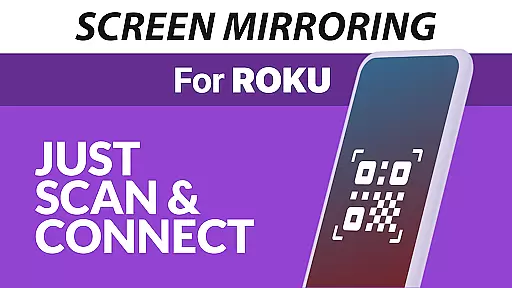
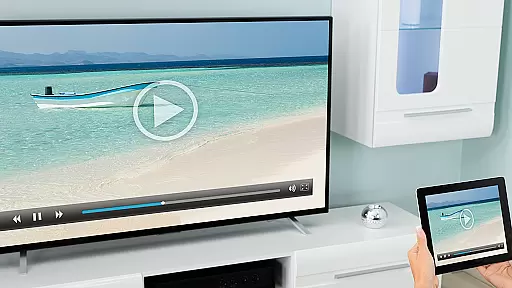
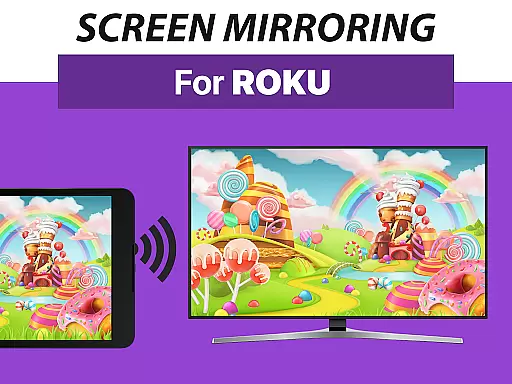
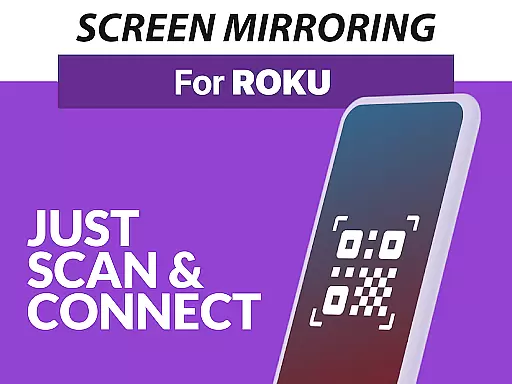
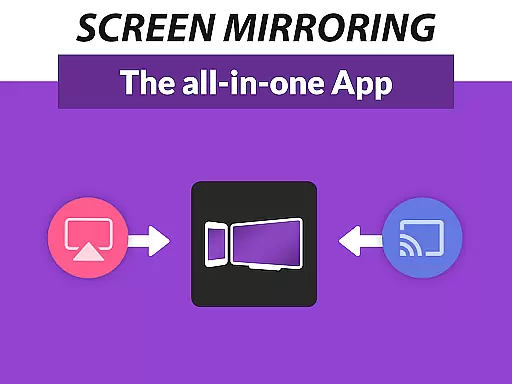
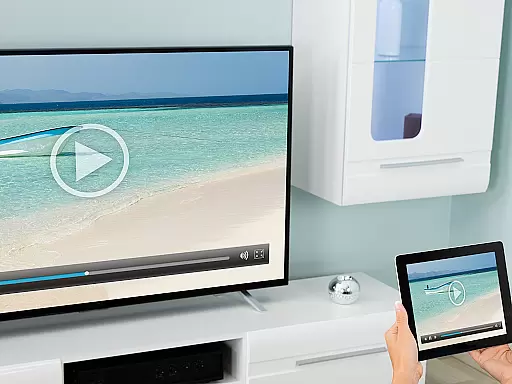
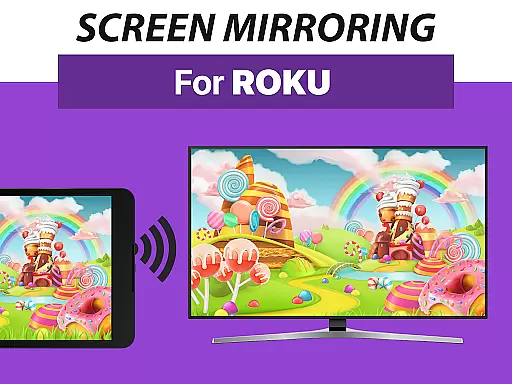
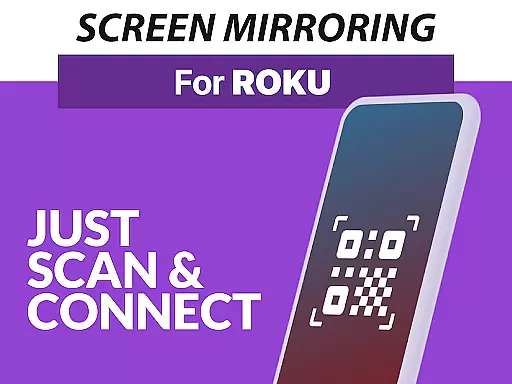
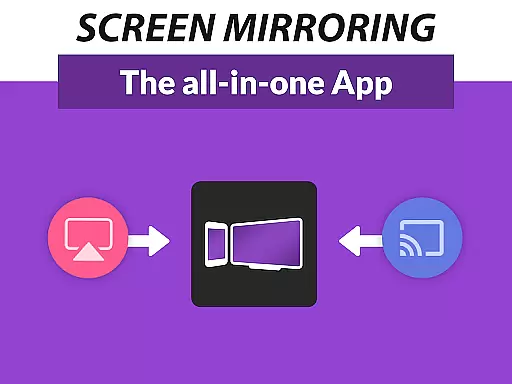
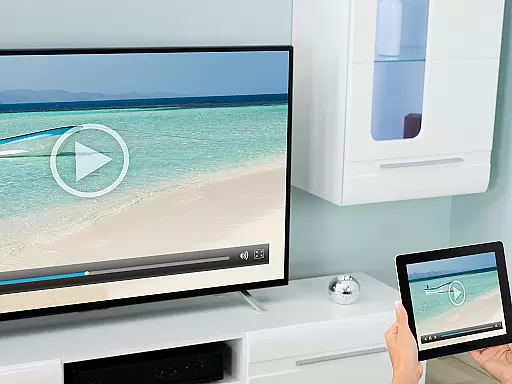
Screen Mirroring Pro for Roku is a powerful tool designed to mirror your screen to any Roku device, including Roku Sticks, Boxes, and TVs. This application allows users to share their photos, videos, games, websites, apps, presentations, and documents in HD quality without the need for wires. The app stands out with its superior device support and ease of setup, making it accessible for all Android devices running version 5.0 and above.
One of the key advantages of Screen Mirroring Pro for Roku is its compatibility with all Roku models and its straightforward setup process that doesn't require changes to Android settings or Wi-Fi options. Users can effortlessly connect their Android devices to their Roku as long as both are on the same Wi-Fi network. For optimal performance, a 5GHz Wi-Fi connection is recommended. This app is perfect for sharing content with friends, family, and co-workers, enhancing both personal and professional interactions.
Screen Mirroring Pro for Roku boasts several standout features that make it the go-to choice for screen mirroring. Firstly, it offers unparalleled device support, ensuring compatibility with all Android devices (version 5.0+) and Roku devices, including Sticks, Boxes, TVs, and Roku Express models 3700 and 3710. This broad compatibility ensures that users can connect almost any Android device to their Roku without hassle.
Another significant feature is the app's user-friendly setup process. Unlike other mirroring solutions, Screen Mirroring Pro for Roku does not require users to change their Android settings or Wi-Fi configurations. Simply being connected to the same Wi-Fi network suffices, streamlining the connection process. Additionally, the app delivers high-performance mirroring, especially under good Wi-Fi conditions, providing users with smooth and high-quality screen sharing experiences.
Screen Mirroring Pro for Roku delivers exceptional core functionality by enabling seamless screen mirroring from Android devices to any Roku device. This includes Roku Sticks, Boxes, and TVs, ensuring that users can share their content effortlessly in high-definition quality.
The app supports all Android devices running version 5.0 and above, providing a broad compatibility range. Its unified setup process eliminates the need for complex configurations, making it accessible even to non-technical users. By simply connecting both the Android device and Roku to the same Wi-Fi network, users can initiate screen sharing instantly.
Performance is optimized under good Wi-Fi conditions, with a recommendation for 5GHz networks to ensure smooth transmission. This focus on network optimization underscores the app's commitment to delivering an effective and reliable mirroring experience without lag or interruptions.
Usability is at the forefront of Screen Mirroring Pro for Roku's design. The interface is crafted to be user-friendly, allowing users to start sharing their screens within moments of launching the app. With clear instructions and an intuitive layout, even first-time users will find it easy to navigate.
Unlike the built-in Roku screen mirroring, this app simplifies the entire process. Thereu2019s no need to adjust Android settings or toggle Wi-Fi options, which significantly reduces setup time and complexity. This streamlined approach enhances the overall user experience.
Additionally, the app provides prompt support and feedback via email, ensuring that any issues are addressed swiftly. This dedication to customer service complements the app's straightforward interface, making it a top choice for anyone looking to mirror their screen to a Roku device effortlessly.
User-friendly interface
Wide device compatibility
High-quality HD streaming
Easy and fast setup
Reliable customer support
Requires same Wi-Fi network
No offline functionality
Performance varies with Wi-Fi
Premium version costs
Limited to Roku devices

Easily install aab(Android App Bundle) files on your Android device with our app
 4.80
4.80
Quickly switch to an encrypted DNS server on Android TV
4.50
HD Video player and downloader for all formats, fast & smooth 4K video playback.
4.60
MS-DOS in your pocket. Play old DOS games anywhere you are ;)
4.10
Planner and Tracker for Stardew Valley
4.60
Fast Video Downloader, Movie Downloader, Torrent Downloader & Adblock Browser
4.70
The Ultimate Flex Drivers Utility App - Convenient Tapping & Block Filters
4.70
Download any file easily and quickly with Downloader
4.0
Protect your device with antivirus, storage cleanup, and system monitoring
4.70
The ultimate tool for network analysis, wifi scanning and problem detection.
4.90
Unit and currency converter with easy and simple UI.
4.80
Connect instantly to a fast, encrypted VPN with one tap
4.60 4.50
4.50
Game Booster, GFX Tool is now compatible with newer game update
4.50
Mirror your screen to Fire TV - Super fast and simple
4.40
Just one-tap to easy translate in any language after calls within seconds.
4.20
A powerful, easy-to-use flight computer on your phone or tablet!
3.80
A non-root local ADB shell client. READ BELOW!
3.40
Save any video in HD - paste the link, download fast and watch offline.
4.2


User Reviews