
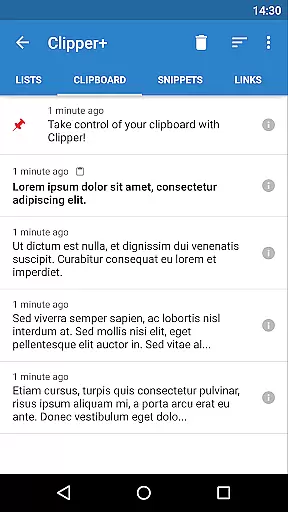
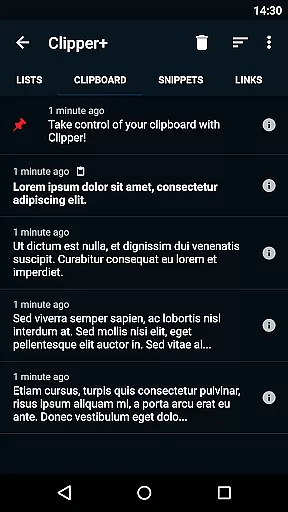
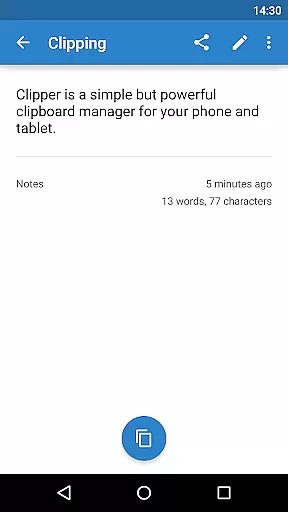
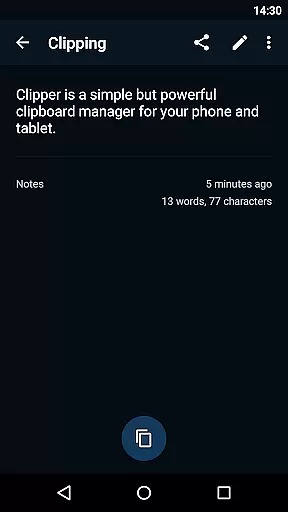
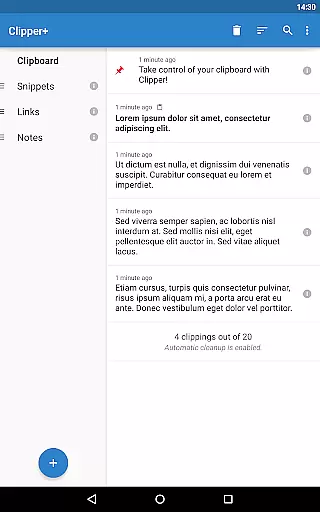
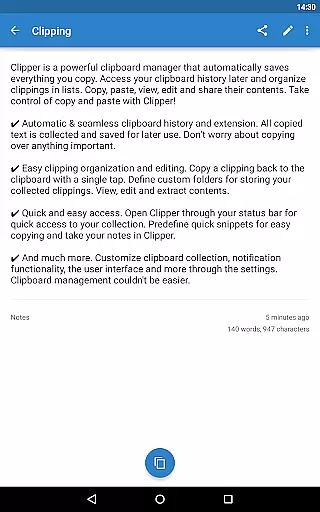
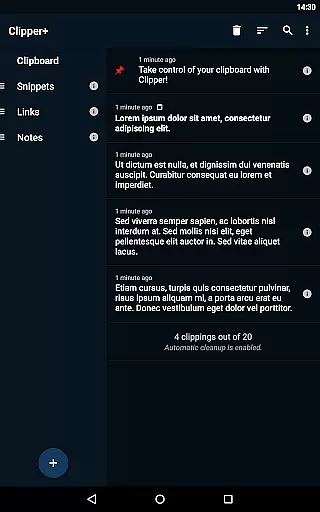
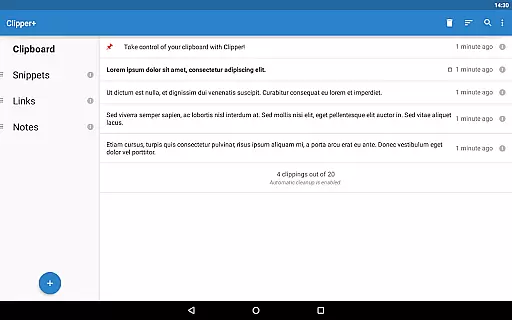
Clipper+: Clipboard Manager is a robust productivity tool designed to enhance your device's clipboard functionality. This app automatically saves all copied text, allowing users to access and manage their clipboard history effortlessly. With features like unlimited clipping storage, dynamic values for custom snippets, and powerful search capabilities, it ensures no important information is lost.
The app provides seamless integration with your daily workflow. Users can organize clippings into custom folders, edit contents directly, and even store frequently-used text snippets for quick access. Whether you're managing large volumes of text or need easy access to specific notes, Clipper+ delivers an efficient solution that transforms how you handle copy-paste operations on your mobile device.
Clipper+ offers an array of advanced features tailored for productivity enthusiasts. One standout capability is its unlimited clipping collection, which allows users to save more than just the latest entries—perfect for those who work with extensive data sets. The app also supports dynamic values, enabling automatic insertion of current date and time into custom snippets.
Organization is made simple with customizable folders and easy editing options. Users can sort their clippings systematically, making retrieval intuitive and fast. Additionally, the app provides quick access through the status bar and predefined snippet shortcuts, streamlining workflows further. These comprehensive tools ensure that Clipper+ stands out as a premier clipboard management solution.
Clipper+: Clipboard Manager excels in core task management by offering users an intuitive way to handle their clipboard history. With the ability to automatically save everything you copy, it ensures no important data is lost.
The app allows for seamless organization of collected clippings through custom folders and lists, making it easy to categorize and retrieve information. This structured approach enhances productivity by streamlining how users manage their copied content.
Moreover, Clipper+ provides dynamic features such as the ability to place current date and time in your snippets, which is particularly useful for tasks that require frequent updates or time-stamping.
By supporting unlimited collected clippings and providing options like manual collection of each clipping, Clipper+ empowers users with flexible and powerful task management capabilities.
Cross-device synchronization is a critical feature for users who work across multiple devices, and Clipper+: Clipboard Manager delivers reliable performance in this area. By ensuring that clipboard data is consistently updated and accessible, it facilitates a seamless workflow.
The app's design supports quick access through the status bar, allowing users to open Clipper and retrieve their clipboard history from any device with minimal effort. This immediacy is crucial for maintaining productivity in a fast-paced environment.
Additionally, Clipper+ offers import and export backup functionality to internal storage or SD card, safeguarding data integrity and enabling easy transfer between devices. This ensures that users can depend on having their clipboard information available whenever they need it.
With its focus on reliability and comprehensive clipboard management, Clipper+ stands out as an essential tool for efficient cross-device task handling.
User-friendly interface
Unlimited clipping storage
Dynamic value insertion
Powerful search function
Ad-free experience
Paid application
Separate installation
Limited design customization
No cloud sync option
Requires manual data migration

A Revolutionary All-in-One Artificial Intelligence Tools
 3.80
3.80
Native client for Forgejo and Gitea
5.00
Mega cloud explorer plugin for Solid Explorer
3.80
Easily read and manage all your PDF files
4.10
Secure, fast, open-source, Remote Desktop Client for Windows and Linux with SSH
4.60
ID.me Authenticator is a simple and free Two Factor Authentication solution
3.50
Translate text/voice/photos in 150+ languages. Offline & fast translator app.
4.50
AI Chatbot and AI writing assistant powered by ChatGPT.
4.60
Browse and view your photos and videos from the phone with photo & video hide.
4.10
Planet Free VPN - The best Fast Unlimited and Secure VPN Without Logs
4.50
Tally and goal counter for Wear OS & mobile
4.50
Send files, sync SMS, notifications & clipboard across devices via local network
4.40
Secure your apps with lock screens, use custom themes and different features.
4.40
Automates browsing any website and notifies you of important changes or events
4.30
Access, manage and transfer files on Android, PC, Mac, NAS and cloud storages.
4.30
Intelligent AI Assistant
4.10
Customizable calendar widget for seamless event sync, planning & scheduling.
4.00
Experience and share your SolidWorks designs on your Android® phone and tablet.
2.50
A simple, portable logger for POTA, SOTA, Field Day, and more
4.0


User Reviews