
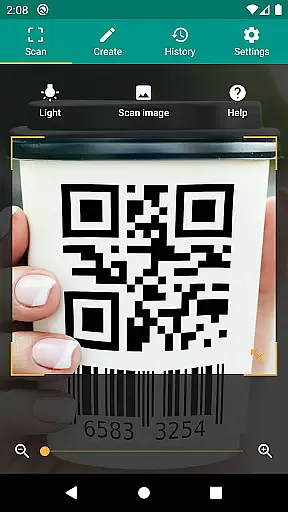
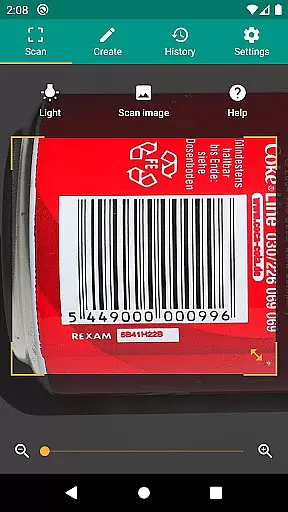
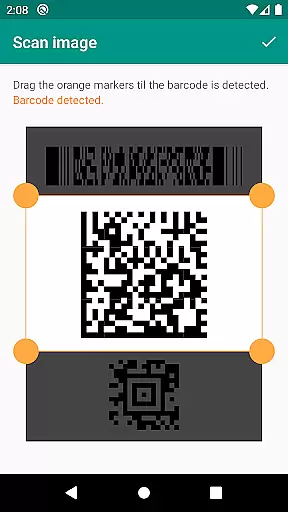
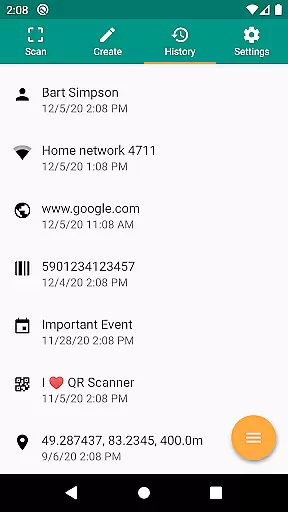
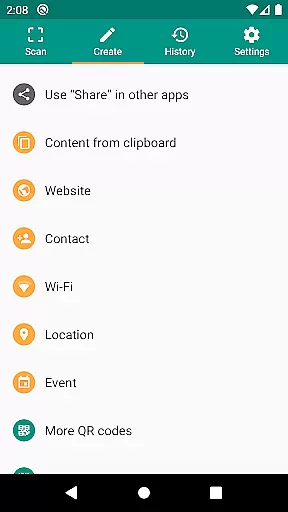
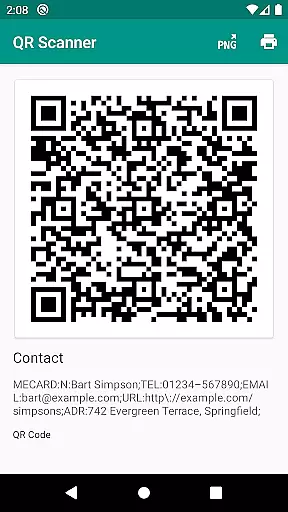
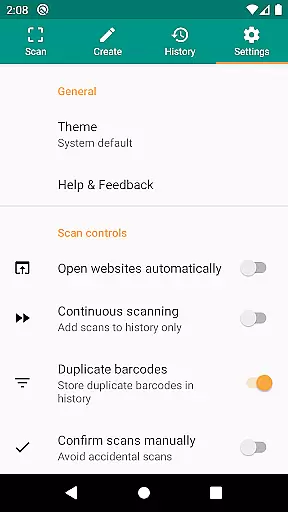
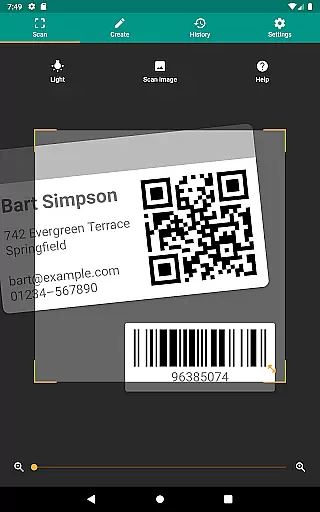
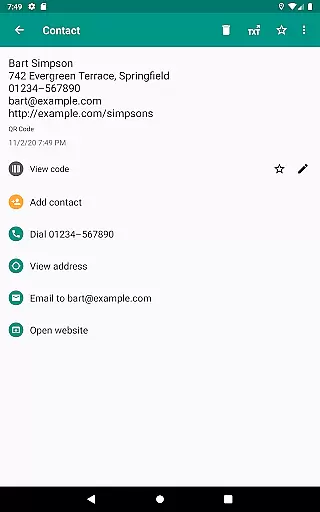
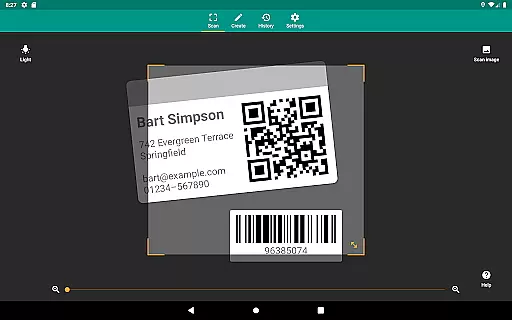
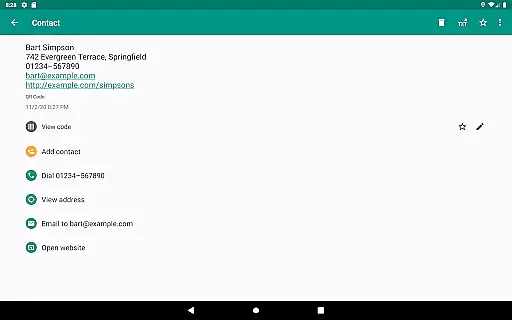
QR & Barcode Scanner is a versatile productivity tool designed to streamline your daily tasks through advanced scanning technology. This application allows users to effortlessly scan QR codes and barcodes, extracting valuable information from various sources such as Amazon, eBay, and Google. With support for all common barcode formats including QR, Data Matrix, Aztec, UPC, EAN, Code 39, and many others, it ensures compatibility with most code types you may encounter.
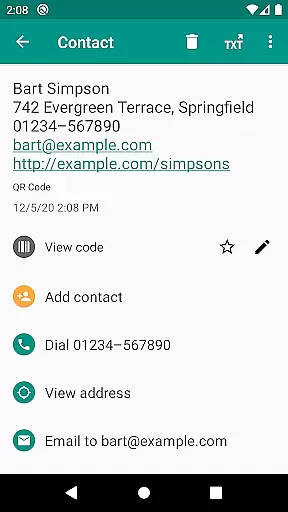
Beyond basic scanning, the app provides relevant actions based on the scanned content. Users can open URLs, connect to WiFi hotspots, add calendar events, read VCards, and find product details with ease. The built-in security features powered by Chrome Custom Tabs and Google Safe Browsing protect users from malicious links while ensuring faster loading times. Whether you're managing inventory for a small business or simply organizing personal data, this app offers the tools needed to stay productive and secure.
One of the standout features of QR & Barcode Scanner is its ability to scan both images and live camera feeds, offering flexibility in how you capture codes. The app includes practical functionalities like flashlight activation for low-light environments and pinch-to-zoom for distant codes, making it reliable in any situation. Additionally, the minimal permission requirement ensures user privacy, allowing image scans without accessing device storage or sharing contact data without needing address book permissions.
For those who need to create and share data, the app provides a built-in QR code generator. You can easily display website links or other information as QR codes on your screen and scan them with another device. Custom search options enable specific information retrieval by integrating preferred websites into barcode searches. Furthermore, the CSV export feature lets users manage unlimited scan histories, annotate entries, and export data for use in Excel or cloud storage services like Google Drive, enhancing its utility for both personal and professional purposes.
QR & Barcode Scanner excels in core task management by offering a comprehensive suite of tools designed to handle various barcode and QR code-related tasks efficiently.
The app supports all common barcode formats, including QR, Data Matrix, Aztec, UPC, EAN, Code 39, and many more, ensuring that users can scan virtually any code they encounter. This versatility is crucial for managing different types of information, from product details to event data.
Additionally, the app provides relevant actions based on the scanned content, such as opening URLs, connecting to WiFi hotspots, adding calendar events, and reading VCards. These features streamline task execution, making daily operations smoother and more efficient.
With its ability to create and share QR codes, manage unlimited history, and export data as CSV files, QR & Barcode Scanner empowers users to organize and track their tasks effectively, enhancing overall productivity.
Cross-device synchronization is a vital feature for users who rely on multiple devices to manage their tasks. QR & Barcode Scanner ensures reliable synchronization across devices, allowing seamless access to scanned data and history regardless of the device in use.
The app's capability to export scan history as CSV files and import them into platforms like Excel or cloud storage services such as Google Drive enhances data portability and accessibility. Users can easily transfer their data between devices without losing any information, maintaining consistency and reliability.
Moreover, the appu2019s minimal permission requirements ensure that users can scan images and share contact data as QR codes without granting unnecessary access to their device storage or address book. This approach not only protects user privacy but also simplifies the synchronization process.
By providing robust cross-device synchronization, QR & Barcode Scanner ensures that users have a consistent and dependable experience, enabling them to manage their productivity tasks effectively across all their devices.
User-friendly interface
Comprehensive format support
Advanced security features
Flexible scanning options
Privacy-focused design
Limited design customization
No offline database
Occasional slow scans
Ads in free version
Requires internet for some features

Secure, fast, open-source, VNC and SSH Remote Desktop for Windows, Linux and Mac
 4.70
4.70
Experience real multitasking on your Android!
4.00
Auto-shutoff Alarm with Sunrise, Sunset & Fixed Options.
3.50
A simple, portable logger for POTA, SOTA, Field Day, and more
4.5
Make apps & sites with natural language prompts
4.10
Cloud storage, automatic phone backup, and more.
4.10
Translate text/voice/photos in 150+ languages. Offline & fast translator app.
4.50
QuickEdit is a fast, stable and full featured text and code editor.
4.20
Note taking, handwriting, record audio, PDF annotation, planner & journal
4.20
Best Tool for the professionals Electrician, Electrical contractors, etc.
4.90
Use powerful, industry-leading AI tools to generate visual charts from any data
4.80
Absolutely the best CNC machinist speed and feed calculator around. fswizard.com
4.60
Secure, fast, open-source, Remote Desktop Client for Windows and Linux with SSH
4.60
CalenGoo is a very flexible and feature-rich calendar app
4.40
Wake up & get tasks done! Add alarms & reminders on the Clock Launcher.
4.00
Secure, open-source, SPICE and SSH Remote Desktop for QEMU KVM virtual machines
4.00
⏰ Finally a timer app which can run multiple timers simultaneously on your watch
3.90
Find and delete junk files & block unwanted notifications & manage files
3.70
A comprehensive suite of tools designed specifically for Lactation Consultants
4.4


User Reviews