
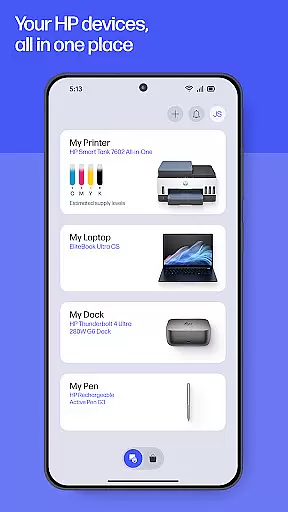
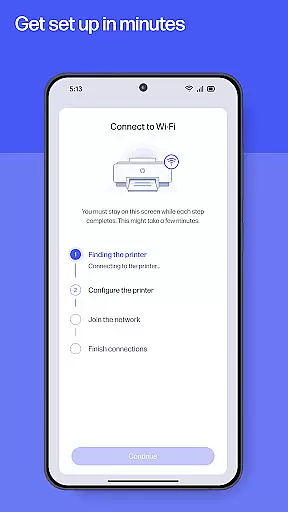
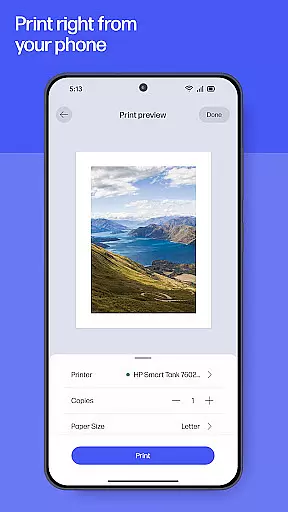
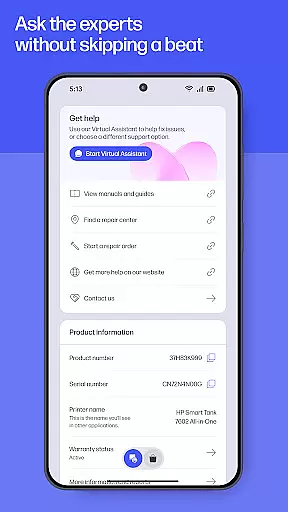
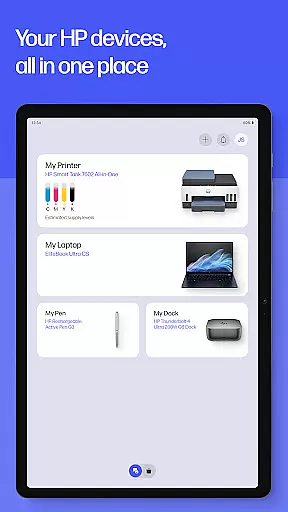
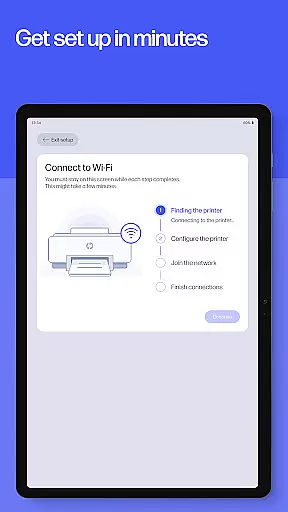
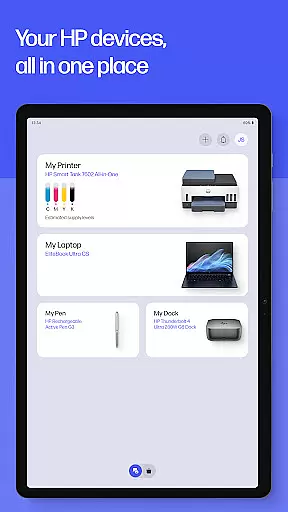
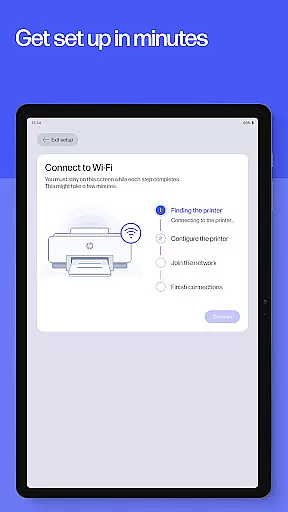
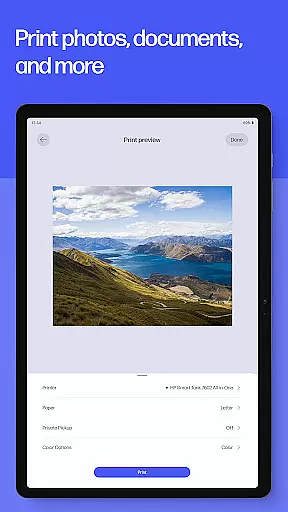
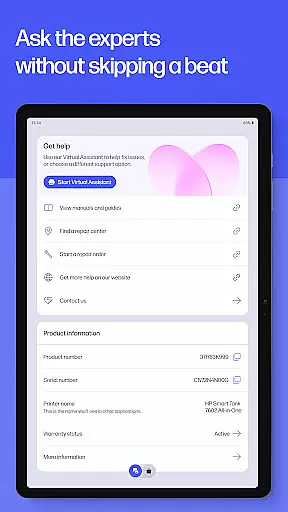
The HP app is your ultimate productivity companion for managing all your HP devices. It offers a comprehensive suite of tools to set up, personalize, and maintain your printers and computers. With guided setup features, users can effortlessly configure new devices while staying on top of essential tasks like checking ink levels.
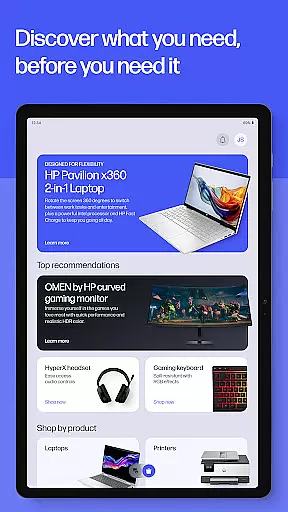
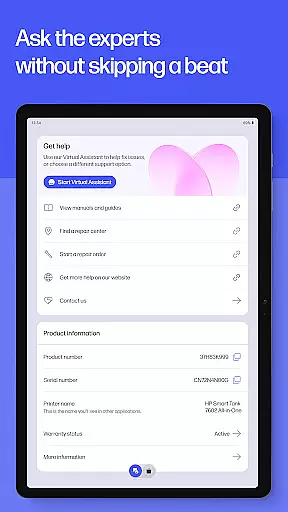
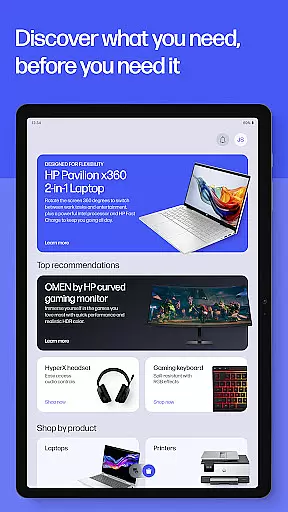
Beyond basic setup, the app empowers users to maximize their device's potential by adjusting settings, discovering new HP products, and completing print or scan jobs efficiently. Whether you're printing documents at home or scanning receipts for work, the HP app ensures seamless productivity. Additionally, instant support options provide reliable assistance whenever needed.
The HP app stands out with its diverse range of productivity-enhancing features. One key highlight is its guided setup functionality, which simplifies the process of configuring new printers and computers. This feature ensures that even non-technical users can get their devices up and running quickly.
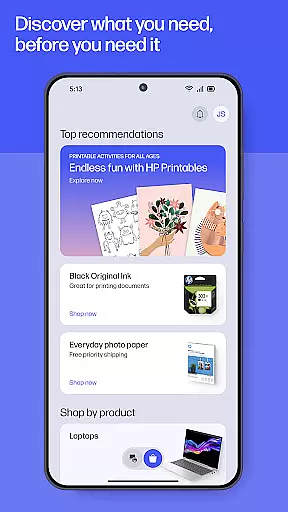
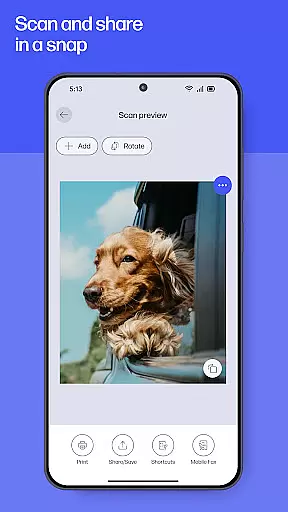
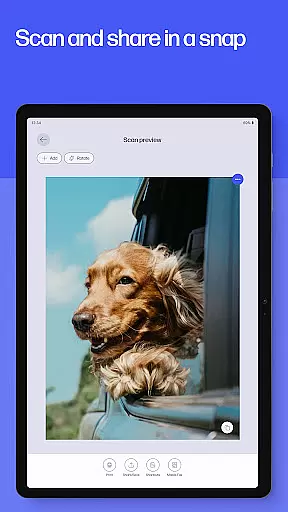
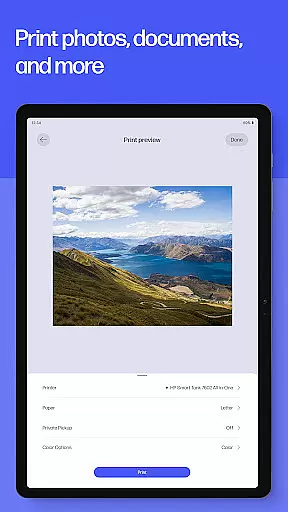
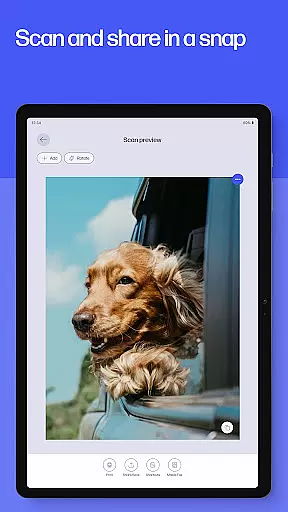
For everyday tasks, the app provides robust print and scan capabilities, including customizable shortcuts for frequently used print jobs. Users can also explore creative options through HP Printables, which offers templates for cards, worksheets, and crafts. Advanced functionalities such as faxing and document digitization further extend the app's utility, making it indispensable for both personal and professional use.
Task management is a cornerstone of productivity, and the HP app excels in this area by offering users an intuitive platform to handle their printing, scanning, and device management tasks efficiently. The app provides a guided setup for new devices, ensuring that users can quickly get their HP printers and computers operational with minimal hassle.
With features like Print Shortcuts, users can set up custom shortcuts for frequently used print tasks, streamlining their workflow. This functionality not only saves time but also reduces the complexity involved in managing multiple print jobs, making it ideal for both home and office environments.
The HP app goes beyond just printing by allowing users to scan documents, send faxes, and even order print supplies when they're running low. These comprehensive task management capabilities ensure that users have all the tools they need at their fingertips, enhancing overall productivity.
By centralizing these functions within a single application, HP enables its users to stay on top of their tasks without needing to switch between different apps or services. This cohesive approach to task management helps maintain focus and efficiency, which is crucial in today's fast-paced world.
Cross-device synchronization is vital for maintaining consistency and reliability across different platforms, and the HP app delivers robust performance in this aspect. Whether you're using an Android mobile phone or tablet, the app ensures that your settings, preferences, and task statuses are seamlessly synced, providing a uniform experience regardless of the device you choose to use.
This synchronization extends to various functionalities such as checking ink levels, managing print jobs, and accessing scanned documents. By keeping all your devices updated with the latest information, the HP app allows you to transition smoothly between them without missing a beat, ensuring that you're always informed and in control.
Moreover, the app supports auto-updates, which means you'll never miss out on new features or improvements. This commitment to keeping the app current enhances its reliability, as users can trust that they're always working with the most up-to-date version tailored to their productivity needs.
For those who rely on multiple devices throughout their day, the HP app's reliable cross-device synchronization offers peace of mind, knowing that their data and tasks are consistently accessible wherever they go. This level of integration and dependability underscores HP's dedication to delivering a seamless user experience.
User-friendly interface
Comprehensive device management
Wide range of creative tools
Reliable customer support
Regular feature updates
Limited to HP devices
Some features require internet
English-only content in some areas
Premium features may cost extra
Not all services available globally

Secure, fast, open-source, VNC and SSH Remote Desktop for Windows, Linux and Mac
 4.70
4.70
The long-awaited modern gallery app for your Nextcloud server
4.70
Create study competitions, track your hours, and stay consistent with friends
4.0
Send files, sync SMS, notifications & clipboard across devices via local network
4.40
The upgraded version of Name Wheel with AI and the power to add your own wheels.
4.4
Mind Map and brainstorm, note taking and idea collection
4.80
Enjoy classic gameplay with customizable features and retro-style graphics.
4.30
Docker, Kubernetes management over Portainer Mobile
4.40
Use powerful, industry-leading AI tools to generate visual charts from any data
4.80
Great calculator for Android named one of USA TODAY's "25 Essential Apps".
4.90
Stay on top of your to-dos with Google Tasks, part of Google Workspace.
4.60
A simple Whisper AI keyboard for reliable speech transcription and rewording
4.60
To do list widget with a notebook organizer, checklist, simple shopping list
4.60
Lightweight PDF, Word, Excel reader.
4.60
Experience real multitasking on your Android!
4.00
A Revolutionary All-in-One Artificial Intelligence Tools
3.80
Remotely view listen control and record cameras.
3.70
Easiest event planning, volunteer signups & parent teacher conference scheduling
2.20
AI Video AI Image Private LLM AI Browser Llama Gemma Ollama Connect LLM Studio
4.3


User Reviews