
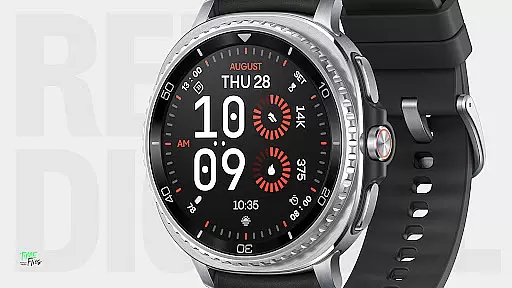
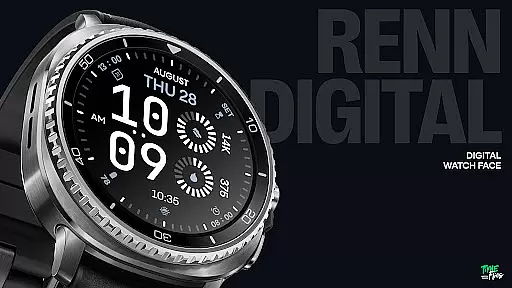
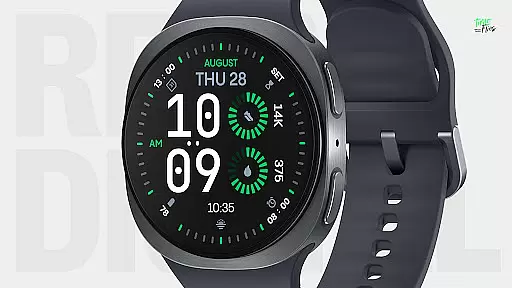
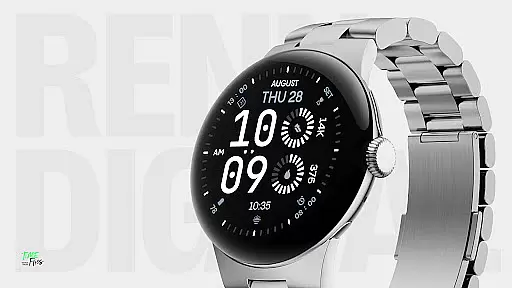
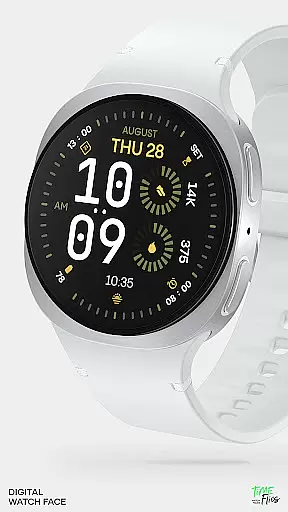
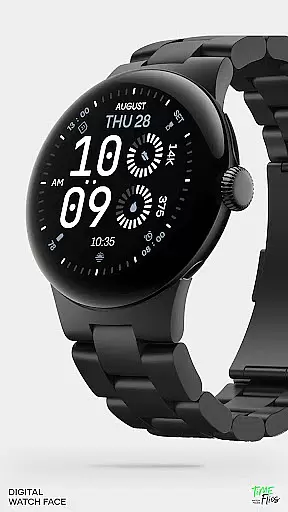
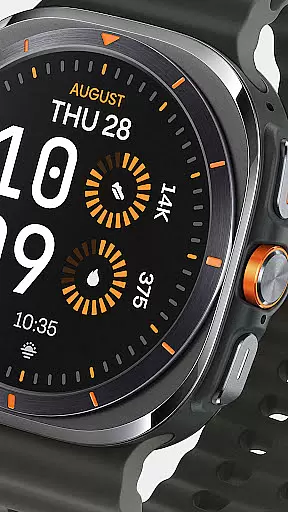
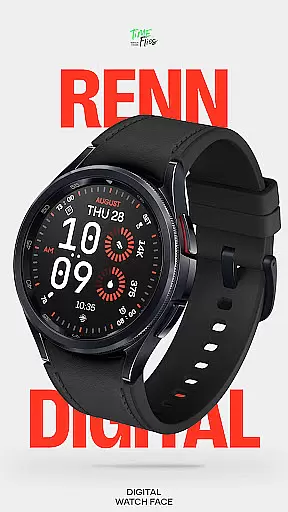
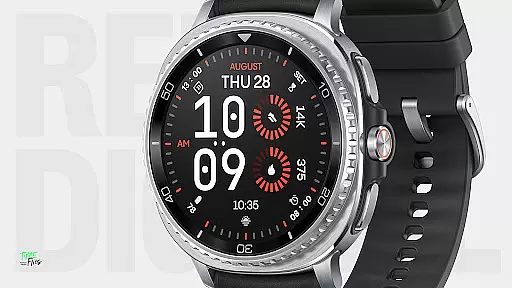
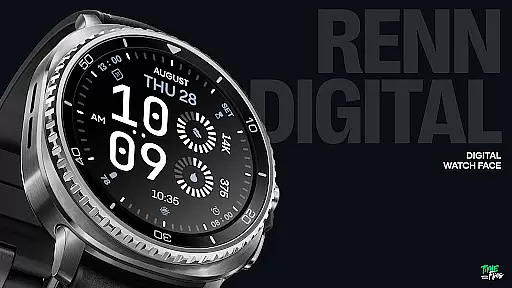
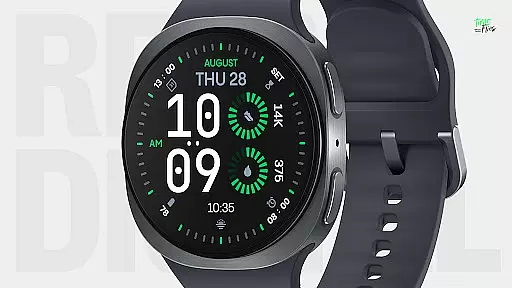
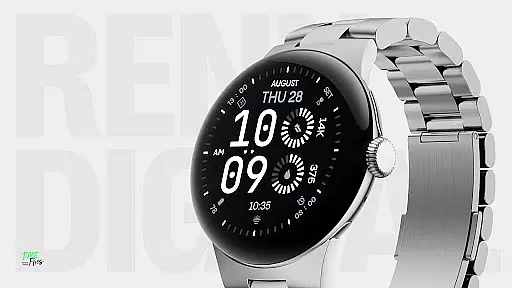
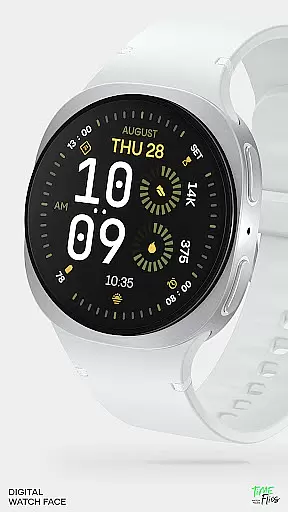
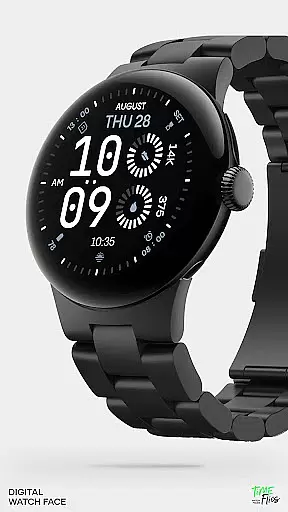
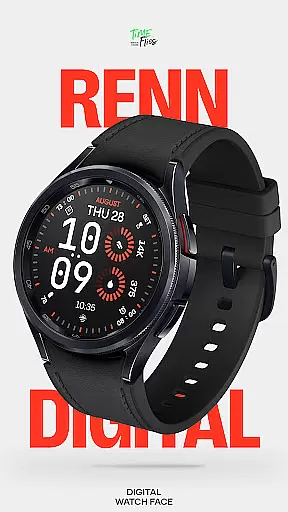
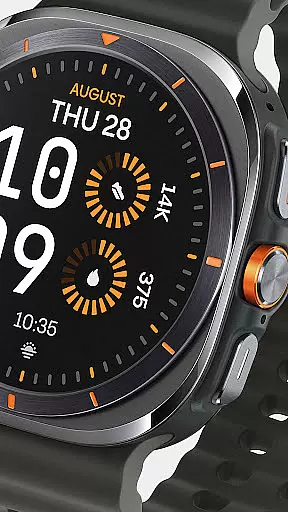
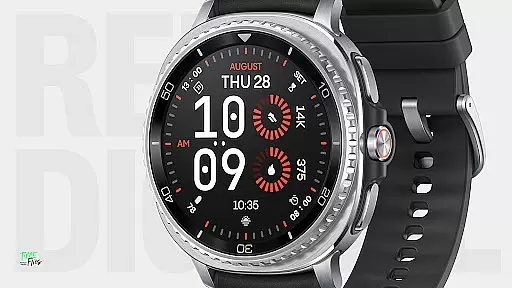
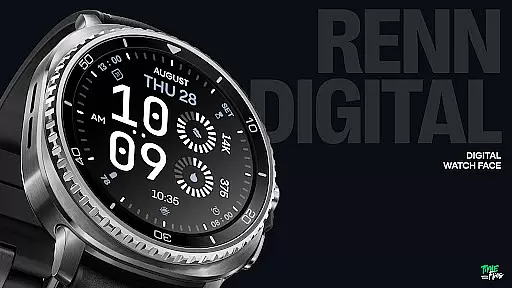
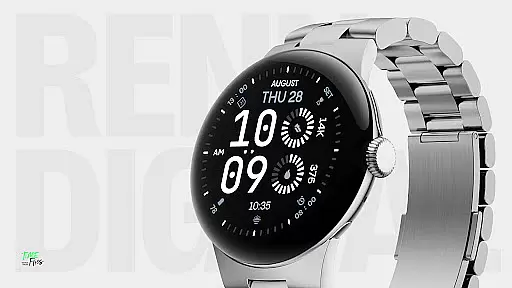
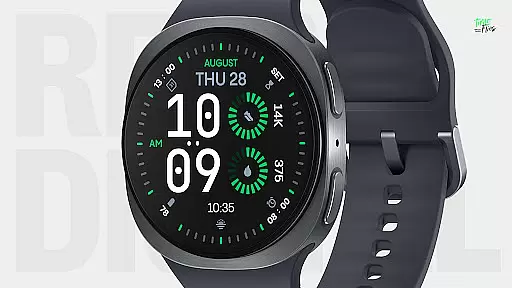
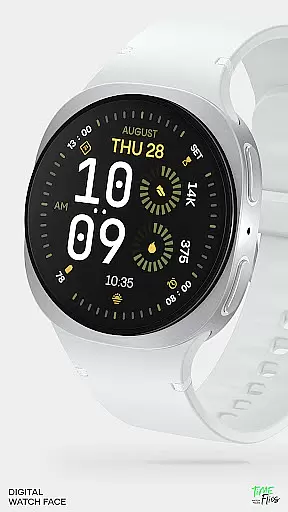
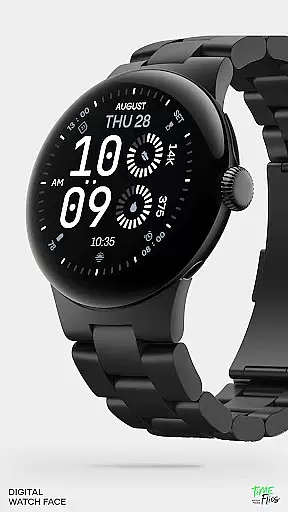
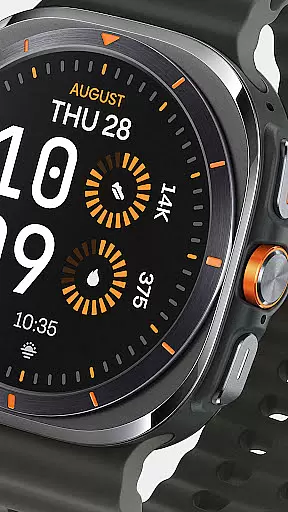
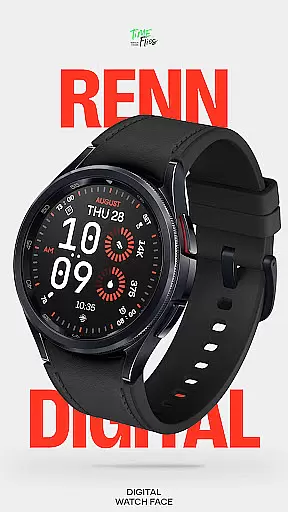
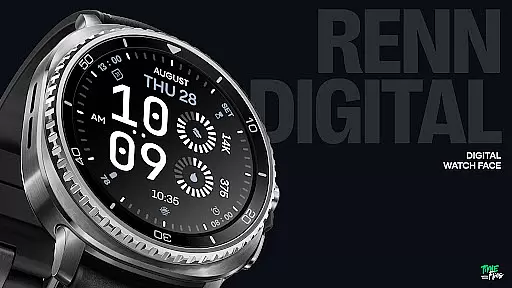
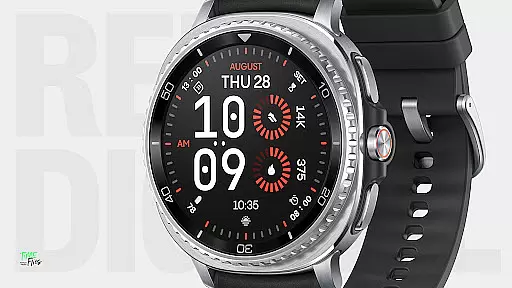
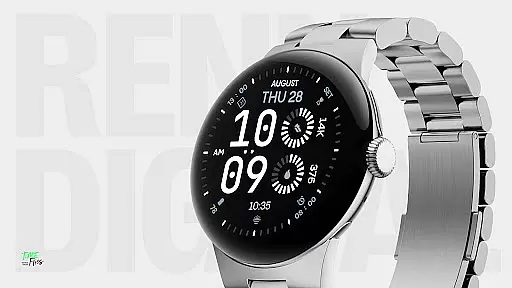
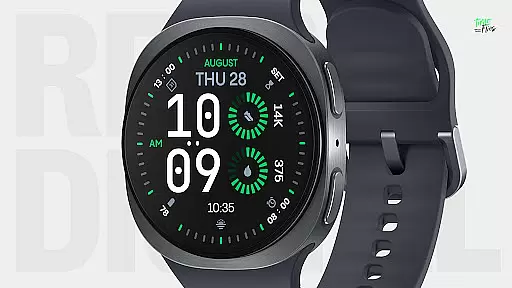
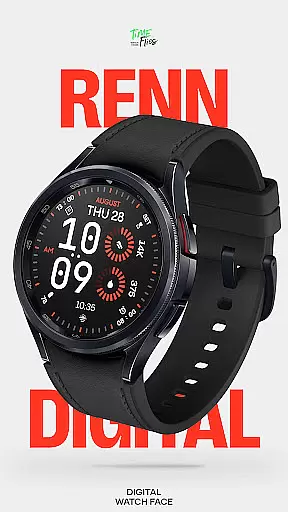
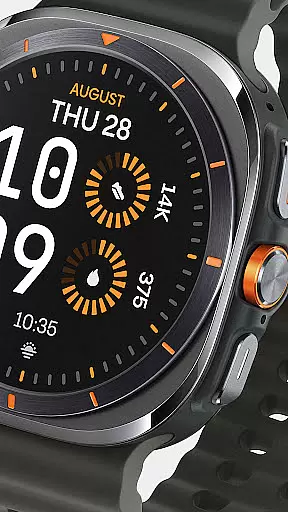
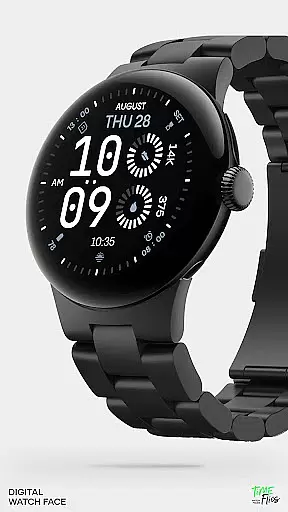
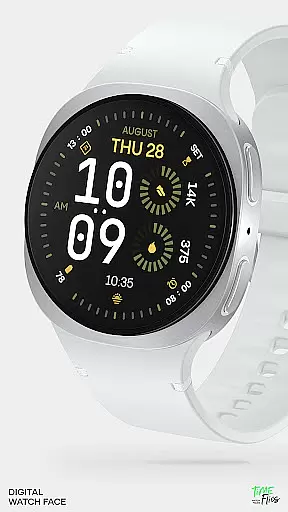
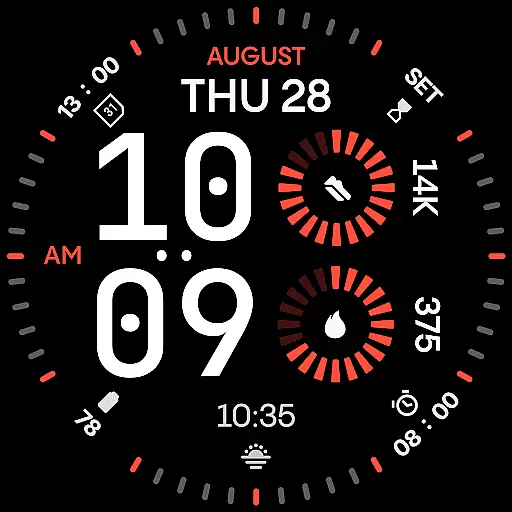
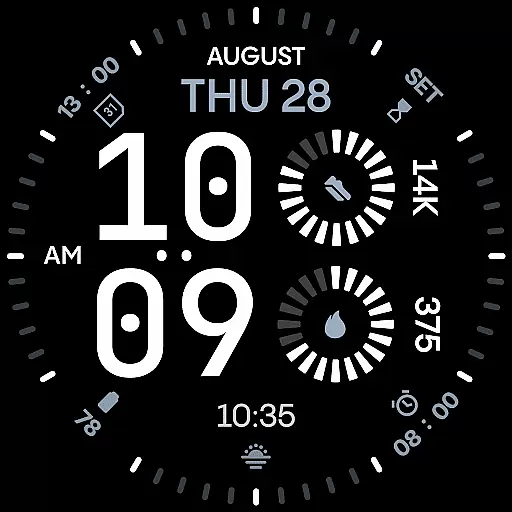
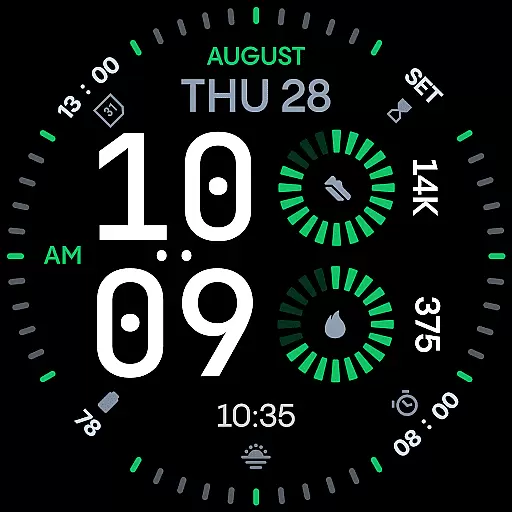
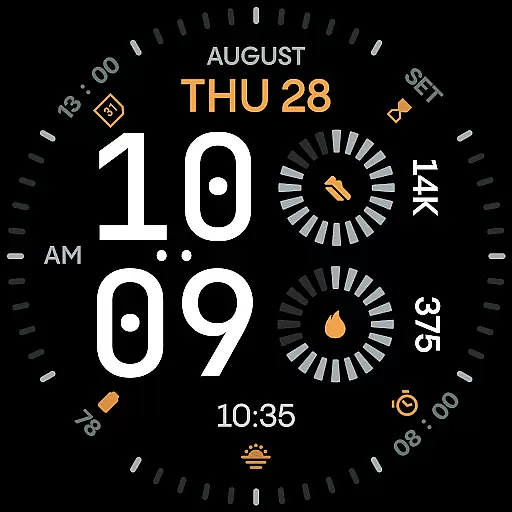
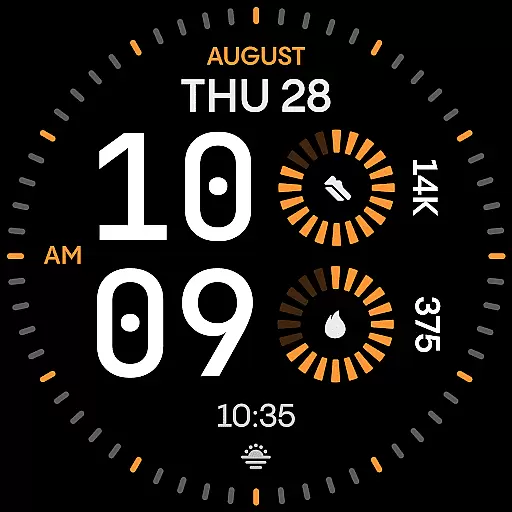
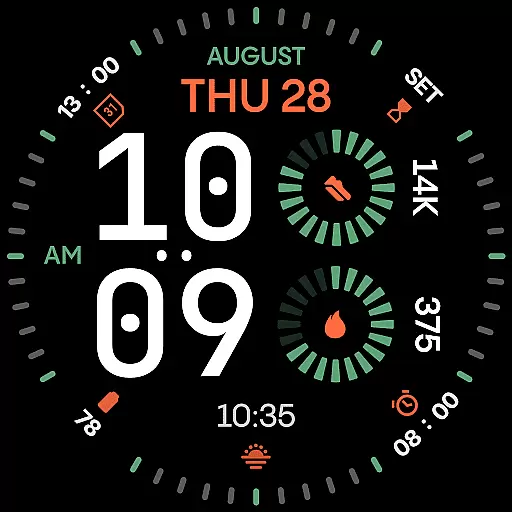
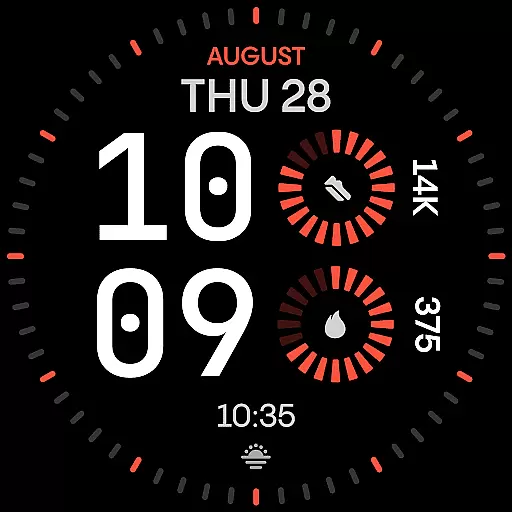
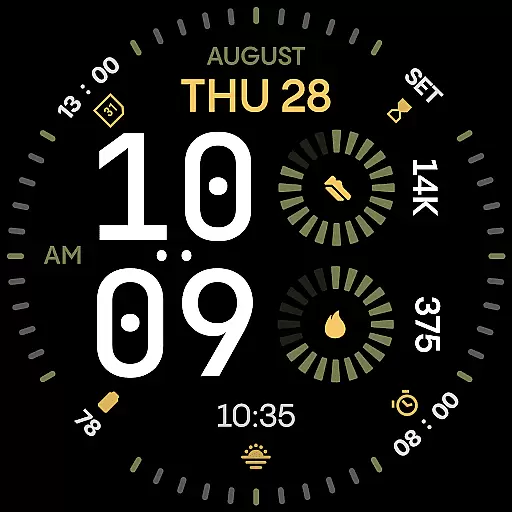
Renn Digital Watch Face is a modern digital watch face designed specifically for Wear OS smartwatches. It features bold, geometric typography and a clean layout optimized for clarity and performance. The design emphasizes legibility with large numerals while offering customizable complications to display essential stats like steps, heart rate, and weather.
With 30 striking color themes, optional tic marks, and five Always-On Display modes, users can personalize their experience while maintaining battery efficiency. Built using the latest Watch Face File format, Renn Digital ensures smooth interactions and reduced power consumption, making it an ideal choice for those seeking both style and functionality on their smartwatch.
Renn Digital Watch Face stands out with its strong digital-first design approach. The oversized time digits use precise angles and confident forms, creating a unique visual identity that blends aesthetics with practicality. Users can choose from seven customizable complications, including radial progress indicators and short text displays, allowing them to track real-time data such as steps, heart rate, and calendar events.
The watch face also includes advanced customization options like AM/PM indicators, blinking colon toggles, and optional outer dial tic marks for a cleaner look. Its 30 high-contrast color themes ensure readability in various lighting conditions, while five Always-On Display modes balance visibility and battery savings. Designed for efficiency, Renn Digital leverages the latest Wear OS technologies to deliver a seamless user experience without compromising performance.
Companion app integration is a crucial feature for smartwatch applications like Renn Digital Watch Face. This functionality allows users to seamlessly manage their watch face settings, receive update notifications, and discover new features through an associated Android app.
Renn Digital offers optional support for the Time Flies companion app, which simplifies the process of customizing and updating the watch face. Through this integration, users can easily adjust settings, such as color themes and complications, directly from their smartphone.
The benefit of this integration is a more streamlined user experience. With the companion app, users can make adjustments without needing to interact directly with the watch interface, saving time and effort while ensuring their watch face remains personalized and up-to-date.
For Wear OS applications, device compatibility ensures that the watch face performs optimally across a range of smartwatches. Renn Digital Watch Face is designed specifically for Wear OS, guaranteeing a high level of performance and visual consistency on supported devices.
This compatibility is achieved through the use of the latest Watch Face File format, which optimizes energy consumption and display rendering. As a result, Renn Digital delivers smooth interactions and reduces power draw, contributing to longer battery life.
Users benefit from a reliable and visually appealing experience, regardless of their specific Wear OS device. This broad compatibility enhances the overall utility of the watch face, making it a versatile choice for those invested in the Wear OS ecosystem.
Ultra-clear typography
Customizable complications
Battery-efficient design
30 bold color themes
Always-On Display modes
Limited analog appeal
No advanced widgets
Premium feature lock
Fewer animations
Wear OS only

Walking app for weight loss: walk & step tracker, pedometer, indoor treadmill
 4.60
4.60
A customizable Christmas watch face for Wear OS with a countdown.
4.20
Rose gold watch face with festive lights & customizable features.
4.60
Kia Access makes getting your vehicle information easier than ever
4.60
Hyperlocal rain alerts by MyRadar using patent-pending technology, radar & more
4.80
Your second brain for organizing your life: to-do, calendar, reminder.
4.70
Locate your family members by GPS phone location tracker everywhere and anytime
4.30
Your local weather forecast, storm tracker, radar maps & live weather news
3.40
Track airplanes and follow flights with our real-time flight tracker
4.50
Digital, flexibly customizable watch face. For Wear OS 5.0, API 34+ and later.
5.00
Current temperature, weather hourly, weather radar by the weather forecast app
4.40
Let's celebrate Thanksgiving - Wear Os watch face
4.20
Snowflake Rose Gold Watch Face - Digital, modern, & sleek with GYRO effect.
4.10
Get helpful reminders, take progress photos and find answers to your questions.
3.90
Watch face designed for Thanksgiving Day. 7 Background Styles included.
3.20
Christmas and New Year - Themed Watchface
4.2
Wear Os Watch Face - Animated Snow - Sesonal for Christmas & Winter
4.5
Sleek, highly customizable watch face inspired by Galaxy Watch Circle Dashboard.
4.3
Funny animated watch face for Thanksgiving
4.5


User Reviews