
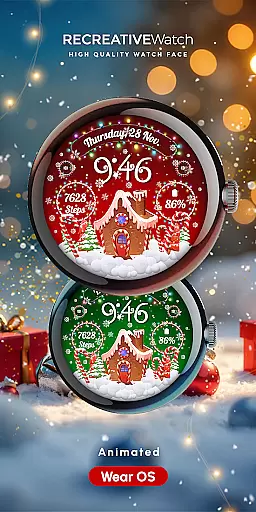
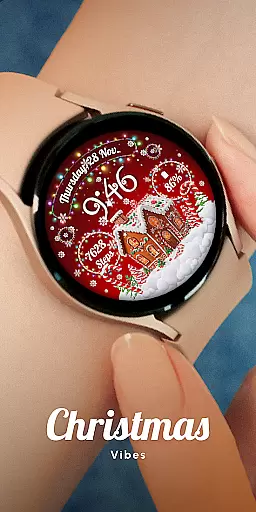
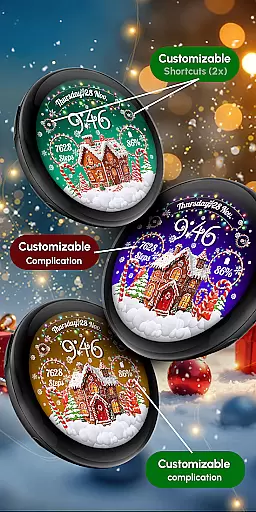
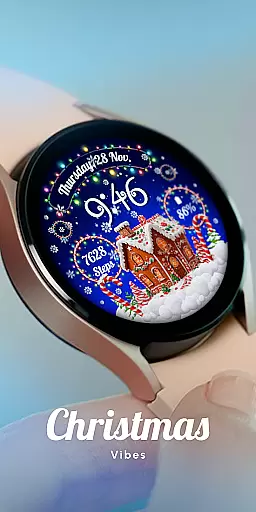
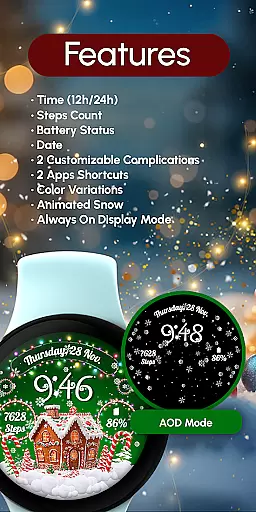
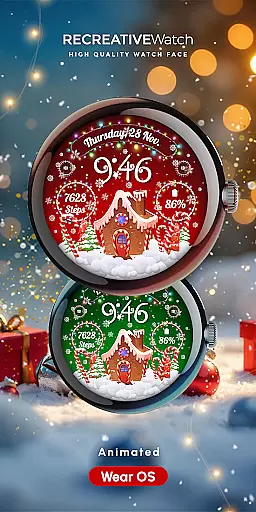
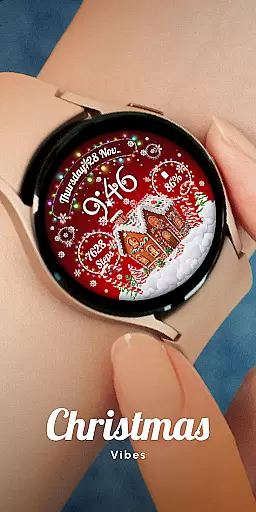
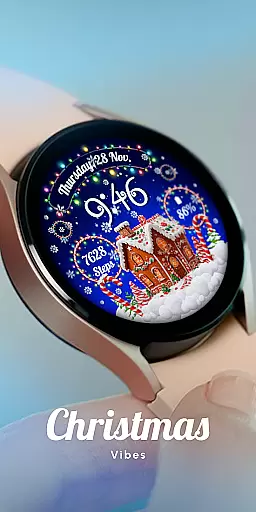
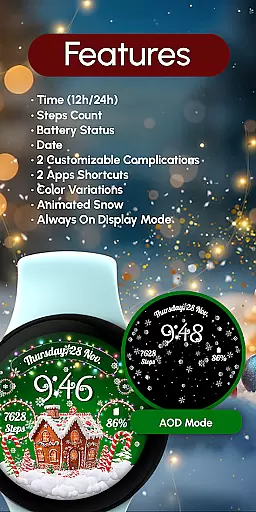
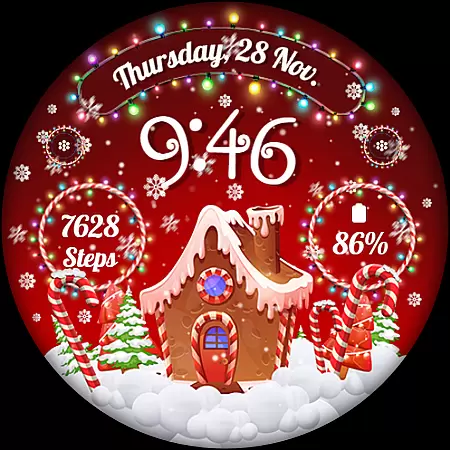
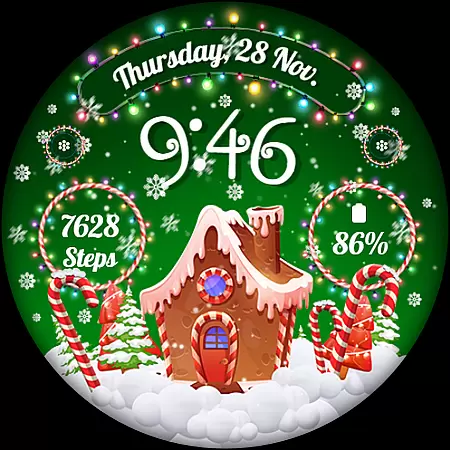
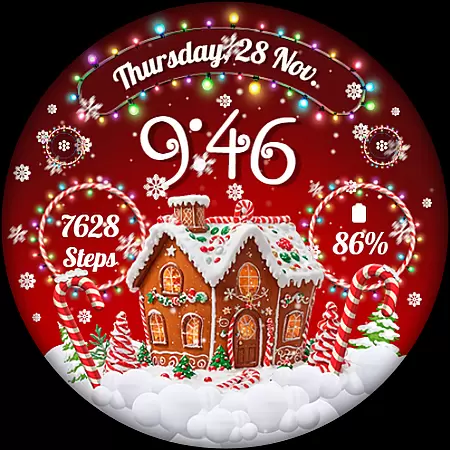
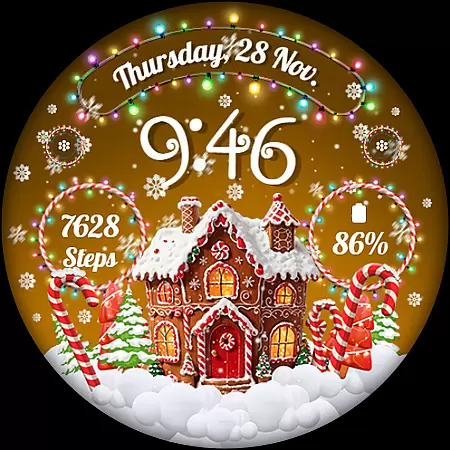
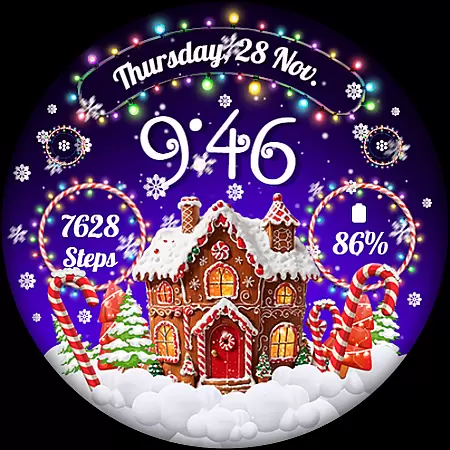
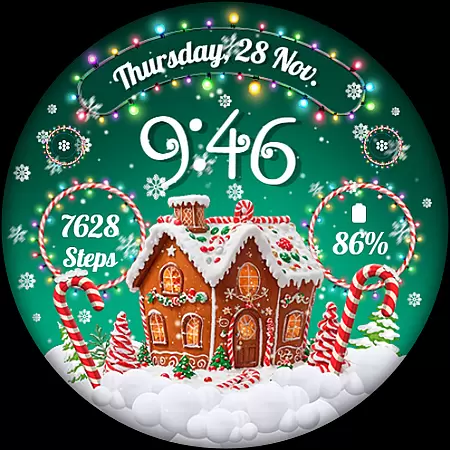
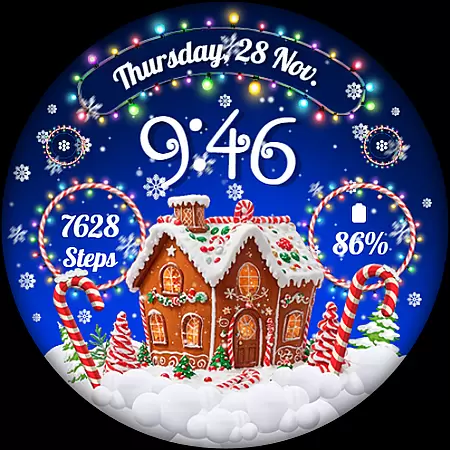
RW01 is a festive Wear OS watch face designed to bring holiday cheer to your wrist. Featuring animated snow and charming gingerbread houses, this app creates a magical Christmas atmosphere. The watch face displays essential information including 12/24hr digital time, date, battery level, and step count.
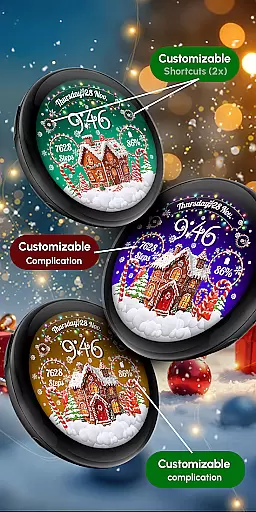
Users can customize their experience through various features such as complications, shortcuts, scene selection, and color variations. With compatibility across API level 33+ devices including Google Pixel and Galaxy Watch series, RW01 offers a delightful way to celebrate the season while staying connected.
RW01 stands out with its unique Christmas-themed design elements like animated snow and gingerbread houses. The app provides practical functionalities including digital time display in 12/24hr format, date tracking, battery monitoring, and step counting. These features ensure users stay informed while enjoying the festive visuals.
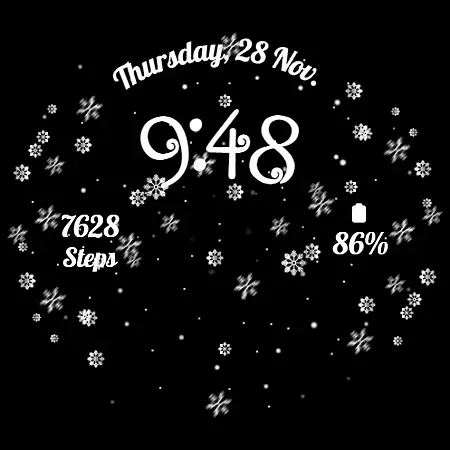
Customization options are abundant with two configurable complications and shortcuts, three selectable scenes, and multiple color variations. The Always ON Display feature maintains visibility even when the screen is idle. For optimal battery performance, users can disable this mode according to their preference.
Companion app integration is essential for a seamless wearable experience. The RW01 Wear OS Christmas Watch Face offers robust companion app support, ensuring that users can easily synchronize and manage their watch face settings directly from their smartphone.
This application allows users to customize various aspects of the watch face through an intuitive mobile interface. From adjusting time formats to setting up complications, the companion app provides comprehensive control over the watch's appearance and functionality.
Users benefit from real-time updates and synchronization between their devices. Whether it's changing color schemes or toggling the always-on display, these adjustments are instantly reflected on the wearable, enhancing convenience and personalization.
The integration also supports efficient data sharing, such as step counts and battery levels, making health tracking and device management more accessible than ever before.
Ensuring broad device compatibility is crucial for maximizing user accessibility. The RW01 Wear OS Christmas Watch Face is designed to work seamlessly with a wide range of Wear OS devices, including API level 33+ Google Pixel watches and Galaxy Watch series 4 through 7.
This compatibility extends to other Wear OS models, providing a consistent and high-quality experience across different hardware platforms. Users can enjoy animated snow, charming gingerbread houses, and customizable features regardless of their specific device model.
By supporting multiple devices, the RW01 watch face ensures that more users can partake in the festive cheer without worrying about technical limitations. This inclusivity enhances the overall appeal and usability of the application.
Additionally, detailed installation guides and troubleshooting resources are available, helping users resolve any compatibility issues they might encounter during setup or daily use.
Festive Design
Customizable Features
Battery Monitoring
Step Tracking
Wide Compatibility
Holiday Themed Only
Limited Animation
No Advanced Metrics
Requires API 33+
Basic Customization

Calming & relaxing sounds for sleeping and stress relief. Stay focused all day!
 4.20
4.20
Watch the sharpness of the sky on your wrist..
3.70
Christmas watch face. For Wear OS devices.
4.30
3 Complications. All shadow on/off. 30 Themes color palette...
4.1
Digital watch face. For Wear OS devices.
4.40
Real-time results, stats, schedules and player profiles for all leagues
4.60
Bold weather Digital watchface with forecast & optional animated background
4.40
A realistic hybrid watch face with many customization options.
4.60
Your local weather forecast, storm tracker, radar maps & live weather news
3.40
Period, ovulation & pregnancy tracker. Fertility insights & menstrual calendar.
4.90
A modern premium sporty hybrid watch face for Wear OS by Ballozi
4.70
Hybrid watch face for Wear OS with customizable complications by Matteo Dini MD
4.70
Current temperature, weather hourly, weather radar by the weather forecast app
4.40
Beautiful artistic animated digital watch face, with a customizable layout!
4.40
Animated video-game inspired “secret agent” simulation, right on your wrist!
4.20
Wear Os Watch Face - Animated Snow Effect & Christmas Lights
4.5
A Wintery Snow Globe on Your Wrist; now celebrating Christmas!
4.3
A heartwarming Christmas scene featuring a cute image of Santa and Rudolf
4.3
Contemporary digital watch face with five complications
4.1


User Reviews