

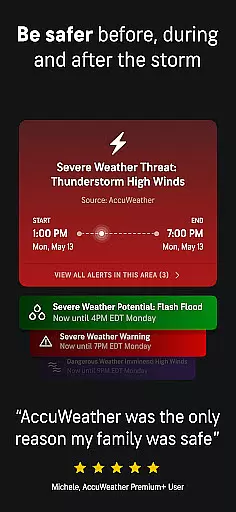
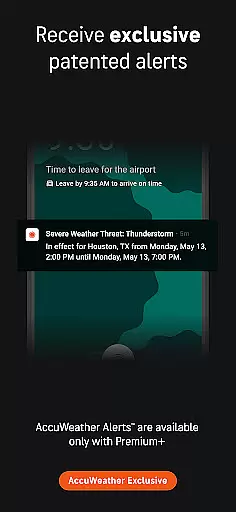
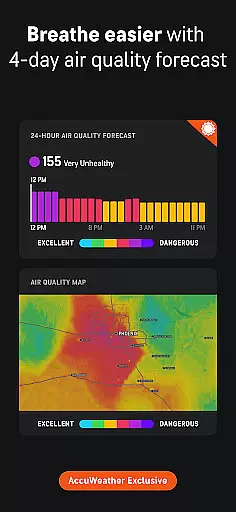
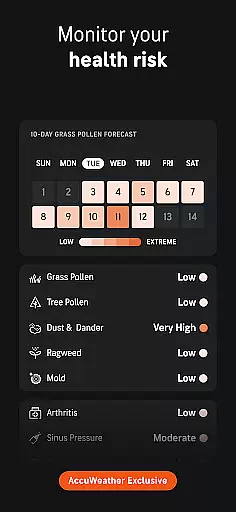
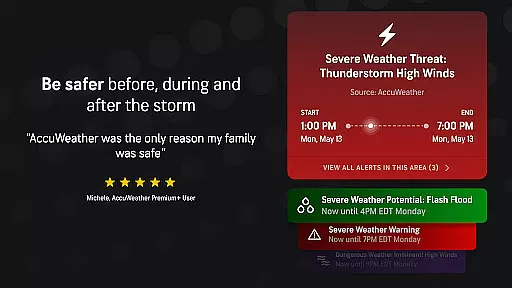
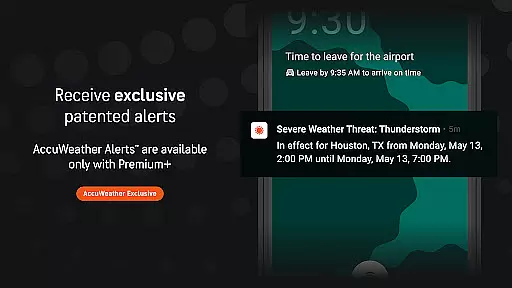
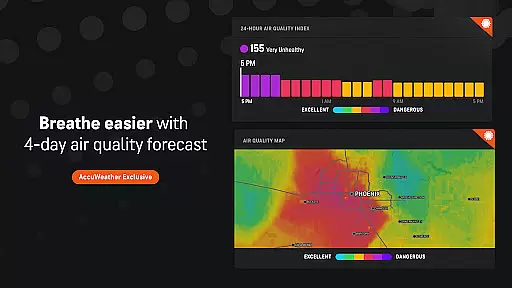
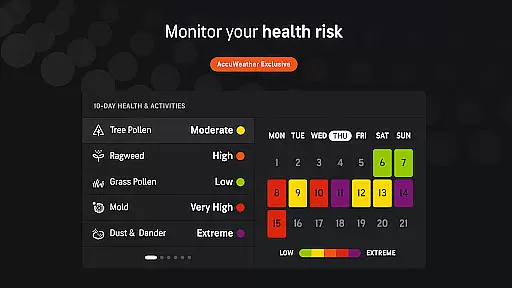
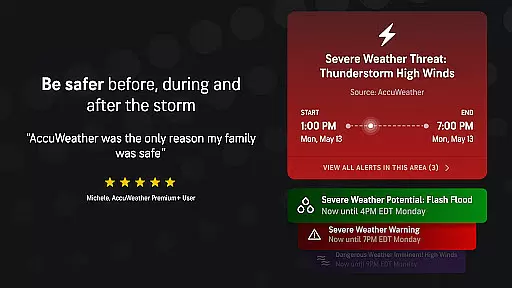
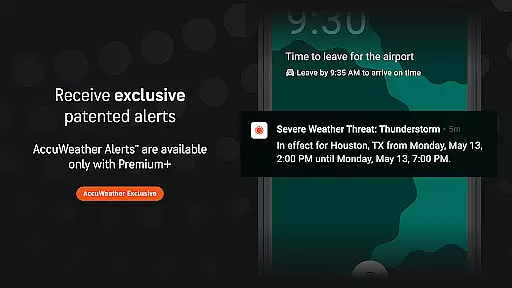
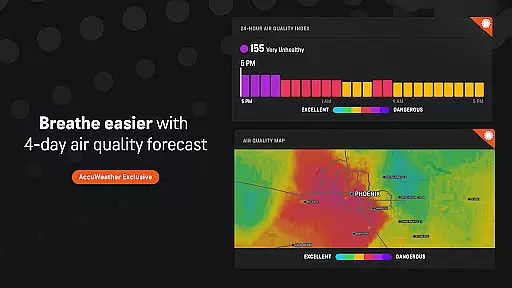
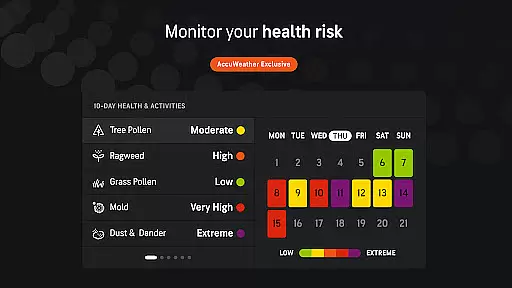
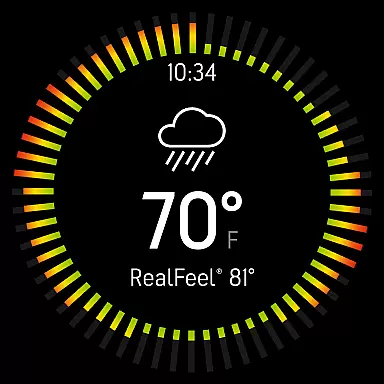
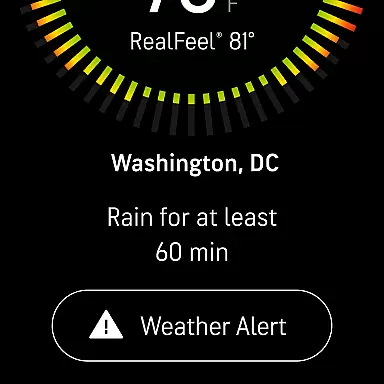
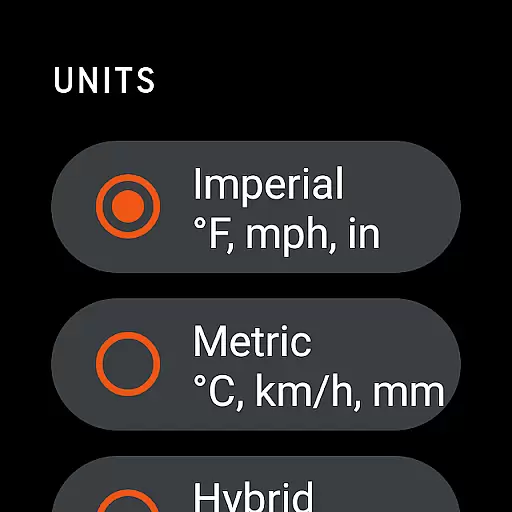
AccuWeather is the most trusted weather app, providing real-time weather alerts and hyperlocal updates with Superior Accuracy™. It helps users make informed decisions by offering detailed weather information for any location worldwide. The app's advanced features include hurricane tracking, live radar, and exclusive forecasting tools like MinuteCast® and RealFeel® Temperature.
This application is particularly valuable for users who need reliable weather information to plan their day or prepare for severe weather events. With its precise forecasts and customizable alerts, AccuWeather ensures users stay informed about changing weather conditions that could impact their safety or daily activities.
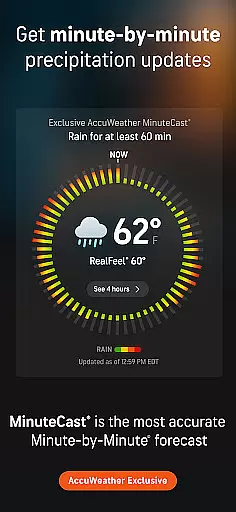
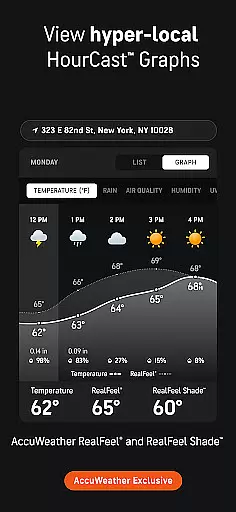
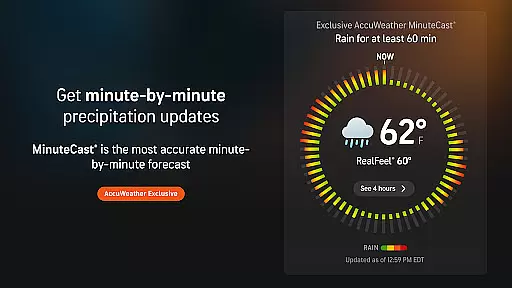
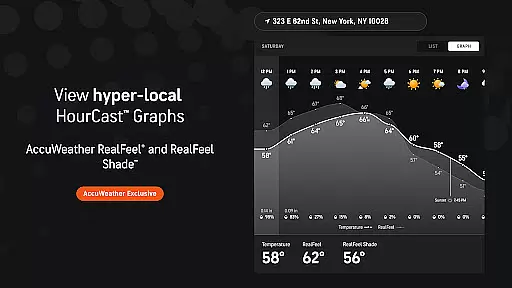
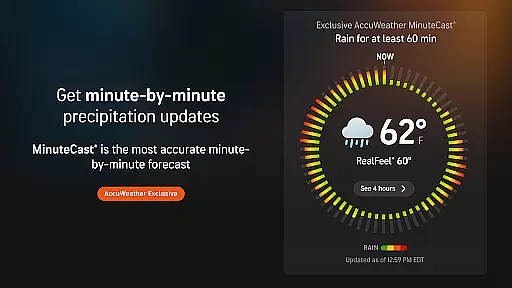
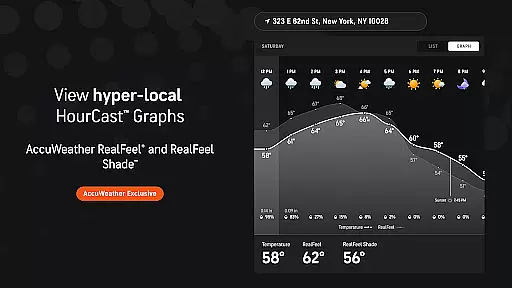
AccuWeather stands out with its innovative features designed to provide the most accurate weather information. The app's MinuteCast® offers hyperlocal precipitation forecasts for the next four hours, pinpointed to the user's exact location. This feature is complemented by the RealFeel® Temperature, which considers multiple factors to describe how the temperature actually feels.
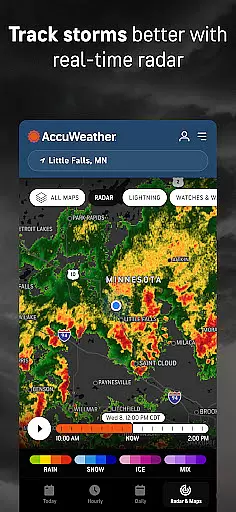
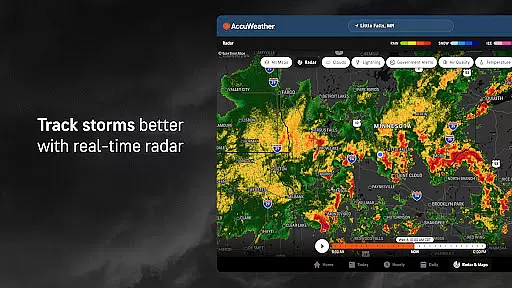
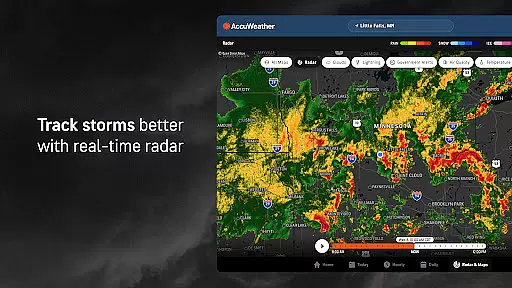
In addition to these unique offerings, AccuWeather provides a live radar, an exclusive lightning network, and WinterCast® for detailed snow predictions. These tools allow users to track storms in real time, monitor lightning proximity, and understand potential snow impacts. The app also includes health-focused features like the AccuLumen Brightness Index™, enhancing outdoor activity planning and UV protection.
For users of wearable devices, the integration between the AccuWeather app and its companion app ensures a seamless experience. This connection allows for real-time weather updates directly on your Wear OS device.
The synchronization between mobile and wearable apps provides users with essential weather data such as alerts, temperature, and precipitation forecasts without needing to check their phones. This feature is crucial for maintaining awareness of weather conditions while on the move.
AccuWeather's advanced algorithms and precise location tracking enable hyperlocal weather updates tailored to the user's exact whereabouts. This means whether you're walking, running, or commuting, you'll receive relevant weather information right on your wrist.
By leveraging the capabilities of Android Wear, AccuWeather ensures that users can access MinuteCastu00ae and other exclusive features conveniently from their smartwatch, enhancing both safety and convenience in planning daily activities.
AccuWeather stands out in its compatibility with a wide range of Wear OS devices, ensuring that no matter what type of smartwatch you own, you can benefit from its superior weather forecasting capabilities. This broad compatibility enhances user accessibility and convenience.
The app is optimized to function smoothly across different devices, providing consistent performance and accurate weather data regardless of the specific Wear OS device being used. This universality makes it an essential tool for all smartwatch users who need reliable weather information.
Furthermore, AccuWeather's design takes into account the varying screen sizes and resolutions of Wear OS devices, offering an intuitive and visually appealing interface that is easy to read at a glance. This attention to detail ensures that users can quickly access critical weather updates without any hassle.
Whether you're using a fitness tracker or a full-featured smartwatch, AccuWeather's commitment to Wear OS compatibility guarantees that you will receive timely and accurate weather alerts, helping you stay prepared and safe in any weather condition.
Superior Accuracy™
Real-time Alerts
Hyperlocal Updates
Exclusive Features
Global Coverage
Premium Subscription
Ad-heavy Free Version
Complex Interface
Limited Free Features
High Data Usage

A customizable Christmas watch face for Wear OS with a countdown.
 4.20
4.20
Rose gold watch face with festive lights & customizable features.
4.60
Snowflake Rose Gold Watch Face - Digital, modern, & sleek with GYRO effect.
4.10
Embrace the festive spirit with our Christmas Countdown watchface for Wear OS
4.10
sleep, alarm, snoring, stress, healing, focus, sound therapy, circadian rhythm
4.10
To-Do List: daily schedule planner, task organizer, to do reminder app, calendar
4.60
Period, ovulation & pregnancy tracker. Fertility insights & menstrual calendar.
4.90
Hyper-Realistic Airplane Dashboard Watch Face With 10 Skins and Custom AOD
4.00
Track airplanes and follow flights with our real-time flight tracker
4.50
Diet tracker for weight loss - track calories, food and macros. Simple and easy!
4.70
Be an elegant and classy secret agent, with this carefully detailed watch face
4.70
The most customizable hybrid watch face. For Wear OS 5.0, API 34+ and later
4.70
Gym & home workout plans with strength training, exercise tracking, HIIT & more.
4.60
Deck out your Wear OS Watch face with a beautifully decorated pine wreath!
4.50
Fast and smart typing with Emojis, GIFs, and more
4.50
Premium hybrid watch face with many customizations for Wear OS devices.
4.40
Bold, Modern Hybrid Watch Face for Wear OS. 10 Colors, Rich Info Display.
4.30
Locate your family members by GPS phone location tracker everywhere and anytime
4.30
The ultimate destination for kids ages 3-8 to explore the Marvel Universe!
4.30


User Reviews