
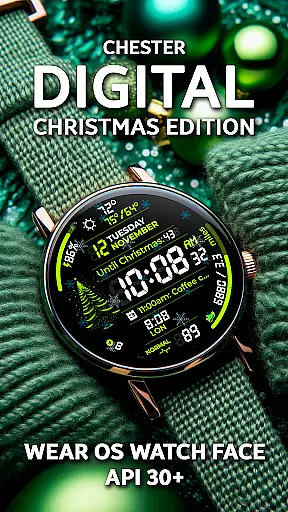
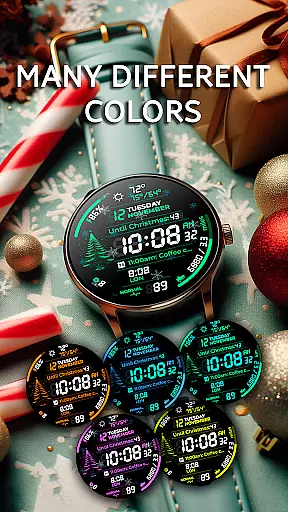
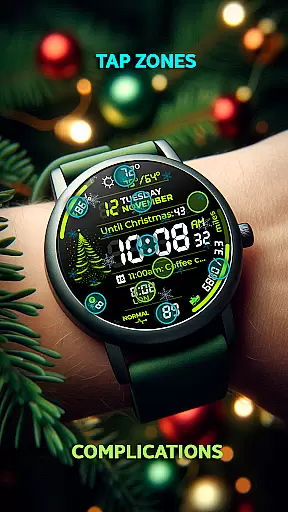
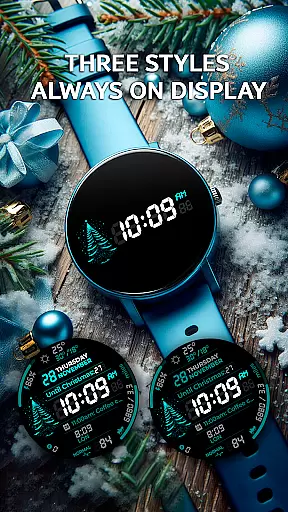
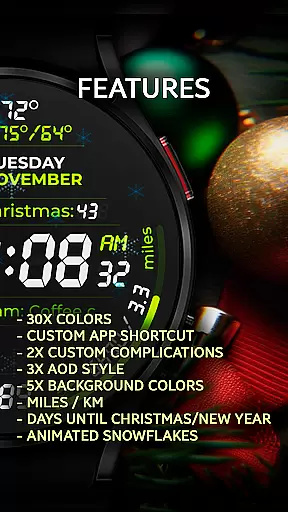
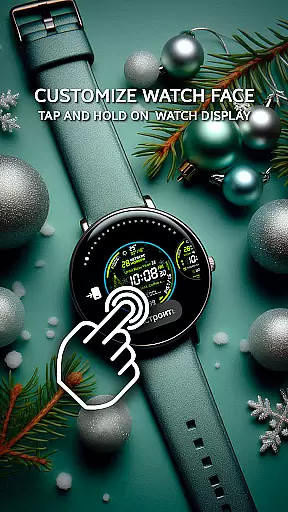
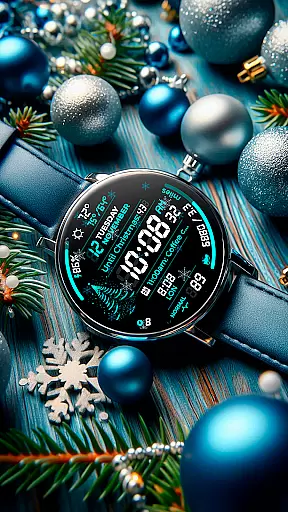
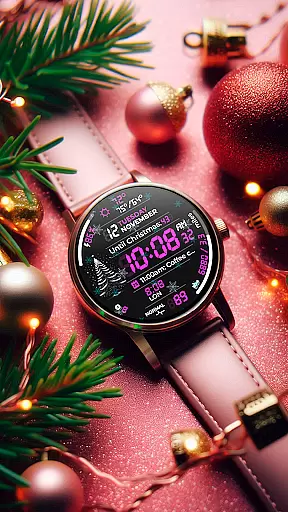
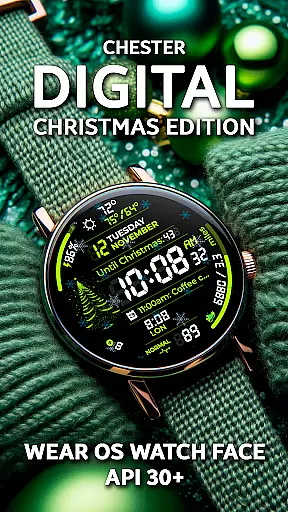
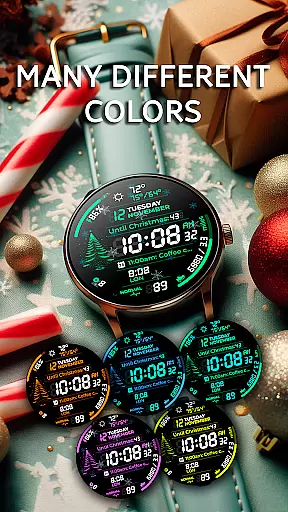
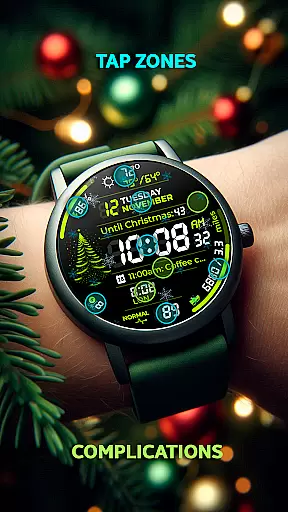
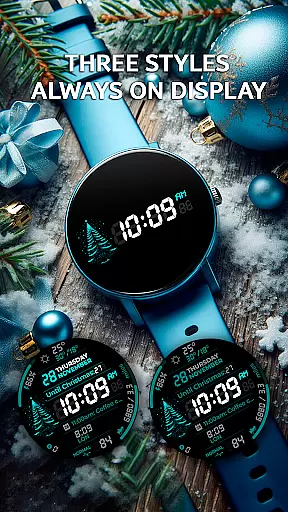
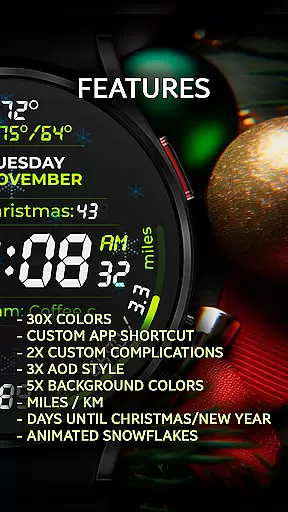
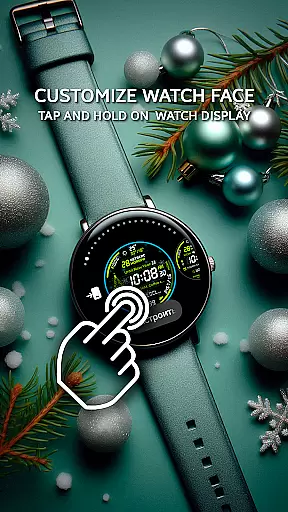
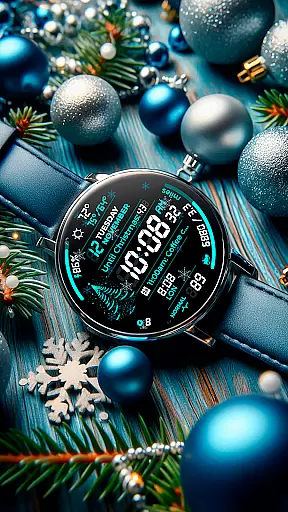
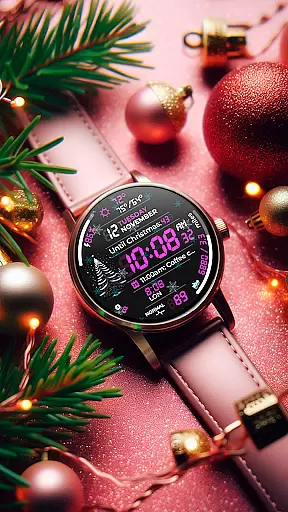
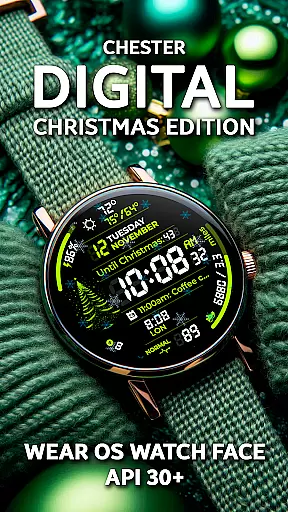
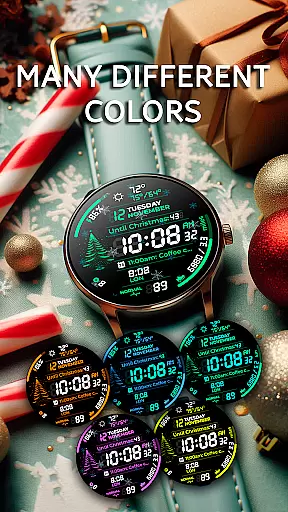
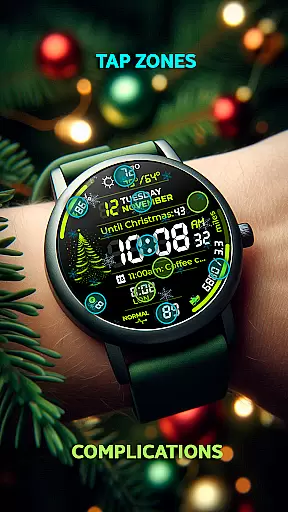
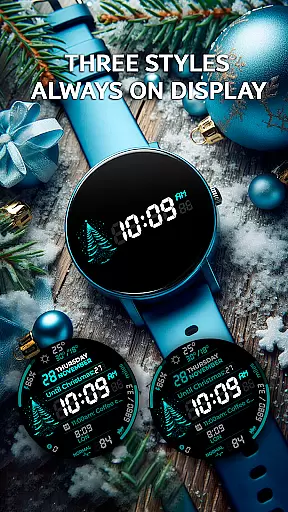
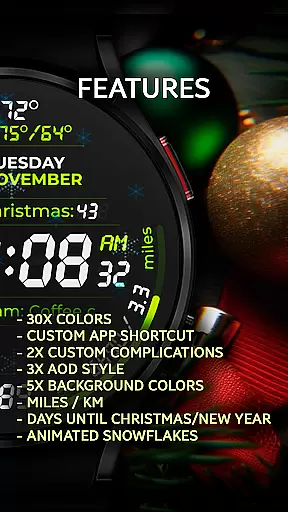
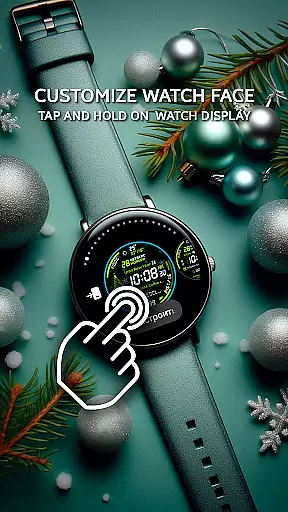
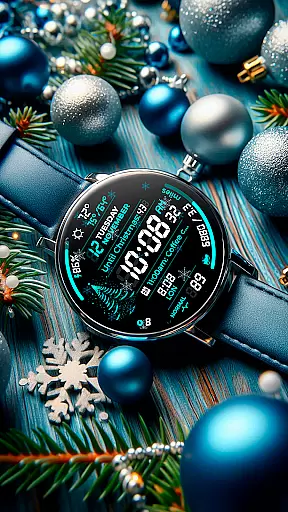
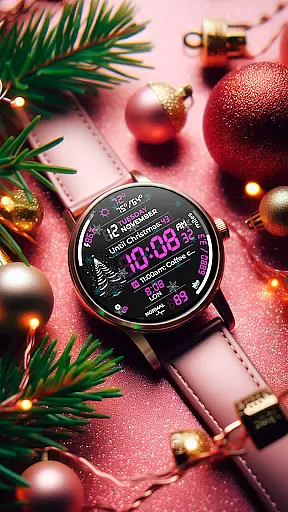
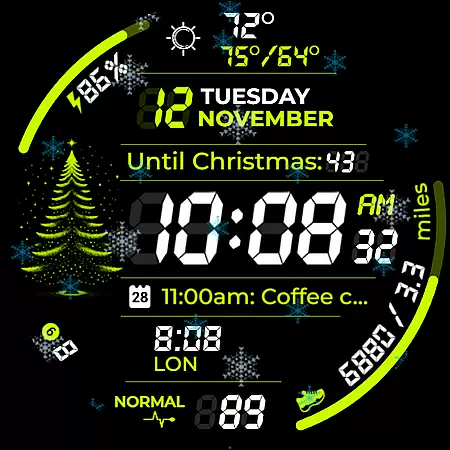
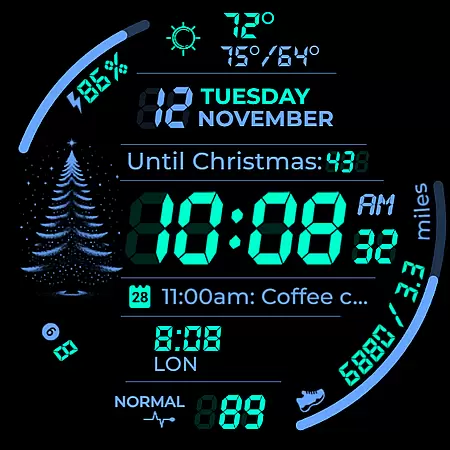
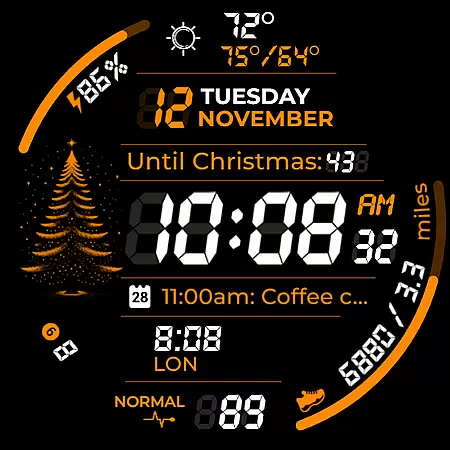
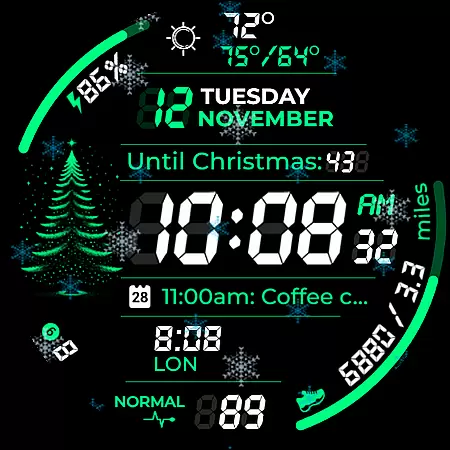
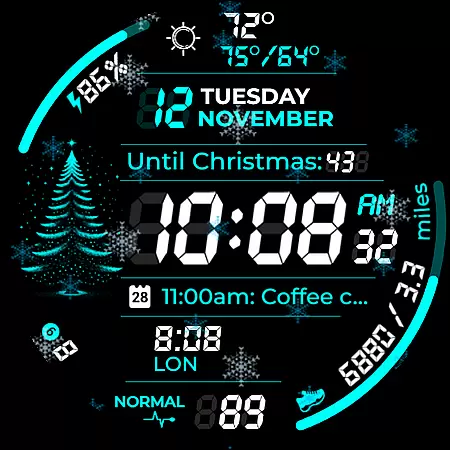
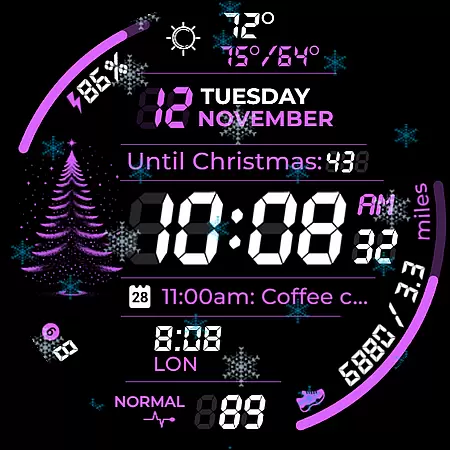
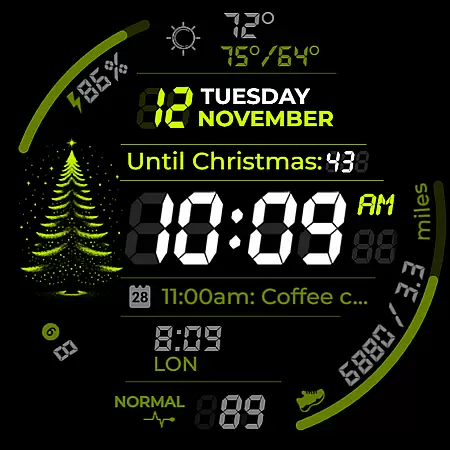
Chester Digital: Christmas is a feature-rich, customizable watch face designed specifically for Wear OS devices. This festive-themed application brings holiday cheer to your smartwatch while offering practical functionality. With 30 color schemes, interactive tap zones, and various customization options, it allows users to personalize their watch faces according to their preferences.
The app provides essential features like weather updates, calendar reminders, and fitness tracking capabilities. Users can monitor their daily activities, track distance in miles or kilometers, and even count down to Christmas or New Year's Day. Its compatibility with Wear OS API 30+ devices ensures broad usability across popular smartwatch models.
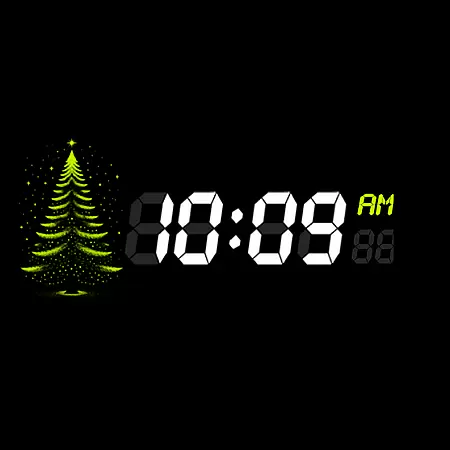
Whether you're looking to enhance your holiday style or need a functional watch face for everyday use, Chester Digital: Christmas offers the perfect blend of festivity and utility. The unique snowflake animation and Always-On Display styles make it an ideal choice for those who want to embrace the holiday spirit while staying connected.
Chester Digital: Christmas stands out with its extensive customization options. The app offers 30 vibrant color schemes and five background colors, allowing users to create a personalized look that matches their style. The inclusion of app shortcuts and complication zones provides quick access to frequently used functions and important information right on the watch face.
One of the key features is its interactive elements. Users can enjoy the festive snowflake animation, countdown timers to Christmas and New Year, and weekly/yearly tracking displays. The watch face also shows full calendar event names and times, maximum and minimum temperatures, and unread notifications counters, making it a comprehensive tool for managing daily activities.
Designed for Wear OS API 30+ devices, this watch face supports Galaxy Watch series, Google Pixel Watch, and other compatible models. The three Always-On Display styles ensure continuous connectivity while preserving battery life. Whether you're tracking fitness goals or staying updated with calendar events, Chester Digital: Christmas delivers both style and substance through its innovative features.
Companion app integration is essential for a seamless wearable experience. Chester Digital: Christmas ensures that your watch face works harmoniously with the main mobile application, providing real-time data synchronization and feature coordination.
This festive watch face offers interactive features such as app shortcuts and complication zones, which are fully supported through its companion app. Users can customize their experience by setting up quick access to favorite functions directly from their smartphone.
The synchronization between the Wear OS device and its companion app guarantees that all personalization options, including color schemes, background colors, and AOD styles, are accurately reflected on the wearable. This allows users to enjoy a consistent and personalized holiday spirit on both devices.
By leveraging the companion app, users can also receive timely updates on weather, calendar events, and unread notifications, ensuring they stay informed and connected throughout the day. The result is an enhanced user experience that blends style, functionality, and festive cheer.
Device compatibility is crucial for ensuring that a watch face operates optimally across various Wear OS devices. Chester Digital: Christmas is designed to be compatible with all Wear OS API 30+ devices, offering a broad spectrum of users the chance to embrace the holiday spirit.
Whether you own a Google Pixel Watch or a Galaxy Watch series device, this watch face delivers a flawless performance. It supports popular models like Galaxy Watch 4, 5, 6, 7, and Galaxy Watch Ultra, making it versatile for different preferences and needs.
It's important to note that while Chester Digital: Christmas enhances most Wear OS devices, it is not suitable for rectangular watches. This focus on compatibility ensures that users enjoy a visually cohesive experience with features like snowflake animations and countdowns to Christmas/New Year.
With clear guidelines and support resources available, users can easily install and configure the watch face. This commitment to compatibility highlights the dedication to quality and customer satisfaction, ensuring every user enjoys a festive and functional wearable experience.
Highly customizable
Festive holiday theme
Interactive features
Wide device compatibility
Useful fitness tracking
No rectangular support
Limited animation options
Premium features locked
Requires Wear OS
Complex setup process

Christmas Theme Watch Face for Wear Os
 5.00
5.00
Precision analog watch face with 7 complications and style options
4.1
Analog watch face with 8 complications and expedition styling
4.4
Artistic Digital Watchface
4.1
Fitness interactive virtual pet super fighter boy watch face
4.0
Period, ovulation & pregnancy tracker. Fertility insights & menstrual calendar.
4.90
Get helpful reminders, take progress photos and find answers to your questions.
3.90
Track airplanes and follow flights with our real-time flight tracker
4.50
Spam call blocker and caller ID for automatic call protection!
4.40
Be an elegant and classy secret agent, with this carefully detailed watch face
4.70
WTW M17 is a premium and luxurious hybrid watch face
4.70
Christmas watch face. For Wear OS devices.
4.30
Animated Watch Face and Customizable with 24 Backgrounds. Perfect for Christmas!
3.90
Authentic military-tactical design with ZULU time! Realistic and functional!
3.80
Your local weather forecast, storm tracker, radar maps & live weather news
3.40
Wear Os Watch Face - Animated Snow Effect & Christmas Lights
4.5
Stunning modern digital watch face with 7 complications and strong contrast
4.5
Simple Analog-Digital Watchface For Wear OS 3.0 and Up Smartwatches
4.3
Minimalistic design modern digital watch face.
4.0


User Reviews