
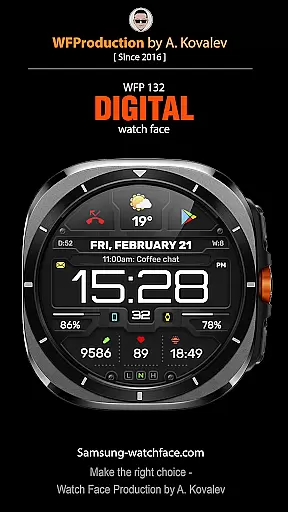
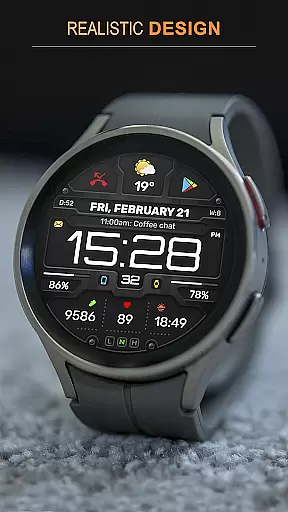
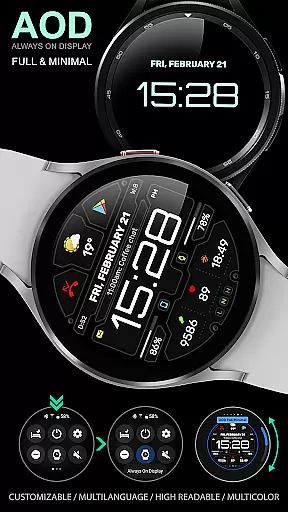
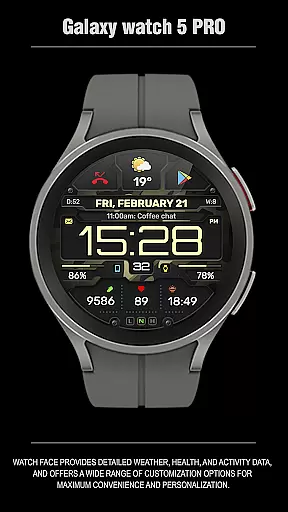
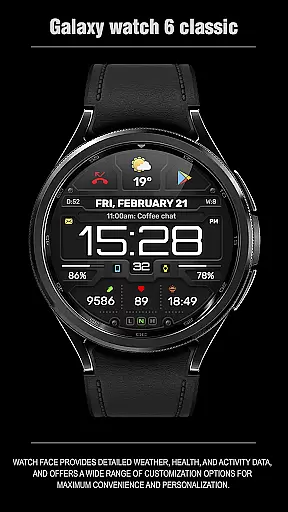
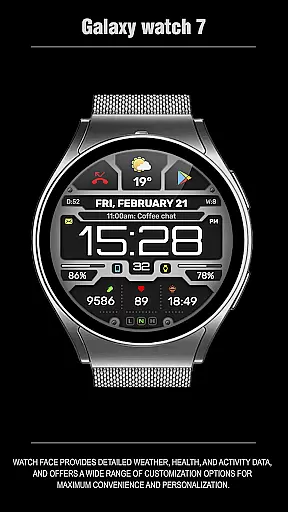
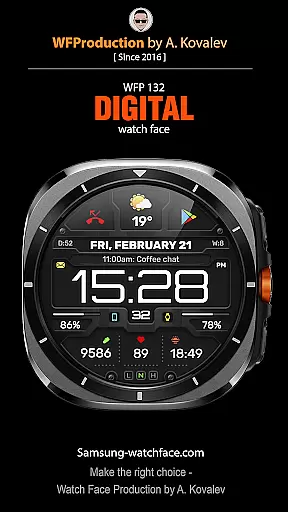
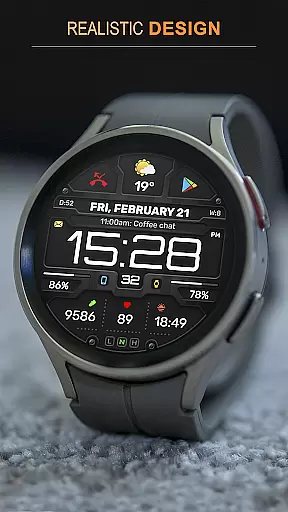
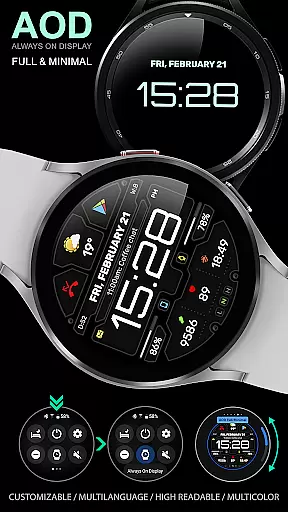
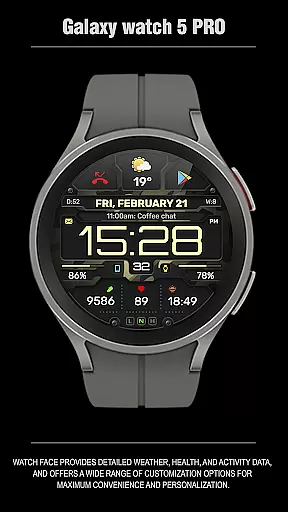
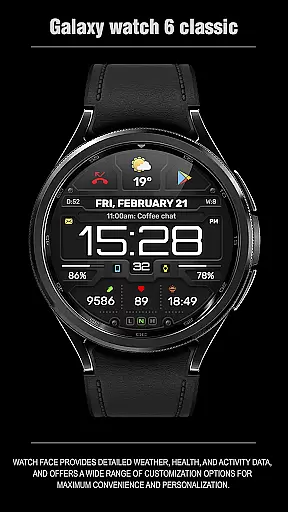
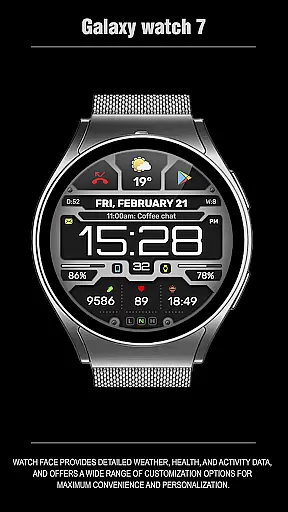
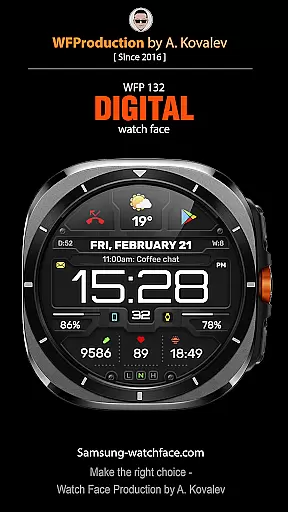
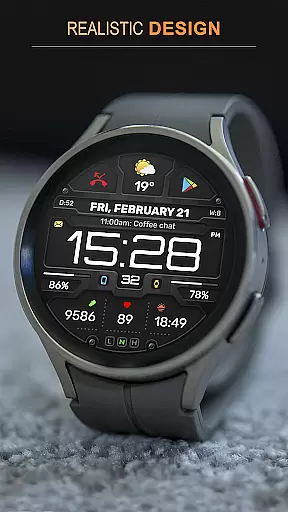
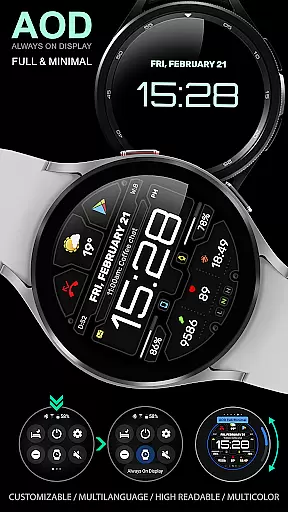
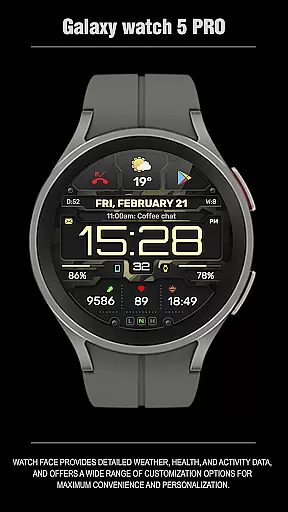
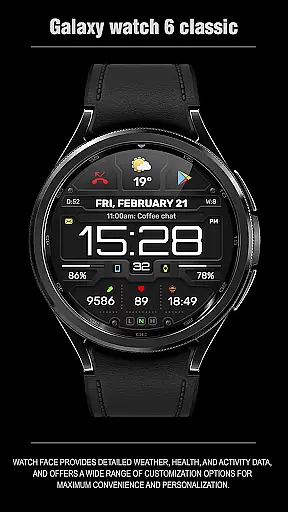
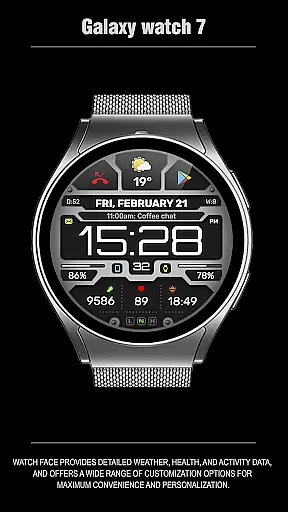
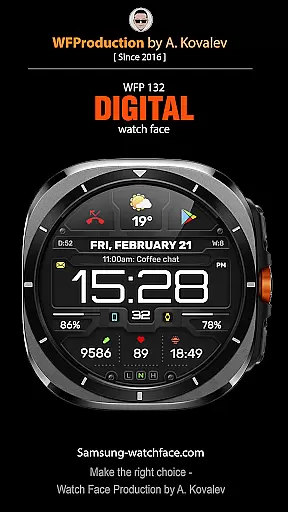
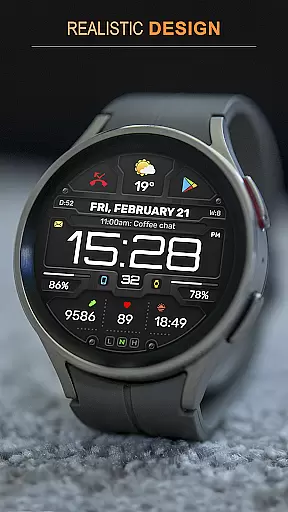
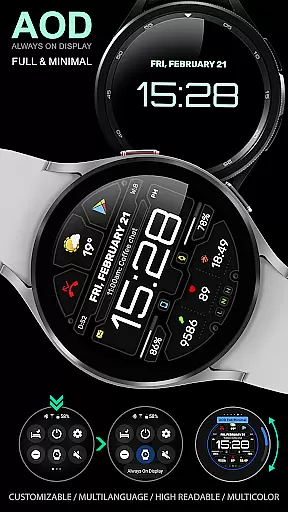
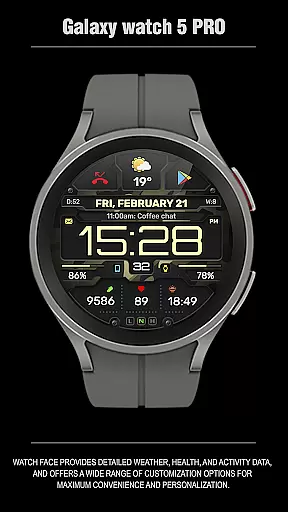
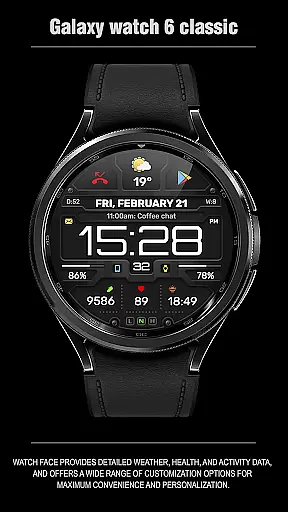
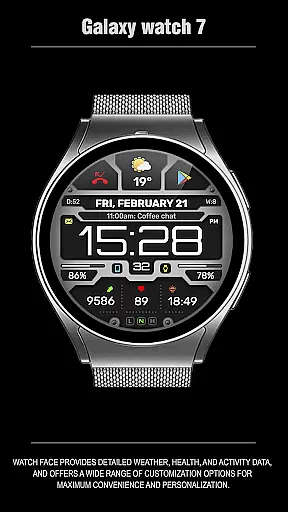
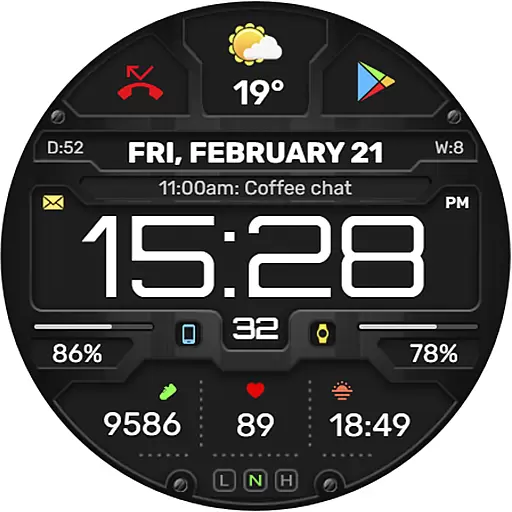
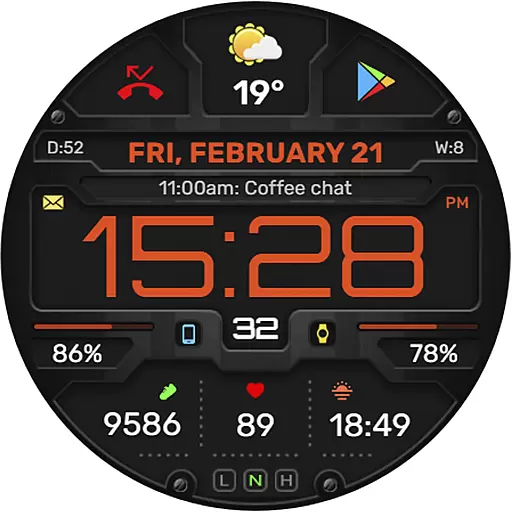
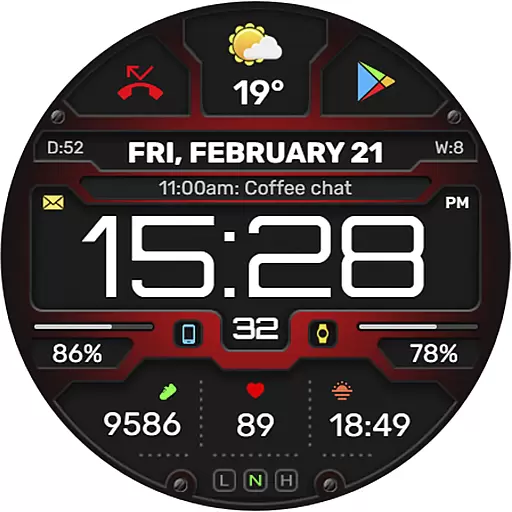
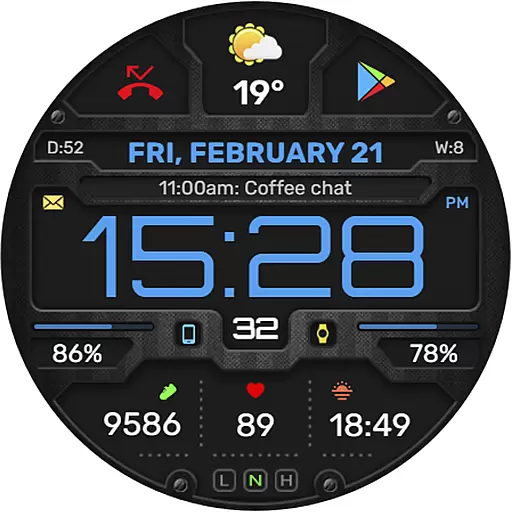
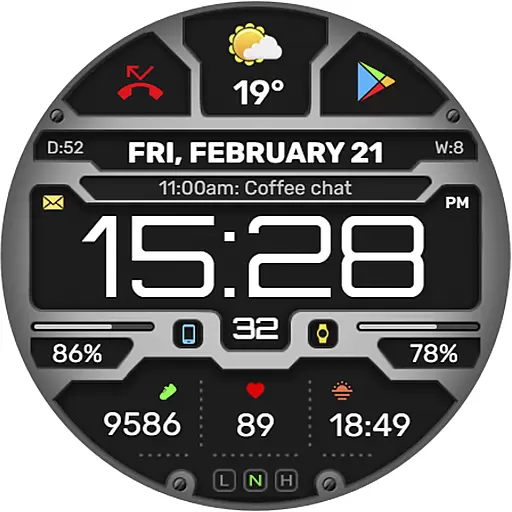
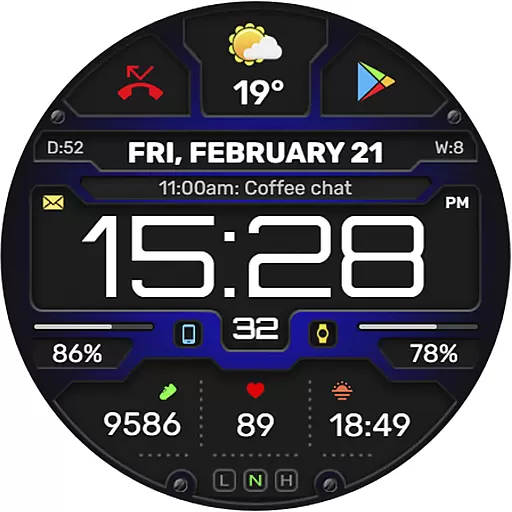
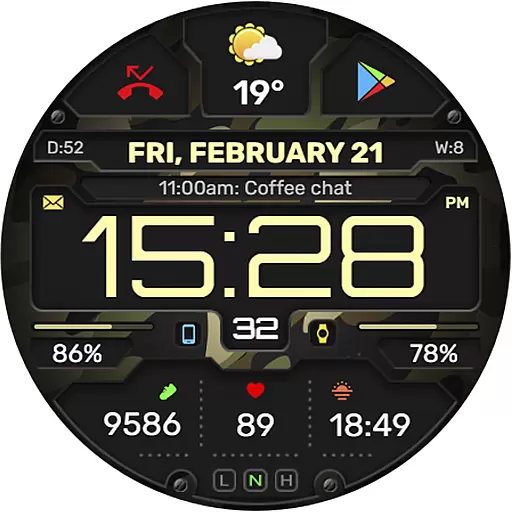
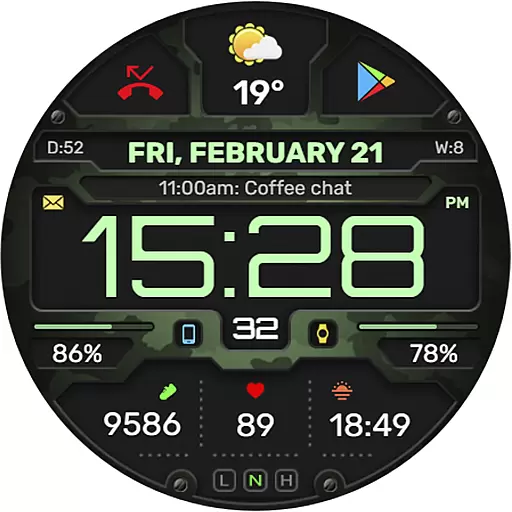
The WFP 132 Digital watch face is a stylish and functional wearable application designed for smartwatch users. It offers detailed weather forecasts, health tracking, and activity monitoring while providing extensive customization options for a personalized experience. Compatible with devices running API 34+ (Wear OS 5.0 and later), this watch face ensures both aesthetics and utility.
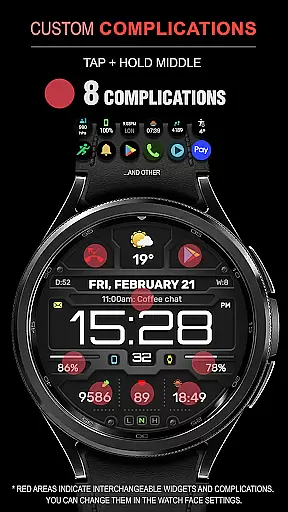
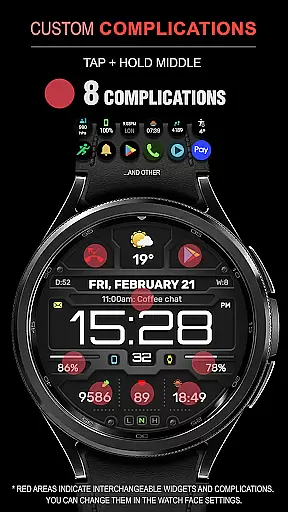
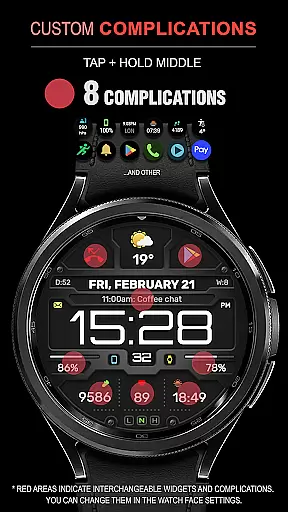
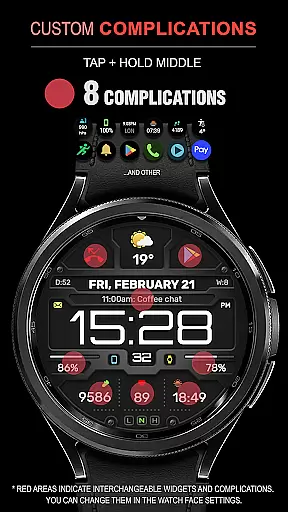
With features like 8 complications and widgets, changeable backgrounds, multiple color combinations, and customizable Always-On Display (AOD) modes, the app caters to various user preferences. Whether you're tracking your fitness goals or staying updated on weather conditions, WFP 132 enhances convenience and style on your wrist.
The WFP 132 Digital watch face stands out with its rich feature set tailored for Wear OS users. It includes an advanced weather forecast system displaying temperatures in Fahrenheit or Celsius, alongside health and activity metrics such as calories burned and floors climbed. The high-resolution design ensures clarity, while the low battery consumption optimizes performance.
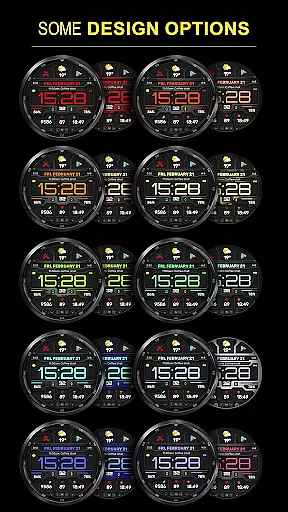
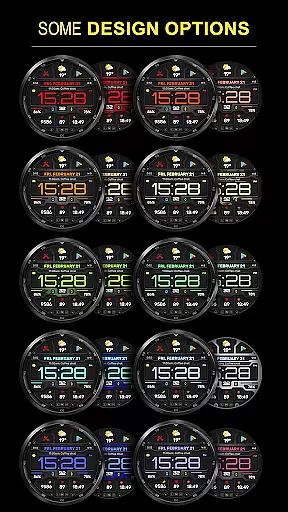
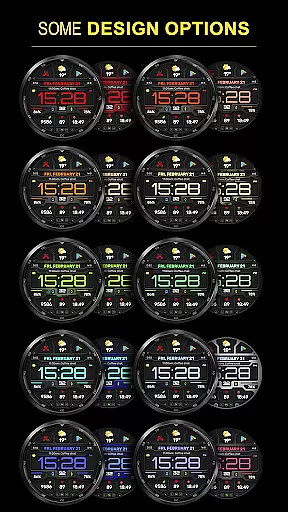
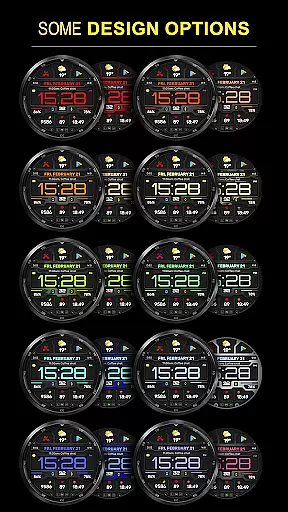
Customization is at the core of this app's functionality. Users can choose from many color combinations, switch between full and minimal AOD modes, and select from multiple widget configurations. Additionally, multilingual support makes it accessible to a global audience. These features collectively deliver a seamless blend of personalization and practicality.
Companion app integration is essential for a seamless smartwatch experience. The WFP 132 Digital watch face excels in this area by offering users the ability to sync and manage their watch face settings directly from their smartphone.
This functionality allows for effortless customization, enabling users to adjust color combinations, switch backgrounds, and configure AOD modes without interrupting their daily routine. The synchronization process is smooth, ensuring that all personal preferences are updated across devices instantaneously.
Furthermore, the companion app provides easy access to additional features such as weather forecasts and health data tracking. Users can conveniently monitor their activity metrics and receive detailed insights into their progress, enhancing both utility and engagement with the device.
Compatibility is key when it comes to wearable technology, and the WFP 132 Digital watch face boasts extensive support for Wear OS devices. Designed to work seamlessly with systems running API 34+ and later, it ensures a broad range of users can enjoy its stylish and functional design.
The installation process is straightforward thanks to clear instructions provided on the official website. Once installed, users benefit from high optimization levels that guarantee smooth performance without compromising battery lifeu2014a critical factor for maintaining productivity throughout the day.
In addition to technical compatibility, the watch face supports multiple languages and offers flexibility in displaying weather information either in Fahrenheit or Celsius degrees. This inclusivity makes it an ideal choice for international audiences seeking both form and function in their digital accessories.
Highly customizable
Low battery usage
Accurate weather data
Health and activity tracking
Multilingual support
Limited to Wear OS
Requires API 34+
No offline widgets
Premium features cost extra
Complex setup for beginners

Walking app for weight loss: walk & step tracker, pedometer, indoor treadmill
 4.60
4.60
an Analog Watch Face for winter season with freeze winter background for Wear OS
4.5
Monitor health with the stress test and pulse checker in the heart rate app.
4.60
To-Do List: daily schedule planner, task organizer, to do reminder app, calendar
4.60
Professional weather radar and more
3.90
Real-time weather radar with temperatures, warnings, hurricanes, and widgets
4.80
Fast and smart typing with Emojis, GIFs, and more
4.50
Your local weather forecast, storm tracker, radar maps & live weather news
3.40
Want to take charge of your health? Let Google Fit help you reach your goals.
3.50
The most customizable minimal watch face. For Wear OS 5.0, API 34+ and later
4.70
Highly customizable hybrid watch face for Wear OS, perfect for everyday use.
4.60
Digital watch face. For Wear OS devices.
4.40
Christmas watch face. For Wear OS devices.
4.30
Daily Weather forecast with 15 weather images for Day & Night plus Big Bold time
4.10
Hyper-Realistic Airplane Dashboard Watch Face With 10 Skins and Custom AOD
4.00
Sleek, highly customizable watch face inspired by Galaxy Watch Circle Dashboard.
4.2
3 Complications. All shadow on/off. 30 Themes color palette...
4.2
Funny animated watch face for Thanksgiving
4.1
Hybrid Vibrant Health Watch Face for Wear OS
4.1


User Reviews