
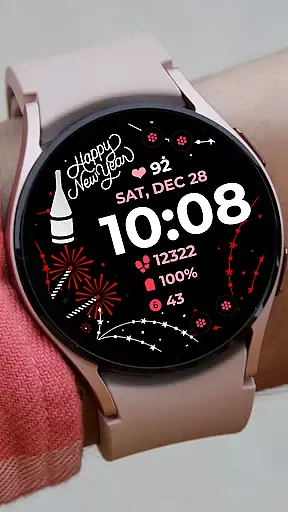
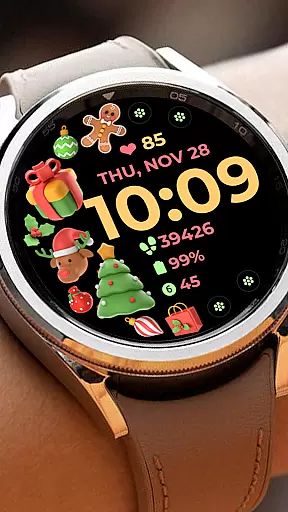
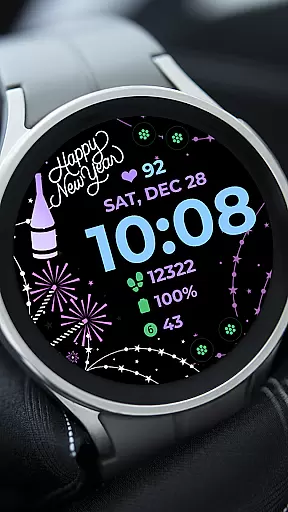
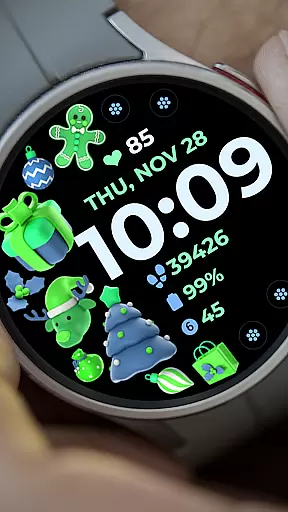
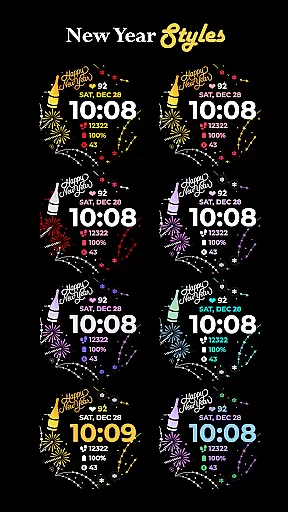
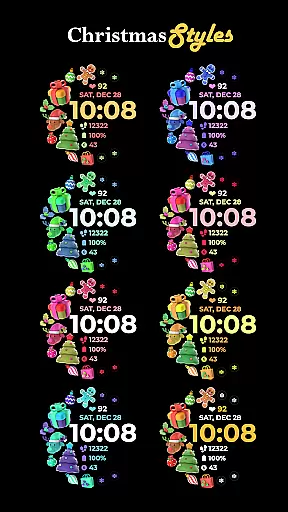
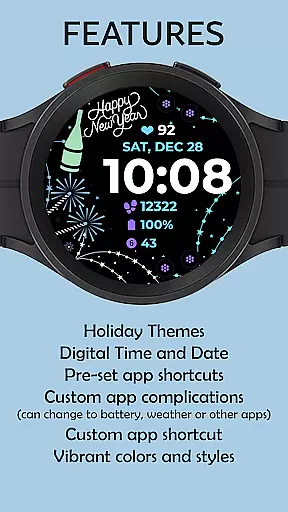
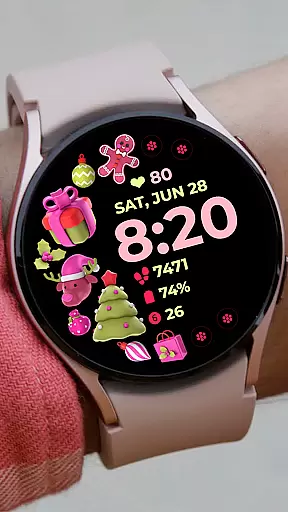
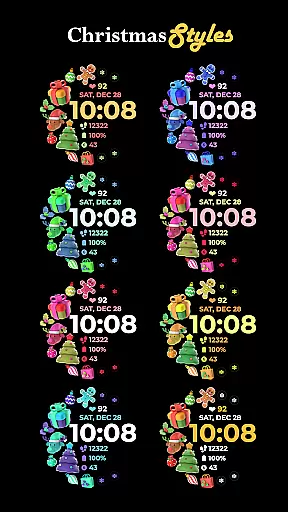
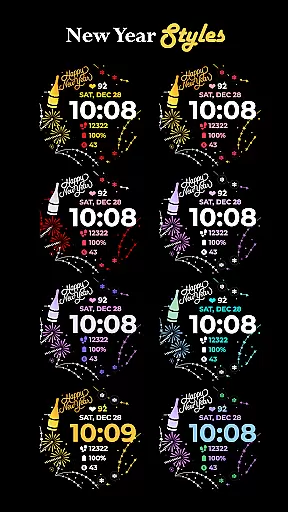
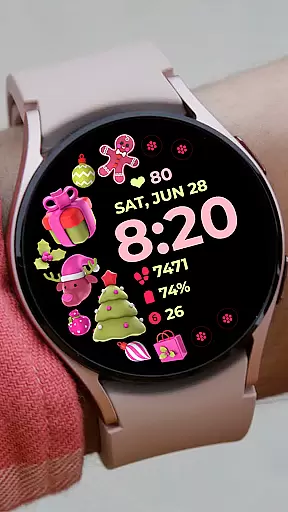
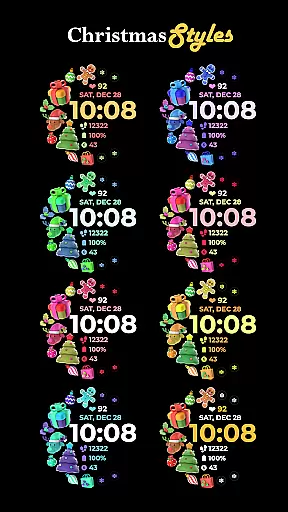
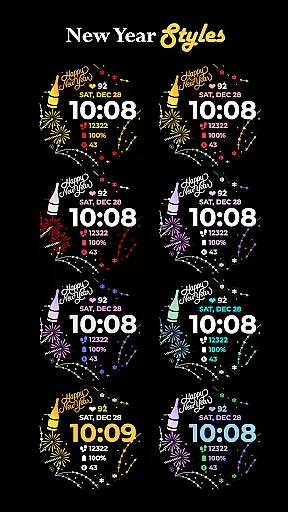
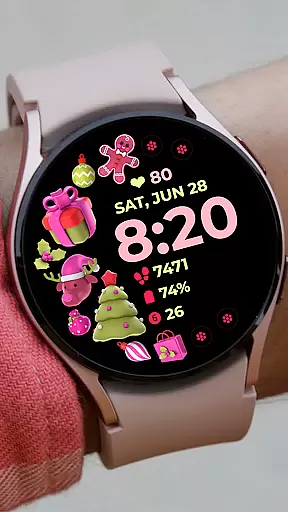
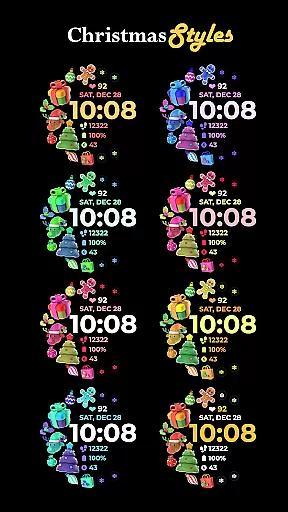
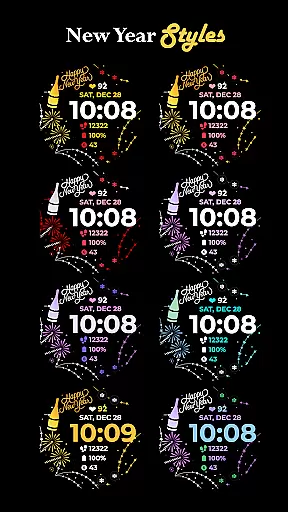
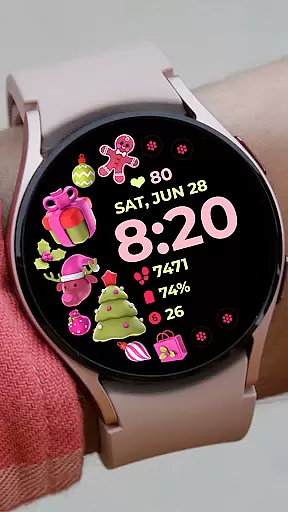
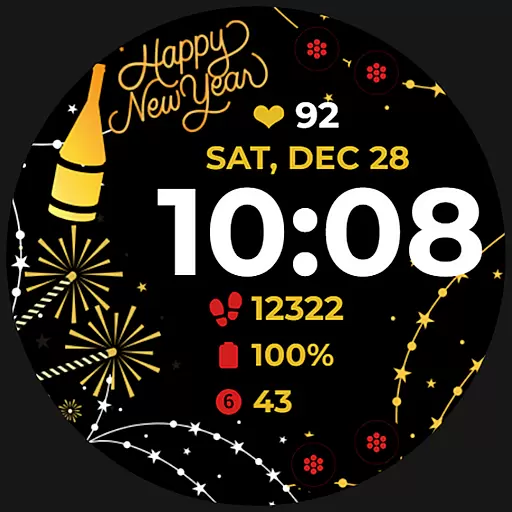
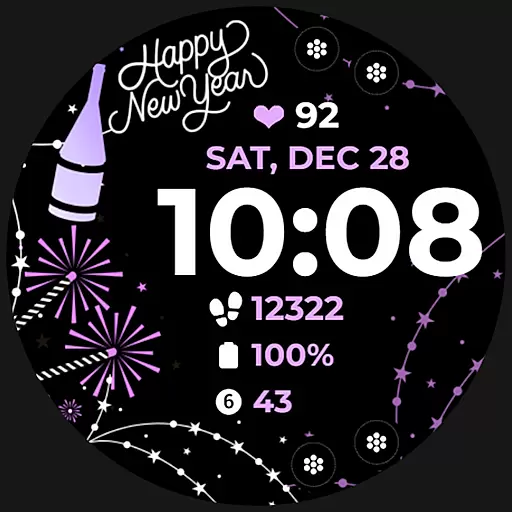
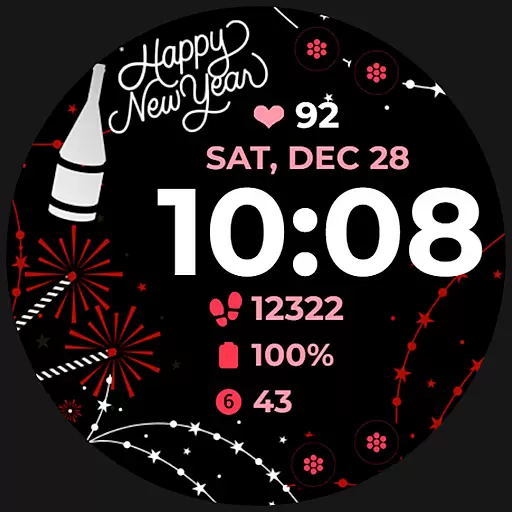
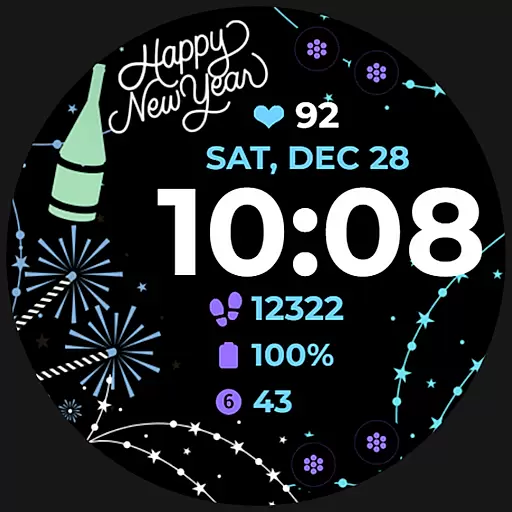
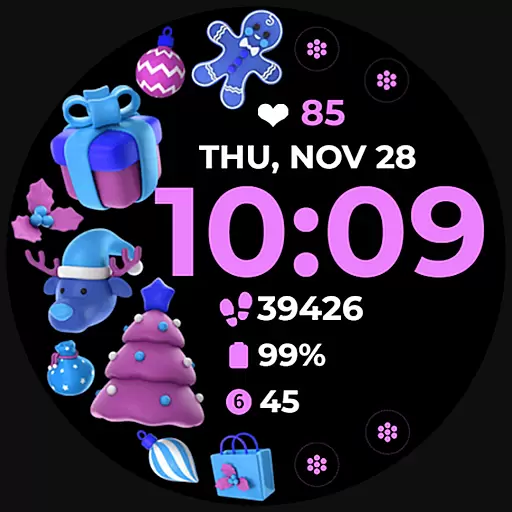
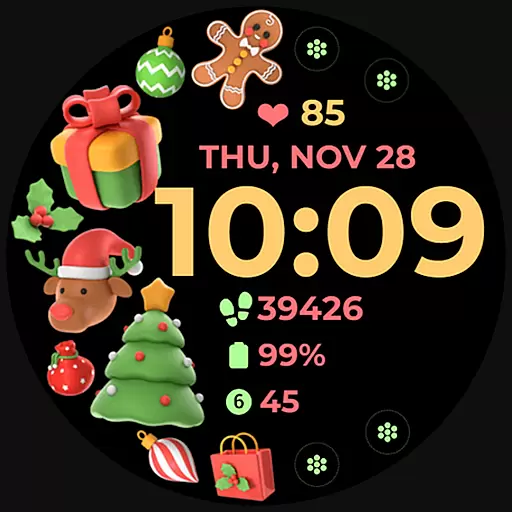
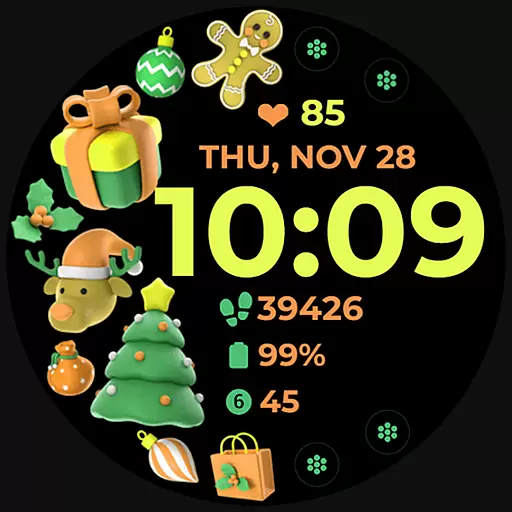
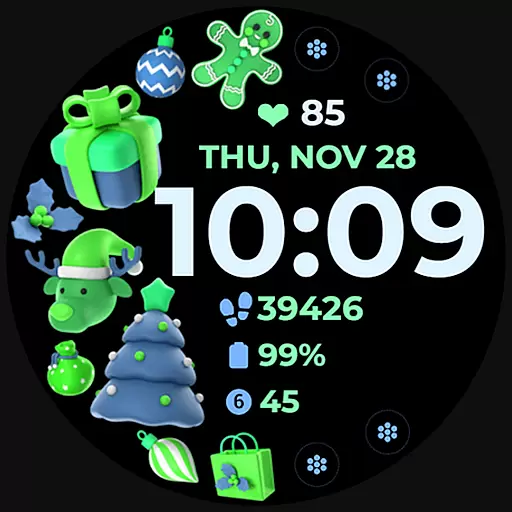
Holiday Art is a feature-rich watch face app designed specifically for Wear OS devices, including the Samsung Galaxy Watch 4. This application transforms your smartwatch display into a customizable digital canvas that combines functionality with festive aesthetics.
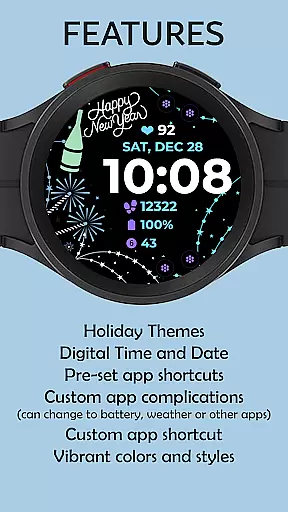
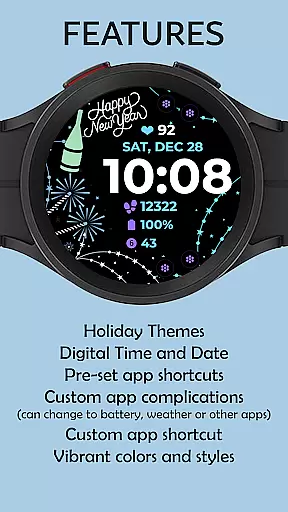
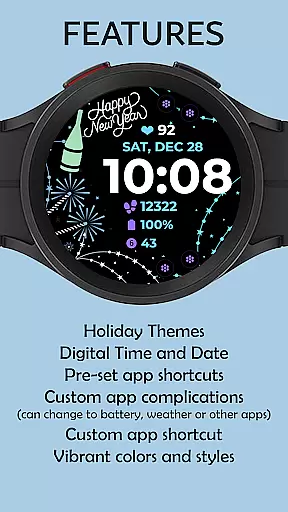
The app offers essential timekeeping features like digital clock, date, and day display, along with advanced functionalities such as Always-On Display (AOD) and customizable app shortcuts. Users can personalize their watch faces with different styles and color palettes, creating a unique wearable experience that matches their personal preferences while maintaining practical utility.
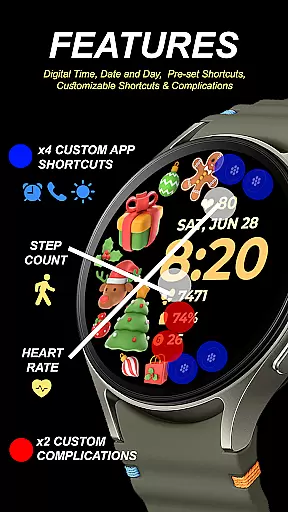
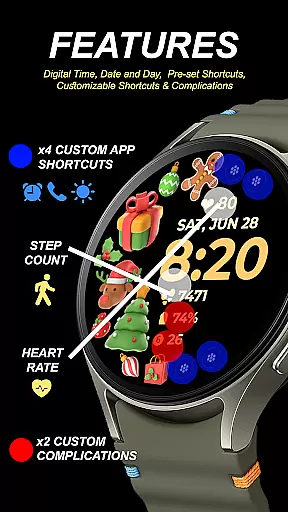
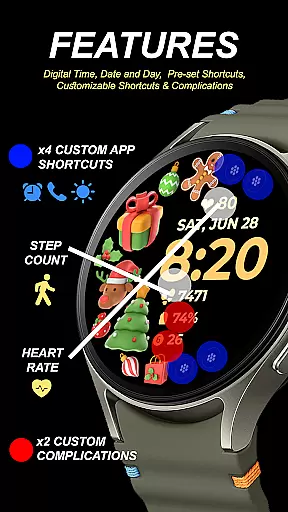
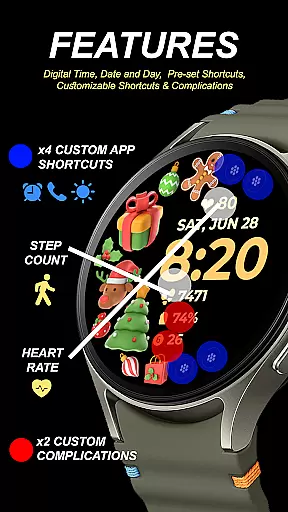
Holiday Art stands out with its comprehensive feature set tailored for smartwatch users. The application provides a digital clock interface complemented by date and day information, ensuring users always have access to crucial time-related data at a glance.
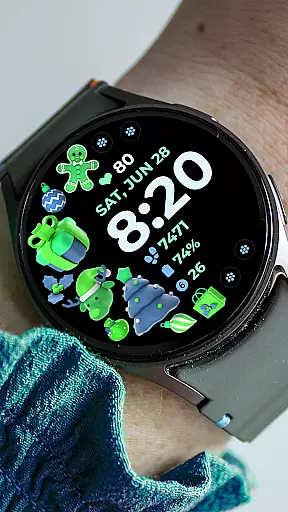
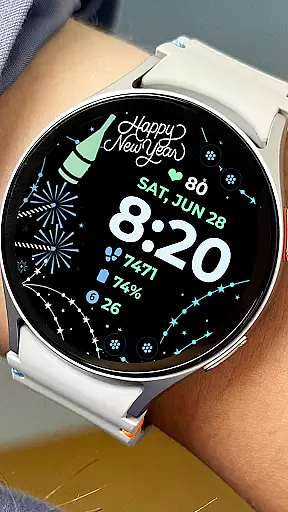
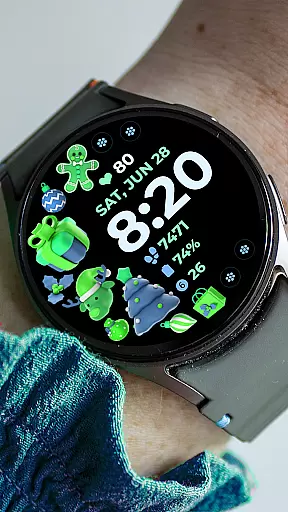
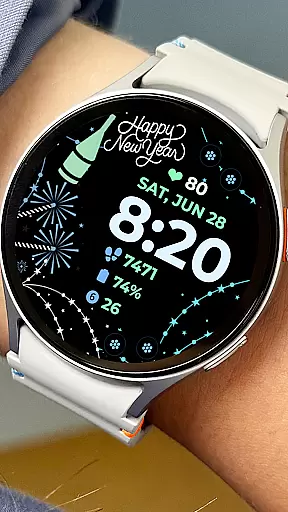
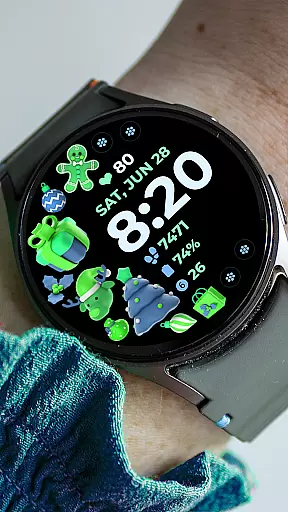
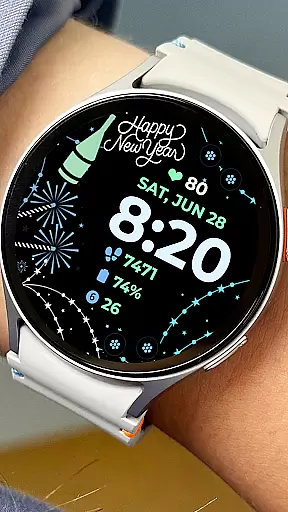
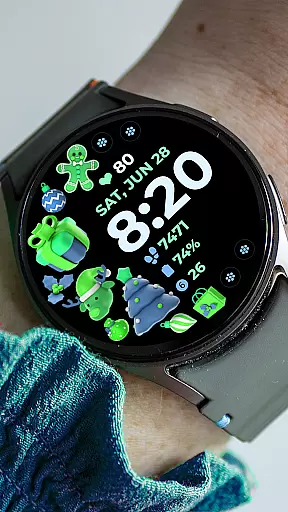
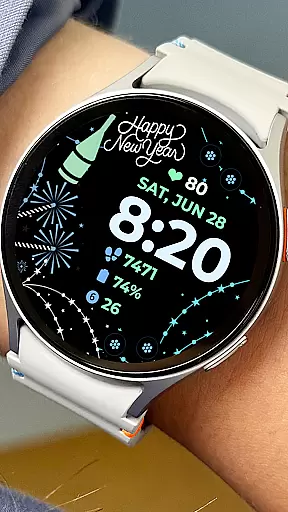
One of the key innovations is the support for customizable app shortcuts and complications, allowing users to create personalized quick-access points to their favorite applications directly from the watch face. The inclusion of preset app shortcuts ensures immediate usability while users explore more customization options. Additionally, the extensive color palette and style variations enable users to match their watch face with different outfits or moods.
The implementation of Always-On Display technology represents another significant advantage, letting users view essential information without needing to activate the screen fully. This feature proves particularly useful in professional settings where discreet time checks are necessary.
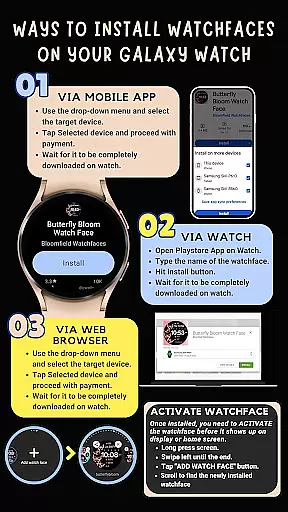
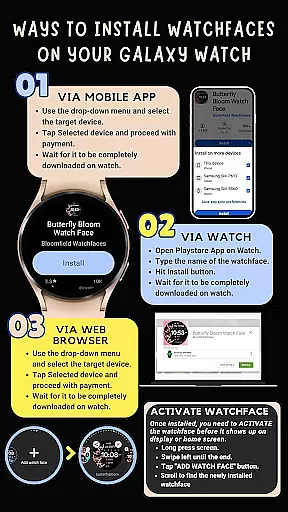
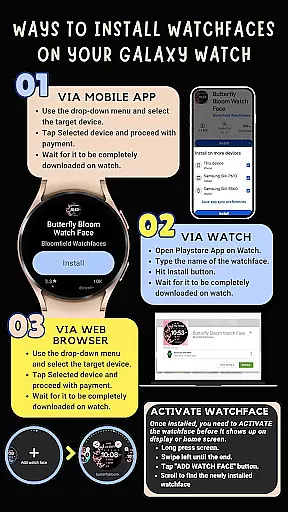
Companion app integration is essential for a seamless wearable experience. Holiday Art ensures that its watch face app is fully optimized to work in tandem with your smartphone, providing users with an interconnected ecosystem.
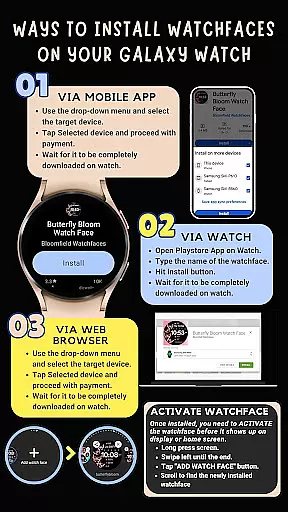
The app requires a strong connection between the Galaxy Watch and the paired phone, preferably over the same Wi-Fi network. This connectivity facilitates automatic installation and updates directly on the watch, ensuring that the latest features are always available without manual intervention.
Users must log into their Google account on the watch itself to enable smooth installation processes. This step is crucial as it allows for synchronization of settings and preferences across devices, enhancing user convenience.
By adhering to these guidelines, Holiday Art guarantees a hassle-free setup process, allowing users to enjoy a fully integrated smartwatch experience with minimal effort.
Ensuring compatibility with Wear OS and various devices is vital for delivering a consistent user experience. Holiday Art has been meticulously developed using Samsung's 'Watch Face Studio' tool, making it compatible with devices running on the new Wear OS by Google or One UI Samsung operating systems.
This compatibility extends to features such as digital clock displays, date and day indicators, Always-On Display (AOD), preset app shortcuts, customizable app shortcuts, complications, and changeable styles and color palettes. These functionalities enrich the user interface and provide personalization options tailored to individual preferences.
However, it's important to note that some advanced features may not be available on all watches due to hardware limitations. To mitigate any potential issues, thorough testing is conducted on real devices like the Galaxy Watch 4 before release.
Holiday Art's commitment to quality assurance means that each watch face undergoes rigorous evaluation and receives approval from the Google Play Store team, ensuring optimal performance and reliability across supported devices.
Highly customizable
User-friendly interface
Wide feature selection
Professional design quality
Comprehensive support options
Complex installation process
Limited compatibility
Premium price point
Feature availability varies
Requires multiple permissions

Wear Os Watch Face - Animated Snow - Sesonal for Christmas & Winter
 4.0
4.0
A full-featured Amazon Alexa voice assistant that can show you things.
3.70
Bold, Modern Hybrid Watch Face for Wear OS. 10 Colors, Rich Info Display.
4.30
Digital watch face with big numbers and many customization for Wear OS devices
4.40
Real-time results, stats, schedules and player profiles for all leagues
4.60
Real-time weather radar with temperatures, warnings, hurricanes, and widgets
4.80
Premium hybrid watch face with many customizations for Wear OS devices.
4.40
A white realistic classic analog watch face with many customization options.
4.40
Back up your contacts & access them anywhere
4.30
Gym Log & Workout Tracker | Fitness Journal, Training & Weight Lifting Planner
4.90
A realistic hybrid watch face with many customization options.
4.60
Connect to your Bluelink equipped Hyundai vehicle from your smartphone.
4.50
Your music, your playlists, and more—offline and unlimited.
4.20
A digital watch face that celebrates Christmas.
4.00
Stay in touch with your friends and family using LINE!
3.40
A heartwarming Christmas scene featuring a cute image of Santa and Rudolf
4.3
Stylish digital watch face for Wear OS devices with customizable features
4.1
Fitness interactive virtual pet super fighter boy watch face
4.2
Funny animated watch face for Thanksgiving
4.3


User Reviews