


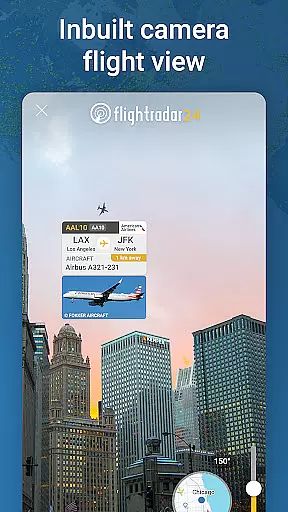
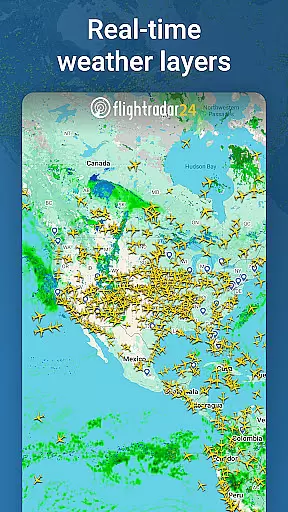
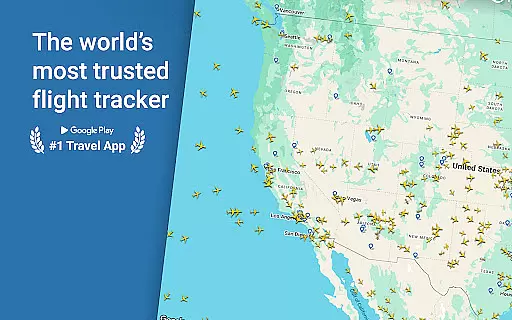

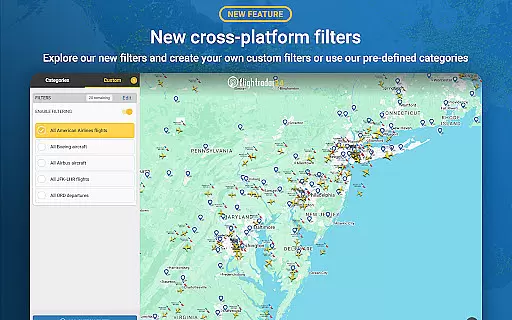
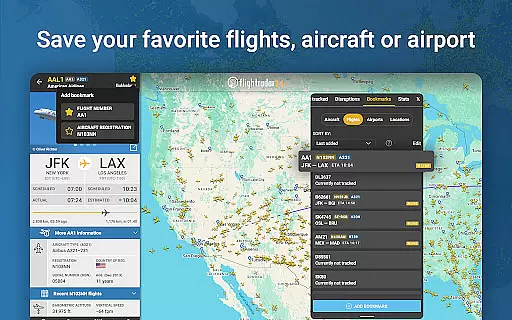
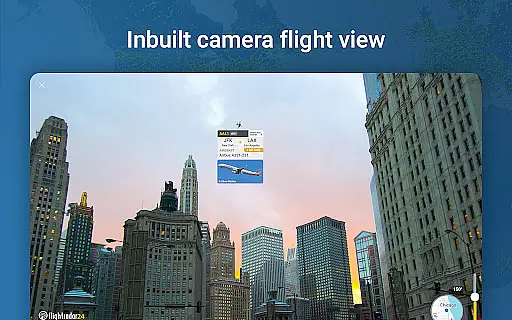
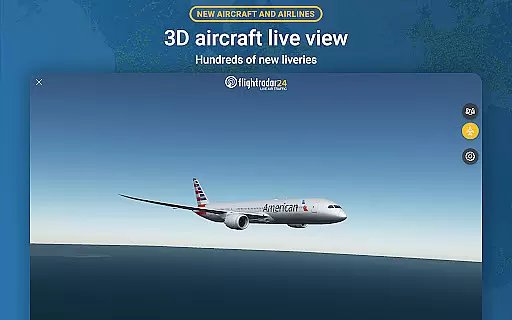
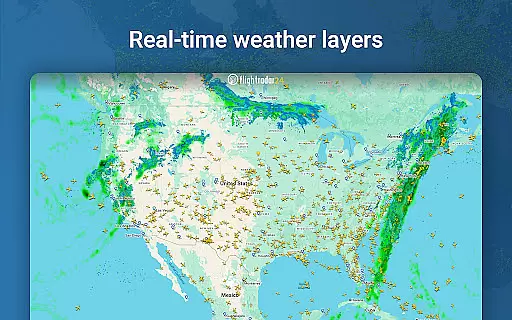
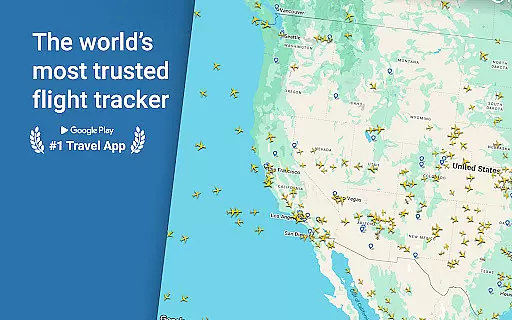

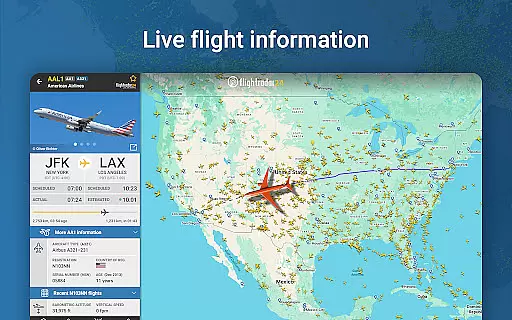
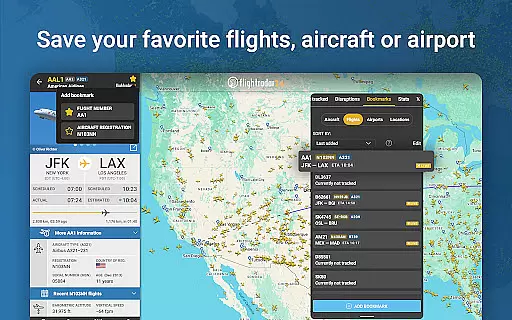
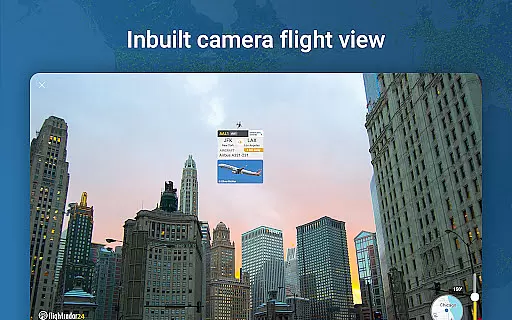
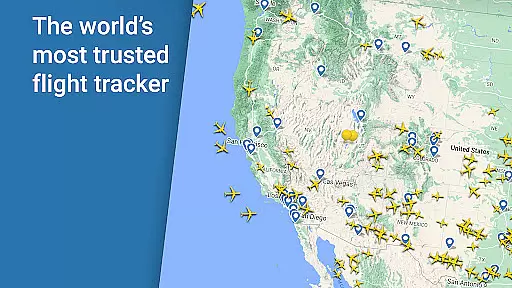


Flightradar24 Flight Tracker is the world's leading flight tracking app, serving as the number one travel application in over 150 countries. This innovative tool transforms your mobile device into a real-time plane tracker, displaying global air traffic on a detailed map. By simply pointing your phone or tablet at the sky, you can identify overhead flights and access comprehensive flight information.
The app offers an array of advanced features including 3D visualization of flights, historical data playback, and detailed airport information. With its intuitive interface and rich functionality, Flightradar24 caters to aviation enthusiasts, travelers, and professionals who require accurate flight tracking and status updates. Whether for personal curiosity or professional needs, this app provides unparalleled value in flight monitoring.
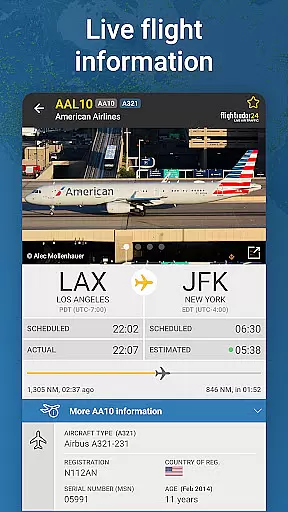
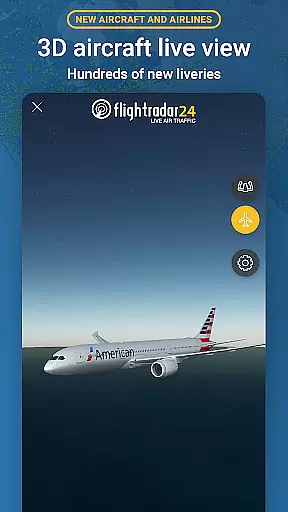
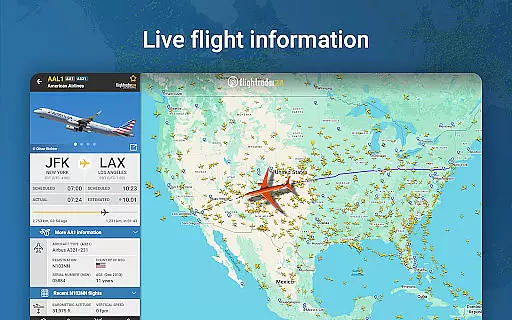
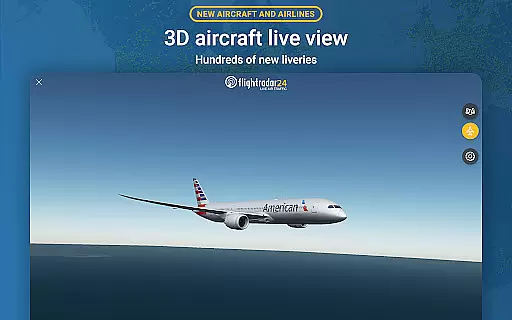
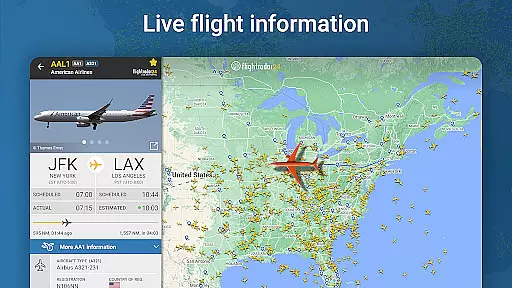
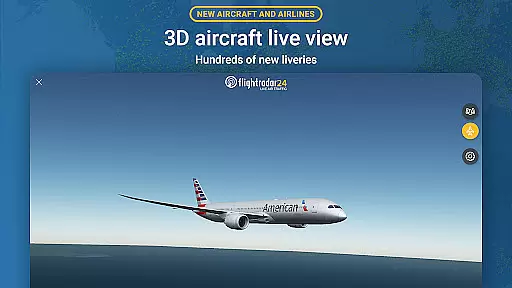
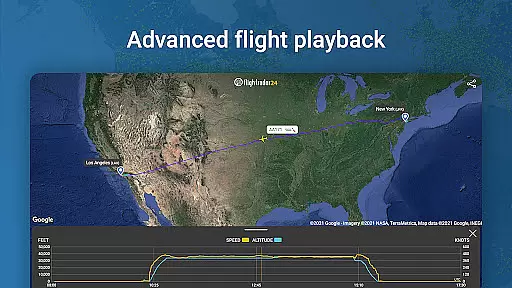
Flightradar24 stands out with its extensive feature set tailored for flight tracking aficionados. The app allows users to watch aircraft movements globally in real-time, identify flights using their device's camera, and view flights in 3D with detailed aircraft liveries. It provides exhaustive flight details such as route, estimated arrival time, departure info, speed, altitude, and high-resolution aircraft images.
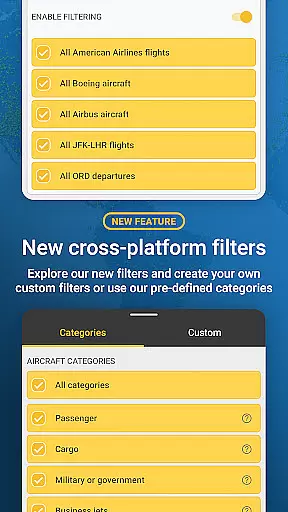
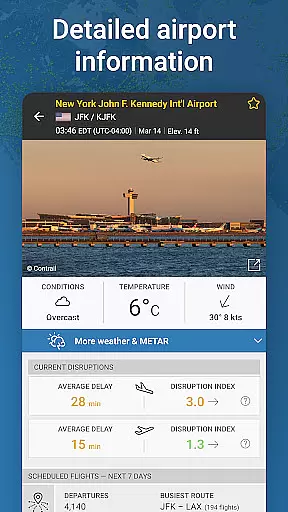
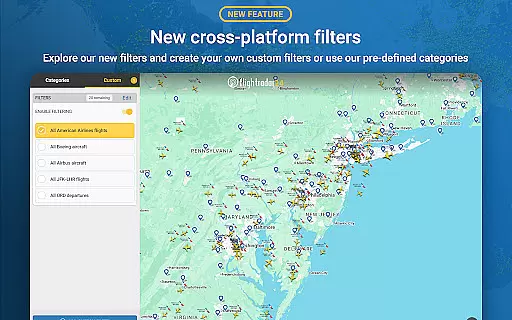
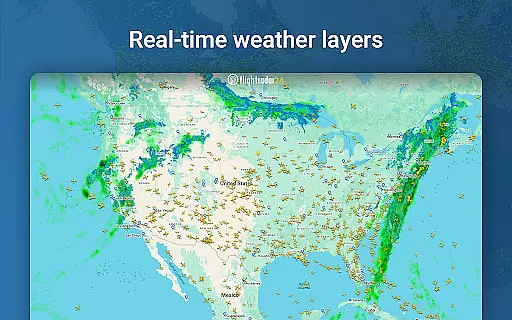
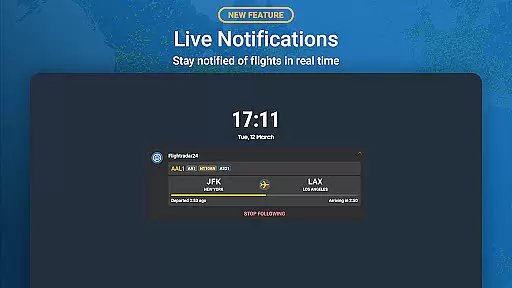
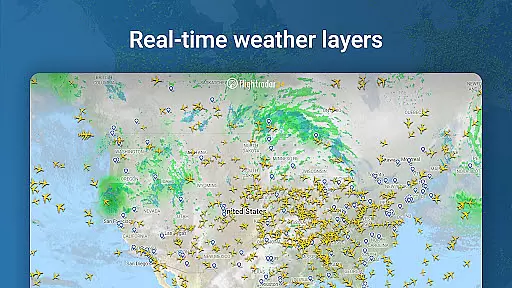
Additional functionalities include accessing historical flight data, receiving airport-specific information like arrivals, departures, delays, and weather conditions. Users can also filter flights by various parameters and enjoy enhanced features through subscription options like Silver and Gold plans. These premium tiers offer extended data access, advanced filters, alerts, and exclusive weather layers, making Flightradar24 an indispensable tool for serious flight trackers.
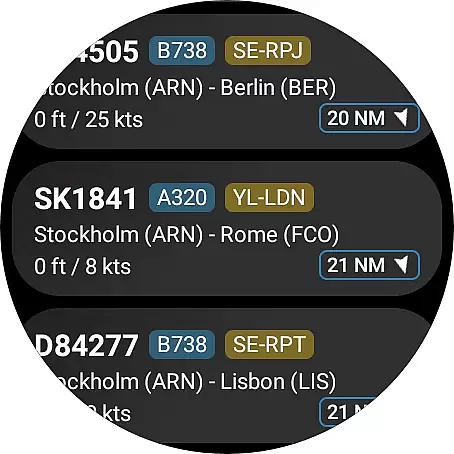
Companion app integration is crucial for a seamless wearable experience. Flightradar24 Flight Tracker excels in this area by offering users the ability to view nearby aircraft directly from their Wear OS devices.
The app provides basic flight information on your wrist, allowing quick access to essential data without needing to reach for your phone. This includes flight numbers and aircraft types, which are displayed clearly and concisely.
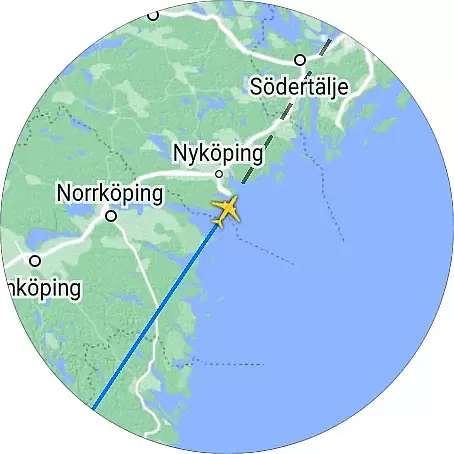
When you tap on an aircraft listing within the Wear OS app, it opens the detailed map view on your mobile device. This feature ensures that users can transition smoothly between their wearable and smartphone for more in-depth flight tracking.
This integration enhances user convenience, making it easier than ever to stay informed about air traffic from anywhere. Whether you're walking, driving, or simply relaxing, the companion app functionality keeps you connected with real-time aviation data.
Ensuring broad device compatibility is vital for maximizing user accessibility. Flightradar24 Flight Tracker supports a wide range of Wear OS devices, ensuring that most smartwatch users can take advantage of its features.
The application is optimized to run smoothly across various hardware configurations, providing consistent performance regardless of the specific Wear OS device you own. This optimization includes efficient use of processing power and battery life.
Users benefit from a responsive interface tailored for smaller screens, with touch interactions designed specifically for wearable form factors. The app's design maintains clarity and usability, even on compact displays.
By prioritizing Wear OS/device compatibility, Flightradar24 guarantees that whether you're using a newer model or an older generation smartwatch, you'll enjoy reliable access to live flight tracking data right from your wrist.
Real-time flight tracking
Comprehensive flight details
User-friendly interface
Advanced 3D visualization
Premium subscription benefits
Limited free features
Subscription costs
Variable coverage areas
Occasional data inaccuracies
High data usage

Calming & relaxing sounds for sleeping and stress relief. Stay focused all day!
 4.20
4.20
Christmas Theme Watch Face for Wear Os
5.00
Christmas and New Year - Themed Watchface
4.5
Watch face designed for Thanksgiving Day. 7 Background Styles included.
3.20
Digital, flexibly customizable watch face. For Wear OS 5.0, API 34+ and later.
5.00
Stylish digital watch face for Wear OS devices with customizable features
4.2
Bold weather Digital watchface with forecast & optional animated background
4.40
Stylish, Energizing and Modern Watch Face crafted by Dominus Mathias.
4.50
Retro digital watch face with customizable colors and a unique lighting effect
4.60
A modern premium sporty hybrid watch face for Wear OS by Ballozi
4.70
Rose gold watch face with festive lights & customizable features.
4.60
Real-time results, stats, schedules and player profiles for all leagues
4.60
Deck out your Wear OS Watch face with a beautifully decorated pine wreath!
4.50
Embrace the holiday spirit with this magical animated watch face!
4.40
Digital watch face. For Wear OS devices.
4.40
Snowflake Rose Gold Watch Face - Digital, modern, & sleek with GYRO effect.
4.10
sleep, alarm, snoring, stress, healing, focus, sound therapy, circadian rhythm
4.10
Your local weather forecast, storm tracker, radar maps & live weather news
3.40
Funny animated watch face for Thanksgiving
4.5


User Reviews