
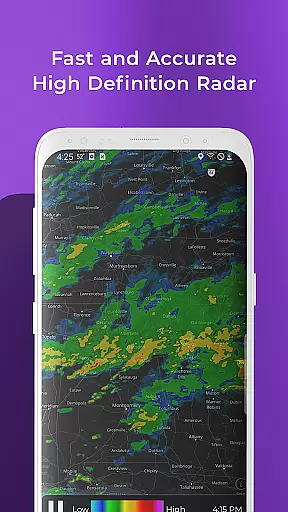
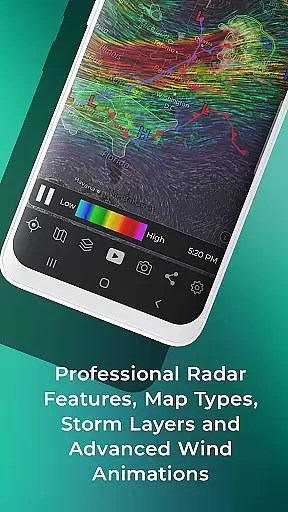
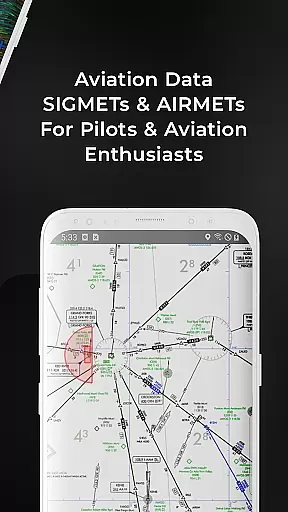
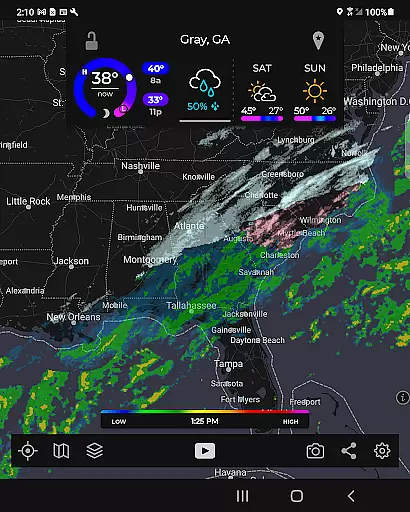
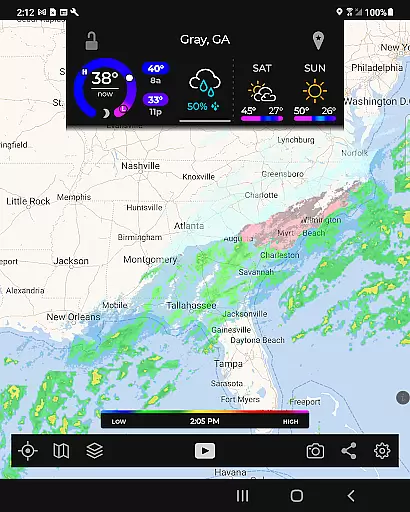
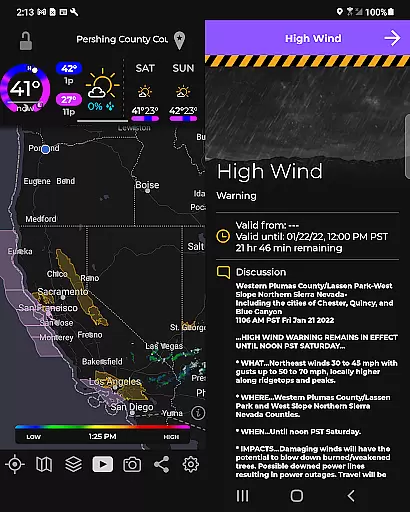
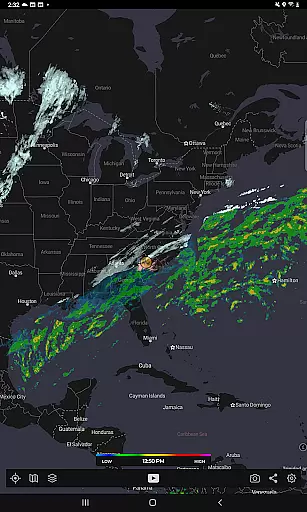
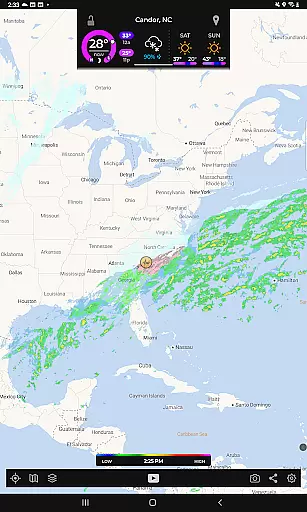
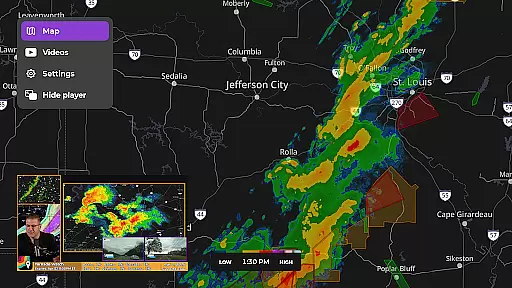
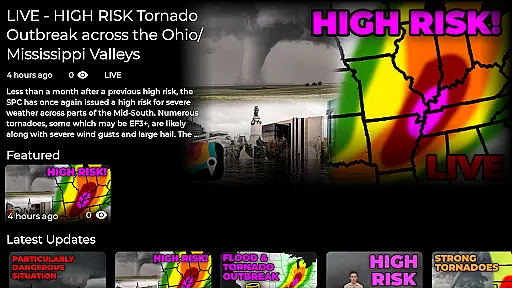
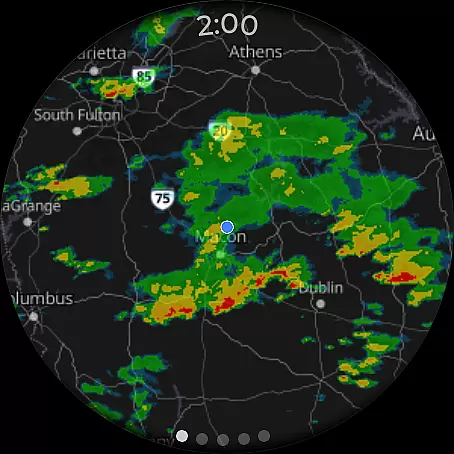
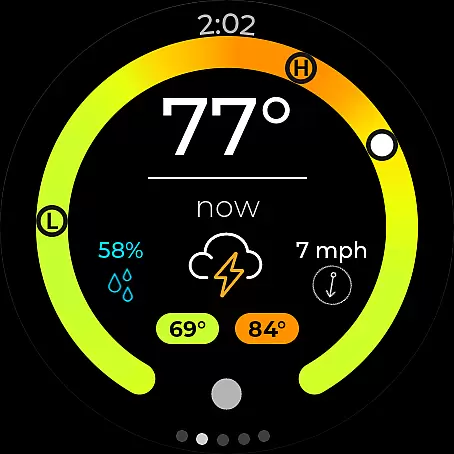
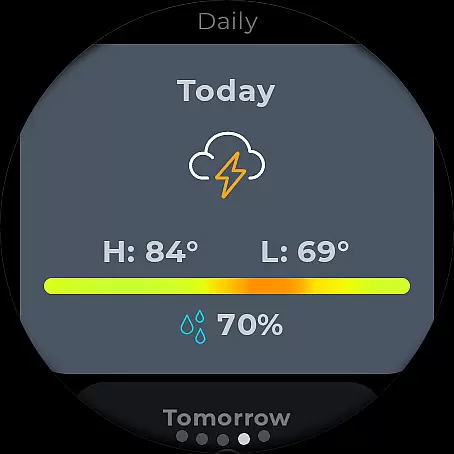
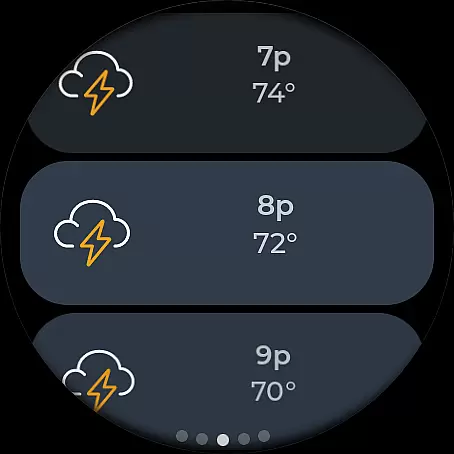
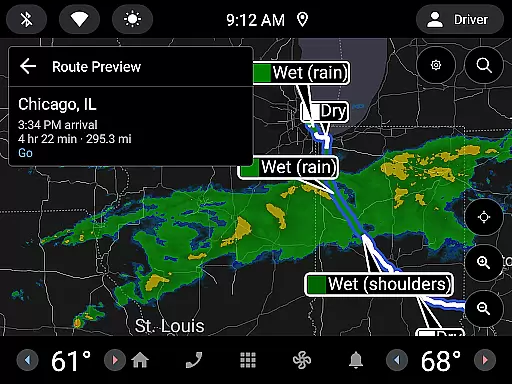
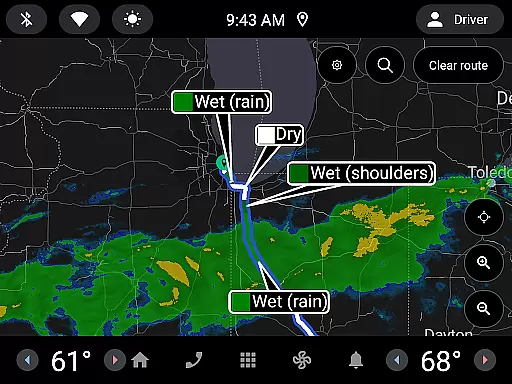
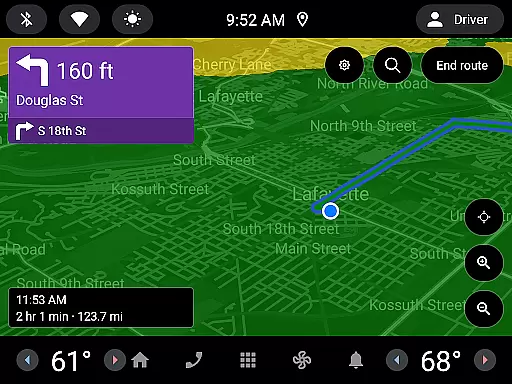
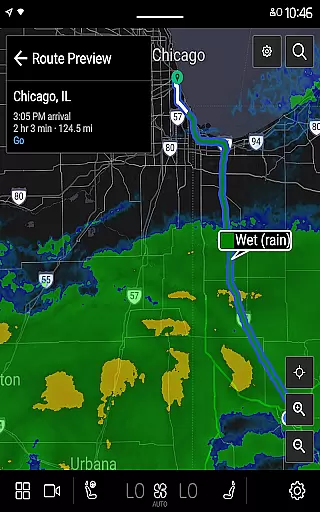
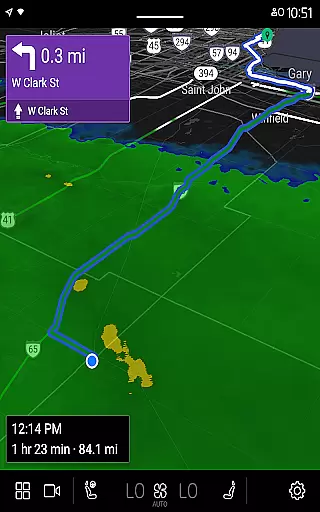
MyRadar Weather Radar is a premier weather application designed specifically for Android Wear devices, offering users an instant and detailed snapshot of impending weather conditions. The app's core functionality revolves around its animated live radar feature, which provides real-time weather updates tailored to the user's current location. This allows for quick assessment of approaching weather patterns, making it an essential tool for daily planning.
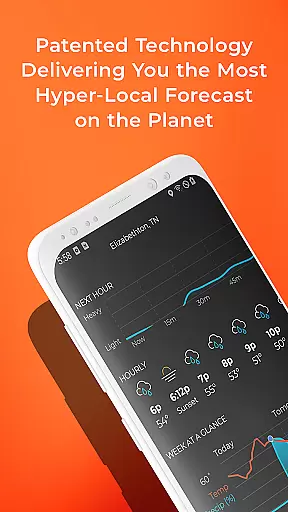
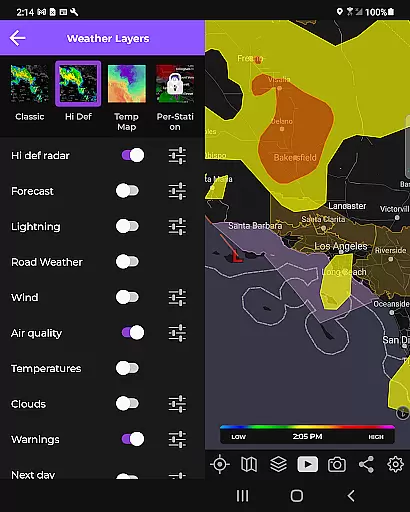
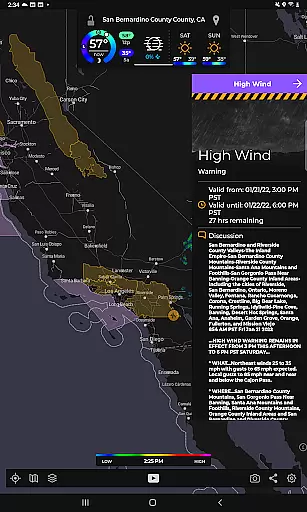
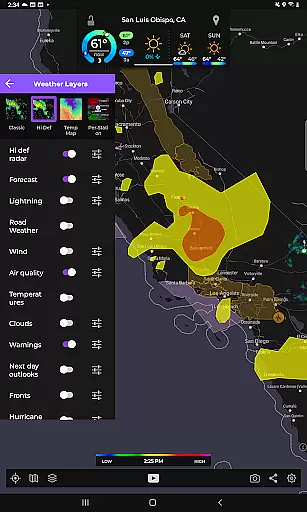
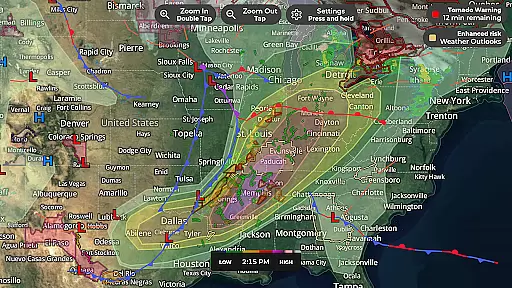
Beyond basic radar, MyRadar includes an extensive selection of environmental data layers that enhance the mapping experience. These include visual representations of wind patterns, earthquake activity, hurricane tracking, and wildfire monitoring. Each layer adds depth to the user's understanding of environmental events, ensuring comprehensive situational awareness. Additionally, the app supports advanced alert systems for severe weather conditions, including patent-pending rain prediction technology that offers hyper-local forecasts.
The app's custom mapping system leverages device GPU power for fast rendering and smooth navigation across global weather maps. With compatibility extending to Wear OS, MyRadar ensures that critical weather information is accessible even on smartwatches. For users seeking more specialized data, premium upgrades provide enhanced details such as hurricane forecast tracks and professional radar packs. This makes MyRadar not only a convenient but also a powerful tool for both casual users and weather enthusiasts alike.
MyRadar stands out with its rich feature set tailored for weather enthusiasts and everyday users alike. The app's hallmark is its animated radar display, which offers a two-hour loop of live weather radar images centered on the user's location. This feature alone transforms weather monitoring into a visually engaging experience while providing practical insights into upcoming weather changes.
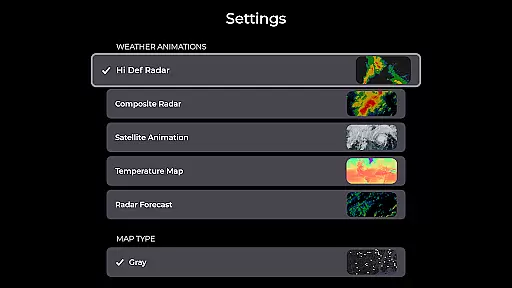
A key innovation is the inclusion of multiple data layers that go beyond traditional radar. Users can overlay wind patterns at various altitudes, track seismic activities, monitor tropical storms, and even visualize wildfire spread. Each layer is customizable, allowing personalized views that cater to specific interests or needs. Furthermore, the app employs a unique algorithm for predicting rainfall with exceptional accuracy, sending proactive alerts up to an hour before rain arrives at a user's location.
For those requiring advanced meteorological data, the premium version unlocks features like hurricane track forecasting and detailed radar products from individual stations. These tools are indispensable for tracking severe weather events and understanding their potential impact. The app's integration with Wear OS devices extends this capability to smartwatches, ensuring that vital weather information is always within reach, no matter where you are.
Companion app integration is crucial for a seamless wearable experience. MyRadar Weather Radar excels in this area by offering a robust connection between your mobile device and Wear OS devices.
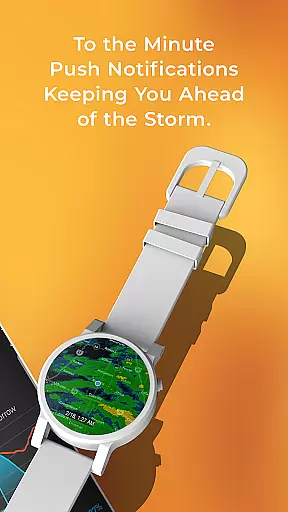
The app provides dedicated tiles for radar and current conditions on your smartwatch, ensuring that you have vital weather information at a glance. This tight integration allows users to access important weather updates directly from their wrist.
By maintaining consistent data synchronization between the mobile and wearable versions, MyRadar ensures that your weather information is always up-to-date across all devices. This feature is particularly valuable during sudden weather changes when immediate alerts are essential.
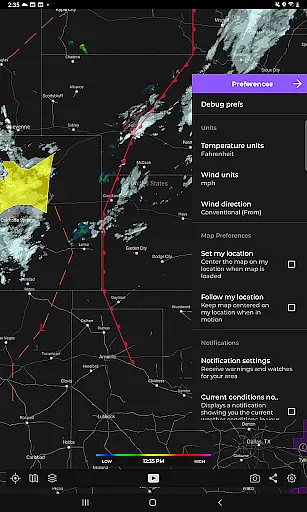
The companion app functionality extends beyond simple data mirroring. Users can customize which information appears on their smartwatch, creating a personalized weather monitoring experience that suits their specific needs while maintaining battery efficiency.
Device compatibility is fundamental for any application targeting wearable technology. MyRadar Weather Radar demonstrates excellent support for various Wear OS devices, making it versatile and accessible to a wide audience.
The app's compatibility with Wear OS ensures that users can enjoy its comprehensive weather tracking features without worrying about device limitations. Whether you own a newer model or an older version of Wear OS, MyRadar is optimized to deliver smooth performance.
MyRadar takes full advantage of the hardware capabilities of different devices, utilizing GPU acceleration for fast and responsive map rendering. This optimization results in a superior user experience, regardless of the specific Wear OS device being used.
Furthermore, the app supports essential smartwatch functionalities such as notifications and glanceable information tiles. This ensures that users receive timely weather alerts and updates, maintaining safety and preparedness in changing weather conditions.
Fast and accurate weather updates
Extensive environmental data layers
Proactive rain alerts
Customizable map overlays
Compatibility with Wear OS
Premium features require subscription
Some data layers may overwhelm new users
Advanced tools need technical knowledge
Occasional GPS location issues
Highly detailed maps can be resource-intensive

"PER27 Galaxy Digital" is a digital Wear OS watch face designed by PERSONA
 4.10
4.10
Gym Log & Workout Tracker | Fitness Journal, Training & Weight Lifting Planner
4.90
Rose gold watch face with festive lights & customizable features.
4.60
Snowflake Rose Gold Watch Face - Digital, modern, & sleek with GYRO effect.
4.10
The most customizable minimal watch face. For Wear OS 5.0, API 34+ and later
4.70
Real-time results, stats, schedules and player profiles for all leagues
4.60
Hybrid Vibrant Health Watch Face for Wear OS
4.5
A white realistic classic analog watch face with many customization options.
4.40
From periods to pregnancy & perimenopause, Flo helps you track it all. Try now.
4.70
Digital, flexibly customizable watch face. For Wear OS 5.0, API 34+ and later.
5.00
A modern hybrid informative watch face for Wear OS designed by BALLOZI
4.80
A modern premium sporty hybrid watch face for Wear OS by Ballozi
4.70
Fast and smart typing with Emojis, GIFs, and more
4.50
Christmas watch face. For Wear OS devices.
4.30
Hyper-Realistic Airplane Dashboard Watch Face With 10 Skins and Custom AOD
4.00
Animated Watch Face and Customizable with 24 Backgrounds. Perfect for Christmas!
3.90
Watch face designed for Thanksgiving Day. 7 Background Styles included.
3.20
A heartwarming Christmas scene featuring a cute image of Santa and Rudolf
4.0
Artistic Digital Watchface
4.3


User Reviews