
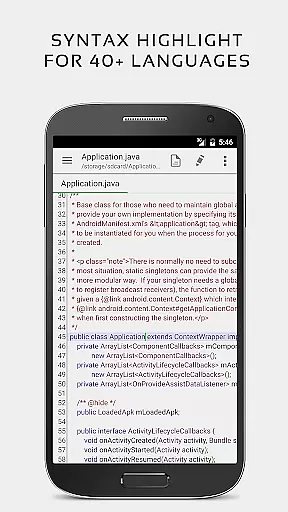


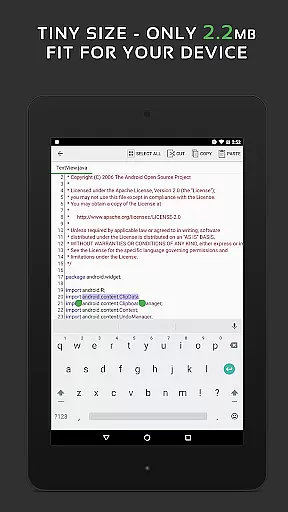
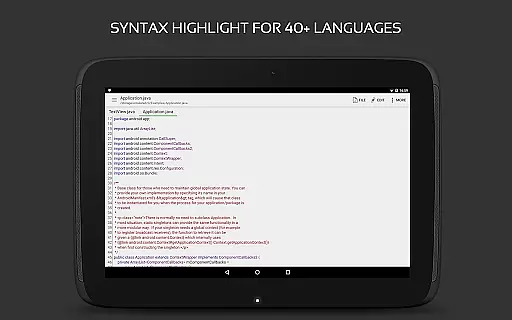
QuickEdit Text Editor Pro is a premium text editing solution designed for both casual and professional users seeking enhanced productivity. This app combines the functionality of a standard notepad with advanced code editing capabilities, making it suitable for programming tasks as well as general text editing. Optimized for performance, QuickEdit handles large files effortlessly and supports over 170 programming languages with syntax highlighting.
One of the standout features of QuickEdit is its ability to compile and run more than 30 programming languages directly within the app, offering an integrated development environment on mobile devices. The app also includes usability enhancements such as line numbering, unlimited undo/redo, and smooth scrolling. Whether you're editing documents on-the-go or coding remotely, QuickEdit ensures a seamless experience across phones and tablets.
For power users, QuickEdit provides access to cloud storage services like Google Drive and Dropbox, along with support for rooted devices to modify system files. Its intuitive interface, combined with features like dark mode, customizable fonts, and file previews for HTML and Markdown, makes it a versatile tool for various workflows. With no ads and consistent performance, QuickEdit Text Editor Pro delivers exceptional value for users who demand efficiency and reliability in their daily tasks.
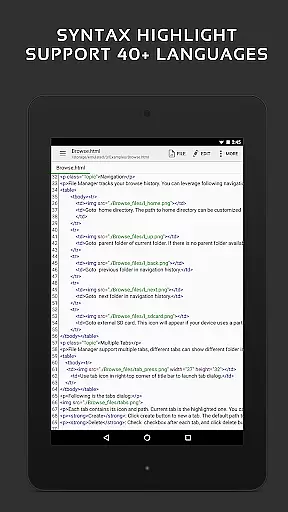
QuickEdit Text Editor Pro stands out with its extensive feature set tailored for both text editing and coding. The app offers syntax highlighting for over 170 programming languages, including C++, Java, Python, and PHP, ensuring that developers can work efficiently while minimizing errors. Additionally, the built-in online compiler allows users to compile and run code in more than 30 languages, providing a portable development environment that's ideal for testing snippets or debugging on the go.
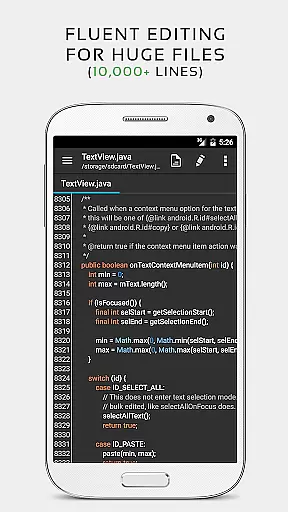
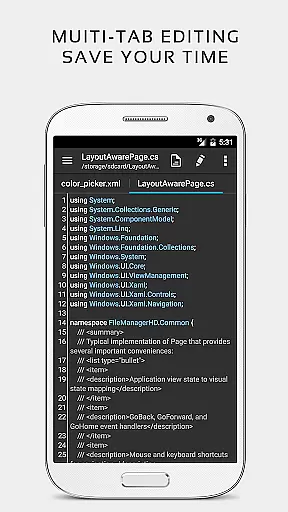
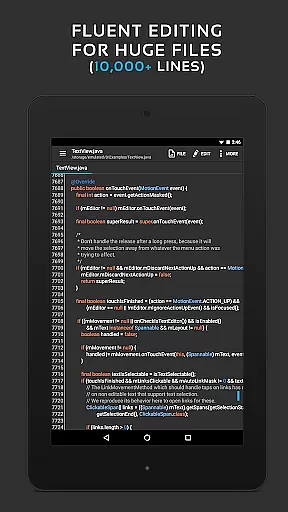
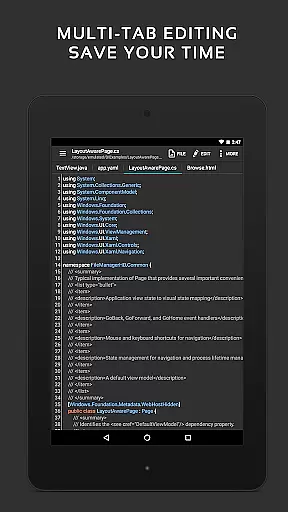
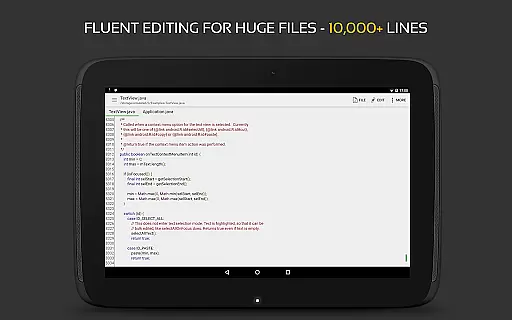
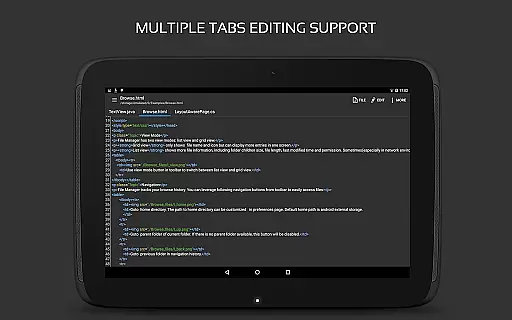
Performance optimization is another key aspect of QuickEdit. It handles large files with ease, even those exceeding 10,000 lines, without lag or performance degradation. The app supports multiple open tabs, enabling users to switch between projects effortlessly. Other notable features include line number toggling, unlimited undo/redo actions, and automatic indentation adjustments. These tools enhance navigation and editing precision, which are crucial for both coding and document management.
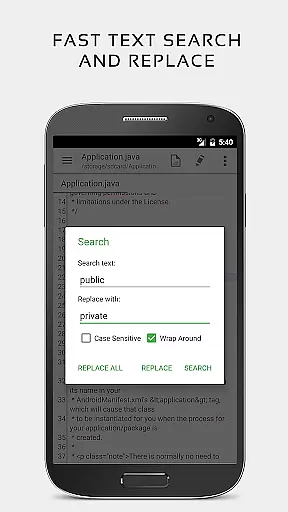
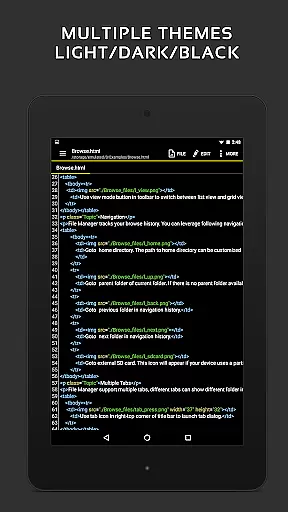
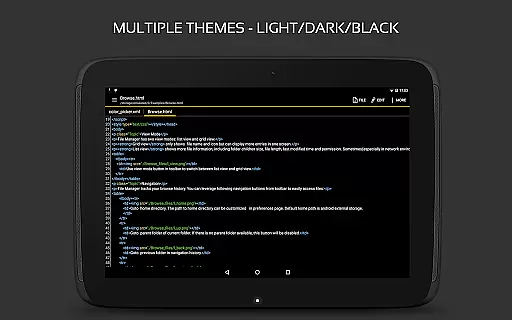
Usability is further improved through physical keyboard support, smooth bidirectional scrolling, and quick search-and-replace functionality. Cloud integration with platforms like Google Drive and Dropbox extends its utility by allowing users to access and edit files from anywhere. With additional options like theme customization (light and dark modes) and root device support, QuickEdit caters to diverse user needs while maintaining an ad-free experience. This combination of robust features positions QuickEdit as a top-tier productivity tool for Android users.
Task management is a critical aspect of productivity applications, and QuickEdit Text Editor Pro excels in this area. The app provides users with the ability to easily navigate between multiple open tabs, which is essential for managing various tasks simultaneously.
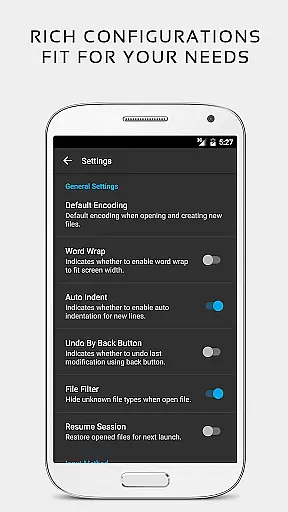
QuickEdit enhances task handling by offering features such as undo and redo changes without limit, displaying or hiding line numbers, and increasing or decreasing line indentations. These functions allow users to maintain control over their work and ensure that they can efficiently manage text editing tasks.
The application's high performance is evident even when working with large text files containing more than 10,000 lines. This ensures that users experience no lag, making task management smooth and reliable regardless of the file size.
Additionally, QuickEdit supports physical keyboard input including key combinations, fast selecting and editing abilities, and smooth scrolling both vertically and horizontally. Such features contribute to an efficient workflow, allowing users to focus on their core tasks without distraction.
Cross-device synchronization is vital for users who work across multiple devices. QuickEdit Text Editor Pro addresses this need by providing access to files from various cloud services such as Google Drive, Dropbox, and OneDrive, ensuring that your work is available wherever you go.
With QuickEdit, users can open files from recently opened or added file collections, streamlining the process of accessing frequently used documents. This feature simplifies the user's workflow and enhances productivity by reducing the time spent searching for files.
For those with rooted devices, QuickEdit offers the ability to edit system files directly, adding another layer of convenience for advanced users who require cross-device capabilities for system-level modifications.
Furthermore, the app's support for FTP allows users to manage their files remotely, ensuring that all devices are synchronized with the latest updates. By focusing on these aspects, QuickEdit delivers a reliable cross-device experience that empowers users to maintain consistency and efficiency in their work environments.
Fast and responsive performance
Extensive language support
Integrated online compiler
Cloud storage integration
Customizable UI themes
No iOS version available
Root required for system edits
Limited offline help resources
Premium price point
Complex for beginners

Seamlessly integrate data and reports to build your presentation to impress
 4.80
4.80
Take control of your clipboard with Clipper!
3.90
Native client for Forgejo and Gitea
5.00
Create study competitions, track your hours, and stay consistent with friends
4.4
Protect and view your important info on your phone and tablet with eWallet®
4.80
IP Camera Viewer - Android TV : RTSP Surveillance camera viewer for Android TV
4.1
Fill, sign & send docs, forms, agreements & contracts via electronic signature.
4.50
All document reader, all in one file viewer read PDF, DOCX, XLS, PPT, TXT files.
4.60
A simple Whisper AI keyboard for reliable speech transcription and rewording
4.60
Understand anything with a personalized AI research assistant
4.80
Absolutely the best CNC machinist speed and feed calculator around. fswizard.com
4.60
PDF scanner & converter for files, photos, lottery, QR codes. One swipe away!
4.50
Translate text/voice/photos in 150+ languages. Offline & fast translator app.
4.50
A customizable calendar for your Wear OS watch
4.20
Total remote control for your Android device, PC and cloud services (IFTTT)!
4.20
Pwnagotchi companion app
4.20
Ultimate Virtual AI Character for immersive Roleplay Chat. Perfect Companion
3.90
Find and delete junk files & block unwanted notifications & manage files
3.70
Simple and reliable communication between inmates, friends and family
3.20


User Reviews