
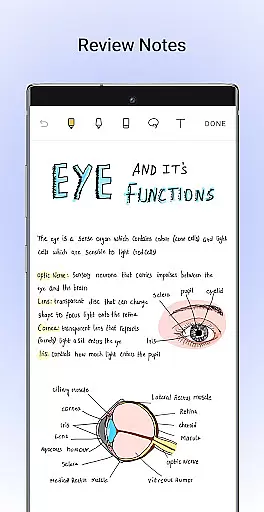
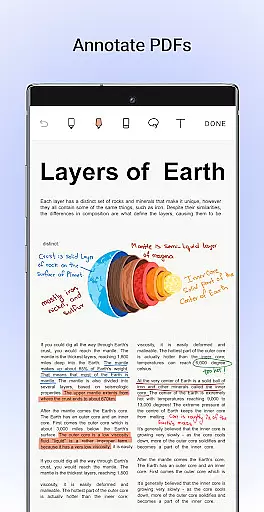
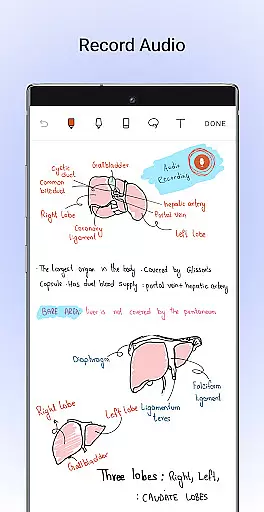
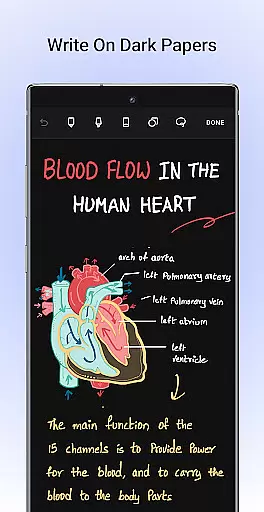
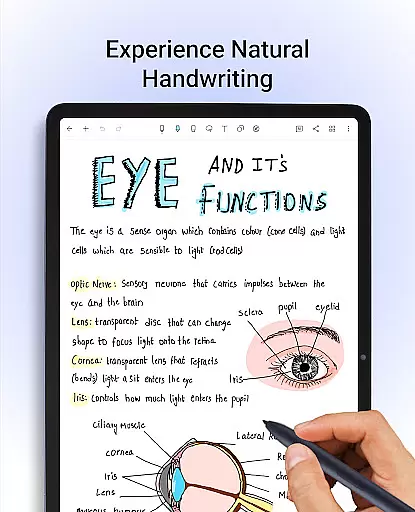
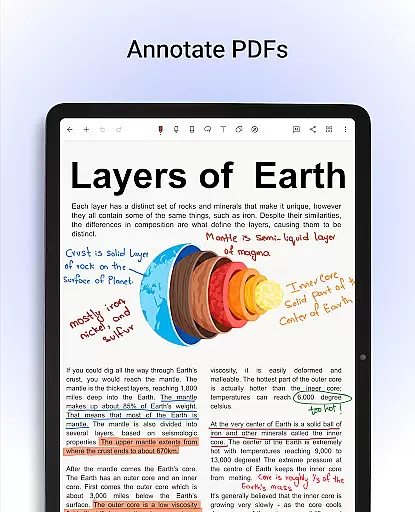
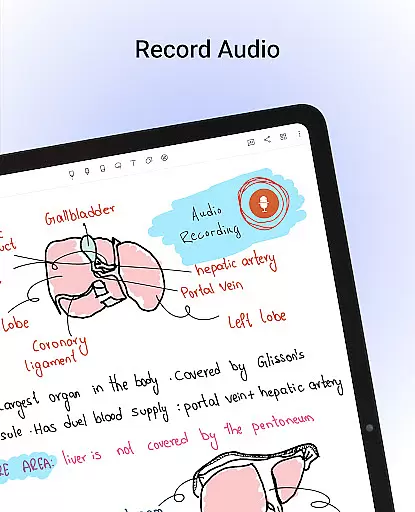
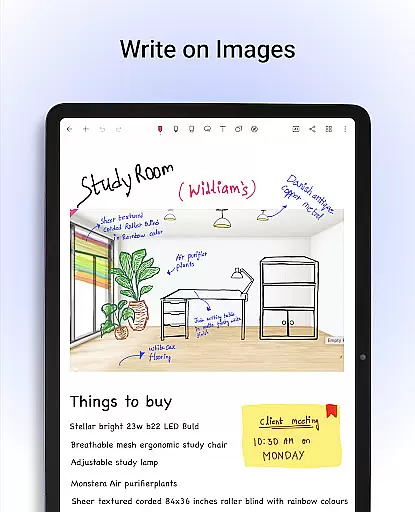
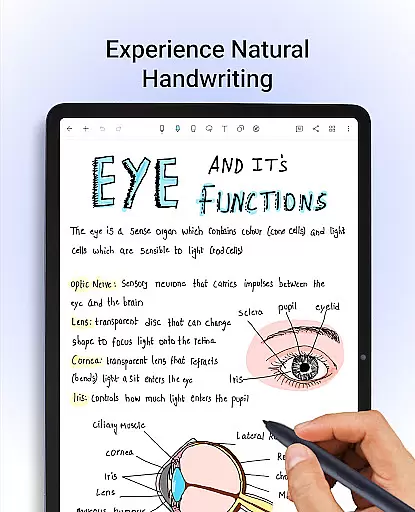
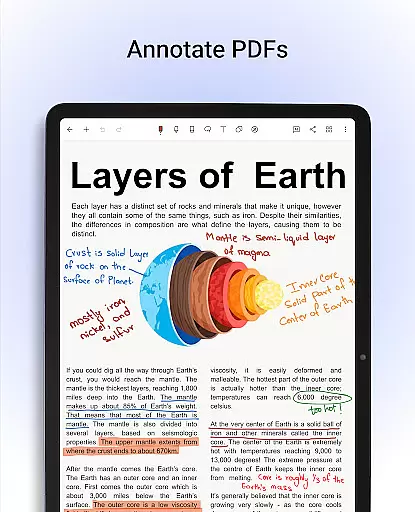
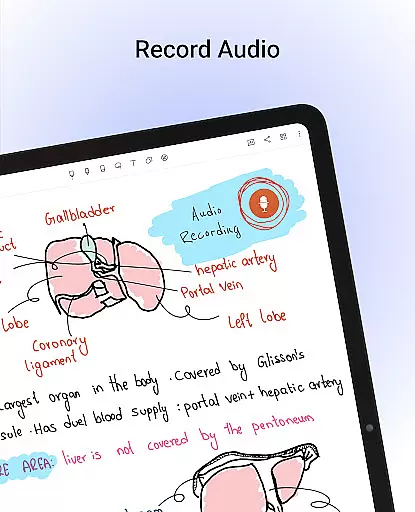
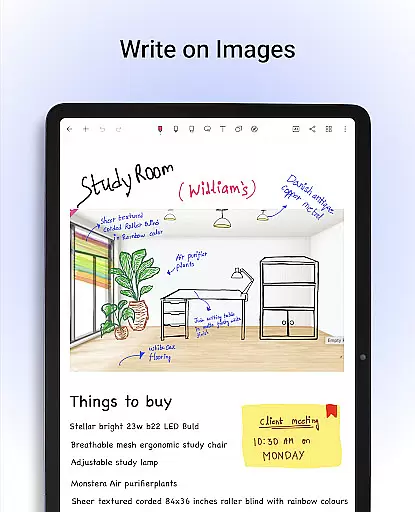
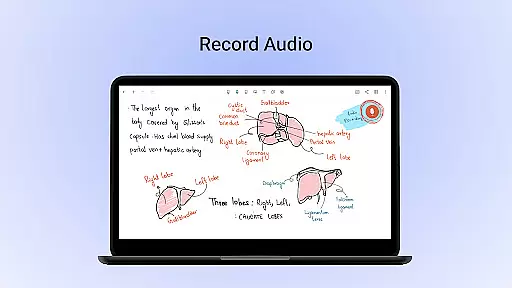
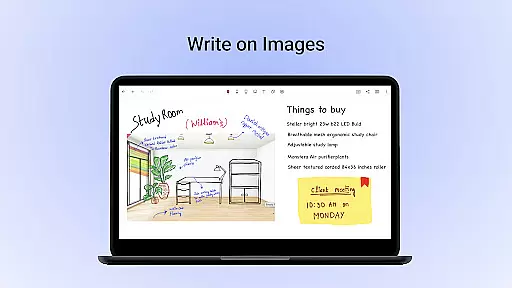
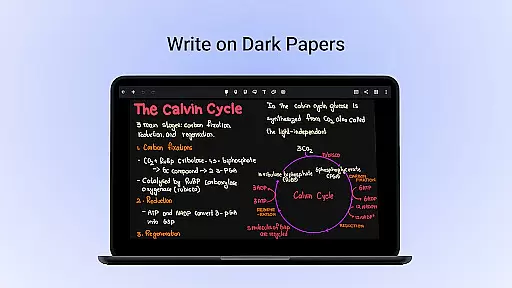
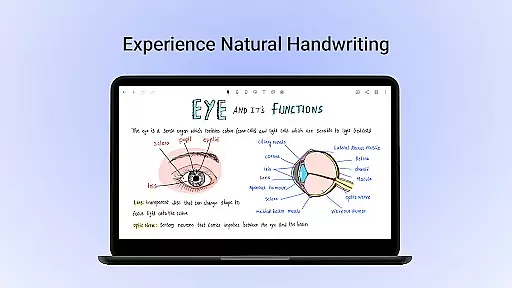
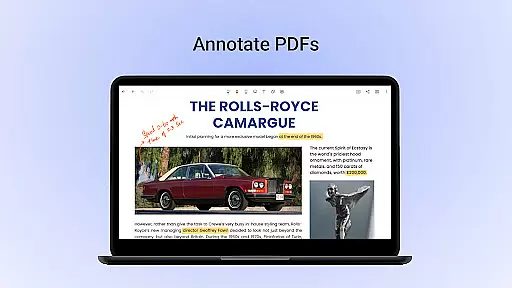
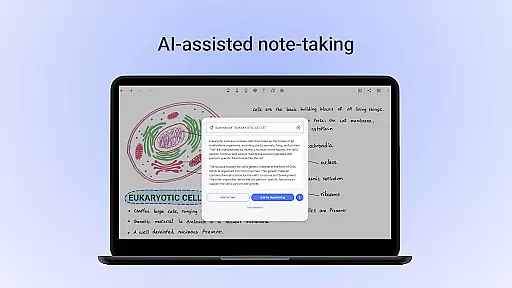
Noteshelf is a comprehensive digital note-taking app designed for students, teachers, and professionals. It allows users to take beautiful handwritten notes, annotate PDFs, record audio notes, and organize their digital notes effectively. The app offers realistic pens and highlighters that make handwriting feel natural and enjoyable. With support for various styluses and features like quick-erase on Samsung Galaxy Note devices, Noteshelf ensures a seamless transition from traditional pen-and-paper note-taking to digital.
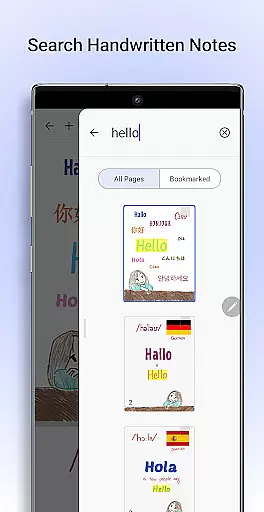
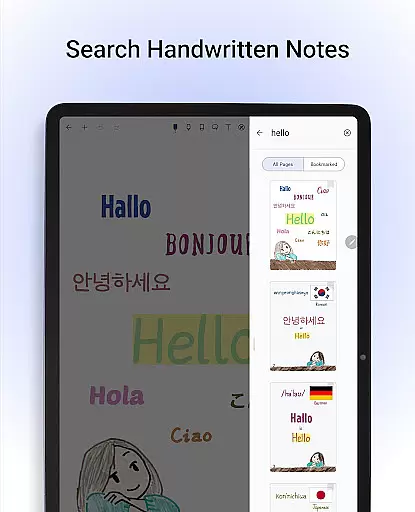
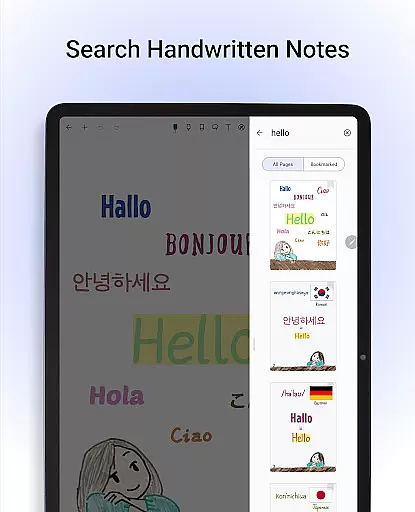
One of the standout features of Noteshelf is its ability to search and convert handwritten notes into typed text using OCR technology, supporting 65 languages. This makes it an invaluable tool for anyone looking to digitize their notes while maintaining the personal touch of handwriting. Additionally, the app provides over 200 templates for different needs, including student notes, lesson plans, and bullet journaling, allowing users to customize their note-taking experience extensively.
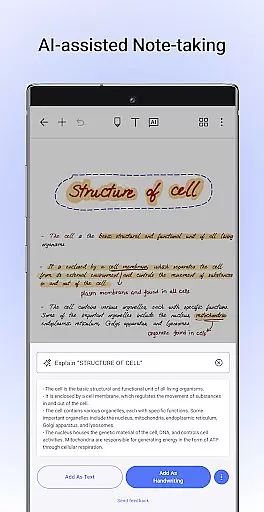
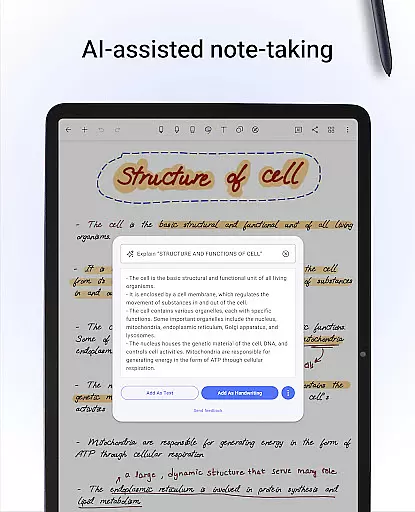
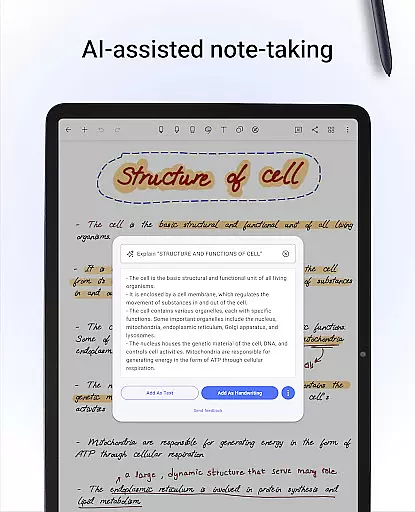
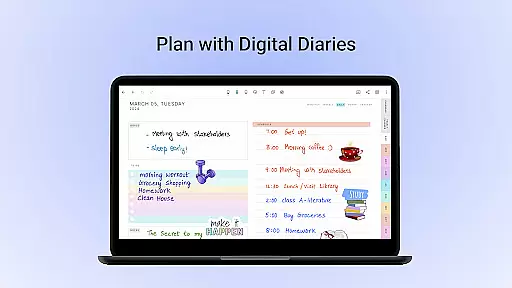
Noteshelf boasts a wide array of features that cater to diverse note-taking needs. Users can personalize their experience by choosing from lined, dotted, or grid papers in various colors and customizable line spacing. The app also supports typing notes with multiple styles and formatting options, making it versatile for different types of content creation. Furthermore, Noteshelf AI enhances productivity by understanding handwriting and assisting with tasks such as summarizing notes, translating text, and explaining complex terms.
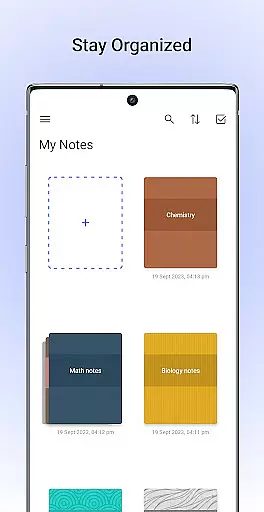
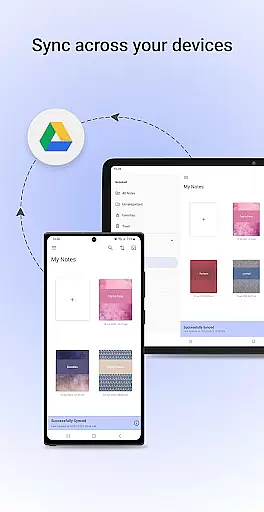
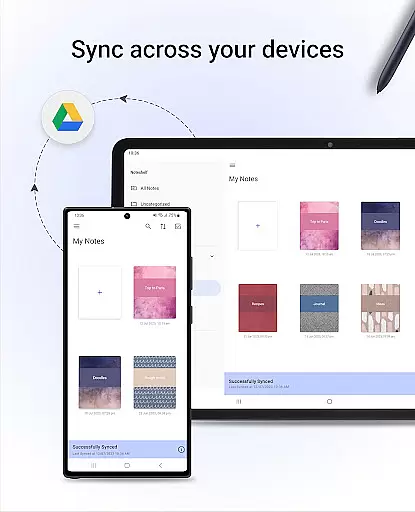
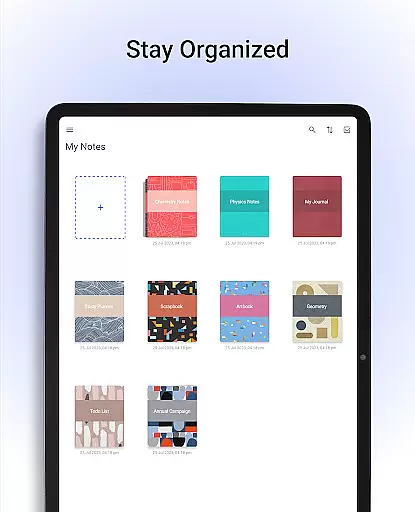
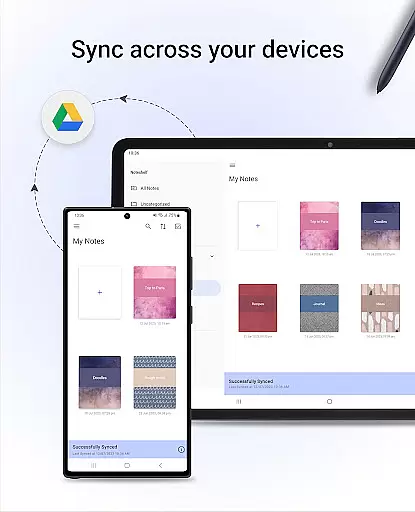
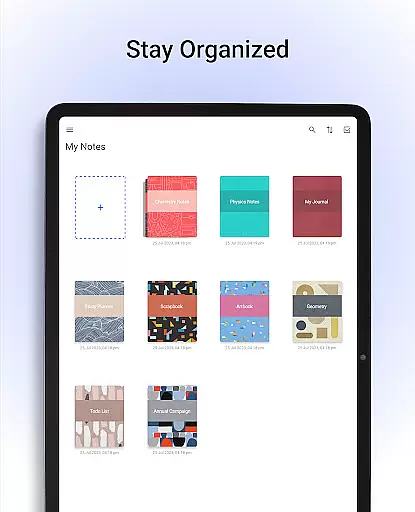
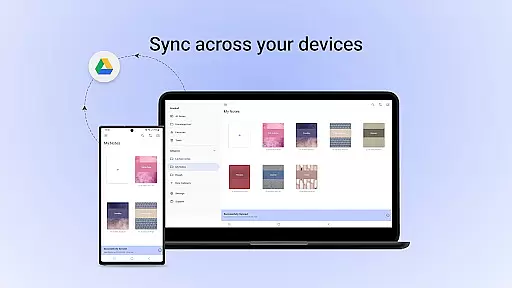
The app excels in organization and accessibility. Users can keep their notes organized by dragging and dropping notebooks into groups or categories. Important pages can be bookmarked and color-coded to create a personalized table of contents. Notes are synced via Google Drive, ensuring they are safe and accessible from any Android device. Auto-backup options to OneDrive, Dropbox, or WebDAV provide additional security. Moreover, notes can be automatically published to Evernote, offering cross-platform access.
Noteshelf excels in core task management by offering a comprehensive suite of tools designed to enhance productivity. The app allows users to take beautiful handwritten notes, annotate PDFs, and record audio notes, catering to the needs of students, teachers, and professionals.
With features like natural handwriting support, users can experience a pen-and-paper-like feel with realistic pens and highlighters. This makes note-taking not only efficient but also colorful and fun. Additionally, the ability to search and convert handwritten notes into text across 65 languages ensures that your notes are easily accessible and editable.
The app further supports staying organized through grouping notebooks into categories, bookmarking important pages, and naming them to create a personalized table of contents. With these capabilities, Noteshelf ensures that managing tasks and information is seamless and intuitive.
Cross-device synchronization is a critical feature of Noteshelf, ensuring that your valuable notes are always safe and accessible. By syncing via Google Drive, the app enables users to access their notes from any Android device, providing flexibility and peace of mind.
Noteshelf goes beyond basic synchronization by offering auto-backup options to multiple cloud services such as OneDrive, Dropbox, and WebDAV. This multi-cloud backup strategy ensures that your data remains secure and retrievable, even if one service faces downtime.
In addition to cloud backups, Noteshelf allows automatic publishing of notes to Evernote, making it easy to access your notes from any location. This reliable synchronization and backup system empowers users to focus on their tasks without worrying about data loss or accessibility issues.
User-friendly interface
Extensive customization options
Powerful OCR capabilities
Robust organizational tools
Seamless cloud integration
Limited stylus support on non-Samsung devices
Occasional syncing issues
Advanced features require learning
Interface may feel cluttered
Audio recording quality varies

Create study competitions, track your hours, and stay consistent with friends
 4.0
4.0
Total remote control for your Android device, PC and cloud services (IFTTT)!
4.20
8 custom complications. Custom Time Fonts. Beautiful color schemes. A++ Design.
5.00
IP Camera Viewer - Android TV : RTSP Surveillance camera viewer for Android TV
4.2
Todo reminder
4.10
All document reader, all in one file viewer read PDF, DOCX, XLS, PPT, TXT files.
4.60
Understand anything with a personalized AI research assistant
4.80
AI Chatbot and AI writing assistant powered by ChatGPT.
4.60
Browse and view your photos and videos from the phone with photo & video hide.
4.10
Android Wallet Password Manager
4.80
Secure, fast, open-source, Remote Desktop Client for Windows and Linux with SSH
4.60
Planet Free VPN - The best Fast Unlimited and Secure VPN Without Logs
4.50
PDF scanner & converter for files, photos, lottery, QR codes. One swipe away!
4.50
Subscribe to Webcal & .ics calendars and keep them up-to-date!
4.50
Enjoy classic gameplay with customizable features and retro-style graphics.
4.30
Mega cloud explorer plugin for Solid Explorer
3.80
Smart PDF reader & editor to view, organize and manage PDF documents easily.
3.70
Auto-shutoff Alarm with Sunrise, Sunset & Fixed Options.
3.50
A simple, portable logger for POTA, SOTA, Field Day, and more
4.3


User Reviews