
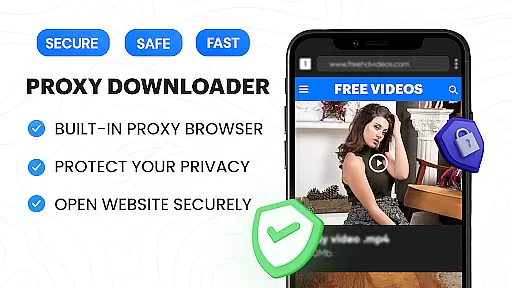
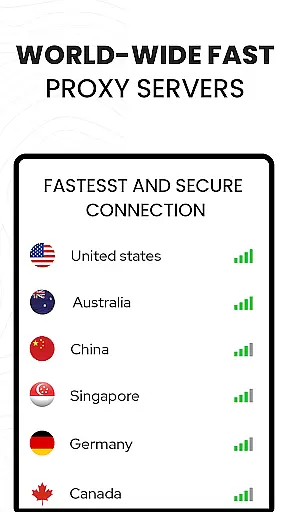

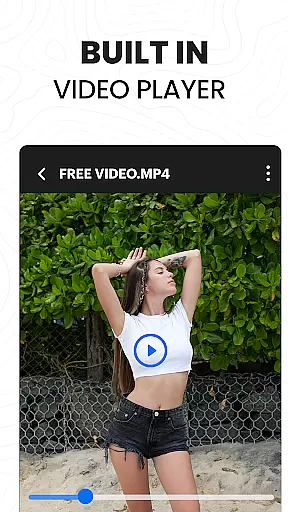
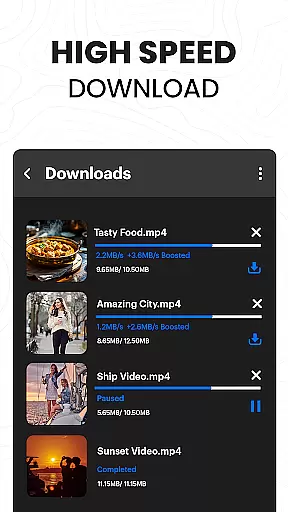
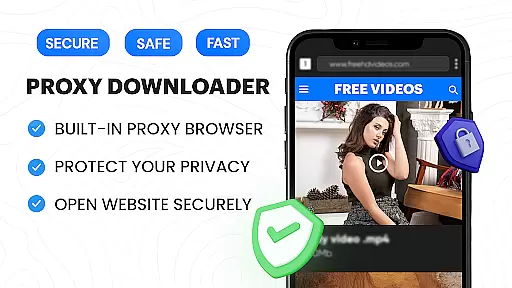
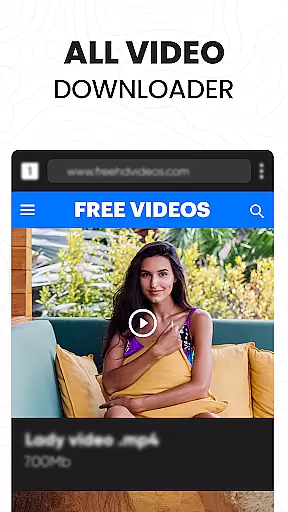
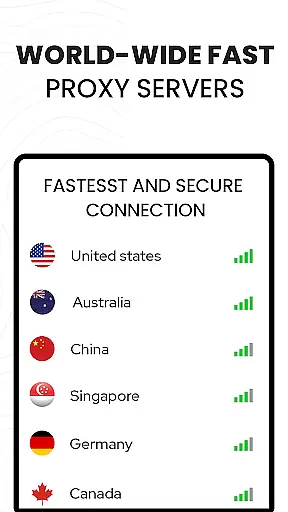

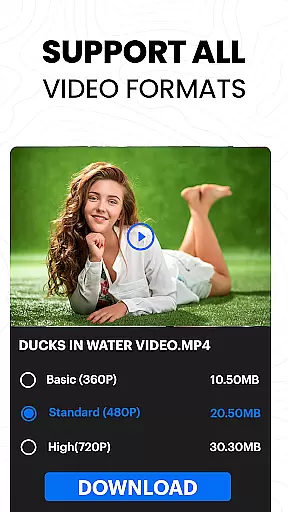
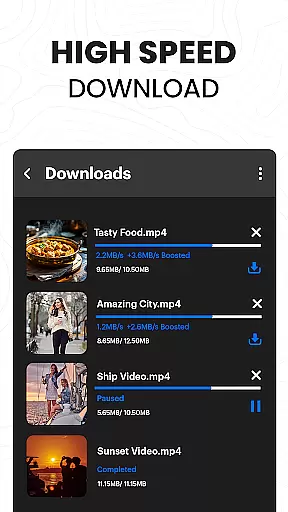
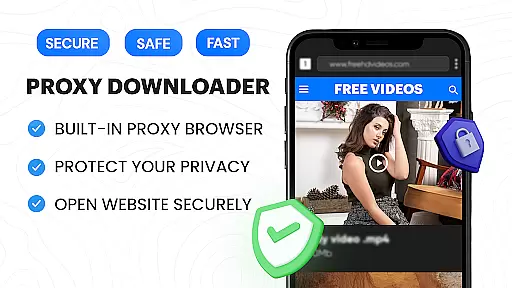
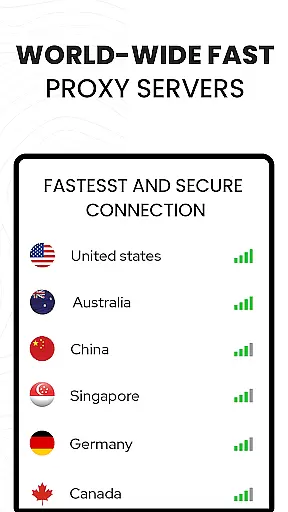

Video Downloader Proxy Browser is a versatile application designed for Android users who need a secure and efficient way to browse, download, and manage videos. The app features a built-in proxy browser that ensures privacy and security, even on public WiFi networks. It allows users to download videos in high definition from various websites and social media platforms while offering an advanced download manager with support for simultaneous downloads, background mode, and resume options.
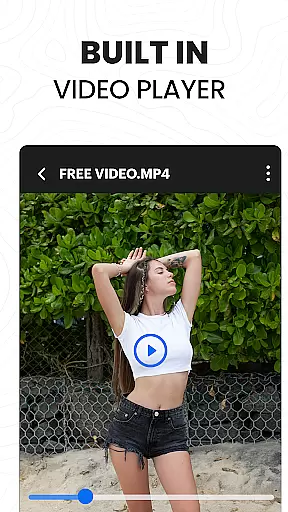
In addition to its downloading capabilities, the app includes a powerful video player that supports multiple formats and resolutions up to 4K Ultra HD. This makes it easy for users to watch their downloaded content anytime, anywhere, without compromising on quality. With features like ad and tracker blocking, password-protected folders, and one-click downloads, Video Downloader Proxy Browser provides a comprehensive solution for managing online video content efficiently and safely.
The Video Downloader Proxy Browser stands out due to its rich feature set tailored for both casual viewers and power users. One of the key highlights is the integrated proxy browser, which not only enhances browsing speed but also blocks ads and trackers, ensuring a safer and more private experience. This feature is particularly useful when accessing content over unsecured networks, as it protects user data through secure proxy servers.
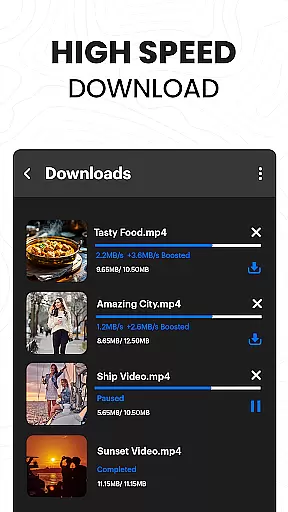
Another significant aspect is the app's robust download manager, capable of handling multiple simultaneous downloads while supporting background operations and interrupted task resumption. Users can easily save videos in various qualities, including HD, using the smart auto-detect function. Additionally, the built-in video player supports multiple formats and resolutions up to 4K, providing smooth playback experiences. These features collectively make the app a reliable tool for anyone looking to streamline their video consumption and management process.
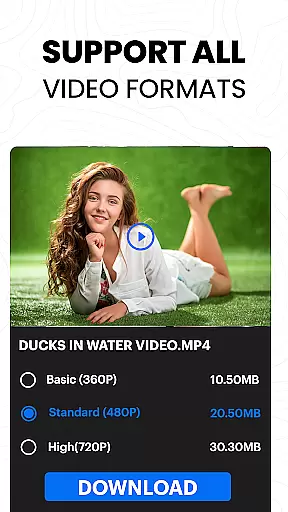
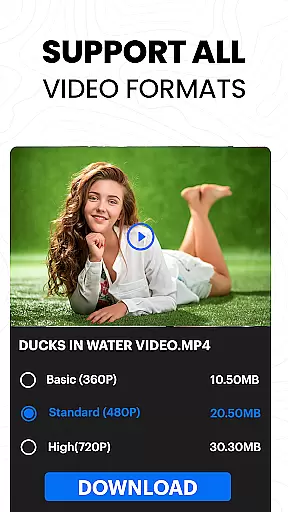
Video Downloader Proxy Browser stands out for its extensive video format compatibility, ensuring users can download and play videos in various formats without hassle. This feature is crucial as it allows users to access content from multiple sources seamlessly.
The app supports popular formats such as MP4, AVI, MKV, and more, making it versatile for different user needs. Whether you're downloading high-definition movies or short social media clips, the app ensures that all content is accessible in its original quality.
By offering broad format support, the app enhances user experience by eliminating the need for additional conversion tools. Users can enjoy uninterrupted playback with the built-in ultra HD video player, which supports 4K resolution.
This compatibility not only simplifies the video downloading process but also enriches the viewing experience, allowing users to manage their media library efficiently and enjoy content on their terms.
Beyond just downloading, Video Downloader Proxy Browser incorporates AI-powered editing features that elevate the user's ability to customize and enhance their video content. These intelligent tools are designed to streamline the editing process while delivering professional-quality results.
With AI assistance, users can easily trim, crop, and adjust video parameters without requiring advanced technical skills. The smart auto-detect function identifies key video elements, enabling precise edits that maintain the integrity of the original footage.
These AI capabilities extend to optimizing video quality during downloads, ensuring that users receive the best possible version of their content. By leveraging machine learning algorithms, the app continually improves its editing suggestions based on user preferences and behavior patterns.
The integration of these sophisticated editing tools within a video downloader app represents a significant advancement in mobile video processing, empowering users to create polished content directly from their devices.
User-friendly interface
Fast download speeds
Secure proxy browsing
Supports 4K video playback
Blocks ads and trackers
Limited to supported sites
No YouTube integration
Requires stable internet
Occasional bugs reported
Privacy concerns on some platforms

Connect 2 UVC devices for recording and broadcast video/audio stream
 3.90
3.90
Cast Videos from Web Browser, IPTV to Roku, Chromecast, DLNA, Smart TV +more
4.60
Create photo video with music & template. AI video maker for stunning slideshow.
4.60
KMPlayer Plus (Divx Codec) officially support Divx codec.
4.30
Explore the largest library of free GIFs, Stickers & Memes - or create your own!
3.90
Web Browser for LG TV to stream webvideos, online movies and livestreams in HD
4.20
Download Hub, easy and private way to download and enjoy your videos offline
4.80
Viddo: Generate Action Figure, AI Anime, AI kiss, AI hug Video from image & text
4.40
convenient, safe and fast at Video Downloader & Player
4.60
#1 Torrent App on Android ** No Ads Ever + Battery Saver **
4.80
Screen recorder with audio to take live videos & Screenshot in high quality!
4.70
IPTV Loader, loads your own Playlist. DOES NOT CONTAIN ANY LIST OR CHANNELS
4.60
Fast & Private Video Downloader App. Save all videos easily from the Internet.
4.40
Video Downloader is an utility that can save videos and music from web sites
4.20
VLC for Android is the best open source video and music player, fast and easy!
4.10
AI Video Editor:AI Music, Text to Video,Text to Speech,Auto Caption,Video Effect
4.00
Live TV, anywhere in your home
3.80
This app is an emulator of some specific IPTV boxes
3.50
Client application for NextPVR software
3.00


User Reviews