
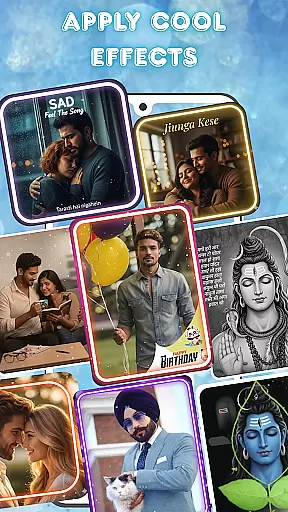
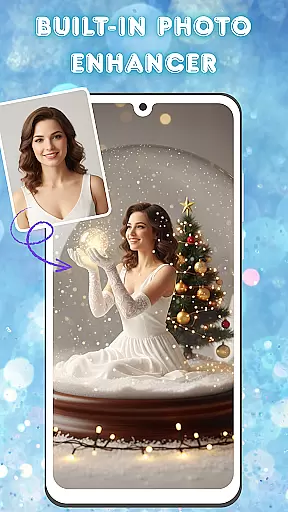
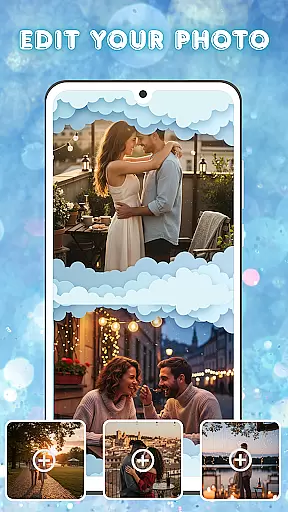
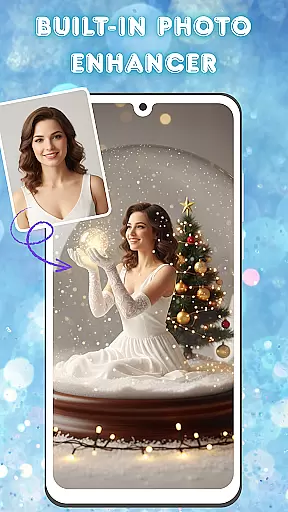
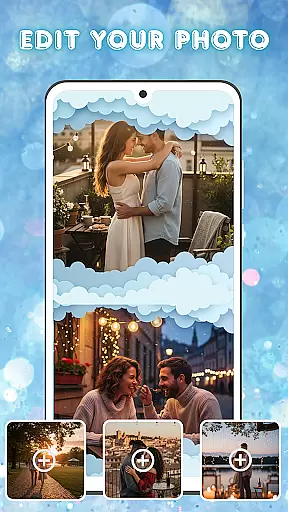
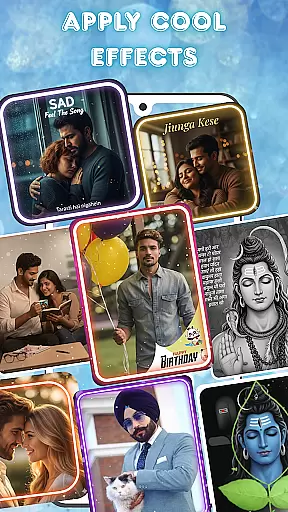
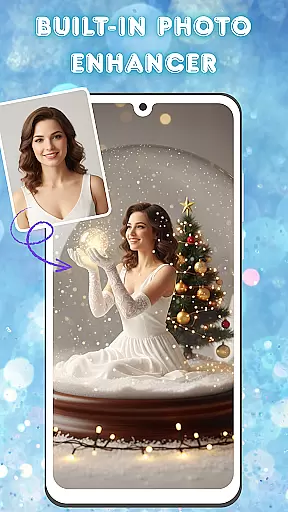
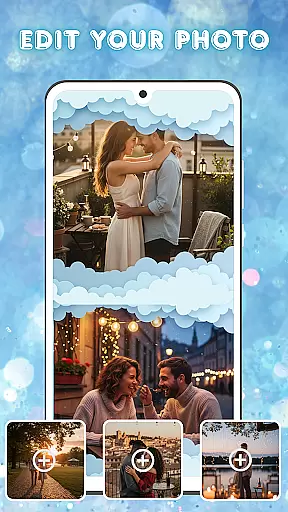
Photo and Music Video Creator is a versatile video editing tool designed to transform your photos into engaging video stories. With its user-friendly interface, the app allows users to quickly convert images into dynamic videos or social media-ready reels. The built-in photo editor offers advanced enhancement options such as brightness, contrast, and saturation adjustments, ensuring every image looks its best before being turned into a video.
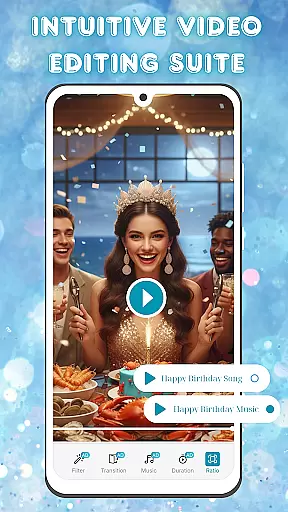
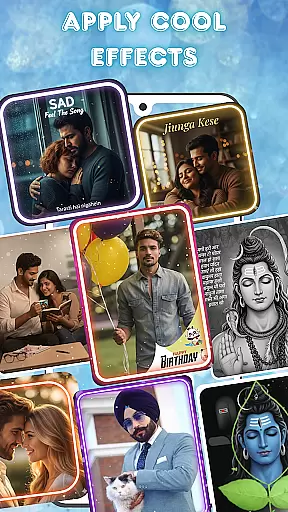
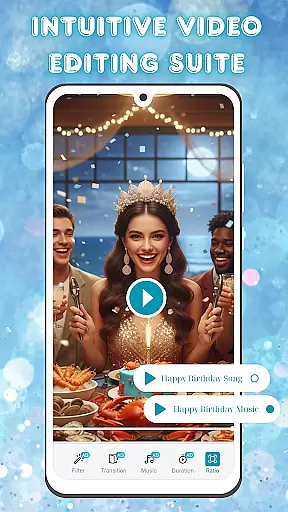
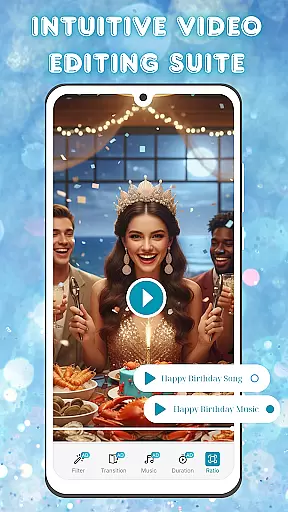
In addition to photo editing, the app provides an intuitive video editing suite that includes smooth transitions, stylish filters, and customizable background music tracks. These features enable users to create professional-quality videos with minimal effort. Whether you're crafting a heartfelt slideshow or producing quick content for social platforms, this app streamlines the entire process while maintaining creative control.
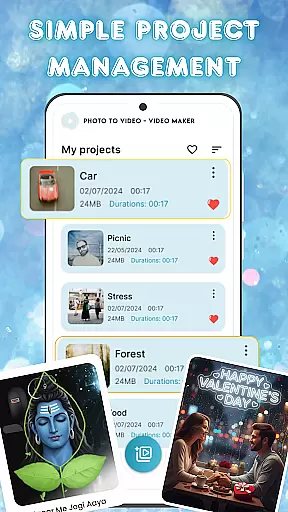
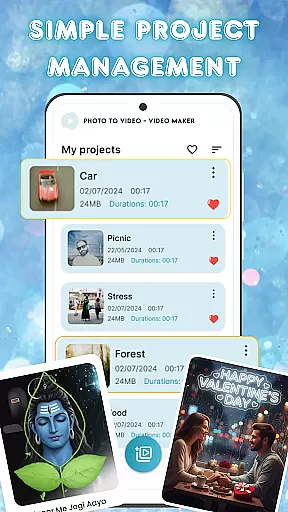
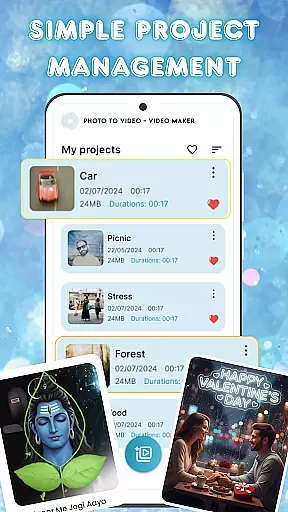
Ideal for content creators and casual users alike, Photo and Music Video Creator helps bring memories to life through visually captivating narratives. Its seamless project management system ensures all your creations are well-organized and easily accessible, making it simple to revisit and refine past projects whenever needed.
One of the standout features of Photo and Music Video Creator is its easy-to-use photo-to-video conversion tool. This functionality allows users to turn their favorite snapshots into dynamic videos within minutes. By simply selecting images from their gallery, users can apply transitions and effects that give their visuals movement and energy, perfect for sharing on social media platforms.
The app also includes a robust photo enhancement suite, which lets users fine-tune each image before incorporating it into a video. Tools like brightness adjustment, contrast tuning, and saturation controls ensure every frame meets high aesthetic standards. Additionally, the intuitive video editing capabilities provide a range of customization options, including stylish filters and professionally curated background music tracks.
For those managing multiple projects, the app's project management system simplifies organization. Users can save drafts, categorize completed works, and access previous edits without hassle. This combination of powerful editing tools and efficient workflow management makes Photo and Music Video Creator an excellent choice for anyone looking to produce polished visual content effortlessly.
Video format compatibility is a crucial feature for any video editing tool, ensuring that users can work with a wide range of file types without conversion hassles. Photo and Music Video Creator supports an extensive array of video formats, allowing creators to import and export projects in their desired resolutions and codecs.
This app ensures seamless integration with various devices and platforms by supporting popular formats such as MP4, AVI, and MOV. Whether you're looking to create content for social media or personal archives, the flexibility in format handling guarantees that your videos will be accessible and shareable across different mediums.
Moreover, the built-in format conversion tool simplifies the process of adapting videos for different purposes. Need a high-resolution export for a professional presentation or a compressed version for quick online sharing? This app has got you covered.
By removing technical barriers related to video formats, Photo and Music Video Creator empowers users to focus on unleashing their creativity, making it an ideal choice for both amateur enthusiasts and seasoned videographers.
AI-powered editing features are revolutionizing how we approach video creation, and Photo and Music Video Creator stands at the forefront of this innovation. By leveraging advanced algorithms, the app automates complex editing tasks, enabling users to produce professional-quality videos with minimal effort.
One standout feature is the automatic photo enhancement tool, which intelligently adjusts brightness, contrast, and saturation levels to bring out the best in every image before it's transformed into video. This ensures that your visual stories not only move but also captivate with vibrant, true-to-life colors.
In addition to photo enhancements, the app offers AI-driven suggestions for transitions, filters, and background music, tailored to the mood and theme of your project. These smart recommendations help streamline the creative process, allowing even novice editors to craft visually stunning narratives.
With these powerful AI capabilities, Photo and Music Video Creator significantly reduces the learning curve associated with video editing, making sophisticated tools accessible to everyone and enhancing the overall user experience.
User-friendly interface
Advanced photo editing
Customizable transitions
Stylish filter options
Seamless project management
Limited free features
Occasional ads
Premium subscription required
Basic tutorial support
Export quality restrictions

Save photos and videos from social apps in one tap.
 3.60
3.60
Tik & Story Saver-Download ALL social media videos, photos & reels no watermark.
4.80
Create & edit videos with AI
4.30
HD video maker with no watermark, no ads & vlog maker with music, PIP, text
4.50
GENRAL PRO - General Pro is the best video player that fully supports all formats.
4.70
Fast & easy HD video downloader for all formats, support 4K playback & download.
4.60
IPTV Player - Watch live TV from m3m & m3u8 playlist, stream IPTV on mobile
3.30
IPTV Loader, loads your own Playlist. DOES NOT CONTAIN ANY LIST OR CHANNELS
4.60
VLC for Android is the best open source video and music player, fast and easy!
4.10
Video Trimmer, Video to MP3 Converter. Extract music from video, Easy & Fast.
4.80
Download Hub, easy and private way to download and enjoy your videos offline
4.80
Cast movies, tv shows and live streams to Chromecast, Roku, DLNA, Fire TV & more
4.60
Fast, private downloading, video saving, social media
4.50
Fast & Private HD Video Downloader with Built-in Proxy Browser and Video Player.
4.50
Powerful Video Editor & Photo Editing App —— Quick Edits & Stunning Effects!
4.30
Video Downloader is an utility that can save videos and music from web sites
4.20
Connect 2 UVC devices for recording and broadcast video/audio stream
3.90
Livestream, news, & gaming content. Watch, chat, and upload. Join Rumble today!
3.80
All in one multi protocols stream receiver for AirPlay, Cast and DLNA.
3.60


User Reviews