

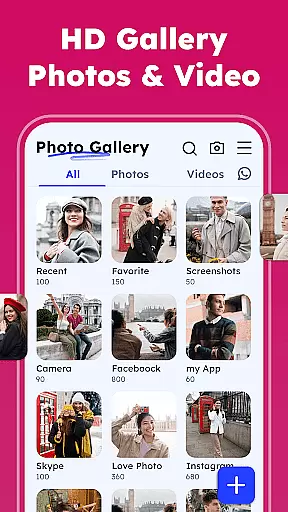


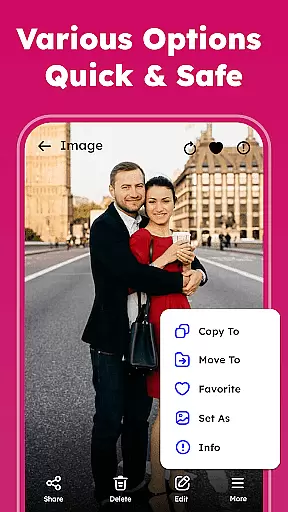
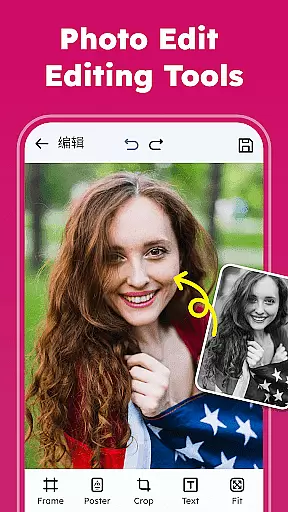
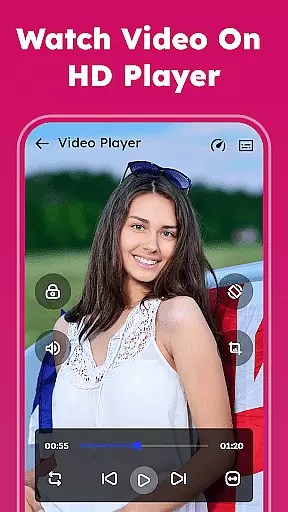
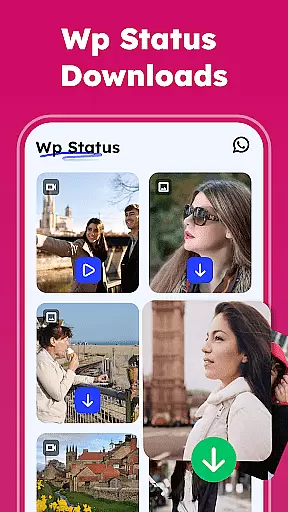

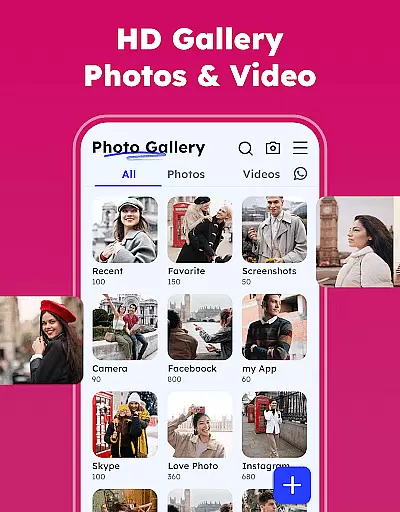

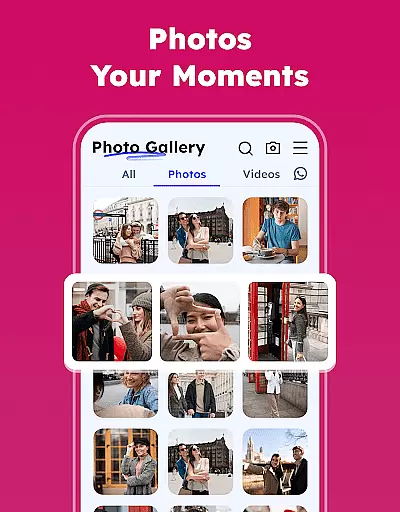
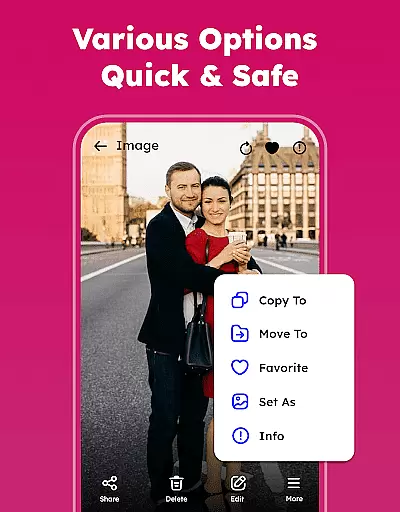
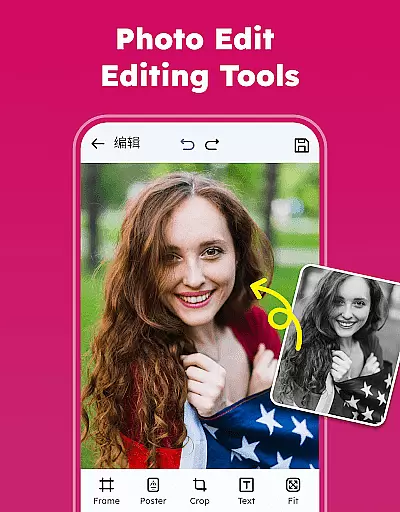
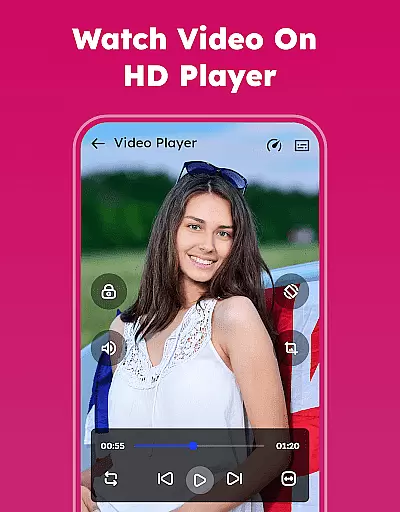
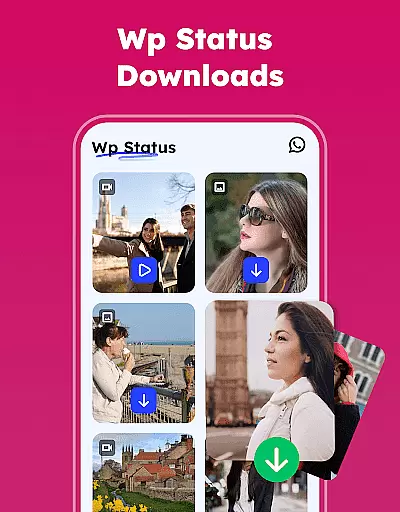

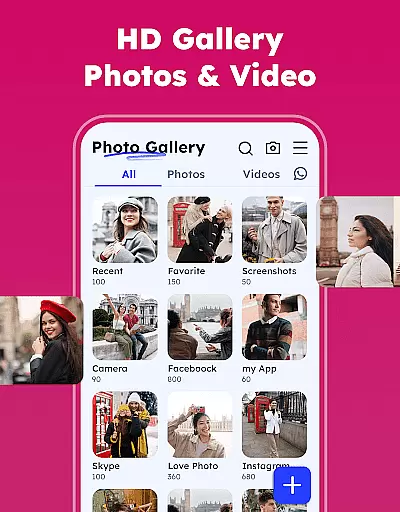

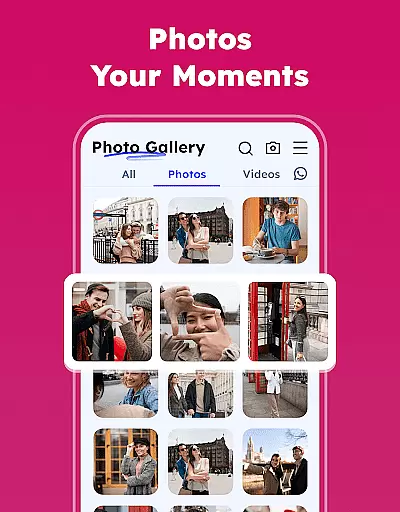
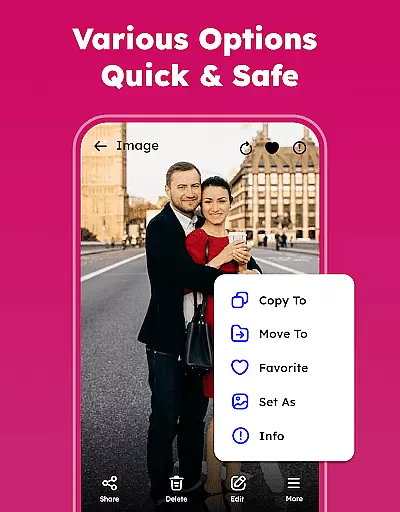
Gallery - Photos & Videos is a comprehensive photography app designed to help users efficiently manage, edit, and protect their media files. This feature-rich gallery app allows you to view all your photos and videos in one place while providing advanced organizational tools such as categorization by name, date, size, or category. The app also includes privacy features like password protection and a gallery lock for sensitive content, ensuring your private memories remain secure.
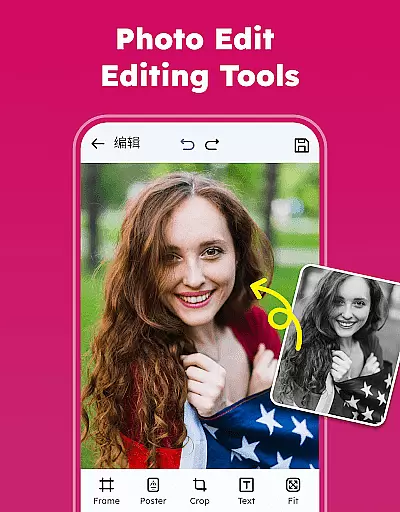
In addition to its management capabilities, the app offers creative tools such as photo editing with filters and emojis, theme customization, and easy sharing options to social media platforms. Its lightweight design ensures smooth performance even with large media libraries, making it perfect for daily use. Whether you're looking to organize your albums, remove duplicate files, or access media offline, this app provides a complete solution for all your photo and video needs.
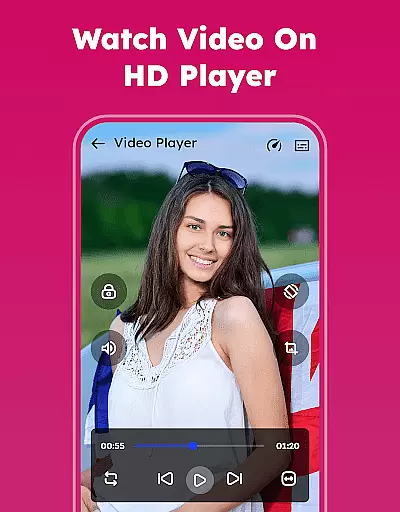
Gallery - Photos & Videos stands out with its extensive set of features tailored for both casual users and photography enthusiasts. One of its key highlights is the ability to organize media into customizable albums, which can be sorted by various criteria including name, date, and category. This makes navigating through large collections effortless and intuitive. Additionally, the app supports smooth video playback and includes an 'Explore' section that automatically categorizes your media into meaningful groups such as people, places, and events.
For those concerned about privacy, the Gallery Lock feature lets you hide sensitive photos and videos behind a PIN or password, keeping them safe from unauthorized access. The built-in photo editor offers professional-grade tools, allowing users to enhance their images with filters, emojis, and other creative effects. Other notable features include the ability to remove duplicate media files, restore deleted items from the trash, and use the app offline without requiring an internet connection. These functionalities make Gallery - Photos & Videos a versatile choice for anyone seeking a robust media management solution.
Real-time capture and preview functionality is essential for any photography app, ensuring that users can instantly see the results of their shots before committing to the final image. The Gallery - Photos & Videos app excels in this area by providing a seamless experience where every photo or video taken can be immediately reviewed.
This application leverages advanced processing capabilities to deliver crisp and clear previews without delay. Users can effortlessly switch between photo and video modes, adjust settings like exposure and focus, and see the changes reflected instantly on the screen. This immediate feedback loop empowers users to fine-tune their compositions and capture the perfect moment with confidence.
Moreover, the real-time preview feature supports various formats and resolutions, accommodating both casual snappers and professional photographers. Whether capturing high-resolution images or 4K videos, the app maintains smooth performance and accurate color representation, enhancing the overall photography experience.
By prioritizing real-time capture and preview, Gallery - Photos & Videos not only simplifies the process of taking pictures but also elevates the creative control available to its users. This ensures that every snapshot is as intended, reducing the need for post-processing adjustments and allowing users to focus more on their subjects and less on technicalities.
AI beauty and enhancement features have become increasingly popular in photography apps, offering users the ability to refine and beautify their images with minimal effort. The Gallery - Photos & Videos app stands out by delivering enhancements that maintain a natural look, preserving the authenticity of each photo while subtly improving its aesthetic appeal.
Utilizing sophisticated AI algorithms, the app intelligently identifies facial features, skin tones, and lighting conditions to apply enhancements that are contextually appropriate. This means that instead of applying generic filters, the app tailors its effects to complement the unique attributes of each photograph, resulting in more personalized and realistic outcomes.
Users can choose from a variety of enhancement options, including skin smoothing, teeth whitening, and eye enlargement, all of which are adjustable to suit individual preferences. Importantly, these tools are designed to enhance rather than overwhelm, ensuring that the original character and emotion of the image remain intact.
With its focus on natural-looking AI enhancements, Gallery - Photos & Videos empowers users to elevate their photos without sacrificing genuineness. This approach not only boosts user satisfaction but also encourages more frequent use of the app, as individuals feel confident sharing their beautifully enhanced yet authentic memories with others.
User-friendly interface
Advanced privacy controls
Offline accessibility
Comprehensive editing tools
Efficient organization options
Limited cloud integration
Occasional bugs reported
Ads in free version
Requires storage permissions
No cross-platform sync

Create funny photos and videos with the popular Time Warp Scan filter.
 4.90
4.90
What celebrity do you look like? Celebs will find your celebrity match!
4.10
Pet Camera
3.70
Light-weight Media Gallery app for Android made with Jetpack Compose
4.60
AI photo enhancer with Sora 2! Enhance, descratch, and colorize your old photos.
4.50
Enhance, retouch & create your story - Share the moment with Photoshop Express.
4.60
Discover & download millions of art for The Frame TV or Hisense CanvasTV
4.60
Effortlessly make high-quality GIFs from images & videos without any watermarks.
4.70
Solocator stamps photos you take with GPS location, Compass Direction, Date/Time
3.80
A collection of tools and reference tables for DPs, ACs, DITs and Operators.
4.70
See your baby AI baby face generator AI baby maker Face generator babymaker fun!
4.70
Viewfinder, Light meter, Reciprocity failure time, DOF & Bellows Extension
4.60
A must-have app for landscape photographers
4.60
Create AI photos & videos with Enhancer; restore, fix, beautify, enhance photos
4.50
Edit like a pro with Hypic. Apply filters, AI effects, & magic touch.
4.40
Future baby face generator: AI kids generator, kid face! What my baby look like?
4.40
Transform Photos: Edit, Beautify and Craft Memories & Make Collages!
4.10
Turn photos into cartoons & avatars! - Photo Editor, Cartoon Face!
3.90
USB Storage Access for Photos, Videos, Music and Documents
3.80


User Reviews