
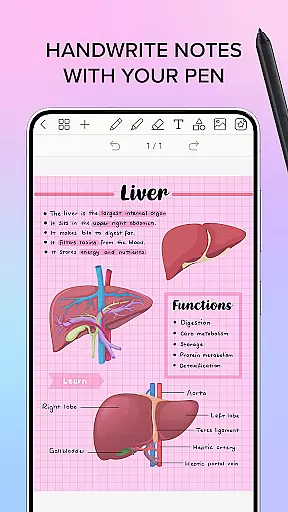
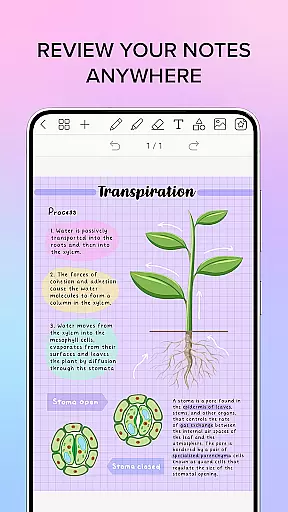
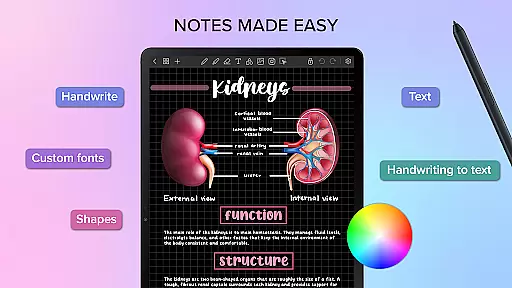
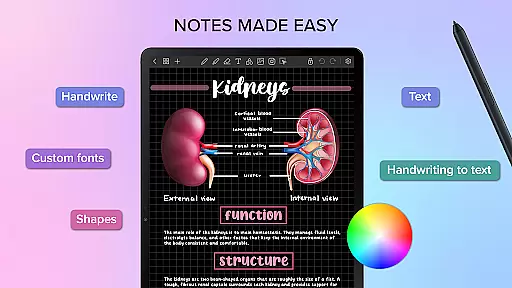
Penly is a comprehensive digital planner, journal, and note-taking app designed to enhance productivity and creativity. With its intuitive interface, users can smoothly handwrite notes while utilizing smart tools like automatic handwriting-to-text conversion, highlighters, and object manipulation features.
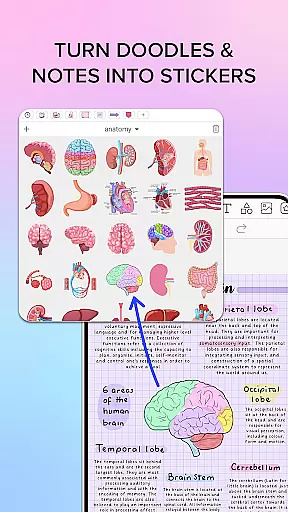
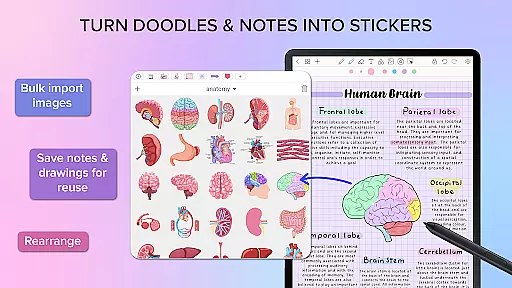
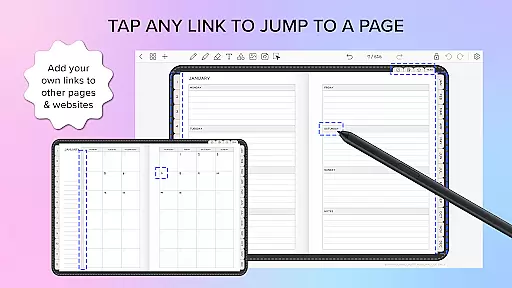
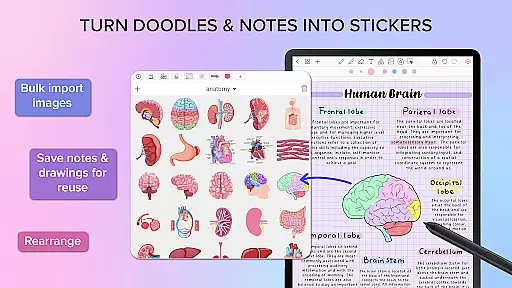
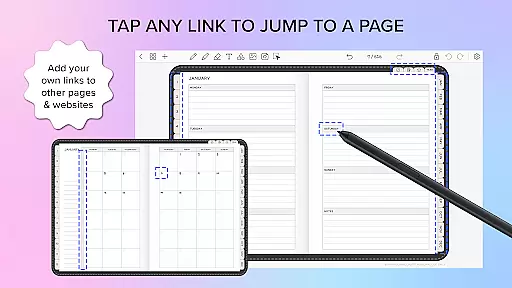
The app includes four digital planners with hyperlinked pages, undated and reusable templates, and supports both landscape and portrait orientations. Penly allows importing and exporting PDF files, creating custom hyperlinks, and organizing stickers and images efficiently. Syncing between Android devices is possible via Google Drive integration.
Whether for personal or professional use, Penly offers a versatile platform for managing tasks, jotting down ideas, and staying organized in a creative manner.
Penly boasts an array of powerful features tailored for productivity enthusiasts. The app provides text, image, and shape tools alongside the ability to create sticker collections and import custom fonts. Its smooth handwriting recognition and intelligent eraser ensure precision and ease of use.
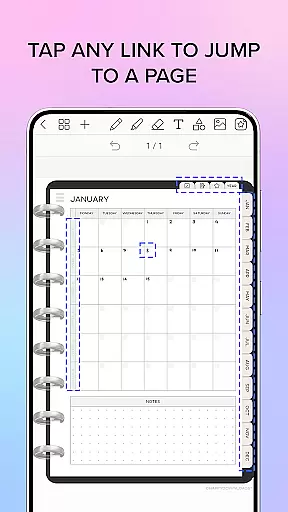
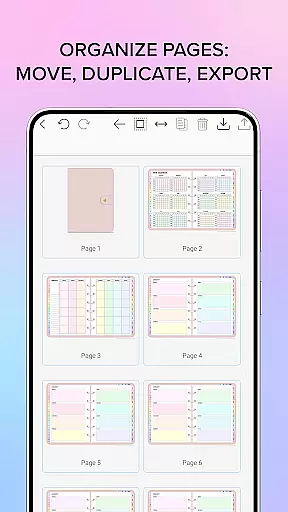
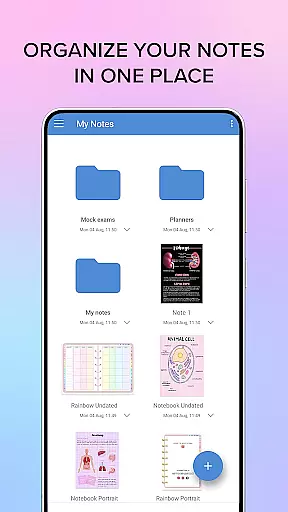
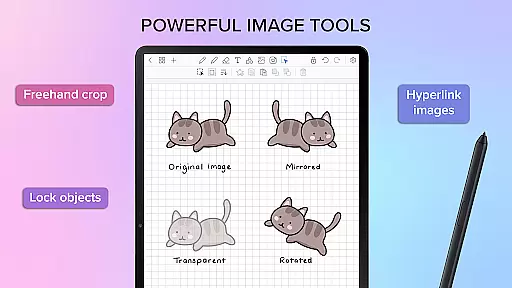
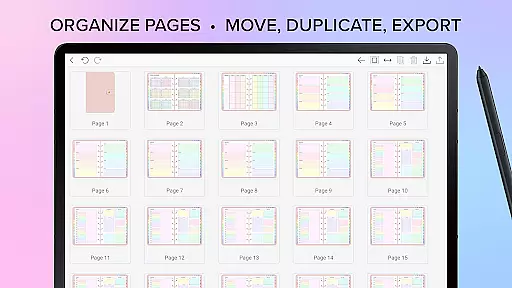
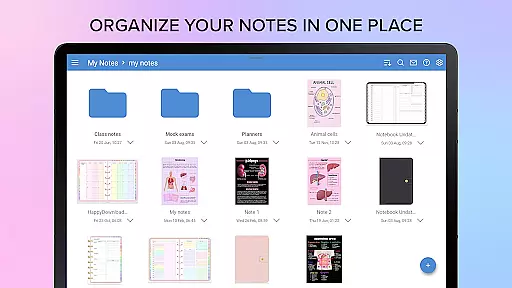
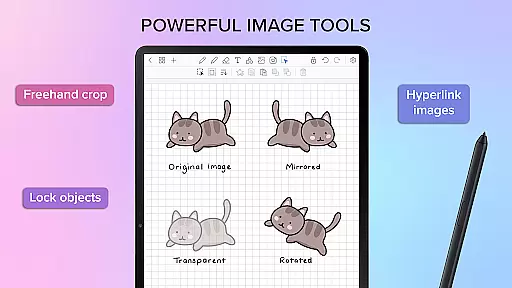
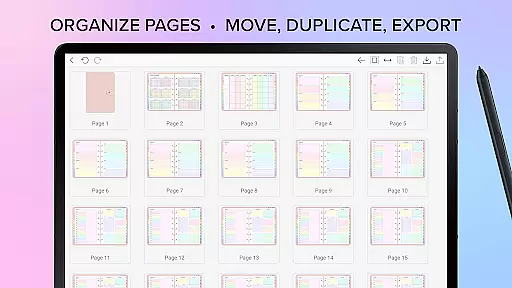
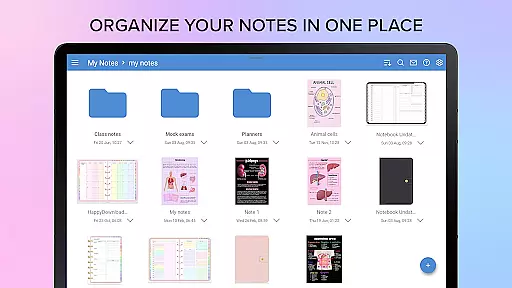
Users can transform, group, and lock objects within their notes, as well as undo and redo actions effortlessly. The app's hyperlink functionality allows turning any object into a navigable link to other pages or websites. Additionally, Penly's organizational tools enable managing pages and documents through folders and sub-folders, ensuring seamless navigation and access.
With support for mirroring, flipping, cropping images, and adjusting opacity, Penly delivers a complete suite of creative and practical tools for digital note-taking.
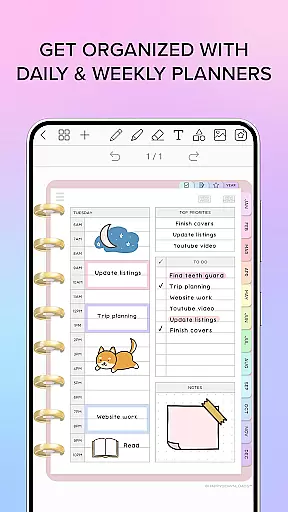
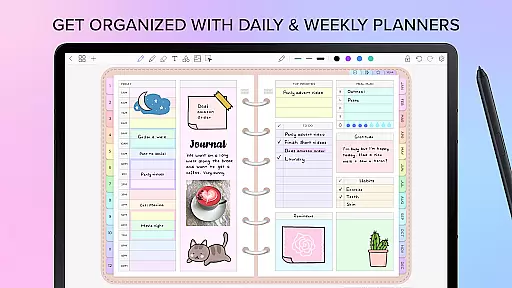
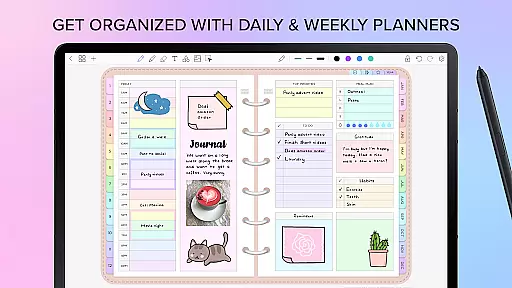
Penly excels in core task management by offering a comprehensive suite of tools designed to enhance productivity. The app provides users with the ability to create, organize, and manage tasks through digital planners that include hyperlinked pages for easy navigation.
The digital planners come with monthly, weekly, and daily views, allowing users to structure their schedules effectively. These undated planners are reusable, giving users the flexibility to input dates as needed and utilize both landscape and portrait orientations.
Additionally, Penly supports task categorization with to-do lists and note templates, ensuring that users can maintain an organized workflow. This systematized approach helps users keep track of their responsibilities and deadlines efficiently.
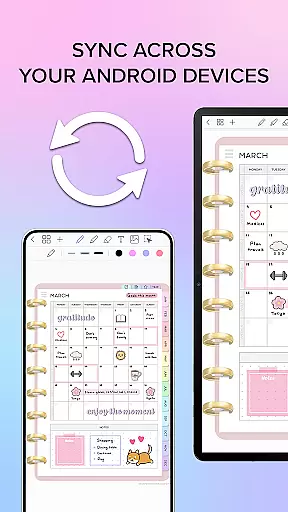
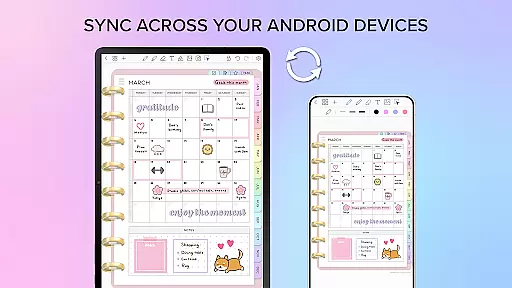
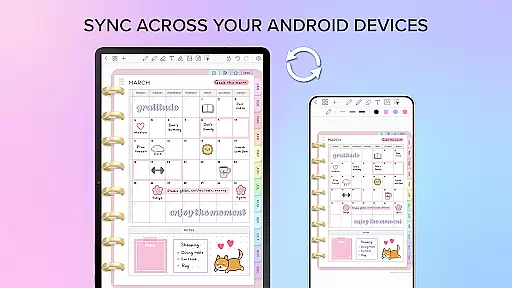
Cross-device synchronization is a critical feature of Penly, ensuring that users can access their data seamlessly across multiple Android devices. By linking Google Drive to the app, Penly enables reliable syncing of documents and notes.
This synchronization can be performed manually or set to occur automatically when the app is opened or closed. Such flexibility ensures that users' information is always up-to-date, regardless of the device they are using.
With this robust syncing capability, Penly guarantees that users' productivity is not hindered by device changes. Documents reopen exactly where users left off, maintaining continuity in their work processes.
User-friendly interface
Handwriting to text feature
Customizable planners
Efficient organization tools
Cross-device syncing
English language only
No automatic backup
Limited free features
Subscription cost
Learning curve for new users

The long-awaited modern gallery app for your Nextcloud server
 4.70
4.70
The upgraded version of Name Wheel with AI and the power to add your own wheels.
4.3
Absolutely the best CNC machinist speed and feed calculator around. fswizard.com
4.60
Multilingual translator for text, voice, and image translation!
4.90
The AI assistant that thinks with you - write, code, and solve complex tasks
4.60
Subscribe to Webcal & .ics calendars and keep them up-to-date!
4.50
A comprehensive suite of tools designed specifically for Lactation Consultants
4.1
Experience and share your SolidWorks designs on your Android® phone and tablet.
2.50
Secure your apps with lock screens, use custom themes and different features.
4.40
Scientific calculator for Android - looks and operates like the real thing!
4.90
Mind Map and brainstorm, note taking and idea collection
4.80
PDF scanner & converter for files, photos, lottery, QR codes. One swipe away!
4.50
A lightweight JSON & XML files creator, editor and viewer (Premium Version)
4.40
Enjoy classic gameplay with customizable features and retro-style graphics.
4.30
Cloud storage, automatic phone backup, and more.
4.10
Intelligent AI Assistant
4.10
Mega cloud explorer plugin for Solid Explorer
3.80
Smart PDF reader & editor to view, organize and manage PDF documents easily.
3.70
A simple, portable logger for POTA, SOTA, Field Day, and more
4.1


User Reviews