
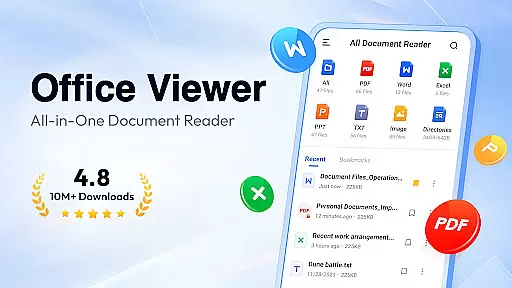
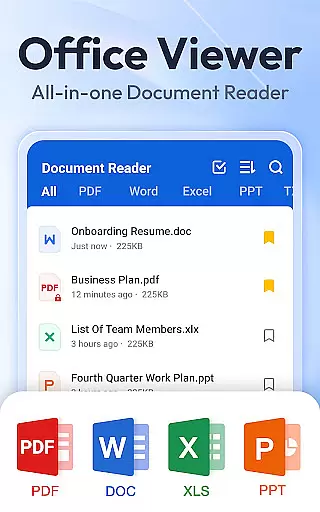
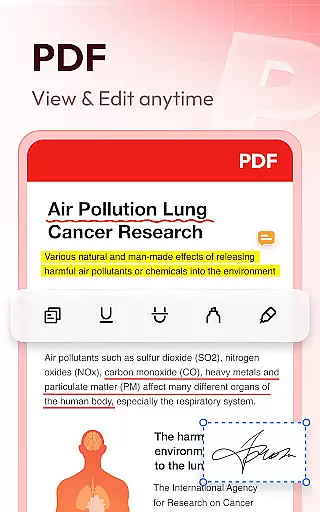
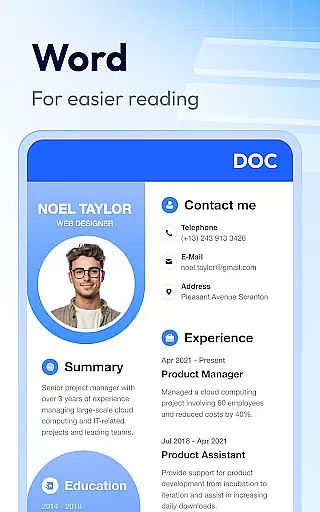
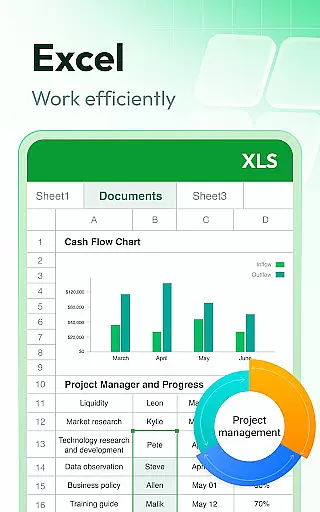
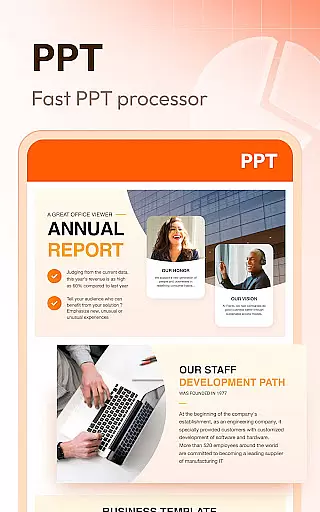
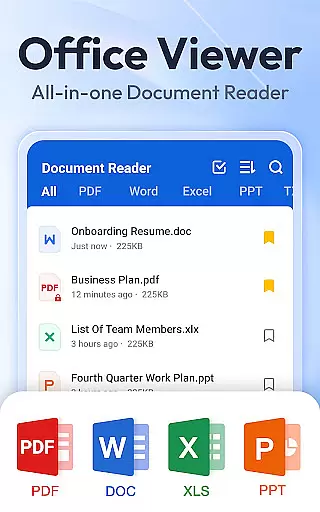
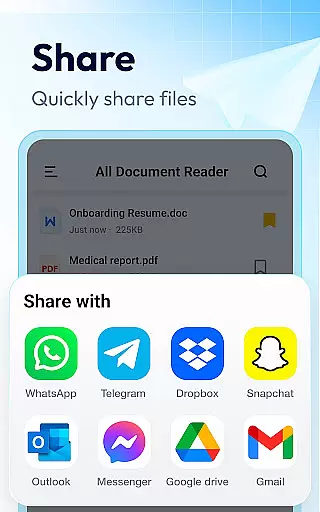
Document Reader & PDF Editor is a versatile productivity tool designed to streamline document management across various formats. This all-in-one solution supports PDF, Word, Excel, PPT, TXT, PNG, JPG, and more, making it an essential app for professionals and students alike.
The app's intuitive interface allows users to organize files in well-structured folders with quick search functionality. Key features include offline reading capability, bookmarking for easy access, and seamless switching between landscape and portrait modes. Whether you need to review presentations, analyze spreadsheets, or edit text documents, this application provides a comprehensive solution for all your document handling needs.
With its lightweight design and cross-format compatibility, Document Reader proves particularly valuable for mobile professionals who require instant access to multiple document types while working remotely or traveling.
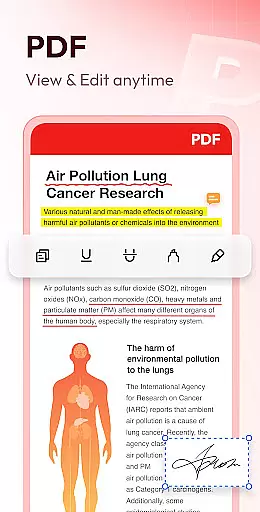
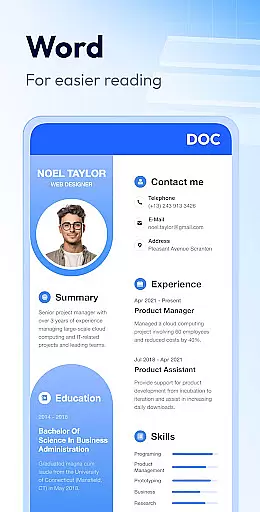
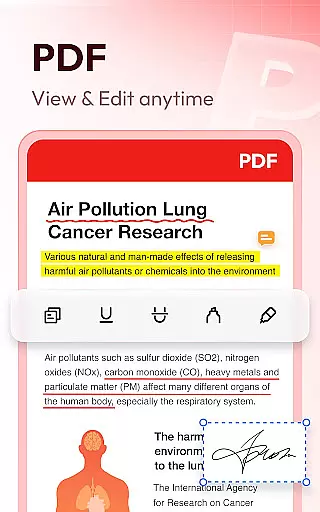
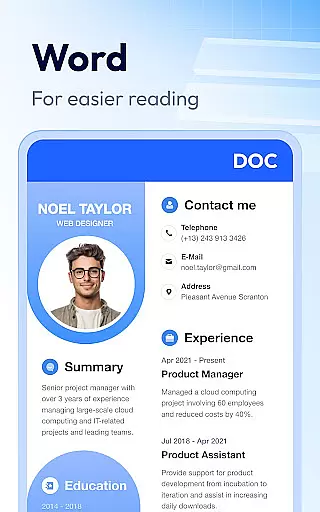
Document Reader distinguishes itself through its extensive format support and specialized viewing capabilities. The app's PDF reader functionality includes page navigation, zoom controls, and printing options, while the Word viewer offers advanced sorting by file attributes and maintains document formatting integrity.
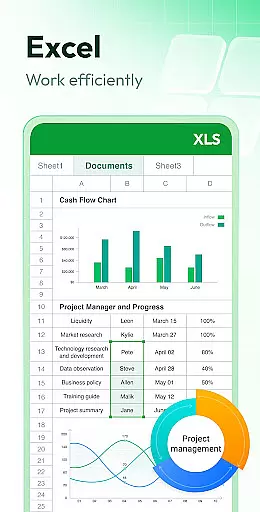
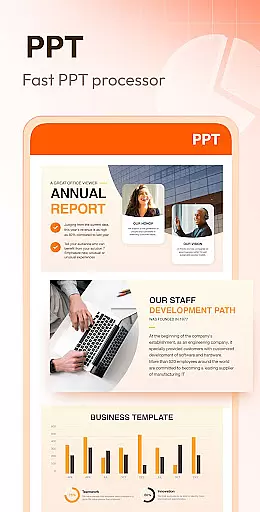
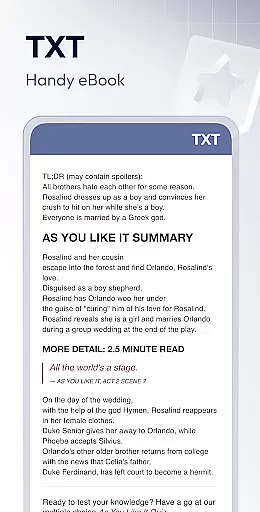
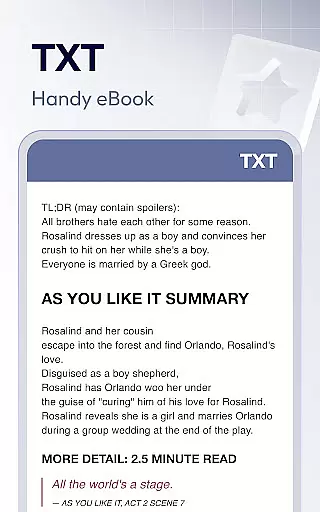
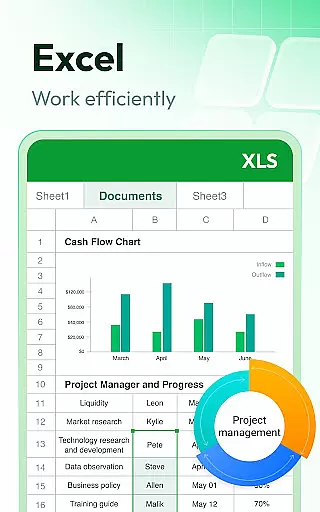
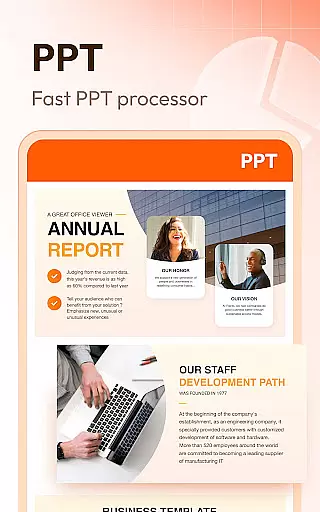
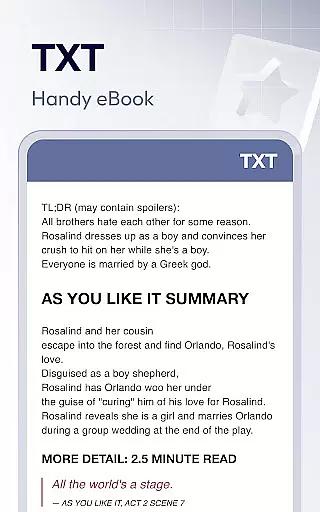
Excel and Text viewing capabilities enable efficient data analysis through quick search functions and spreadsheet navigation. Presentation files benefit from high-definition rendering and stable performance, ensuring professional-quality viewing experiences. Additional features like night mode, image-to-PDF conversion, and in-document text search enhance usability across different environments.
The application's offline functionality and permission management system demonstrate its commitment to both convenience and security. These technical implementations ensure that users can work productively without compromising their device's safety or requiring constant internet connectivity.
Document Reader & PDF Editor excels in core task management by offering an all-in-one solution for handling various document formats. This app supports PDF, WORD, EXCEL, PPT, TXT, and more, allowing users to open, read, and manage files with ease.
The application's interface is designed for quick search and view, presenting documents in a well-organized folder structure. Whether it's a Word document, a PDF, or an Excel sheet, users can find and access their files swiftly, thanks to the appu2019s efficient organization and bookmarking features for quick access.
With capabilities such as jumping directly to specific pages, switching between reading modes, and sorting documents by various criteria, Document Reader enhances productivity. These features ensure that users can manage their tasks effectively without being bogged down by complex navigation or slow performance.
Cross-device synchronization is crucial for users who work across multiple devices, and Document Reader & PDF Editor rises to the occasion. The app ensures that your documents are accessible anytime, anywhere, without the need for an internet connection.
While the current feature set focuses on standalone functionality, its compatibility with all office formats means you can start editing a document on one device and continue on another with seamless transitions. The consistency in file supportu2014from PDFs to DOCXsu2014guarantees reliable access.
Future updates promise even more robust synchronization features, enhancing the appu2019s utility for professionals who demand high reliability. With planned additions like image to PDF conversion and expanded format support, Document Reader is poised to become an indispensable tool for productive cross-device workflows.
User-friendly interface
Multi-format support
Offline functionality
Quick search feature
Lightweight design
Limited editing tools
Premium features locked
Occasional lag
Ads in free version
Storage permissions

A customizable calendar for your Wear OS watch
 4.20
4.20
Take control of your clipboard with Clipper!
3.90
Create study competitions, track your hours, and stay consistent with friends
4.2
Mega cloud explorer plugin for Solid Explorer
3.80
8 custom complications. Custom Time Fonts. Beautiful color schemes. A++ Design.
5.00
Smart PDF reader & editor to view, organize and manage PDF documents easily.
3.70
Todo reminder
4.10
Docker, Kubernetes management over Portainer Mobile
4.40
Secure your apps with lock screens, use custom themes and different features.
4.40
Scientific calculator for Android - looks and operates like the real thing!
4.90
Android Wallet Password Manager
4.80
Mind Map and brainstorm, note taking and idea collection
4.80
Secure, fast, open-source, Remote Desktop Client for Windows and Linux with SSH
4.60
A lightweight JSON & XML files creator, editor and viewer (Premium Version)
4.40
When you Focus, so will your Bean in this cozy focus timer
4.30
Automates browsing any website and notifies you of important changes or events
4.30
Device's storage information in a simple and clear graphical form (infographics)
4.10
The ultimate file manager for rooted devices. The original and still the best.
4.00
Ads Free App! Editor, Hide File, Copy, Move, Delete and Rename.. all facility av
1.70


User Reviews