
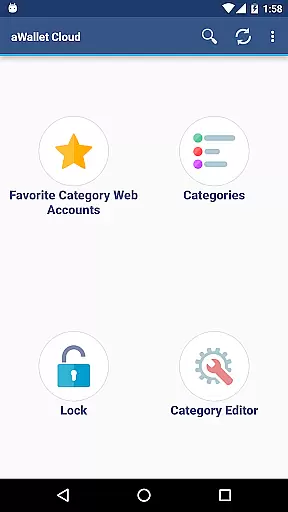
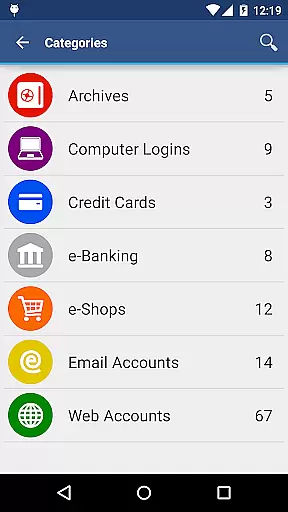
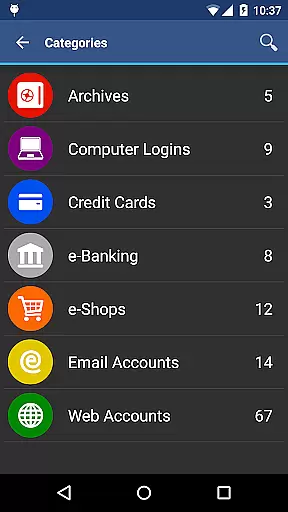
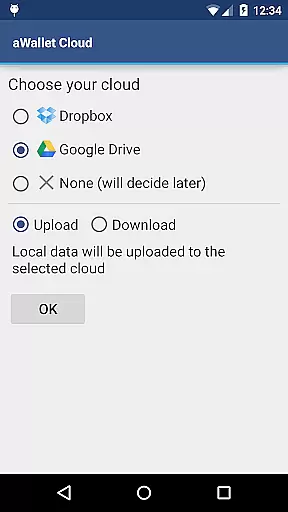
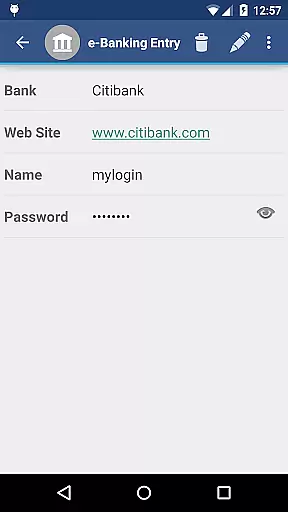
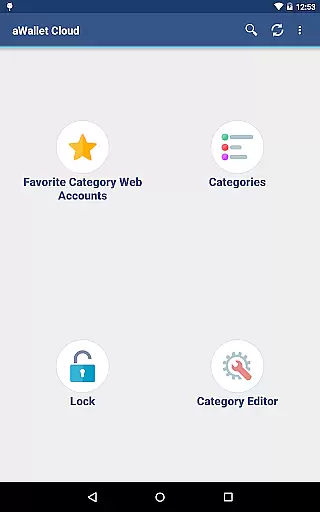
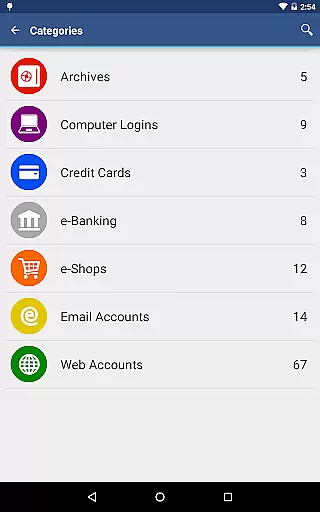
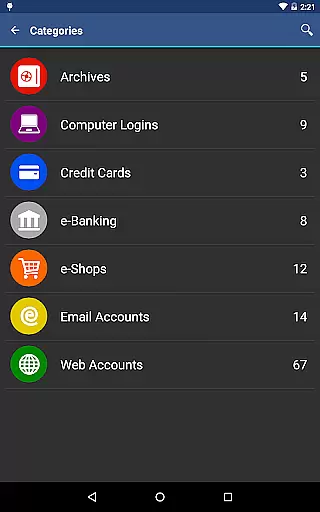
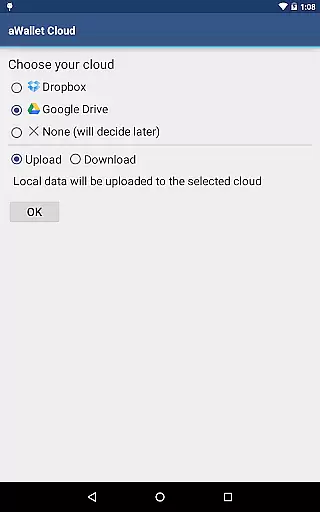
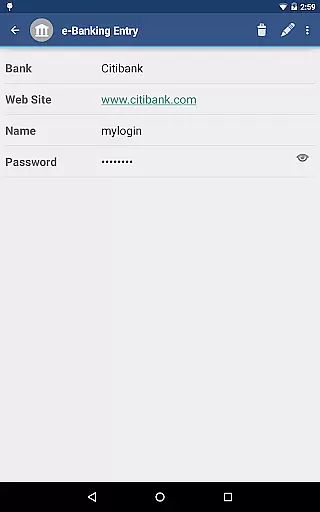
aWallet Cloud Password Manager is a robust productivity application designed to securely store and manage sensitive information such as passwords, credit card details, e-banking credentials, and web accounts. The app synchronizes encrypted data with your personal cloud storage accounts like Dropbox or Google Drive, ensuring that your information is accessible yet secure across all devices.
One of the standout features of aWallet is its ability to work offline and sync data only when connected to the internet, which means users can access their critical information without an active internet connection. This feature makes it particularly useful for professionals who travel frequently and need reliable access to their data at all times.
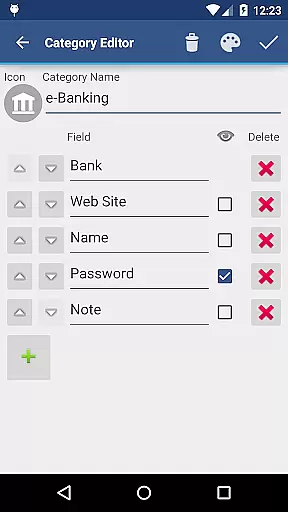
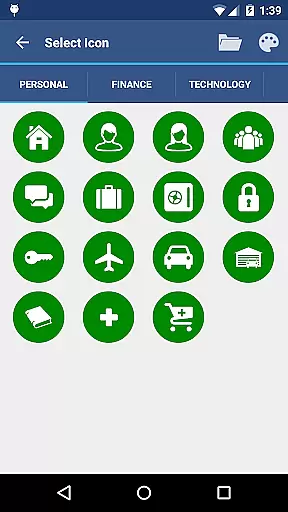
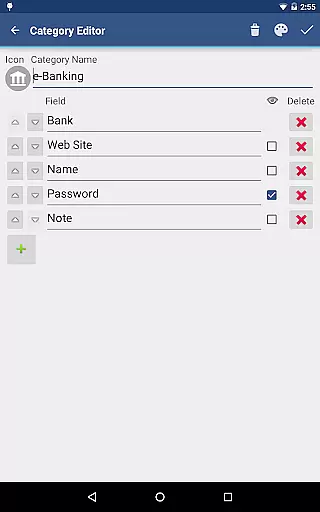
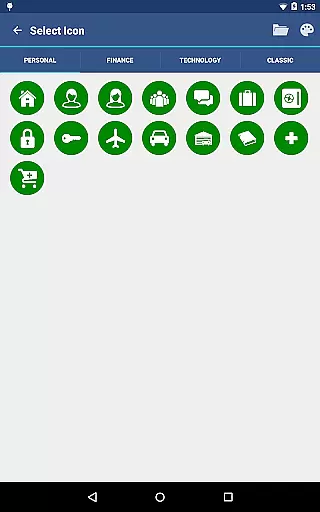
The app also includes a built-in editor for customizing data categories with unique icons, enhancing user experience by allowing personalized organization of stored information. With no advertisements and support for backup and restore functions to Android USB devices, aWallet ensures a seamless and uninterrupted user experience while prioritizing security and privacy.
aWallet Cloud Password Manager offers a comprehensive suite of features tailored to enhance productivity while maintaining top-notch security. One of its primary features is the ability to synchronize encrypted data with cloud services like Dropbox and Google Drive, providing users with the flexibility to access their data from multiple devices securely.
In addition to synchronization capabilities, aWallet includes a powerful search function that allows users to quickly find specific entries within their stored data. The app also supports advanced security measures such as AES and Blowfish encryption algorithms with key sizes up to 256 bits, ensuring that all stored information remains confidential and protected against unauthorized access.
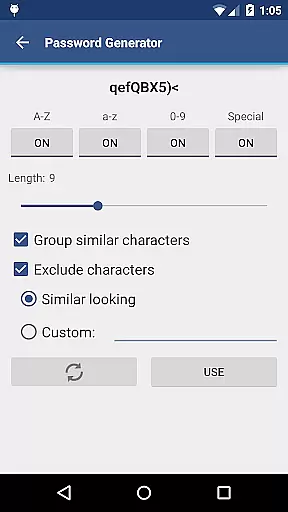
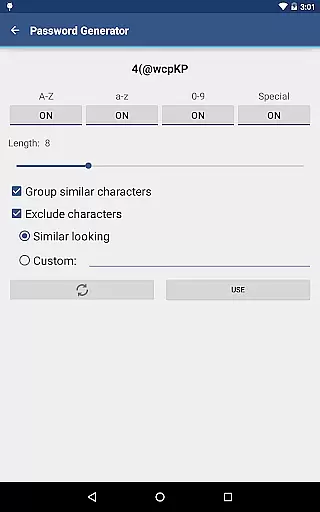
For users seeking additional convenience, aWallet offers pro features like fingerprint and facial recognition unlock options on compatible devices. These features not only streamline the login process but also add an extra layer of biometric security. Furthermore, the app's auto-lock functionality and customizable password generator contribute to a highly secure yet user-friendly experience, making aWallet an indispensable tool for managing digital credentials efficiently.
aWallet Cloud Password Manager excels in core task management by providing a comprehensive suite of tools for securely handling sensitive information. The app allows users to store various types of data, from passwords and credit card details to e-banking credentials, ensuring that all essential information is organized and easily accessible.
One of the standout features is its synchronization capability with cloud services like Dropbox or Google Drive, which ensures that your encrypted data is always up-to-date across all devices. This seamless integration enhances productivity by allowing users to access their data wherever they are, without compromising on security.
In addition to storing and syncing data, aWallet also offers advanced functionalities such as an Auto lock feature and support for backup and restore operations to an Android USB device. These features contribute to efficient task management by adding layers of convenience and protection, making sure that users can focus on their tasks without worrying about data safety.
Cross-device synchronization is a critical component of aWallet Cloud Password Manager, ensuring that all your important data is reliably synced across multiple platforms. By leveraging popular cloud storage solutions like Dropbox and Google Drive, the app guarantees that your encrypted information is consistently updated and accessible from any device.
This reliable synchronization process is bolstered by top-notch security measures. All data, including entry names and category definitions, is encrypted using robust algorithms such as AES or Blowfish with key sizes of 256, 192, or 128 bits. This ensures that even while your data is being synchronized across devices, it remains protected against unauthorized access.
Furthermore, the app's ability to auto destruct the data file after a predefined number of unsuccessful unlock attempts adds another layer of reliability. Users can trust that their information is not only efficiently managed across devices but also safeguarded against potential threats, making cross-device synchronization both dependable and secure.
Highly secure encryption
User-friendly interface
Cloud synchronization
Offline access capability
Customizable categories
No iOS version available
Limited free features
Requires cloud account
Complex setup process
Occasional sync issues

Client for Nextcloud Deck
 4.60
4.60
Unlock AutoNotification
4.00
8 custom complications. Custom Time Fonts. Beautiful color schemes. A++ Design.
5.00
Fill, sign & send docs, forms, agreements & contracts via electronic signature.
4.50
Font maker keyboard with your own handwriting
4.10
Enjoy classic gameplay with customizable features and retro-style graphics.
4.30
Calendar 2023 widget for Android. Appointment scheduler, planner, and reminder
4.60
A comprehensive suite of tools designed specifically for Lactation Consultants
4.1
Access your phone's notifications, calls, apps, photos & texts on your PC
3.90
Protect and view your important info on your phone and tablet with eWallet®
4.80
Quickly and easily keep track of your work shifts
4.70
The Pro Version of Android's tiniest Notepad app. Just 0.3MB but feature-packed!
4.60
Secure, fast, open-source, Remote Desktop Client for Windows and Linux with SSH
4.60
Planet Free VPN - The best Fast Unlimited and Secure VPN Without Logs
4.50
PDF scanner & converter for files, photos, lottery, QR codes. One swipe away!
4.50
Device's storage information in a simple and clear graphical form (infographics)
4.10
Ultimate Virtual AI Character for immersive Roleplay Chat. Perfect Companion
3.90
Experience and share your SolidWorks designs on your Android® phone and tablet.
2.50
Ads Free App! Editor, Hide File, Copy, Move, Delete and Rename.. all facility av
1.70


User Reviews